



Drawing Privacy Scanner
Drawing Privacy Scanner
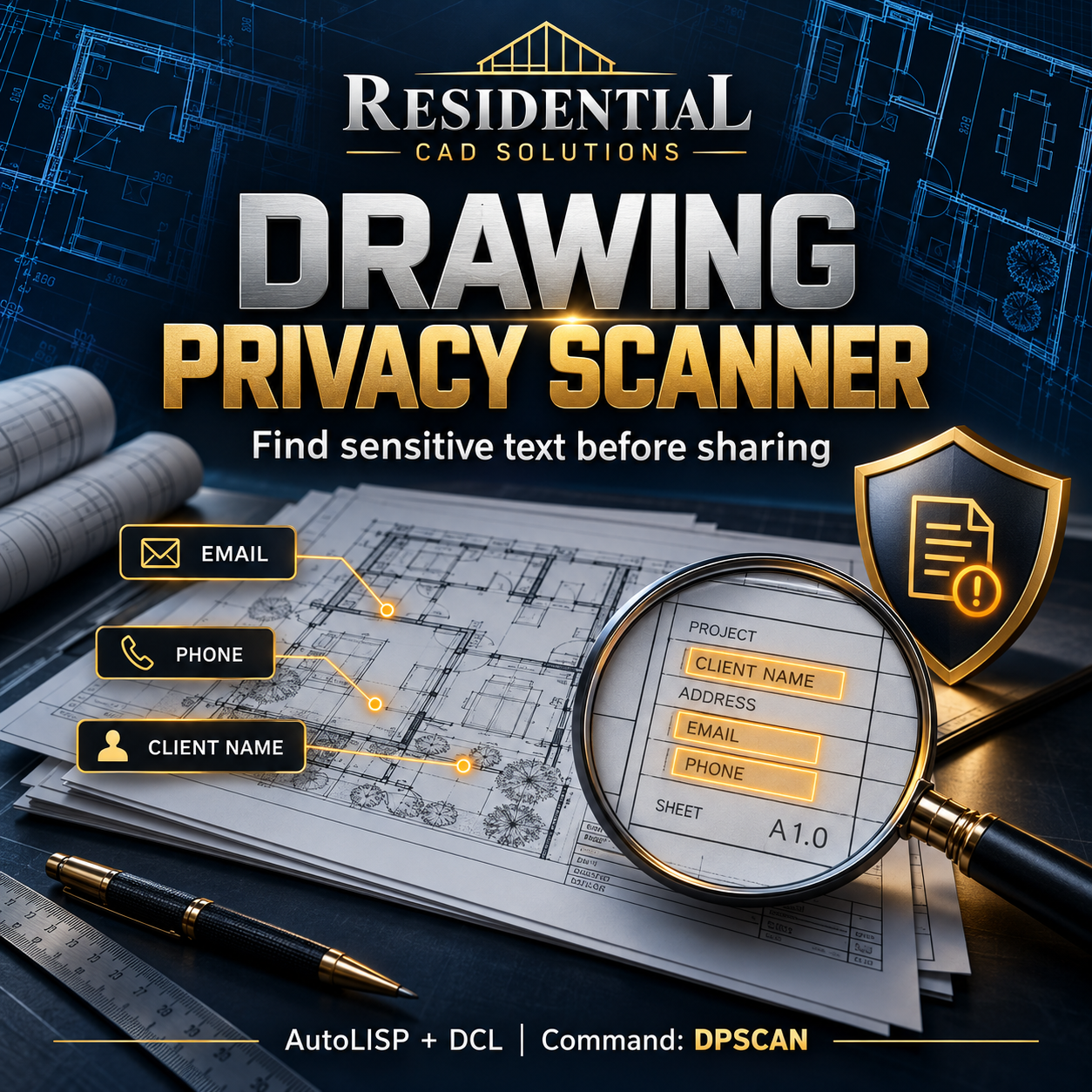
Find sensitive drawing text before sharing your AutoCAD files.
Drawing Privacy Scanner helps you review client information and other potentially private text in one organized dialog—making it easier to check a delivery copy before sending drawings to clients, consultants, or contractors.
Features include:
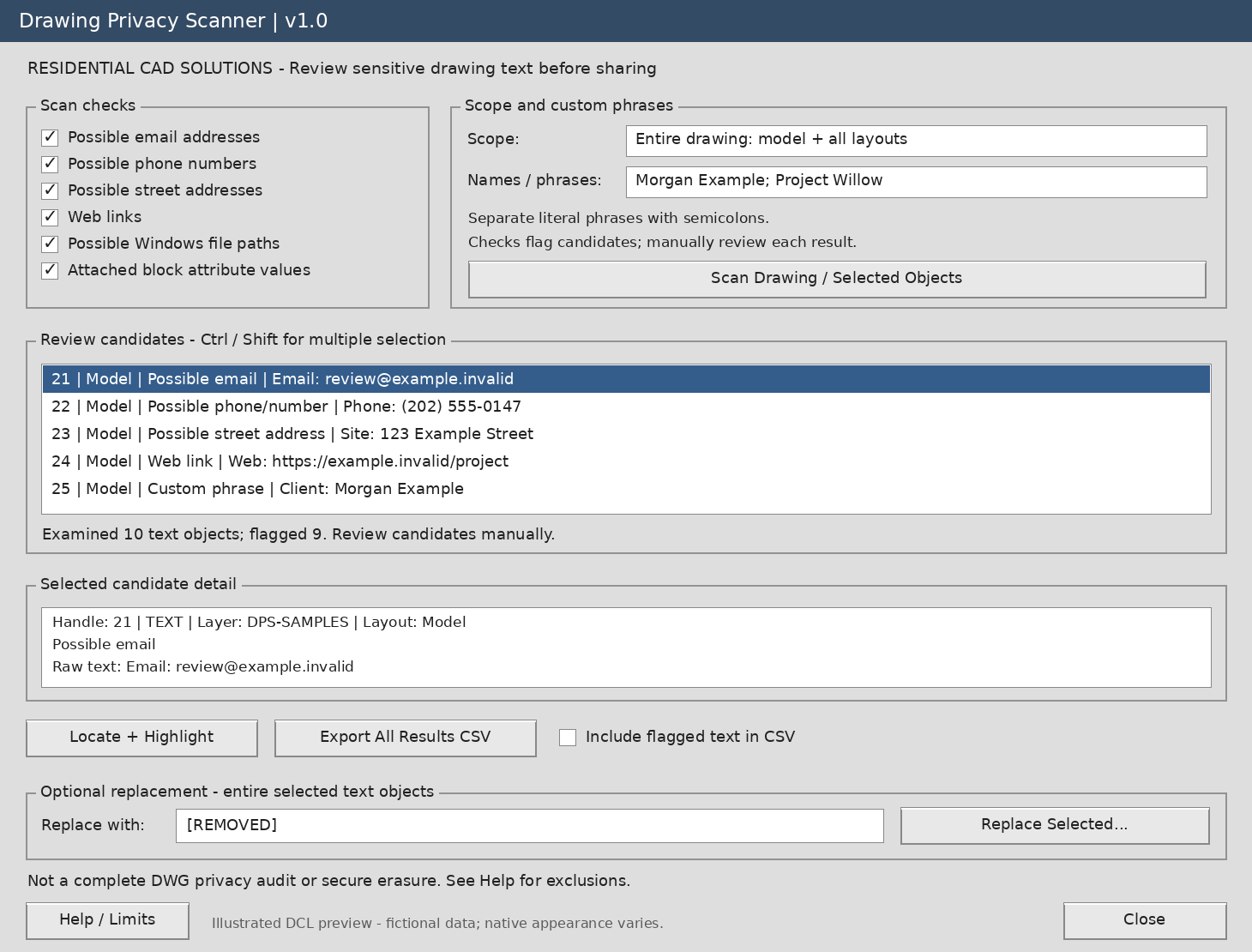
- Email and phone checks: Flag text that resembles email addresses or phone numbers.
- Street address checks: Identify possible English-language street addresses.
- Custom phrase searches: Find client names, project names, and identifiers you enter.
- Link and file-path checks: Locate web addresses and possible Windows file paths.
- Flexible scan scope: Scan supported text across model space and layouts, or select specific objects.
- Attribute scanning: Review attached attribute values in top-level block inserts.
- Candidate review: Inspect flagged text and locate individual objects in the active layout.
- CSV reports: Export results with flagged text omitted by default.
- Optional replacement: Replace the entire contents of selected text objects after confirmation, with replacements grouped for Undo.
Your download includes:
Editable LISP and DCL files, installation instructions, a fictional sample DXF drawing, a testing checklist, and a matching gray dialog preview.
Main command: DPSCAN
Help command: DPSHELP
Designed for Windows AutoCAD with AutoLISP, Visual LISP/ActiveX, and DCL support, targeting AutoCAD 2002 and later. Runtime compatibility has not yet been verified.
Please note: This is a text-review assistant, not a complete privacy audit or secure-redaction tool. Checks may miss information or flag ordinary drafting notes. Nested block content, Xrefs, metadata, tables, dimensions, images, and embedded documents are outside its scan scope. Always review results and perform replacements on a separate delivery copy.
Review with confidence. Share with greater care.