




Sapiver Forge Practical UX System — Offline UX Research & Decision Toolkit
Try the interactive demonstration before buying: https://sapiver-ux-deploy--sapiverpress.replit.app
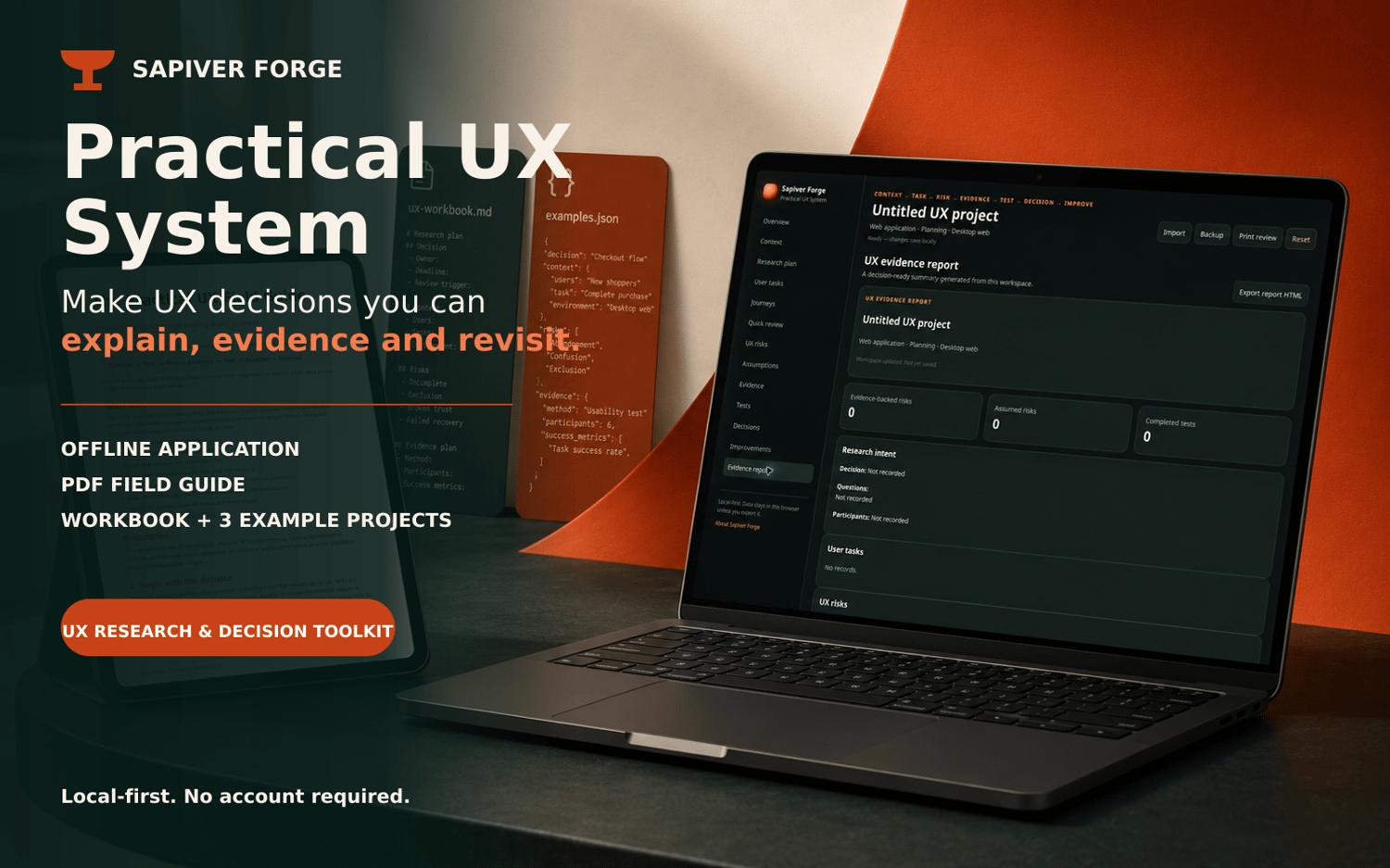
Make UX decisions you can explain, evidence and revisit.
The Sapiver Forge Practical UX System is a local-first toolkit for planning UX work, recording what you learn and keeping the route from evidence to decision visible.
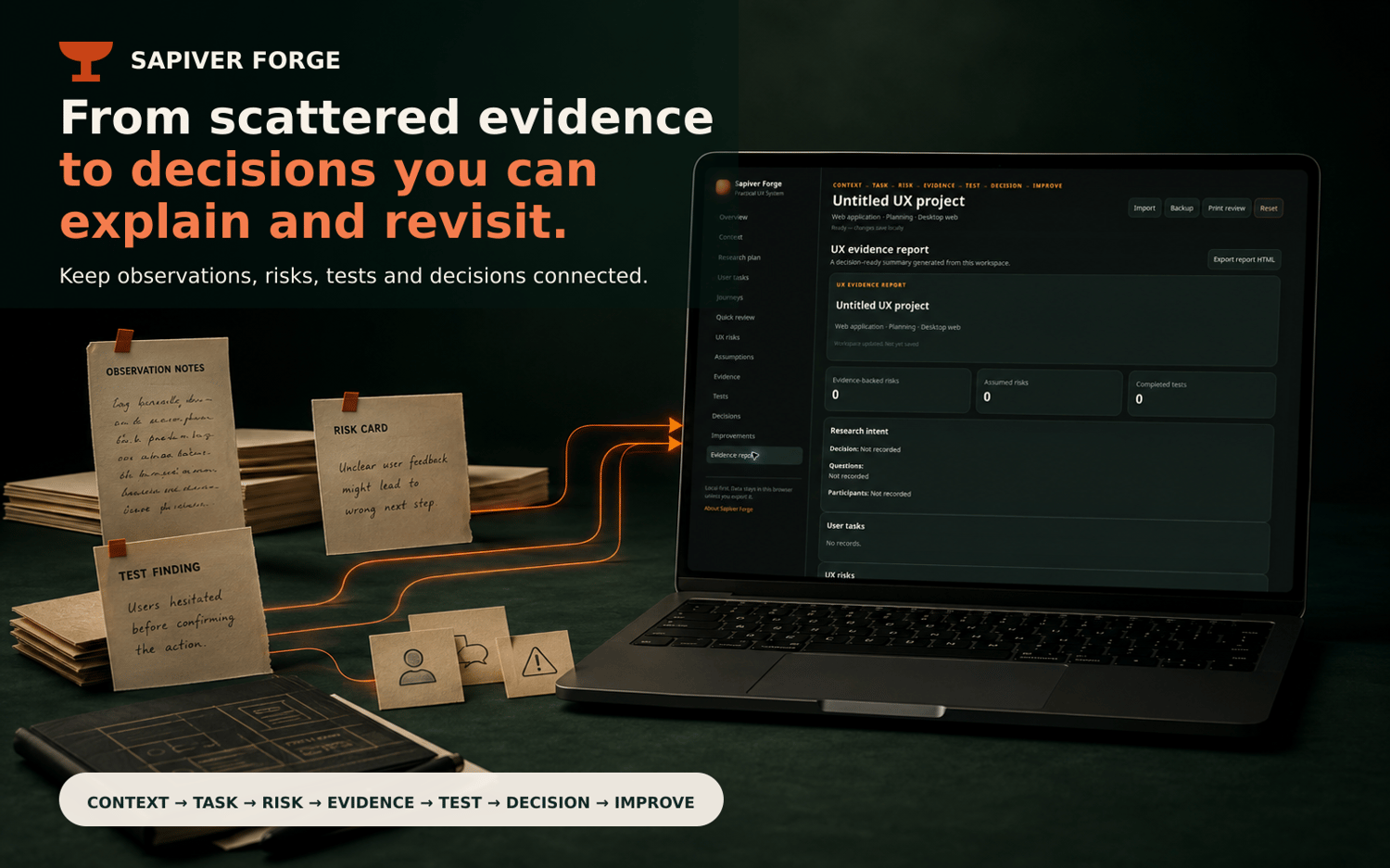
It follows a practical seven-stage workflow:
Context → Task → Risk → Evidence → Test → Decision → Improve
Use it to define the situation, clarify the user task, identify uncertainty, record evidence, plan proportionate tests, document decisions and move accepted changes into an improvement backlog.
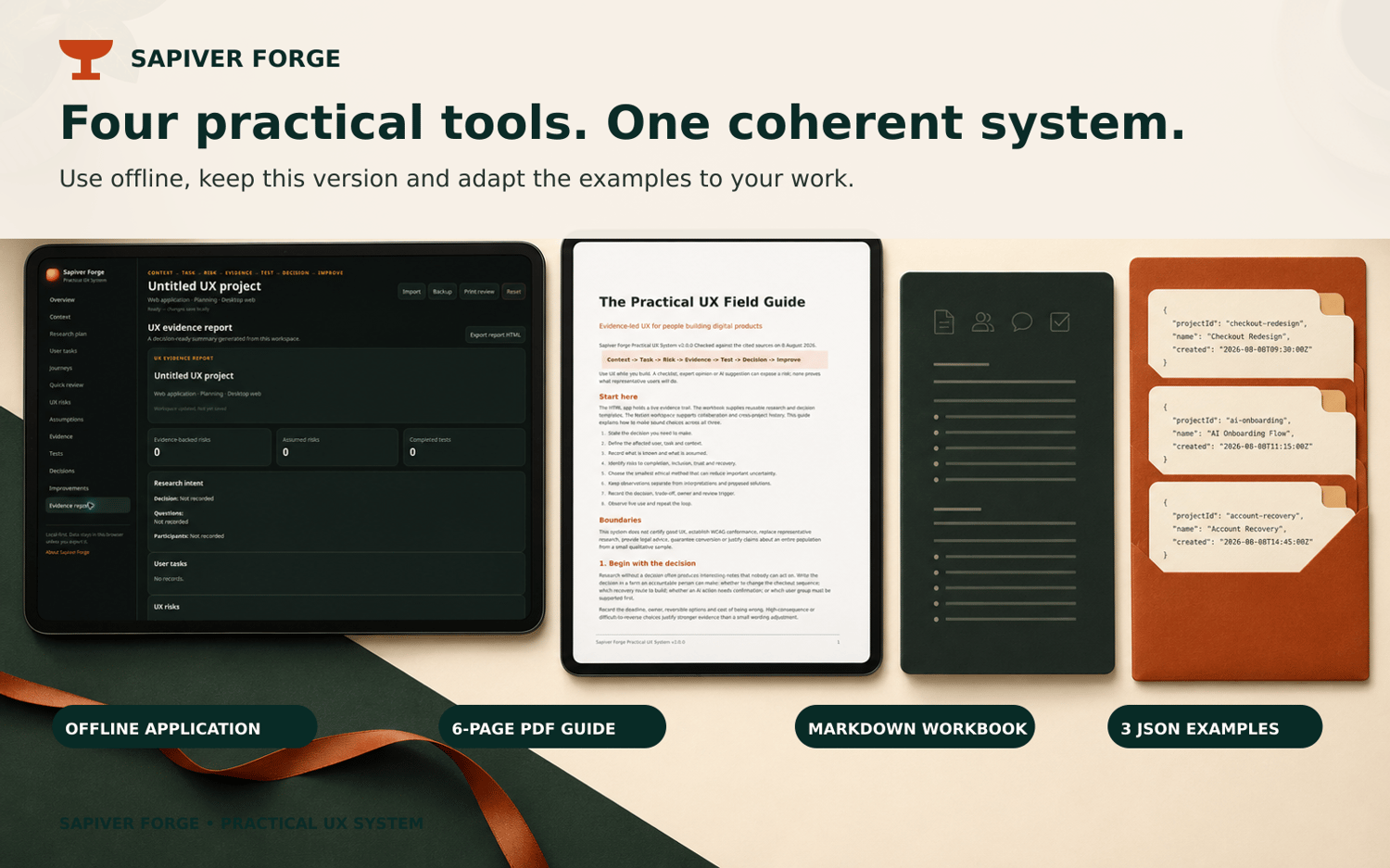
WHAT’S INCLUDED
• Offline UX application
A browser-based workspace for research plans, user tasks, journeys, risks, assumptions, evidence, tests, decisions and improvements.
• Six-page PDF field guide
A concise guide to the method, its key prompts and practical boundaries.
• Research and decision workbook
A reusable Markdown workbook for planning studies, recording findings and documenting decisions.
• Three worked example projects
Realistic JSON examples that can be imported, explored and adapted.
• Setup and usage documentation
Straightforward instructions for opening, using and backing up the system.
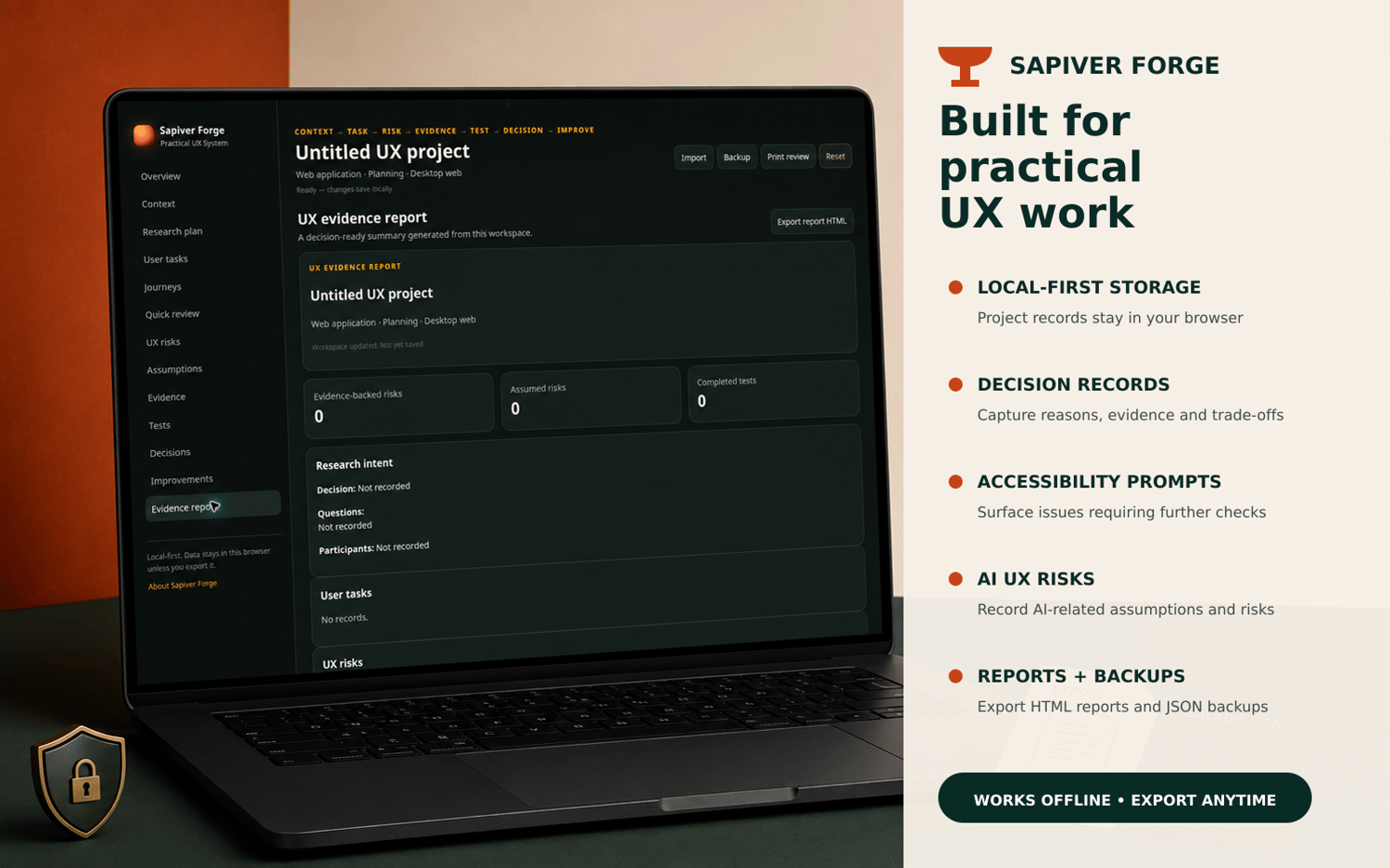
APPLICATION FEATURES
• Local-first browser storage
• No account required
• Research planning and user-task records
• Journey mapping
• UX risk and assumption tracking
• Evidence and test records
• Decision records with reasons, trade-offs, owners and review triggers
• Improvement backlog
• Quick UX review prompts
• HTML evidence-report export
• JSON backup, import and restoration
• Print-friendly outputs
WHO IT IS FOR
• UX and product designers
• UX researchers
• Freelancers and consultants
• Product teams
• Founders building digital products
• People who need a clearer record of why a UX decision was made
LOCAL-FIRST AND PRIVATE
The application is designed to run locally in your browser. Project information remains on your device unless you deliberately export it.
There is no account, cloud synchronisation or remote project database. Use the included JSON backup function to protect important work and move projects between supported browsers or devices.
IMPORTANT BOUNDARIES
This is a decision-support and documentation toolkit. It is not a certification service, automated accessibility audit, legal or regulatory assessment, or substitute for appropriate user research and specialist testing.
Prompts relating to accessibility, AI interactions and other UX risks identify matters that may require further investigation. They do not certify that a product is accessible, compliant or safe.
DELIVERY
You will receive one downloadable ZIP file. Unzip it, open the supplied start page and follow the included instructions.
No subscription. No conventional installation. Keep and use the downloaded version.