
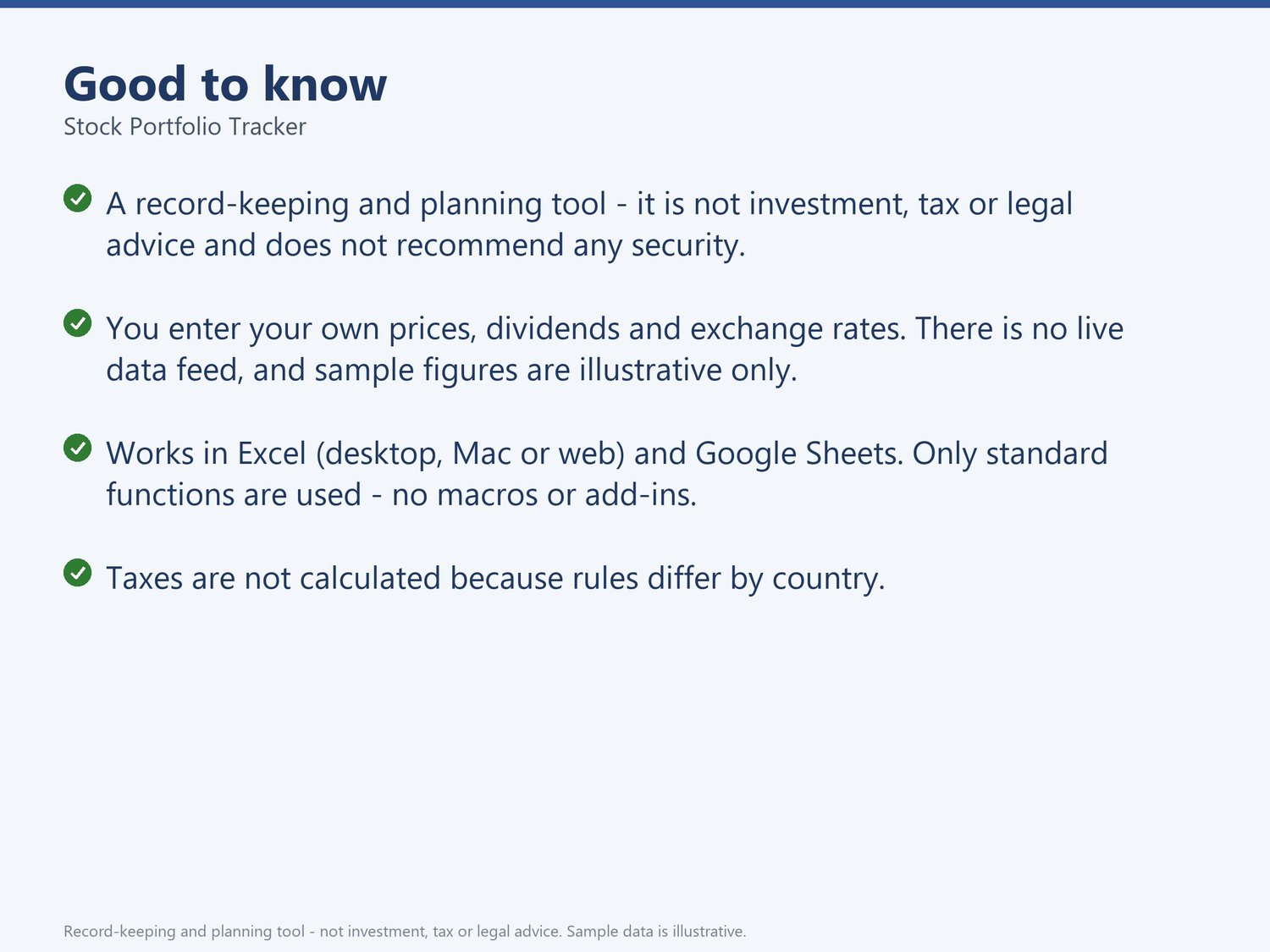


Stock Portfolio Tracker | Multi-Currency Investment Tracker | Excel + Google Sheets | Asset Allocation, Target Weights | Digital Download
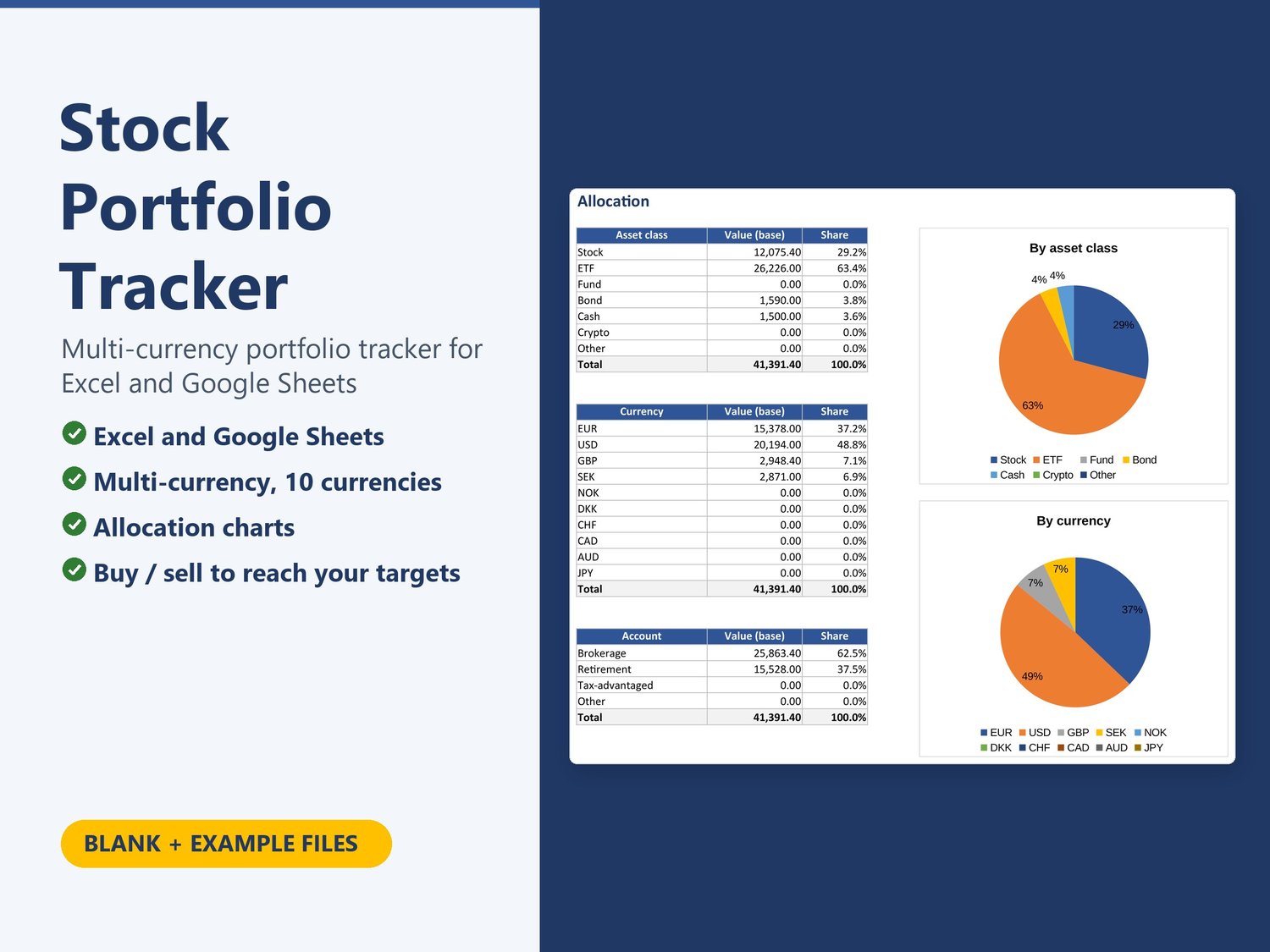
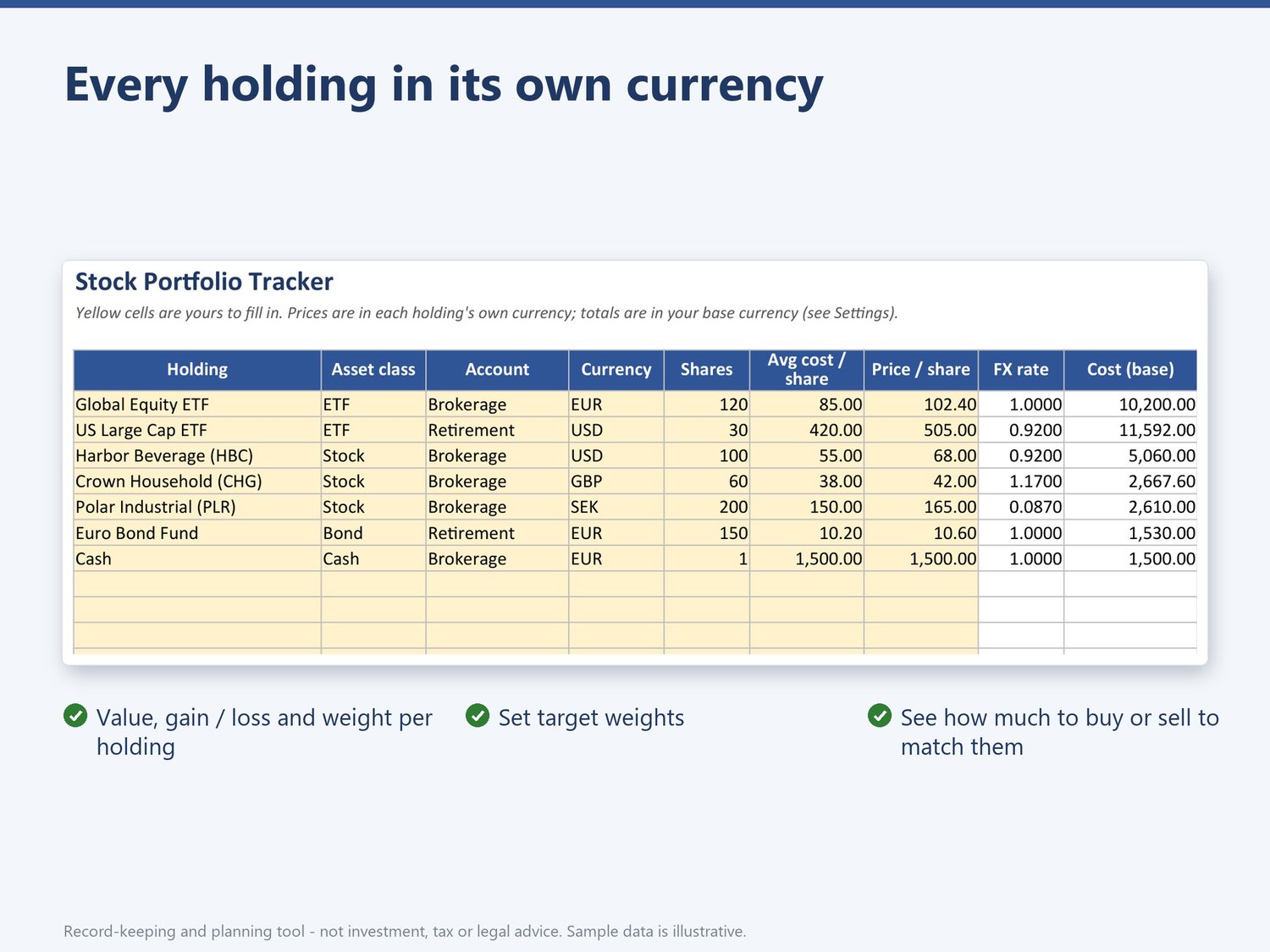
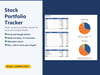
Keep every holding in its own currency and see the whole portfolio in one. Track value, gain / loss and weights, set target weights to see how much to buy or sell, and check your allocation by asset class, currency and account.
What's included
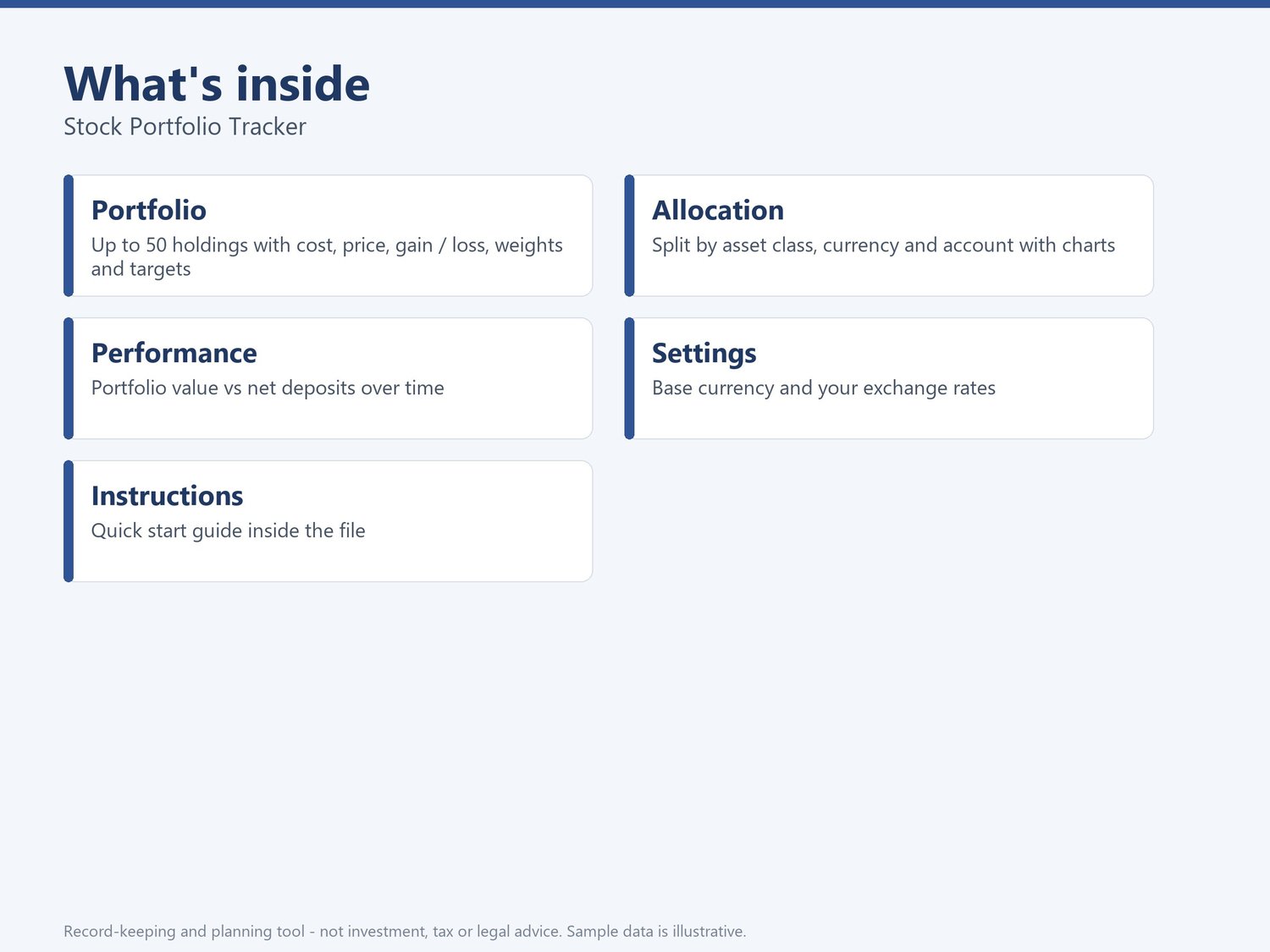
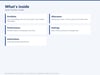
- Portfolio: up to 50 holdings with asset class, account, currency, shares, cost, price, gain / loss, weight, target weight and buy / sell amounts
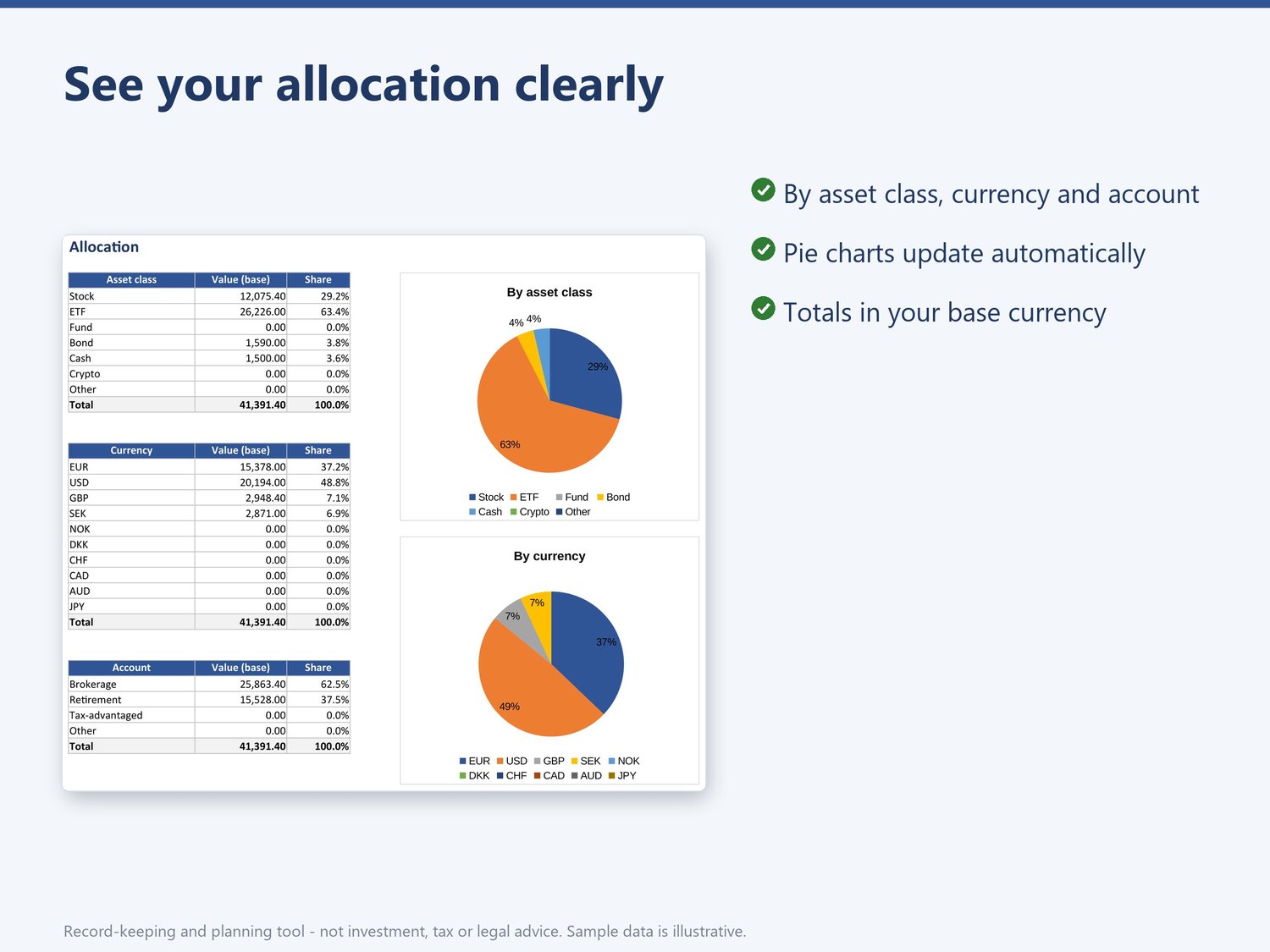
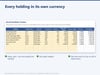
- Allocation: split by asset class, currency and account with pie charts
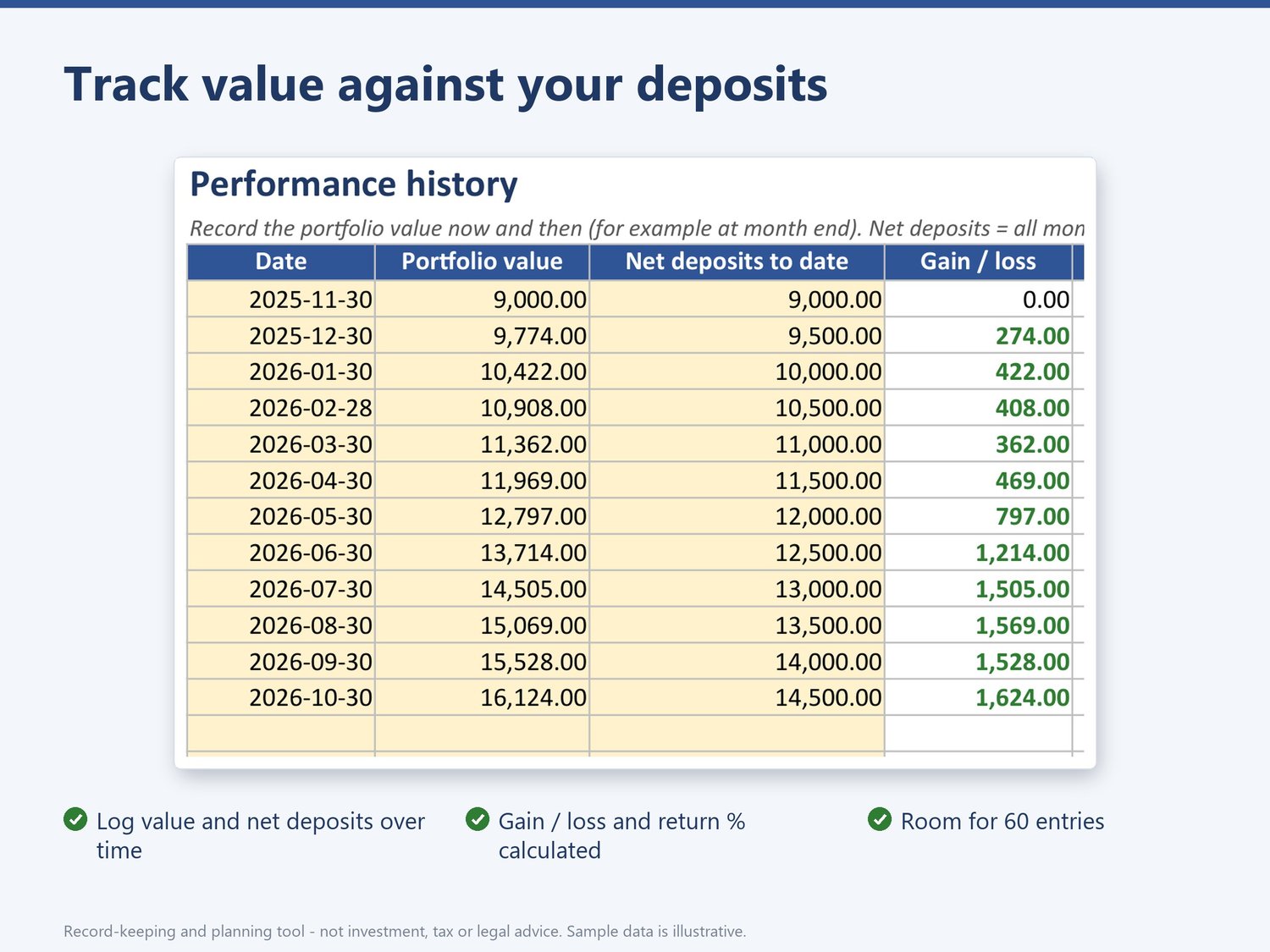
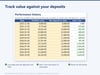
- Performance: portfolio value vs net deposits over time (60 entries)
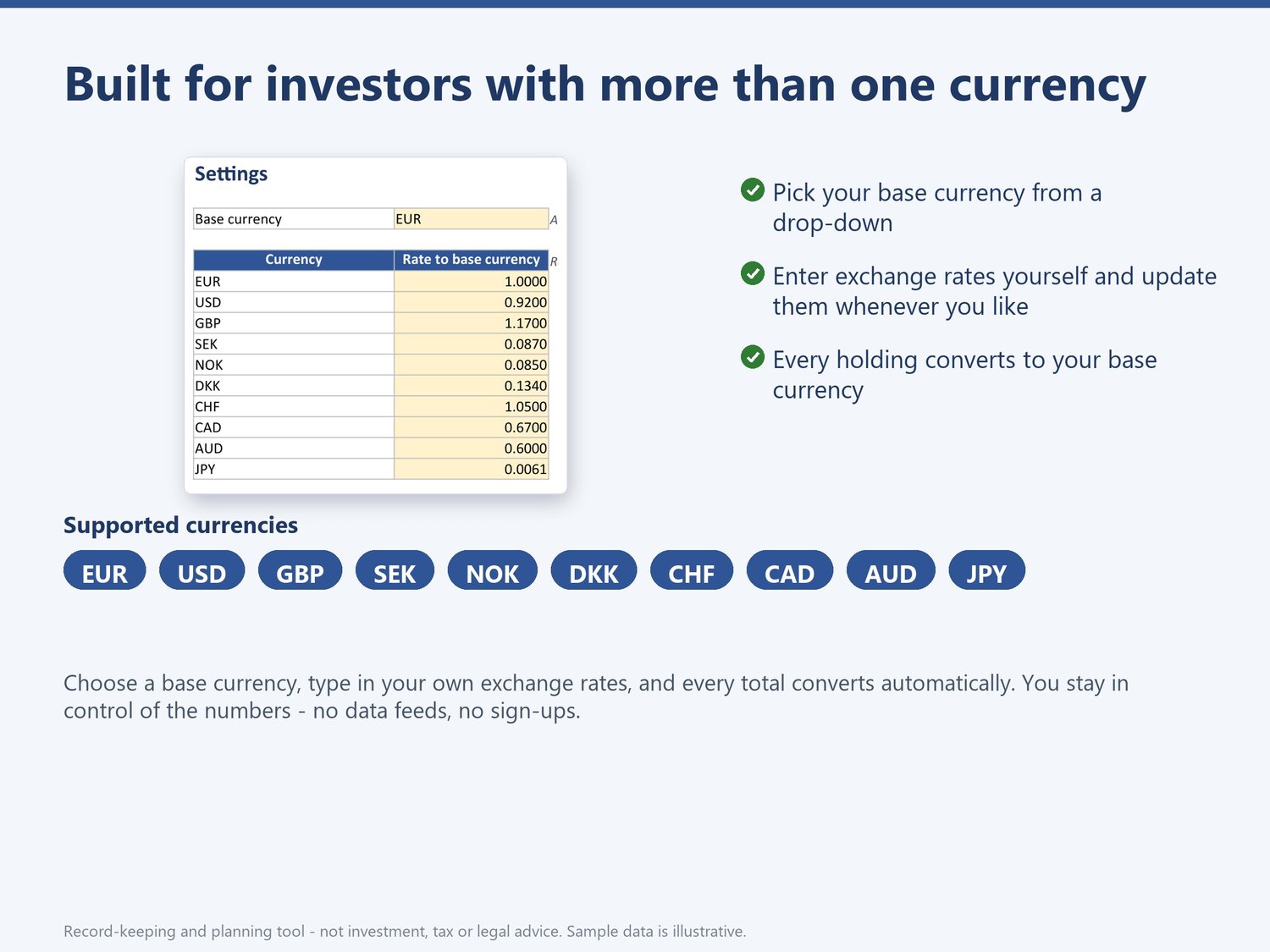
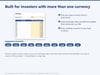
- Settings: base currency and your own exchange rates (10 currencies)
- Instructions: quick start guide inside the file
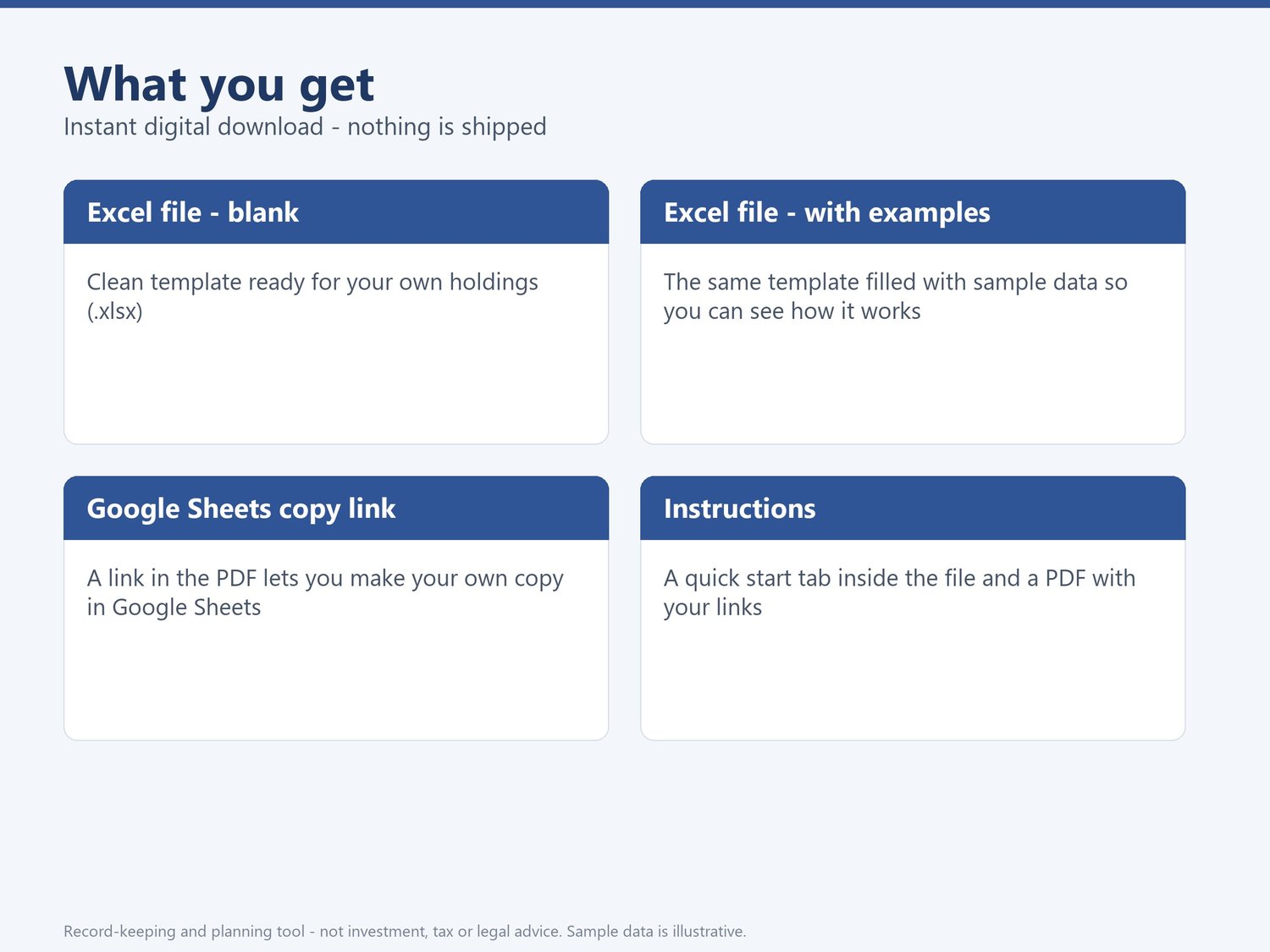
- Two files: a blank template and an example file with illustrative sample data
- A PDF with your Google Sheets copy link
How it works
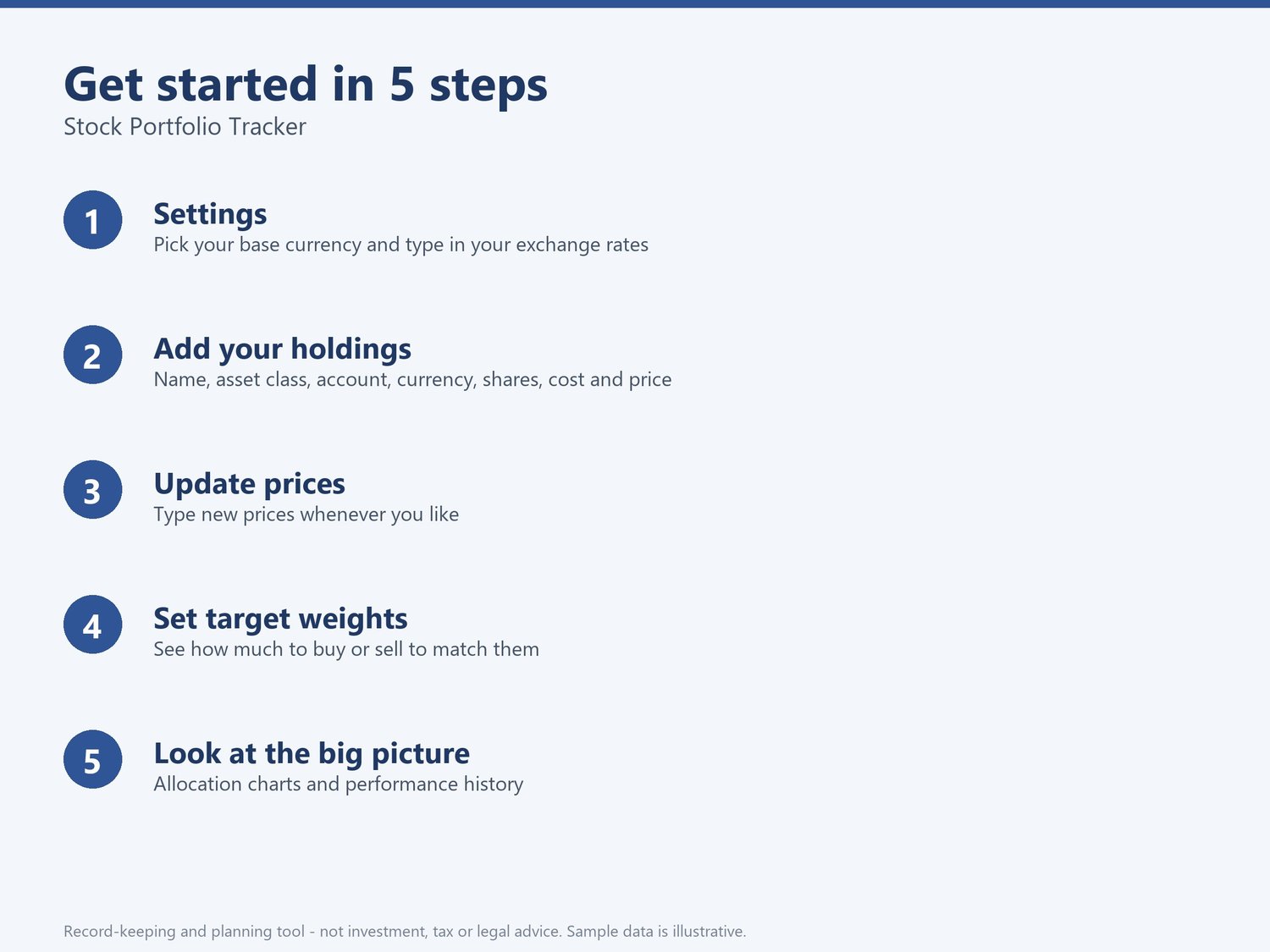
- Pick your base currency and type in your exchange rates (Settings)
- Add your holdings (Portfolio)
- Update prices whenever you like
- Set target weights and read the buy / sell amounts
- Check Allocation and Performance
Compatibility
- Excel (desktop, Mac or web) - .xlsx file
- Google Sheets - copy link in the PDF, or upload the .xlsx to Google Drive
- Standard functions only: no macros, no add-ins
Delivery
INSTANT DOWNLOAD - nothing is shipped. After purchase you can download your files right away from the download page, and Payhip also emails you the download link. The PDF in your download contains the link to make your own copy in Google Sheets.
FAQ
Does it calculate taxes?
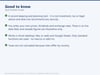
No. Taxes are not calculated because rules differ by country.
Can I pull prices automatically?
No, prices are typed in manually. In Google Sheets you can add your own price formulas if you like, but this is not part of the file.
Does it work in Excel and Google Sheets?
Yes. The .xlsx file opens in Excel (desktop, Mac or web). For Google Sheets, use the copy link in the PDF, or upload the .xlsx to Google Drive and open it with Google Sheets. Only standard functions are used - no macros or add-ins.
Can I use more than one currency?
Yes. Pick your base currency (EUR, USD, GBP, SEK, NOK, DKK, CHF, CAD, AUD or JPY), type in your own exchange rates, and every total converts automatically.
Are prices and dividends filled in automatically?
No. You type in prices, dividends and exchange rates yourself, so you stay in full control of your numbers.
Is there a blank version and an example version?
Yes. You get a blank template for your own data and an example file filled with illustrative sample data so you can see how everything works.
I need help - who do I ask?
Use the contact form on my Payhip shop (payhip.com/tormicom/contact) and I will help you get set up.
Can I get a refund?
Because this is an instant digital download, I cannot take returns. If something does not work as described, message me first and I will fix it. Your statutory consumer rights are not affected.
Important
This is a record-keeping and planning tool. It is not investment, tax or legal advice, and it does not recommend any security. You enter your own prices, dividends and exchange rates - there is no live data feed. Sample figures in the example file are illustrative only.
Transparency note: I designed this spreadsheet with the help of AI tools (Claude, by Anthropic) and checked the formulas and layout myself. The preview images are screenshots of the actual file.
For personal use only. Please do not resell, share or redistribute the files.