

Paycheck Budget Digital Planner | Hyperlinked for GoodNotes & Notability | Undated, 80 Pages
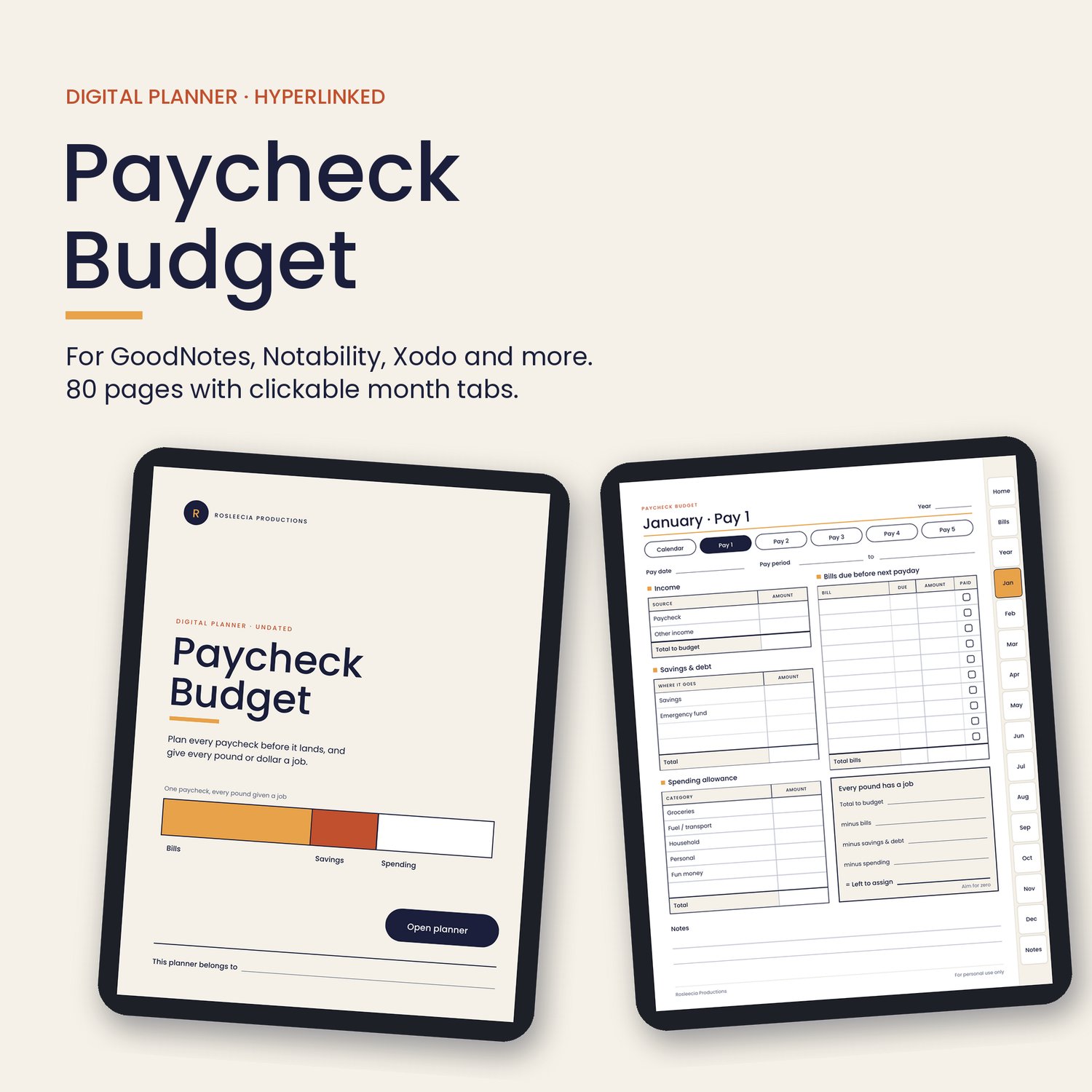
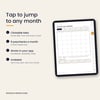
Plan every paycheck before it lands, right on your tablet. This 80-page digital paycheck budget helps you decide exactly where your money goes each payday, with clickable tabs so you can jump to any month in a single tap.
It works for weekly, fortnightly, monthly and irregular pay, and it's undated, so you can start any month of any year.
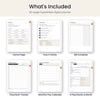
What's included (80 pages)
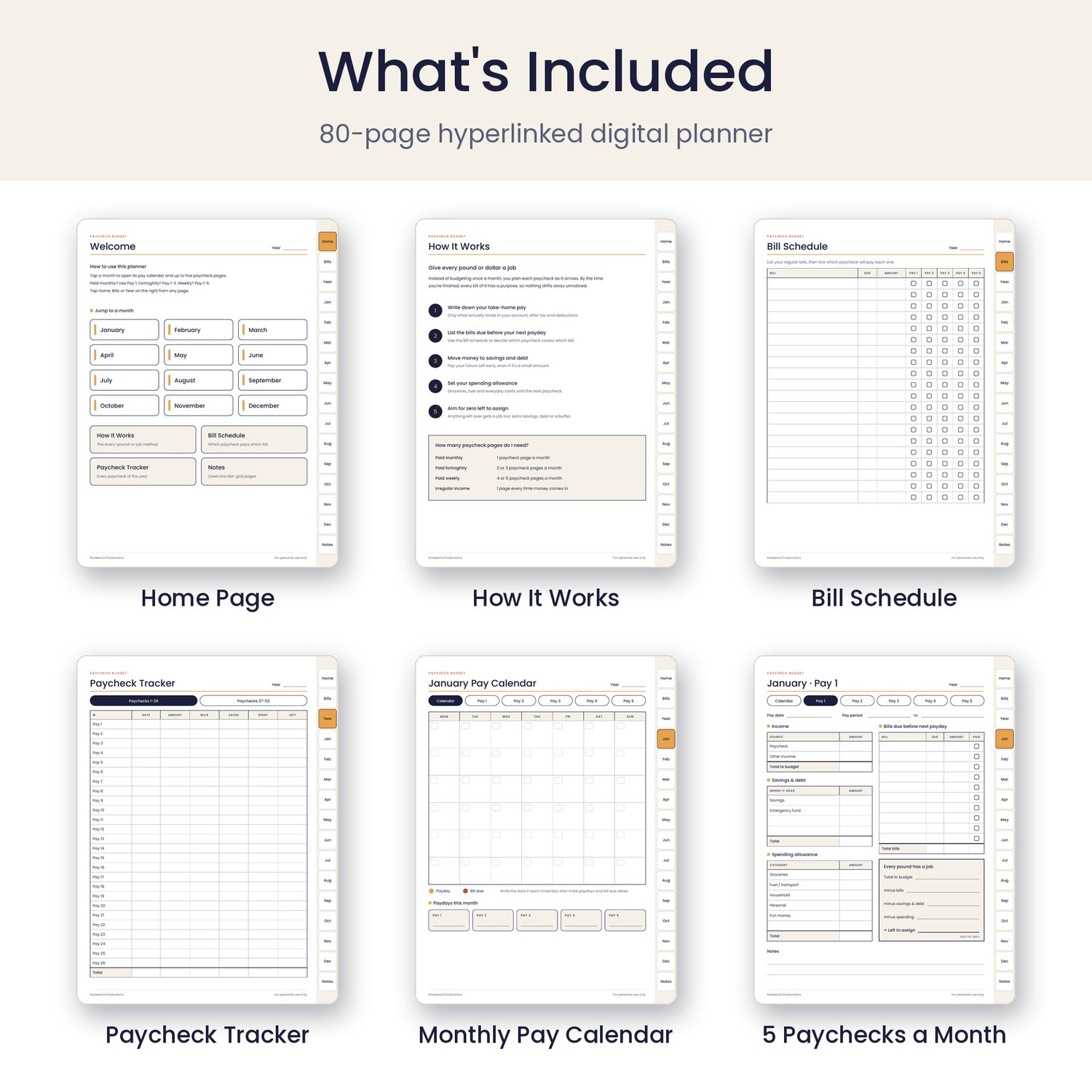
- Cover and Home page: tap any month or section to jump straight to it.
- How It Works: a simple five-step guide to the "give every pound a job" method.
- Bill Schedule: list your regular bills and tick which paycheck will cover each one.
- Paycheck Tracker: record up to 52 paychecks across two pages, enough for weekly pay.
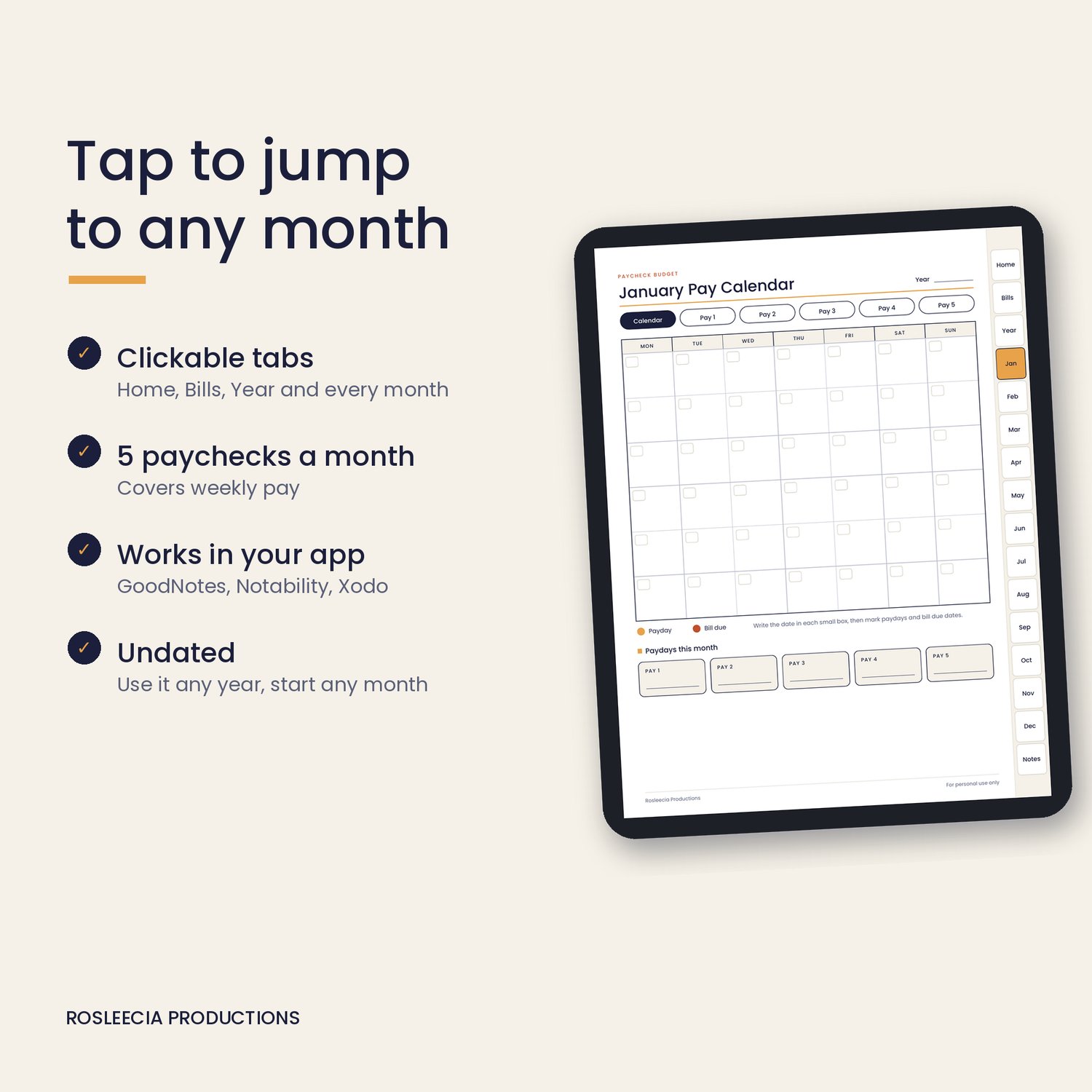
- 12 monthly Pay Calendars: mark paydays and bill due dates, then tap a payday to open that paycheck page.
- 60 Paycheck Budget pages: five for every month, covering income, bills due before next payday, savings and debt, a spending allowance, and a summary that helps you reach zero left to assign.
- Notes pages: lined and dot-grid.
Features
- Hyperlinked tabs on every page: Home, Bills, Year, January to December, and Notes
- Buttons on every month to switch between the calendar and each paycheck page
- Works for any pay schedule: monthly (Pay 1), fortnightly (Pay 1 to 3) or weekly (Pay 1 to 5)
- Undated, so you can use it any year
- Works for any currency
Compatibility
This is a digital download (PDF) for use with a PDF annotation app. It works with:
- GoodNotes
- Notability
- Xodo (free)
- Adobe Acrobat Reader (free)
- Samsung Notes, Noteshelf and other apps that can open and write on PDF files
A stylus is recommended for handwriting, but you can also type or write with your finger in most apps.
Best on a tablet
This planner is designed for tablets such as an iPad or Android tablet. It will open on a phone, but the pages are small on a phone screen, so a tablet gives the best experience.
How to import your planner
- After purchase, download the PDF file to your device.
- Open your planner app, such as GoodNotes, Notability or Xodo.
- Import the PDF into the app, or open the file and choose "Open in" or "Share to" your planner app.
- Tap the tabs and buttons to move around the planner. In GoodNotes, switch to read-only mode or tap with your finger if the links don't respond while you're in writing mode.
Tip: before you start writing, save a blank copy of the file so you can start fresh next year.
Prefer paper?
A printable A4 version is also available in my shop Here.
Please note
This is a digital product and nothing will be posted to you. The file is for personal use only and may not be shared or resold.