
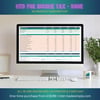
MTD Made Simple: Standard Pro | UK Sole Trader | Spreadsheet + Guide + Video 2026/27
EVERYTHING YOU NEED TO GO FROM CONFUSED TO COMPLIANT IN ONE AFTERNOON
Making Tax Digital for Income Tax is here. And you do not have to figure it out alone.
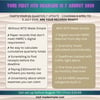
The Pro package gives you the spreadsheet, a plain-English setup guide, a full walkthrough video, and step-by-step bridging software instructions. Buy it this afternoon, follow the guide, and be fully set up before the 7 August 2026 deadline.
ONE-TIME PURCHASE | NO SUBSCRIPTION | INSTANT DOWNLOAD
WHO IS THIS FOR?
This is the Standard (non-VAT) Pro version for sole traders who are not VAT-registered.
Sole trader with income over £50,000 who must comply from April 2026. Someone who wants to set up correctly without spending hours researching. Anyone who wants a qualified bookkeeper to walk them through it step by step. People who prefer to learn by watching rather than reading.
VAT-registered? See our VAT Pro version, search MTD Made Simple VAT Pro or visit mtd-madesimple.com.
WHAT IS INCLUDED
- MTD Made Simple: Standard Spreadsheet (Excel .xlsx plus Google Sheets)
- 2. 25-page PDF Setup Guide: A-to-Z walkthrough for non-VAT registered sole traders
- 3. 14-minute video tutorial: full walkthrough from setup to quarterly submission
- 4. Bridging Software in 10 Minutes guide: how to connect your spreadsheet to HMRC
- 5. HMRC Quarterly Submission Checklist: one-page PDF for every submission deadline
- 6. 30 days email support at hello@mtd-madesimple.com
- 7. Free 2027/28 version when released next April
ABOUT THE PDF SETUP GUIDE
The 25-page guide covers everything from opening the file for the first time to submitting your first quarterly update. Written in plain English. No jargon. Sections include step-by-step setup, how to record income correctly, which expenses are allowable, how to claim mileage the HMRC-approved way, understanding your Quarterly Summary, which bridging software to use, and what happens at year-end.
ALL 9 TABS EXPLAINED
START HERE: Welcome, setup instructions, and quick-start guide.
SETTINGS: Enter your business name once and all tabs update automatically. Select tax year (2026/27) and accounting basis (Cash Basis for most sole traders).
INCOME TRANSACTIONS: Log every payment received. Enter the date and the quarter is assigned automatically.
EXPENSE TRANSACTIONS: All 14 HMRC expense categories are in the dropdown. Enter the transaction amount and your business percentage and the allowable amount calculates automatically.
MILEAGE LOG: Enter the date, journey description, vehicle type (Car/Van, Motorcycle, or Bicycle), and miles. The HMRC-approved rate applies automatically. For cars, the rate switches from 45p to 25p automatically once you pass 10,000 miles in the tax year.
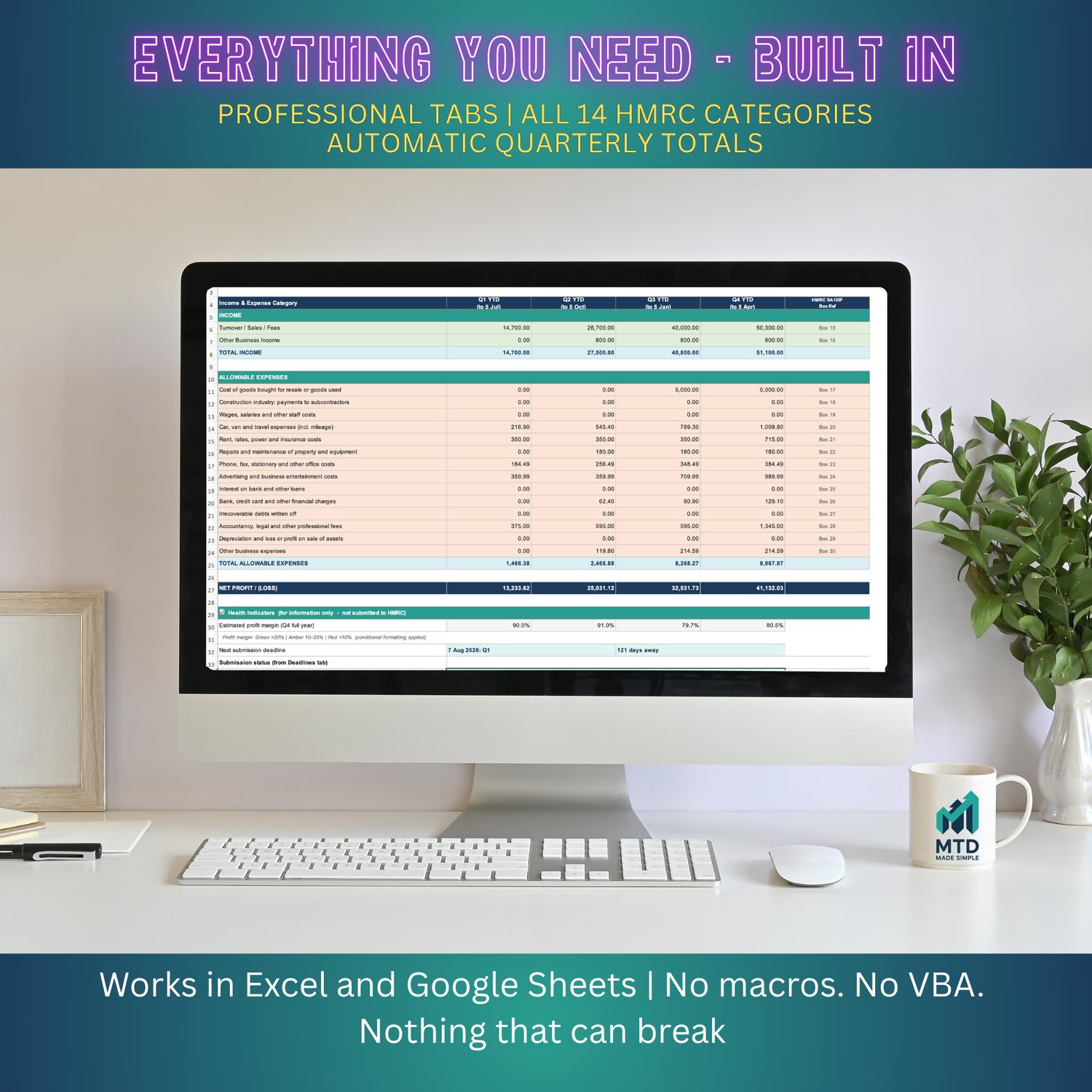
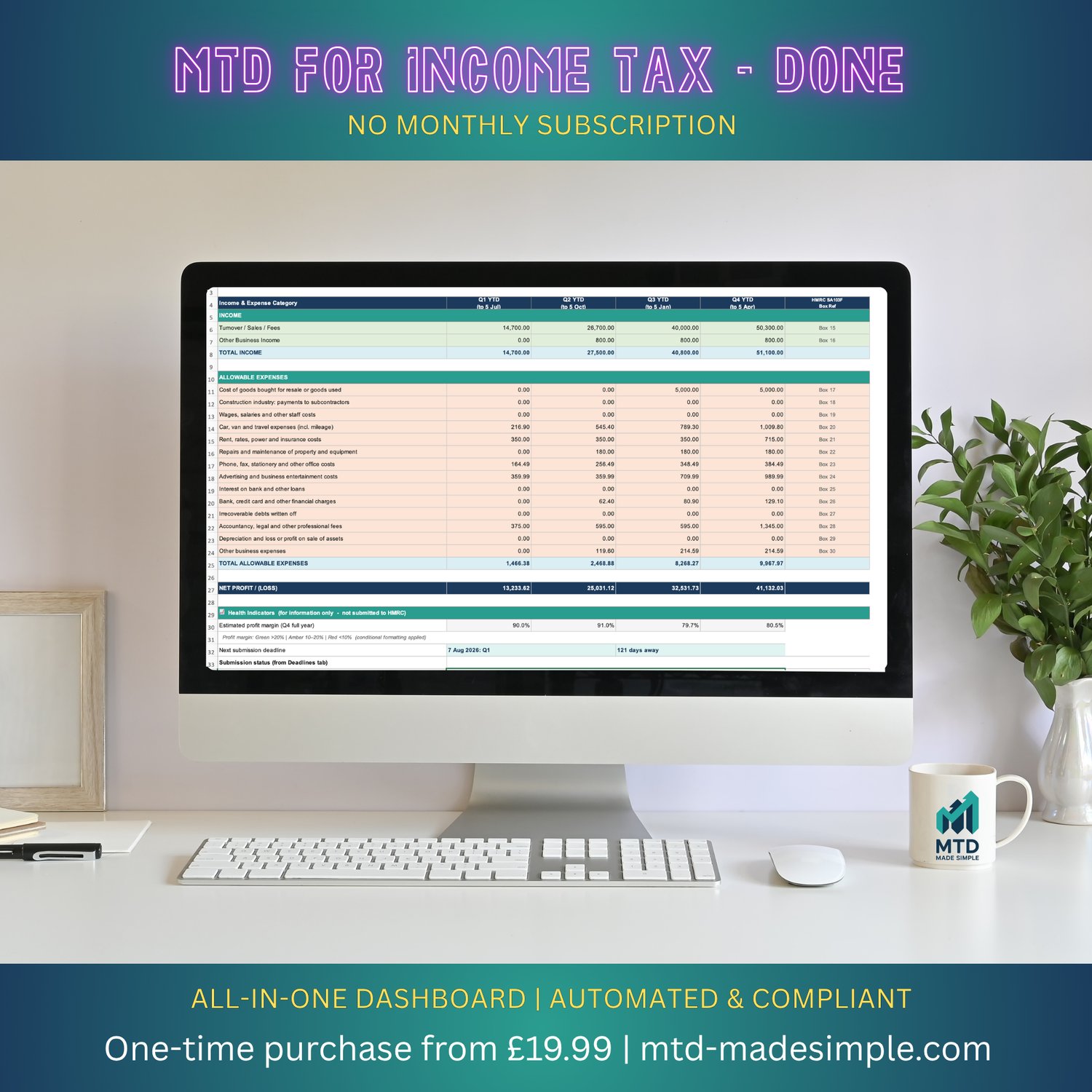
QUARTERLY SUMMARY: As you log transactions, this tab calculates your cumulative year-to-date totals in exactly the format HMRC requires. Copy these figures into bridging software and submit.
ANNUAL SUMMARY: Full year profit and loss, prepared for Self Assessment.
DEADLINES AND REMINDERS: Traffic light status for all four quarterly deadlines and the Final Declaration.
HELP AND GLOSSARY: Plain-English answers to the most common MTD for Income Tax questions.
WHY BUY THIS INSTEAD OF ACCOUNTING SOFTWARE
This spreadsheet costs £34.99 once. Xero is £30 per month (£360 per year). QuickBooks is £10 per month (£120 per year). Both Xero and QuickBooks make you stop using spreadsheets and learn new software. This spreadsheet lets you keep working the way you already work, while staying fully MTD for Income Tax compliant via free or low-cost bridging software.
TECHNICAL DETAILS
File format: .xlsx (Microsoft Excel). Also works in Google Sheets (template link included). Tested in Excel 2019, Excel 365, and Google Sheets. Quarterly Summary prints A4 landscape. Data entry cells are unlocked, calculation cells are protected.
AFTER PURCHASE
Your download is available immediately. You will receive the .xlsx spreadsheet, a link to the Google Sheets version, the 25-page PDF Setup Guide, the Bridging Software in 10 Minutes guide, the HMRC Quarterly Submission Checklist, a link to the 14-minute video tutorial, and 30 days of email support at hello@mtd-madesimple.com.
NEED THE FULL PERSONAL SETUP EXPERIENCE?
Visit mtd-madesimple.com for our Premium package (£79.99) which includes everything in Pro plus a personal 30-minute setup call with a qualified bookkeeper, 12 months priority email support, and two years of free updates.
ABOUT THE CREATOR
Built by Rob Okell, a qualified UK bookkeeper and founder of Innate Bookkeeping. Rob built MTD Made Simple because sole traders deserve expert-designed compliance tools without monthly software fees.
Disclaimer: This spreadsheet is a bookkeeping tool. It is not regulated financial advice. Always consult a qualified accountant for advice specific to your situation.
FREQUENTLY ASKED QUESTIONS
Q: It is already part-way through the year. Am I too late?
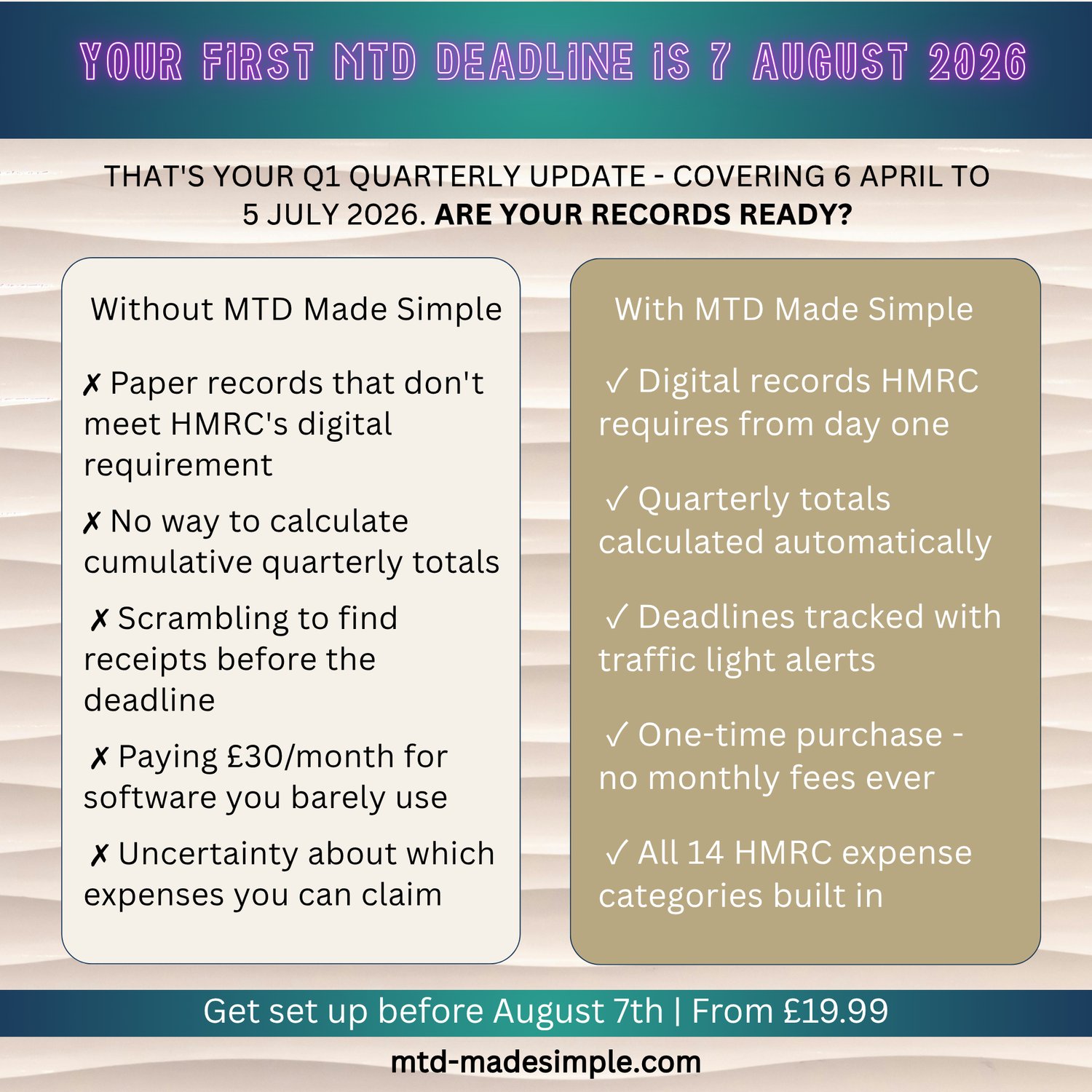
Not at all. Enter transactions backdated to 6 April 2026 and the spreadsheet organises them into the correct quarter automatically. Many people start mid-year. You can submit Q1 late in 2026/27 without penalty (HMRC soft landing applies).
Q: Do I need to buy bridging software as well?
Yes. HMRC requires approved software to submit quarterly updates. However, options start at free (AbraTax) and £19.50 per year (123 Sheets). This Pro version includes a step-by-step Bridging Software in 10 Minutes guide.
Q: When are the quarterly deadlines?
Q1: 7 August 2026. Q2: 7 November 2026. Q3: 7 February 2027. Q4: 7 May 2027. The spreadsheet shows all of these automatically.
Q: I am VAT-registered. Is this the right version?
No. If you are VAT-registered, you need our VAT Pro version which includes full VAT tracking. Search MTD Made Simple VAT Pro or visit mtd-madesimple.com.
Q: I earn over £50,000. Do I have to use MTD for Income Tax?
If your qualifying income exceeds £50,000, yes. MTD for Income Tax is mandatory from 6 April 2026. The £50,000 is based on gross income, not profit.
Q: Will this spreadsheet be updated when HMRC rules change?
Yes. We release an updated version every April. As a Pro customer, you receive the 2027/28 update free.
Q: What does the video tutorial cover?
The 14-minute tutorial walks through the entire spreadsheet from setup to submitting a quarterly update. It covers Settings, entering income and expense transactions, the mileage log, reading the Quarterly Summary, and connecting to bridging software.
Q: Can I get a refund?
Because this is an instant digital download, refunds are not available once the file has been downloaded. If you have any technical issues with the file, contact us first at hello@mtd-madesimple.com. We fix all technical problems promptly.
Works with all major bridging software
MTD Made Simple includes a built-in Submission Helper tab. It shows your quarterly cumulative totals mapped to the exact field names used by VitalTax, AbraTax, suiteSheets, and 123 Sheets. Set up your bridging software once and your cell mappings are saved for every future quarter.
Compatible with:
VitalTax (vitaltax.uk), Excel add-in, £30 + VAT per year
AbraTax (abratax.co.uk), Excel and Google Sheets, currently free in beta
suiteSheets (suitesheets.co.uk), Excel and Google Sheets, £20 per tax year
123 Sheets (123sheets.com), Excel, £19.50 + VAT per year
MTD Made Simple handles your records. Bridging software handles the submission. Together they replace Xero for under £40 per year.