

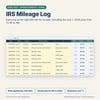
IRS Mileage Log 2026–2027 | IRS Rate by Trip Date, Odometer, Business Use % | Google Sheets + Excel
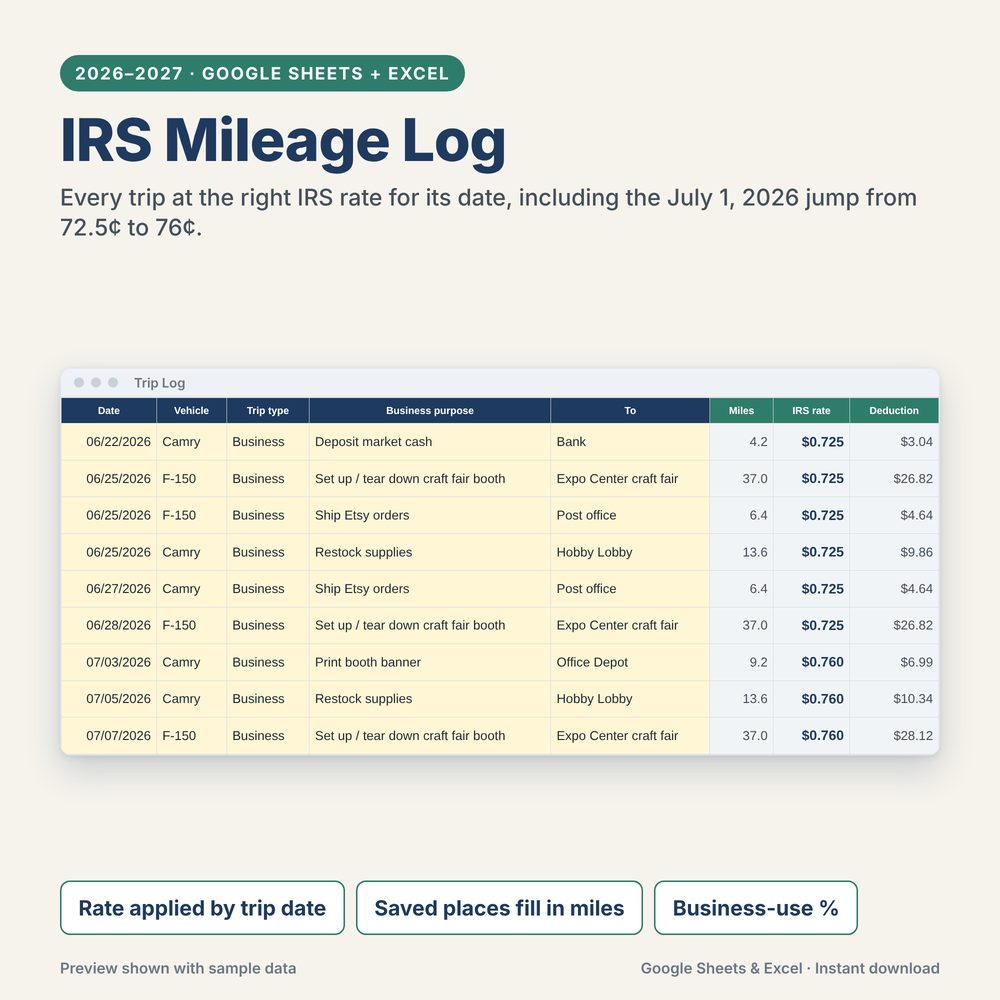
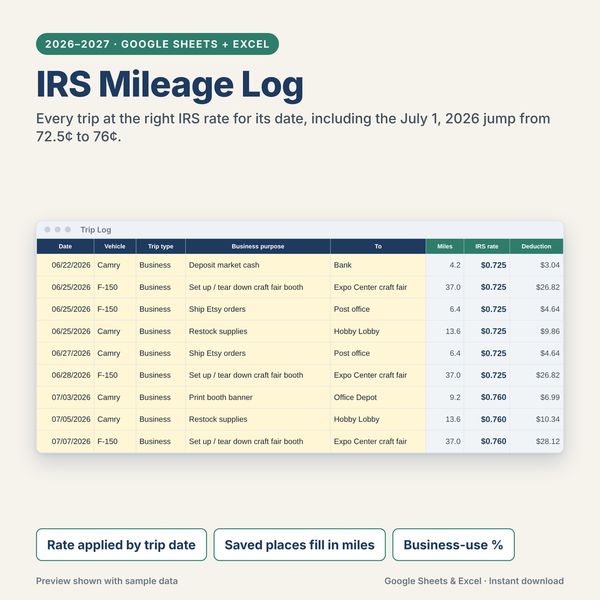
Log every business trip and get the right IRS rate for its date automatically, including the July 1, 2026 increase from 72.5¢ to 76¢ a mile.
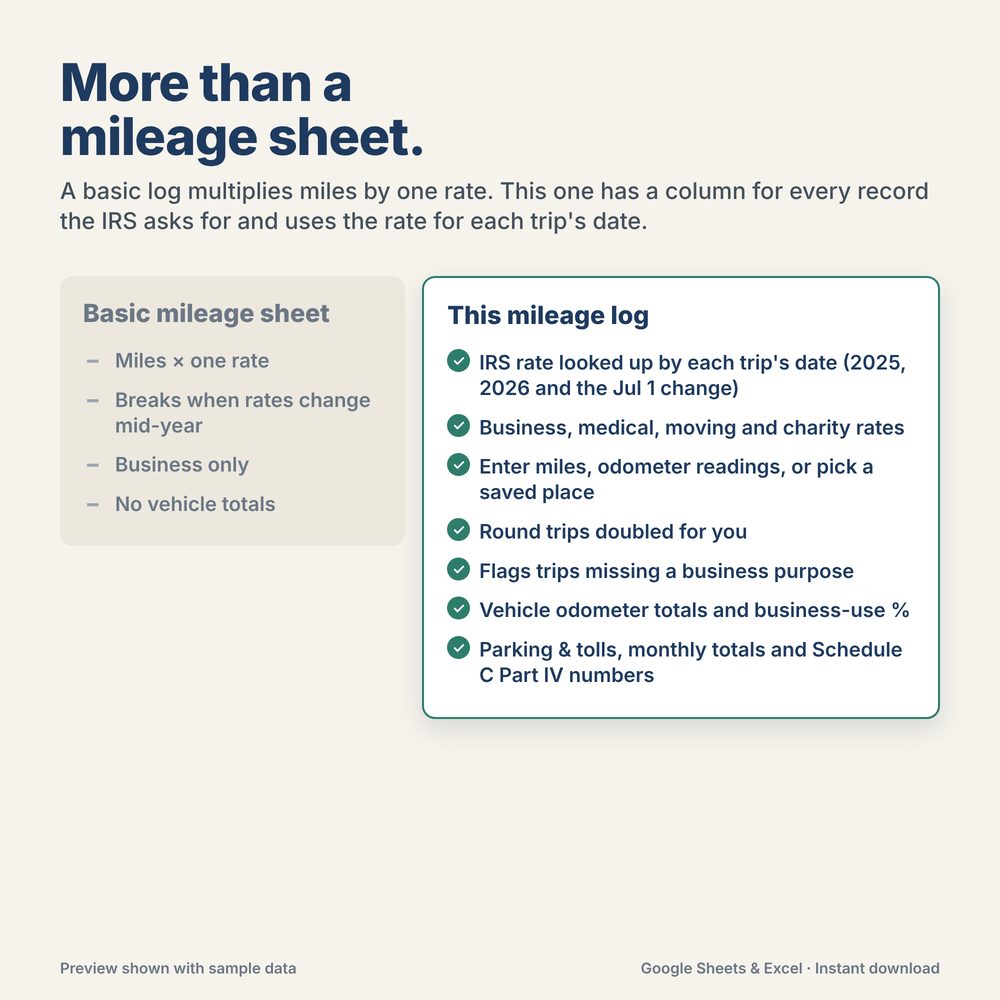
MORE THAN A MILEAGE SHEET
A basic log multiplies miles by one rate. This one has a column for each record the IRS asks for, and uses the rate for each trip's date:
✔ IRS rate looked up by each trip's date (2025, 2026, and the mid-year change). Add the 2027 rate on one row when it's announced.
✔ Business, medical, moving (military) and charity rates. Commute and personal trips are tracked but not deducted.
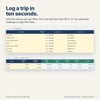
✔ Enter miles, OR odometer start and end, OR pick a saved place and the miles fill in. Round trips are doubled for you.
✔ Flags any business trip that's missing a purpose, and any odometer reading that goes backwards.
✔ Vehicles tab: January 1 and December 31 odometer readings, total, business and commuting miles, and business-use % for each vehicle.
✔ Parking and tolls, monthly totals, and the numbers Schedule C Part IV asks for.
Made for gig and delivery drivers, rideshare drivers, Etsy and craft-fair sellers, realtors, contractors, freelancers and anyone who drives for work.
WHAT'S INSIDE
• Trip Log: date, vehicle, trip type, business purpose, from/to, round trip, odometer, miles, rate, deduction, parking and tolls. Prints neatly in landscape.
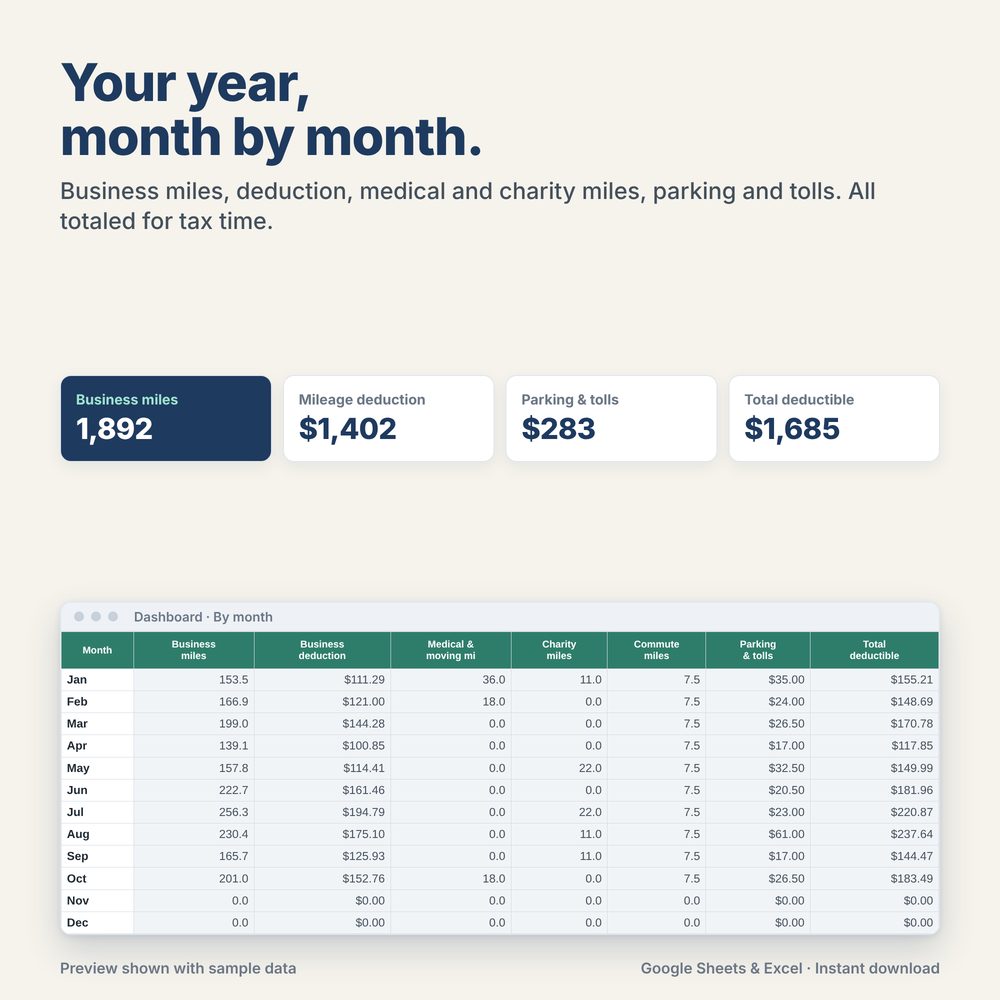
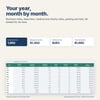
• Dashboard: business miles, deduction, parking and tolls, and medical/charity miles by month and by vehicle, with a chart.
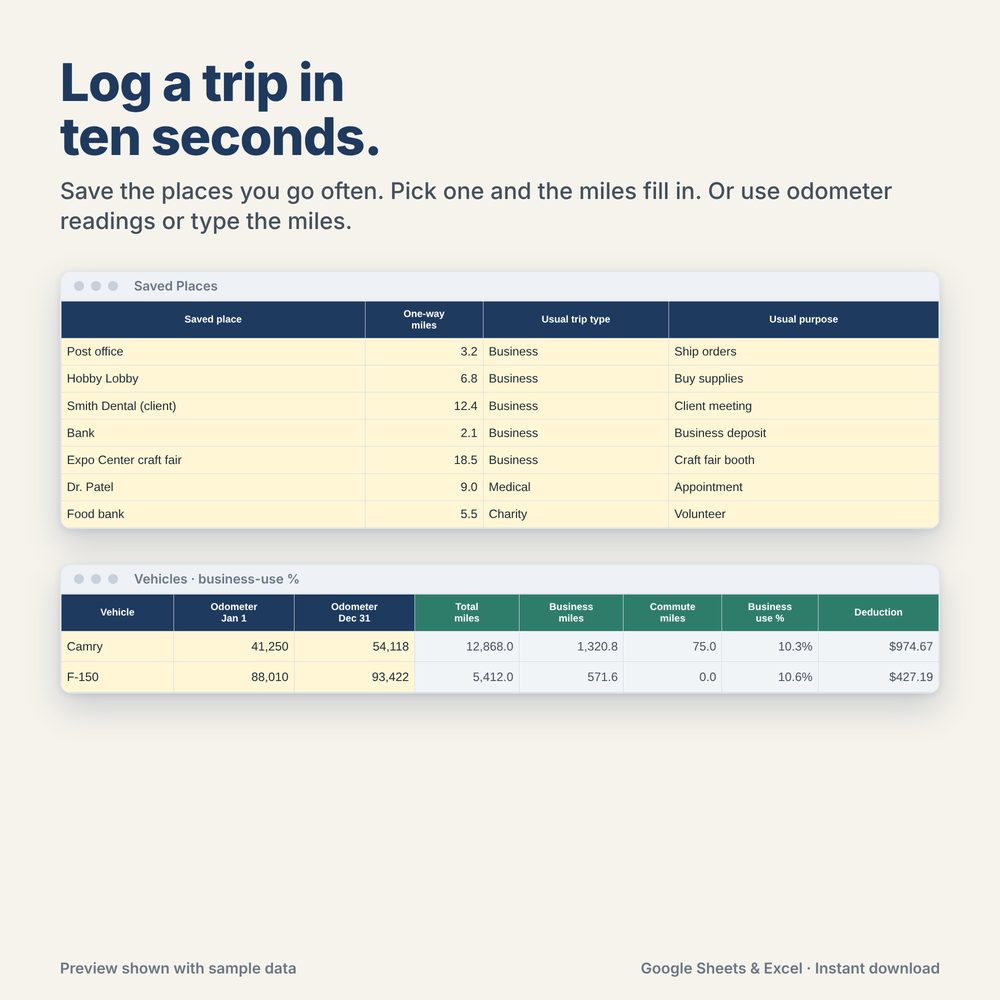
• Saved Places: your regular destinations and their miles.
• Vehicles: odometer totals and business-use %.
• Settings: the IRS rate table, editable.
• Start Here: a 5-minute setup and what the IRS expects in a mileage log.
WHAT YOU RECEIVE
• A PDF with your private link to make your own copy in Google Sheets
• The Excel file (.xlsx). It works in Excel 2016 or newer, Microsoft 365 and Excel for Mac.
PLEASE NOTE
• Digital download. No physical item will be shipped.
• IRS rates are current as of November 2026. The 2027 rate is usually announced in mid-to-late December; add it on Settings, or re-download the updated file from your purchase email.
• This log organizes your records. It is not tax advice. Ask a tax professional how the rules apply to you.
• Provided "as is," without warranties. Rates and figures come from published sources as of November 2026 and can change or contain errors, so please check results before relying on them. To the fullest extent permitted by law, Markup & Co. isn't liable for losses from formula errors, outdated figures or changes made to the file, and total liability is limited to the price paid. Found a problem? Email admin@markupandco.com and I'll fix it or refund you. Full terms of use are on the Start Here tab.
• Preview images show sample data. Your copy starts with one example trip.
• For use by one person or one business. Please don't share or resell the file.
• Designed by Markup & Co. with the help of AI tools. Every formula is tested before release.
FAQ
Do I need Excel? No. A free Google account works. Click the link in the PDF and choose "Make a copy."
Can I use it on my phone? Yes. Once you've made your copy, the Google Sheets app works for logging trips on the go.
Does it track automatically with GPS? No. You enter each trip, which keeps your data private.
More than one car? Yes. Add each vehicle on the Vehicles tab.
Questions? Email admin@markupandco.com.