

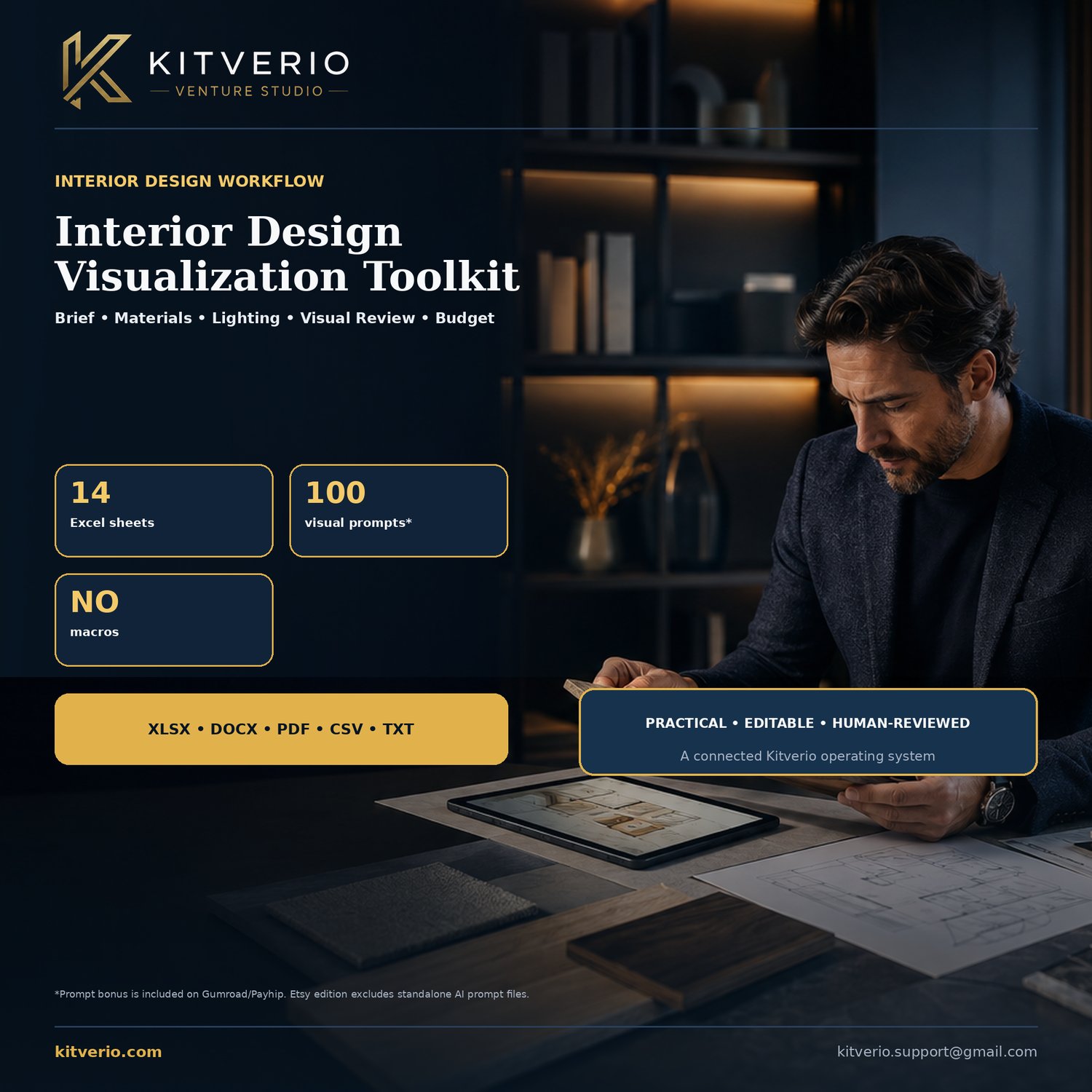
Interior Design Visualization Toolkit — Excel Project Management System
Turn an interior-design brief into an organized, reviewable project workflow.
A 14-sheet Excel operating system for client briefs, room planning, style direction, materials, lighting, furniture, visualization shots, image review, feedback, revisions and budget control.
WHAT YOU RECEIVE
• 14-sheet Excel operations workbook with Setup, Dashboard and fictional sample data
• Client Brief, Room Planner and Style Matrix
• Materials Board, Lighting Plan and Furniture Schedule
• Visualization Shot List and structured Image Review
• Client Feedback, Revision Log and Budget Snapshot
• Editable Word guide plus matching PDF reference copy
• START HERE and responsible-use/license files
• Gumroad/Payhip edition also includes 100 structured interior-visualization prompts with negative constraints and a human-review field.
HOW TO USE IT
1. Record the client brief and room constraints.
2. Build material, lighting and furniture schedules.
3. Define what each visualization must communicate.
4. Review images systematically and record client decisions.
5. Track revisions and compare forecast cost with approved budget.
IMPORTANT DETAILS
• Instant digital download. No physical item will be shipped.
• Designed as an XLSX / Microsoft Word workflow. Compatible applications may import formatting differently.
• No macros, subscriptions or external software accounts are included.
• All names, companies, figures and records in the files are fictional examples.
• Replace every example and placeholder with your own verified information.
• Single-purchaser / single-business internal-use license. Do not resell, share, sublicense or redistribute the source files.
RESPONSIBLE USE
Concept visualizations are not architectural, structural, electrical, accessibility, planning, engineering, fire-safety or construction documents. Confirm measurements, specifications, availability and professional requirements independently.
AI DISCLOSURE: AI tools assisted with selected cover imagery, early drafting and the optional prompt bonus. Kitverio designed the workbook architecture, formulas, templates, editing, responsible-use notes, final curation and quality checks. AI outputs are exploratory and require human review.
Support: kitverio.support@gmail.com
Website: https://kitverio.com/
Due to the nature of digital downloads, please review the listing images, included-file details and software requirements before purchase.