


Curve Text Studio
On Sale
$29.00
$29.00
Curve Text Studio
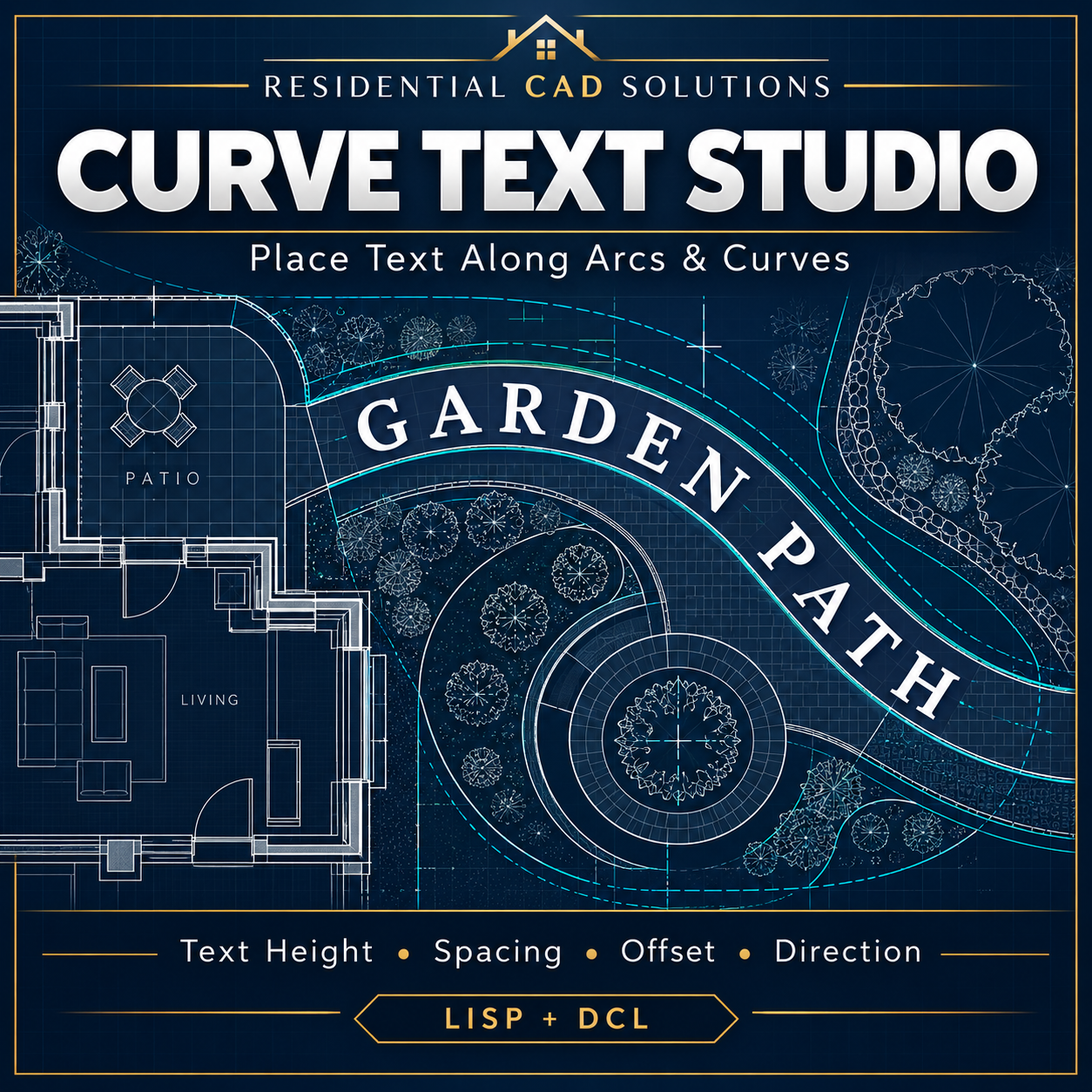
Give curved labels a professional appearance with Curve Text Studio, an AutoLISP and DCL tool for placing text along arcs and curves in AutoCAD.
Create curved wording for landscape plans, garden paths, architectural graphics, and presentation drawings using an organized dialog.
Features include:
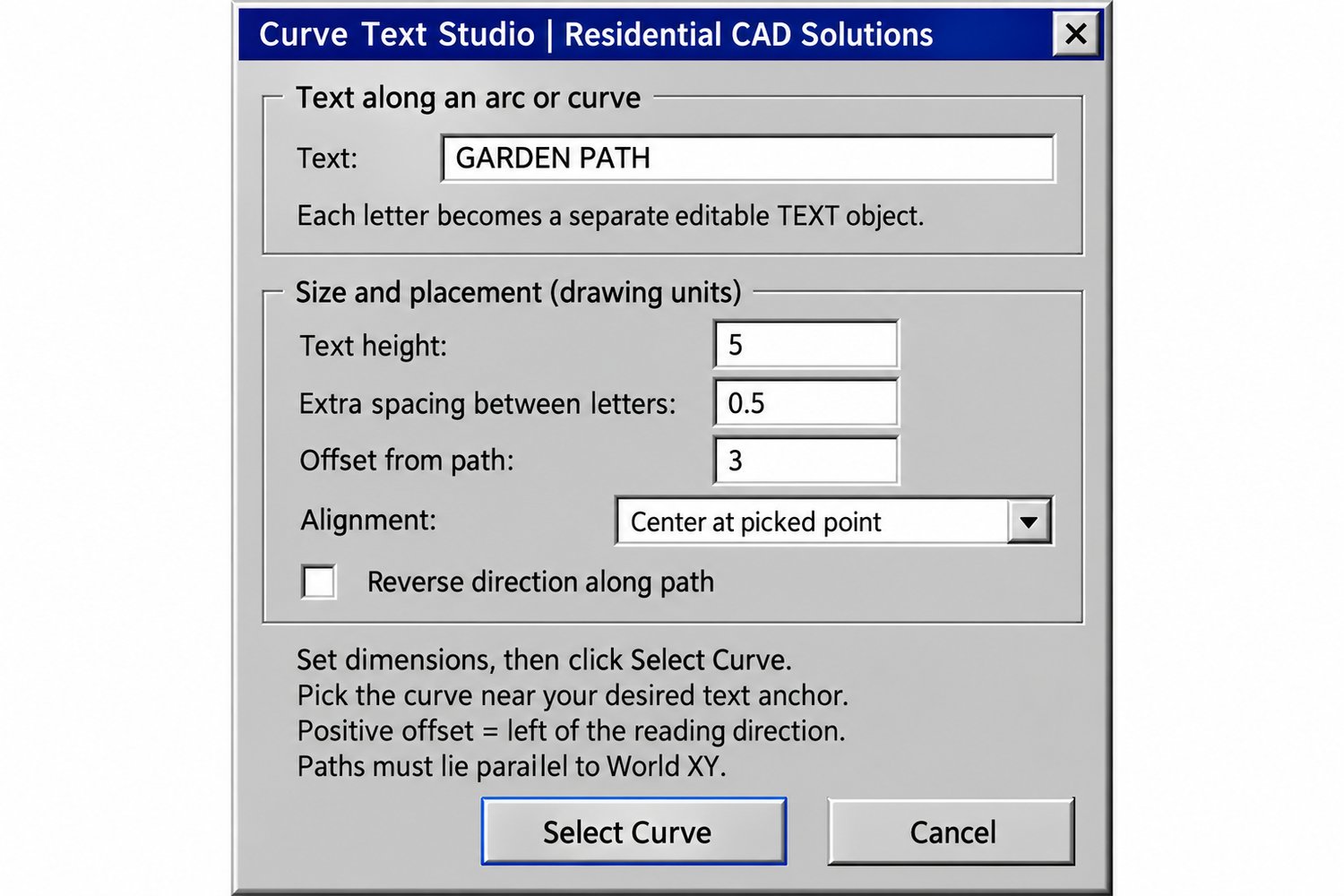
- Enter your own text.
- Adjust text height and extra spacing between letters.
- Control the text’s offset from the selected path.
- Choose alignment and reverse the reading direction.
- Create separate, editable TEXT objects for each character.
- Use the drawing’s current layer and text style.
Set your options, click Select Curve, and pick the path near your desired text anchor.
Drawing guidance: Paths must lie parallel to the World XY plane. Closed paths can wrap once.
A practical tool from Residential CAD Solutions for adding curved lettering to your CAD drawings.