





FlowRamp: speed ramps in one click for DaVinci Resolve Studio
Stop keyframing retime curves by hand. FlowRamp is a plugin that opens right inside DaVinci Resolve Studio and turns speed ramping into a click. Pick a curve, see the result, and get back to editing.
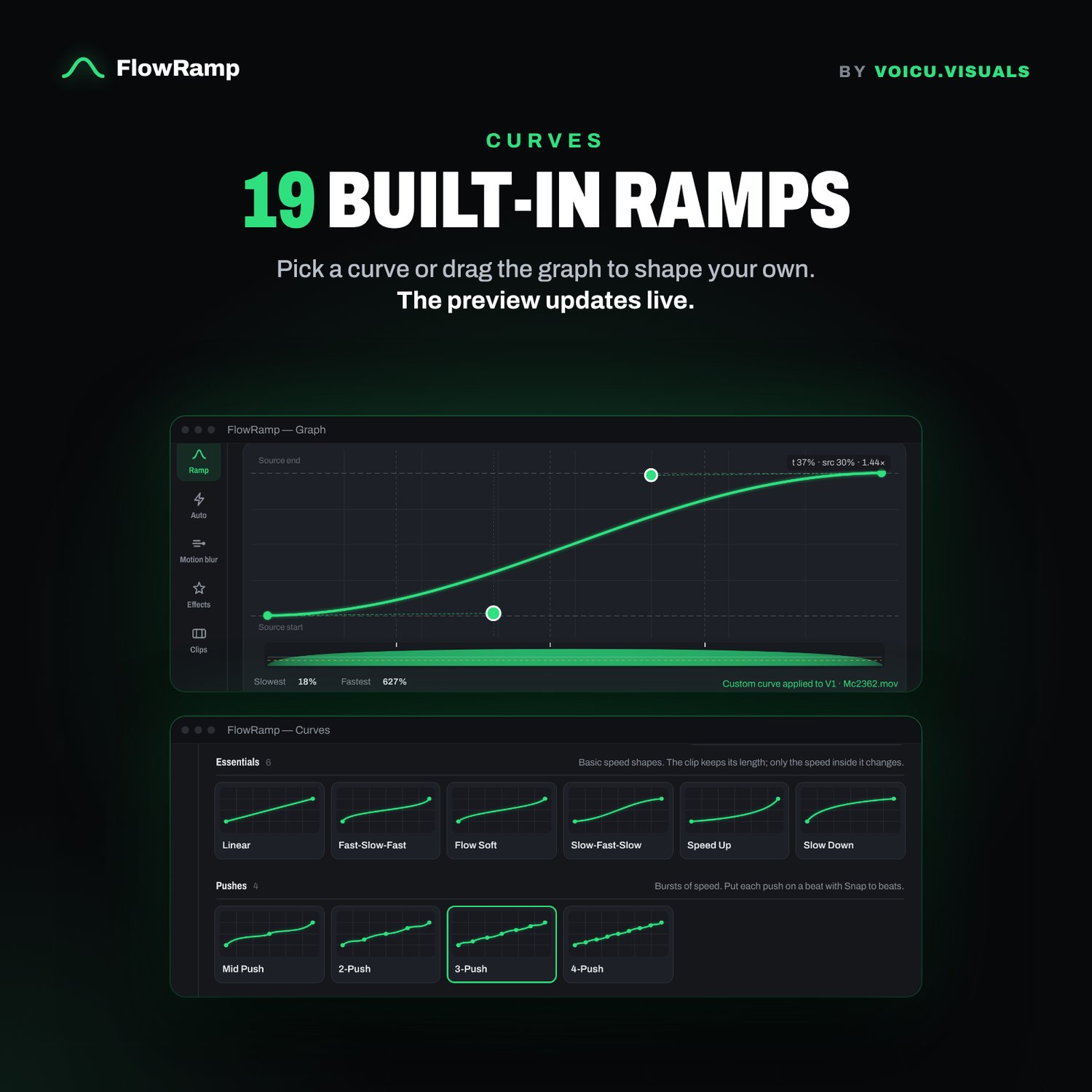
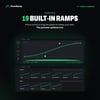
19 built-in speed curves
Every ramp you actually use in car, sport and travel edits, ready to go:
- Essentials: Linear, Fast-Slow-Fast, Flow Soft, Slow-Fast-Slow, Speed Up, Slow Down
- Pushes: Mid Push, 2-Push, 3-Push, 4-Push
- Reverse: Mid Reverse, Boomerang L / Boomerang / Boomerang R, Full Rewind
- Freeze & Stutter: Impact Freeze, Late Freeze, Stutter ×3, Stutter ×5
Your clip keeps its length and its first and last frame. Only the speed inside it changes, so nothing else on your timeline moves.
✍️ Shape your own on the graph
Drag the handles on the curve and the playback speed bar updates live. Hit Save to keep your own curves, or Vary for a quick variation.
👀 Live preview
See the first, key and last frames of your ramp before Resolve renders anything.
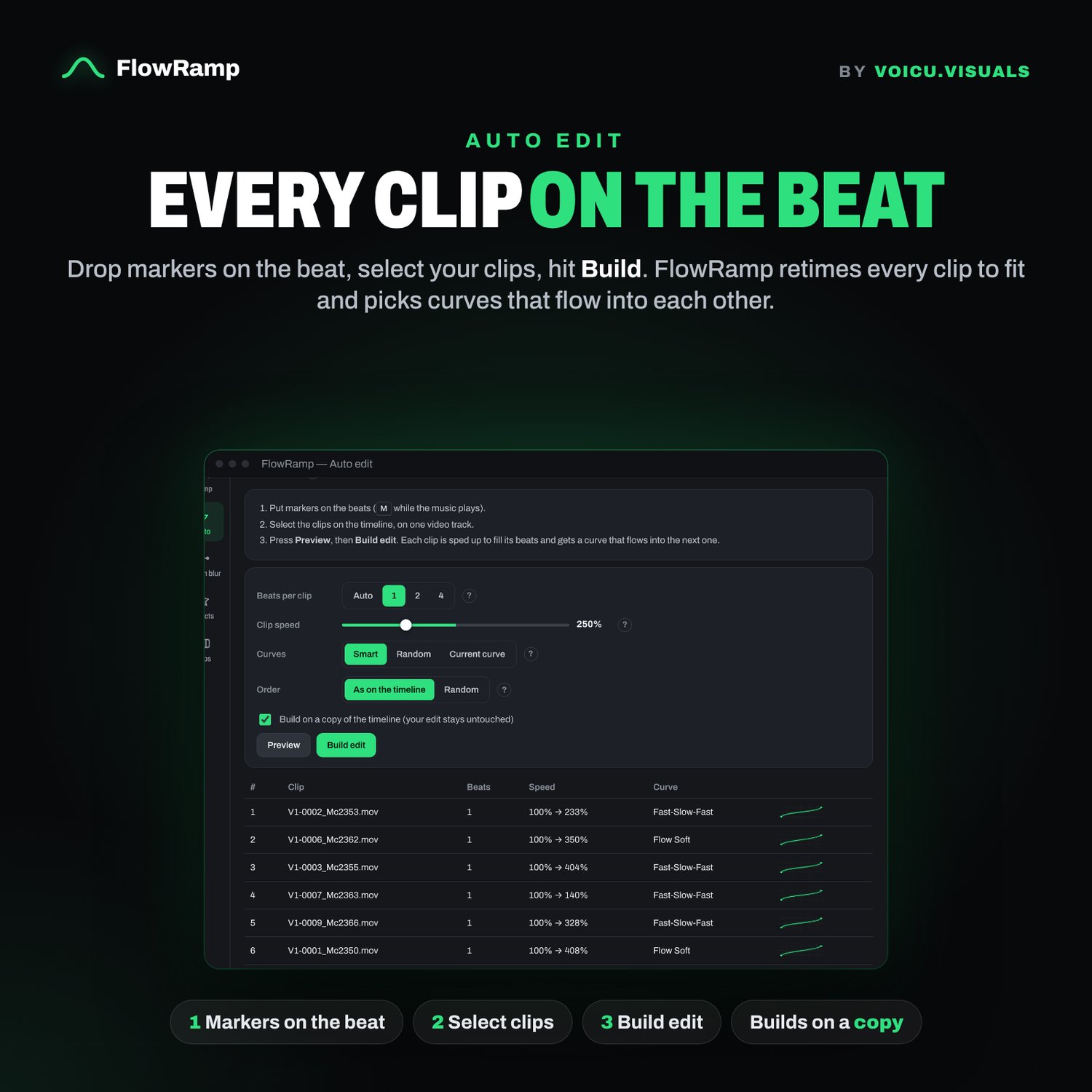
⚡ Auto Edit: every clip on the beat
- Drop markers on the beat (press M while the music plays)
- Select your clips
- Hit Build edit
FlowRamp retimes every clip to fill the gap to its marker and gives each one a curve that flows into the next. Choose Smart curves (picked by clip speed), Random, or your own curve. You can also shuffle the clip order. It builds on a copy of your timeline, so your original edit is never touched.
💥 Effects that hit on your markers
Shake, Zoom punch, Warp, Drop ripple, RGB split, Speed lines, Flash and Glow. Time them to the start, middle or end of a clip, or set On markers so they hit on every beat.
🌀 Smooth motion
- Speed blur: real motion blur on the fast parts of the ramp
- Optical flow: smoother slow motion
- Motion blur: linked to the ramp speed or on its own custom curve
🧰 Workflow tools
Apply a ramp to many clips at once, Snap to beats (puts pushes and freezes on your markers), copy and paste between clips, per-clip history, and Windows/macOS shortcut layouts.
✅ Requirements
- DaVinci Resolve Studio (the paid version). FlowRamp uses Workflow Integrations and the Optical Flow node, which are Studio-only. It does not run in the free version of Resolve.
- Windows or macOS