

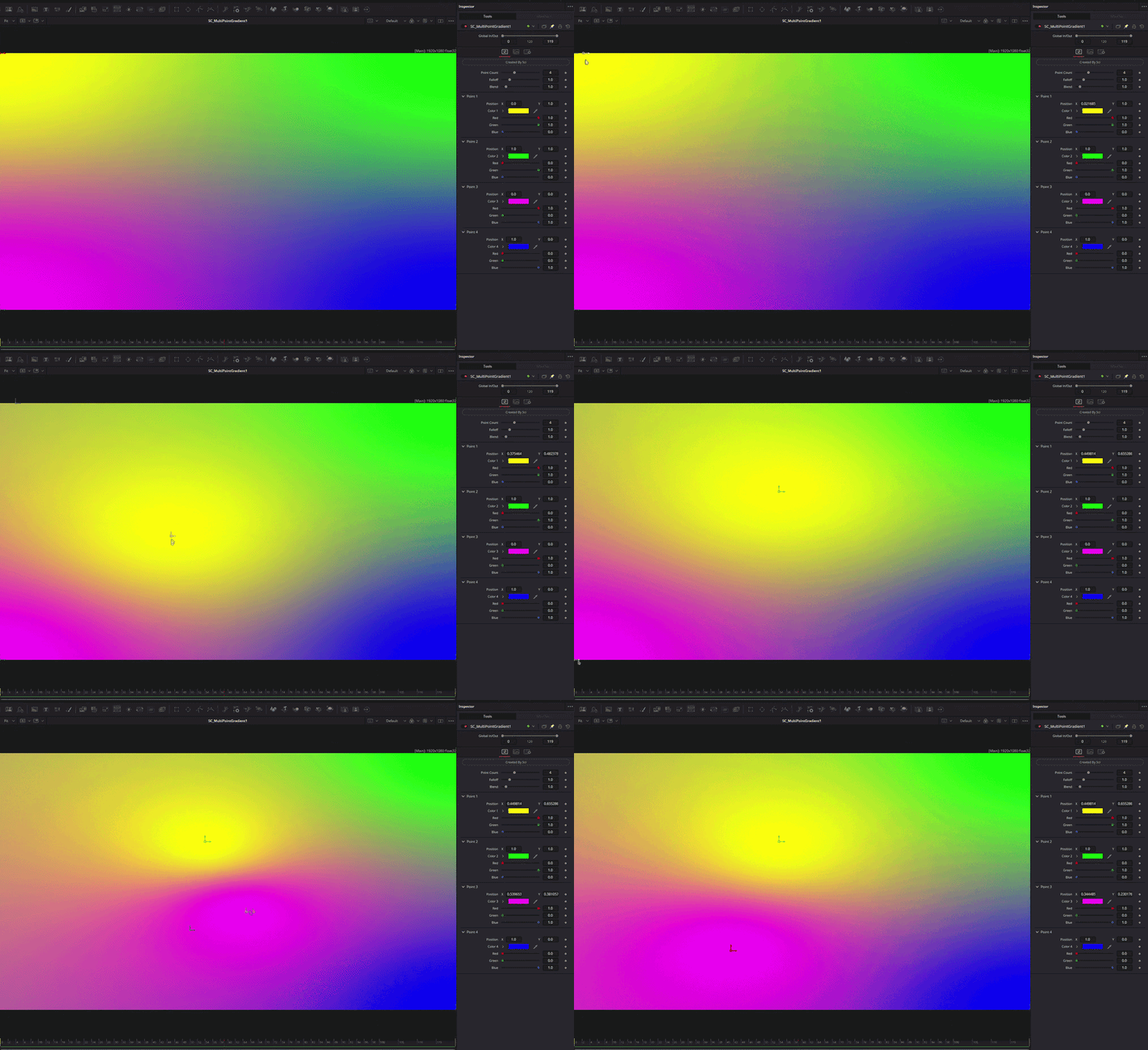
SC_MultiPointGradient Fuse
On Sale
$0.00
Originally SC_4ColorGradient changed to SC_MultiPointGradient.
Works with both Free and Studio versions of Resolve.
Individual point control gradient with up to 8 color points.
- Point Count: The amount of points that exist in the gradient, minimum of 2 and maximum of 8,
- Falloff: Controls how far each color reaches from their origin point.
- Blend: Controls how sharply colors transition where they meet.
- Point Positions: Origin point for each individual point.
- Point colors: RGB control for each position control, no alpha control.
How To Install Fuses:
- Install Fuse File from Payhip
- Find Fuse Installation Path
- Windows: C:\ProgramData\Blackmagic Design\DaVinci Resolve\Fusion\Fuses\
- MacOS: /Library/Application Support/Blackmagic Design/DaVinci Resolve/Fusion/Fuses/
- Linux: ~/.local/share/DaVinciResolve/Fusion/Fuses/
- Restart DaVinci Resolve and locate the effect using the toolbox in Fusion.