
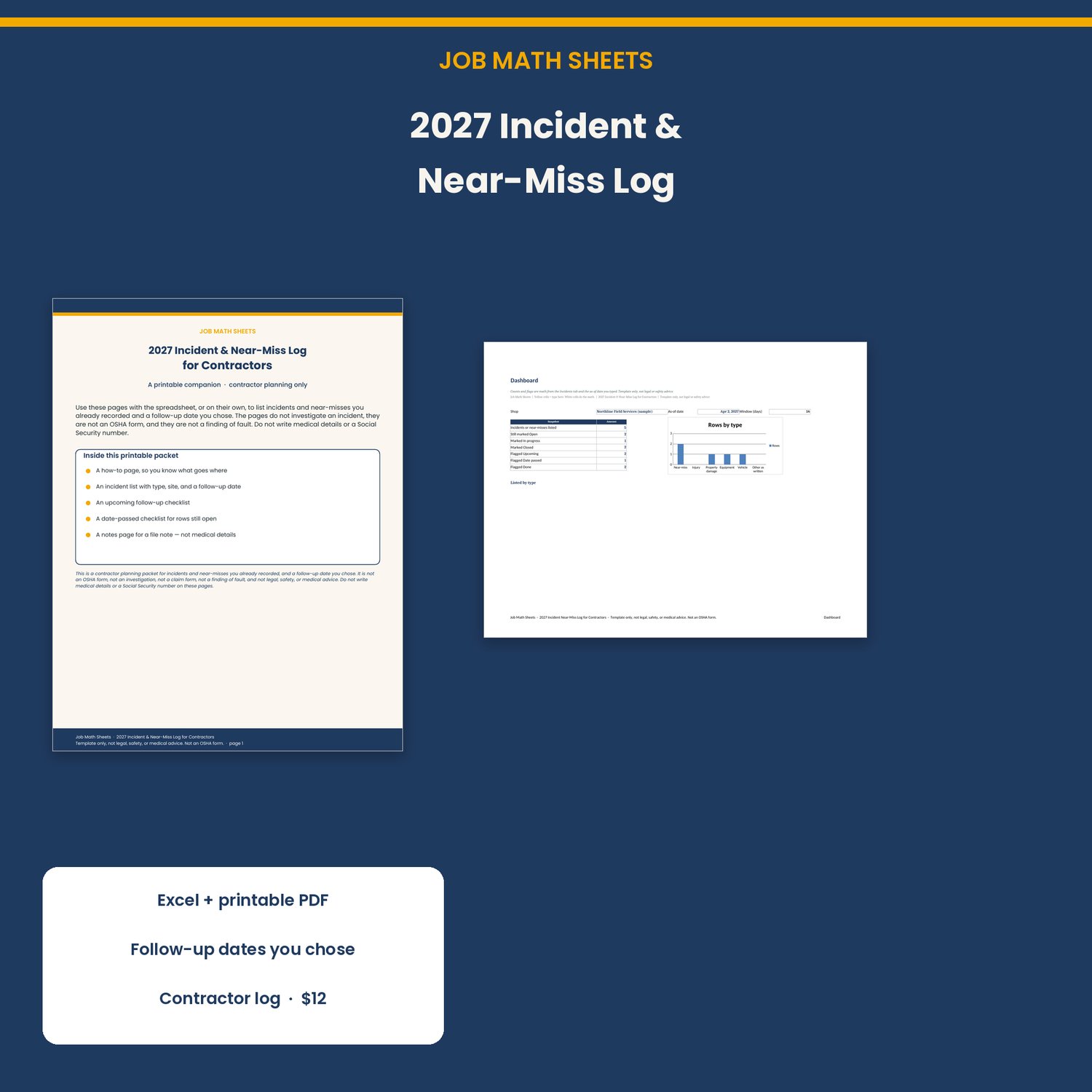
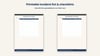
2027 Incident & Near-Miss Log for Contractors: Jobsite Incident Tracker, Follow-Up Dates & Reminder Flags (Excel, Google Sheets, Printable PDF)
A 2027 log of incidents and near-misses you already recorded, with a follow-up date you chose — so an open item is on a list instead of in a text thread.
How it works
1. Type your shop name, an as-of date, and an upcoming window in days.
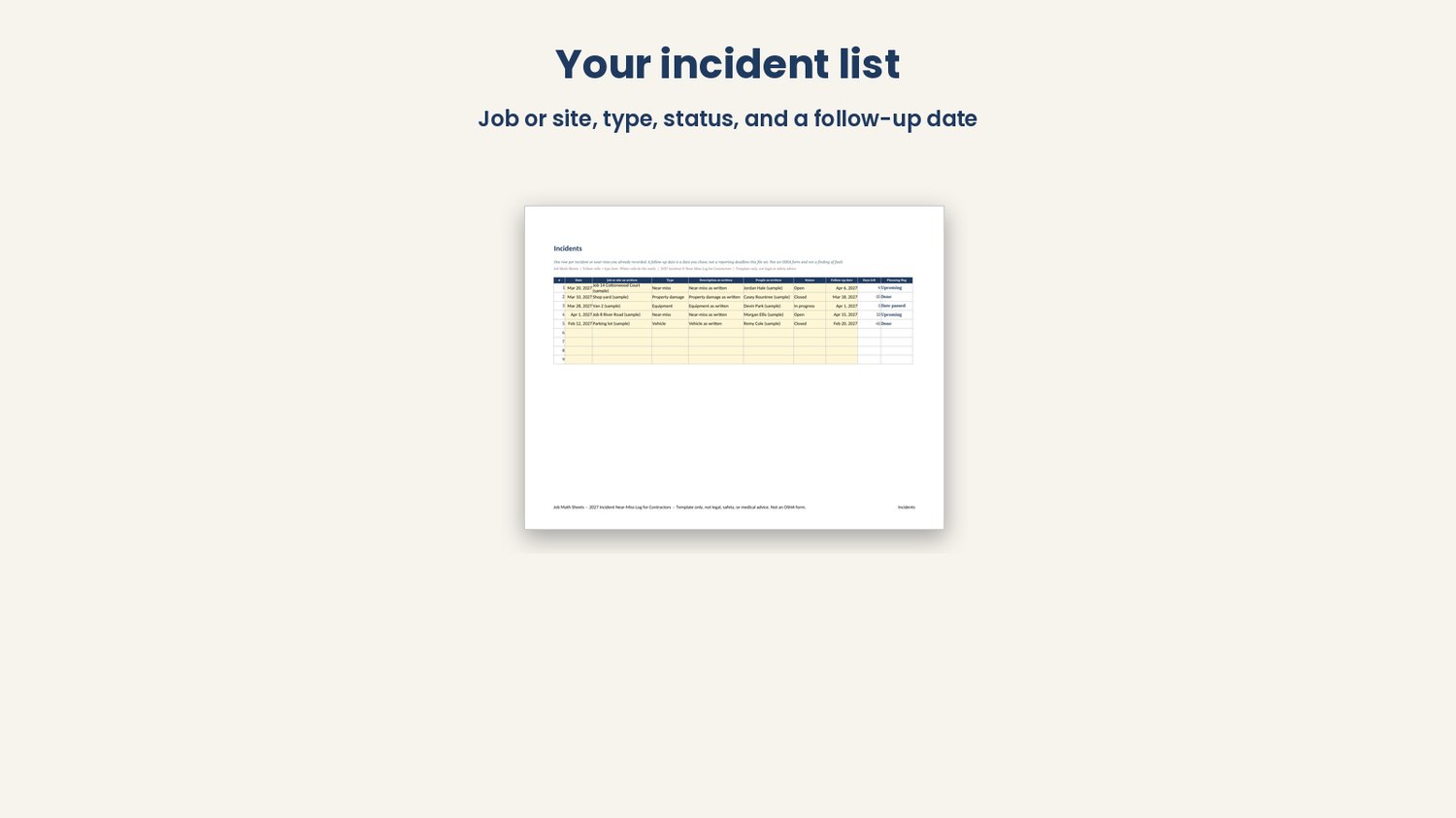
2. Log each incident or near-miss: the date, the job or site as written, a type, a short description as written, people involved as written, a status, and a follow-up date you chose.
3. The sheet shows days left and a planning flag: Upcoming, Date passed, or Done.
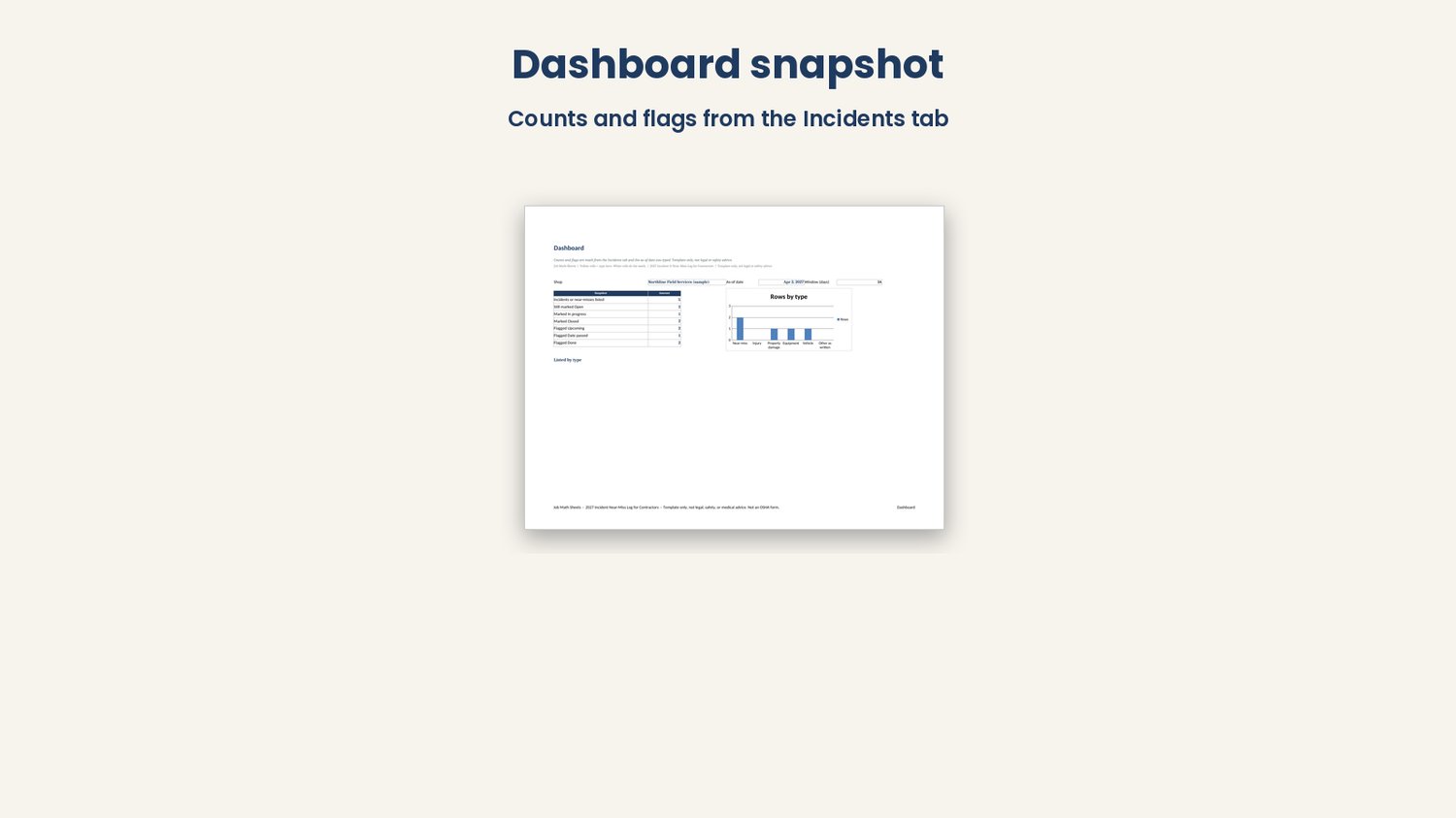
4. The Dashboard counts rows, statuses, flags, and types.
What’s inside
• Spreadsheet (Excel + Google Sheets): Settings, Dashboard, Incidents, Notes, and a plain-English Start Here tab. Includes a filled-in EXAMPLE file.
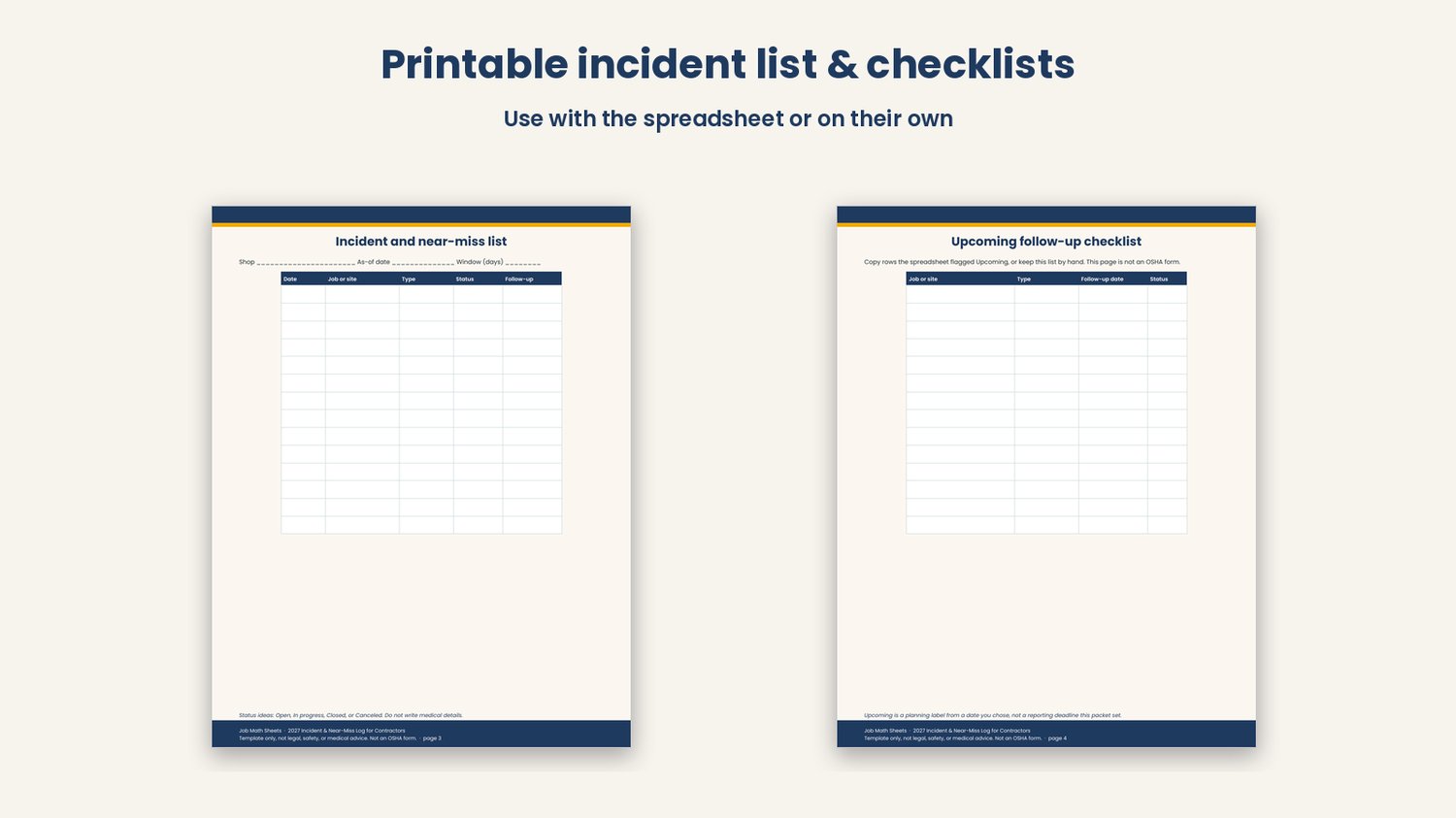
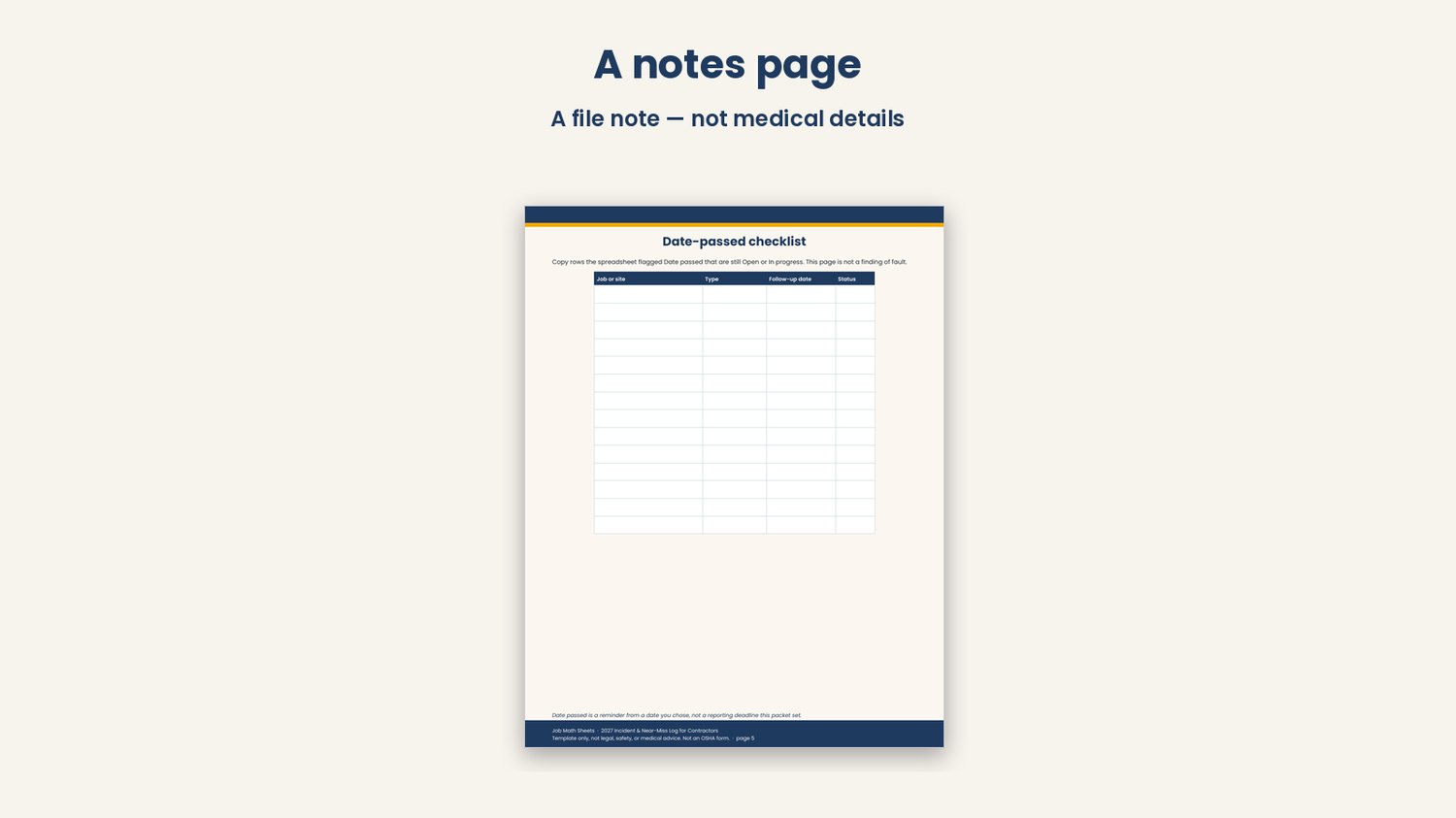
• Printable US Letter PDF (6 pages): how-to, an incident list, an upcoming checklist, a date-passed checklist, and a notes page.
• START-HERE.txt
Yellow cells are where you type. Formula cells are locked (no password). Works in Excel 2016 or newer and Google Sheets. No macros.
Template only, not legal, safety, medical, or insurance advice. This is not an OSHA form, not an incident investigation, not a claim form, and not a finding of fault. It does not file a report with an agency. Do not type medical details or a Social Security number. Example names, jobs, and descriptions are placeholders.