
Change Order and T&M Tracker for Contractors, Excel and Google Sheets, Change Order Log, Time and Materials Tickets, Printable Change Order Form
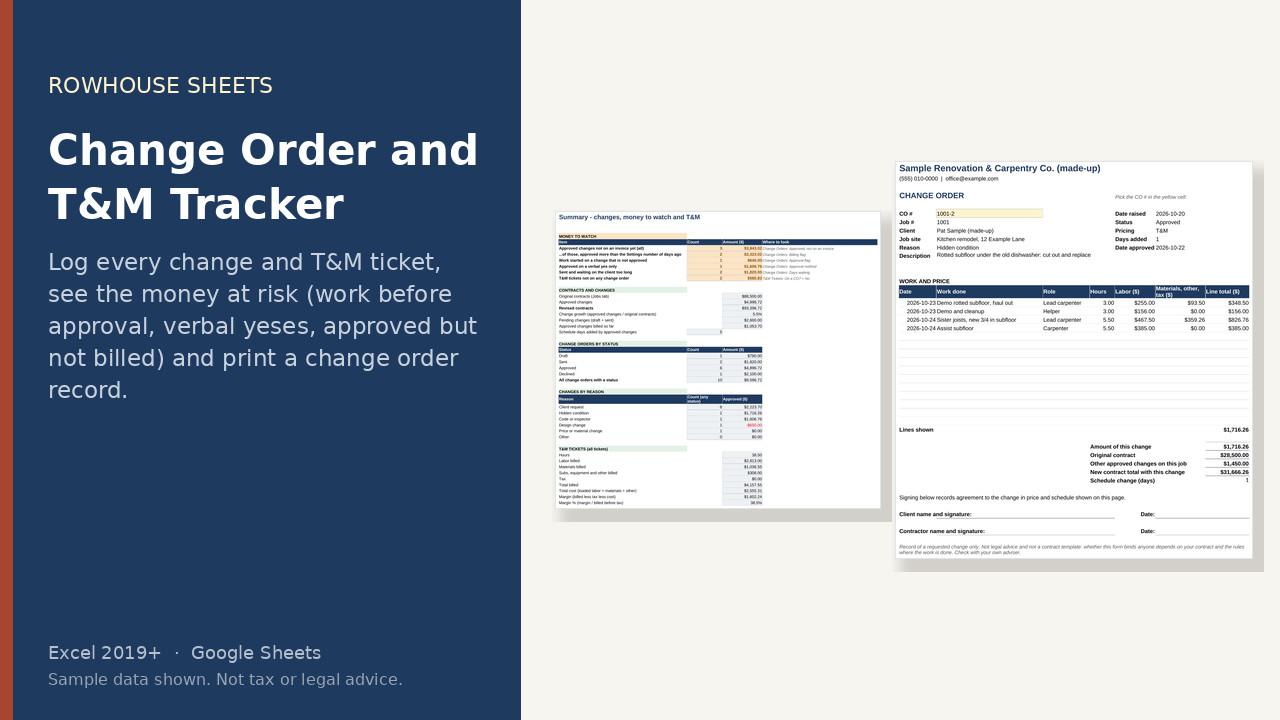
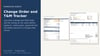
A change order and T&M (time and materials) tracker for remodelers, carpenters and small trade contractors. Log every change on every job and every T&M ticket, and the sheet shows the money to watch: work started before the client approved, changes approved only by a verbal yes, change orders waiting on the client, approved changes that are not on an invoice yet, and T&M work that is not on any change order. Print a one-page change order record for the client to sign. Excel and Google Sheets. No app, no sign-up, no subscription.
Intro offer: enter code CO1600 at checkout for $3 off ($16.00 instead of $19.00). The code works for the first 20 uses and ends January 12, 2027.
WHAT IT HANDLES
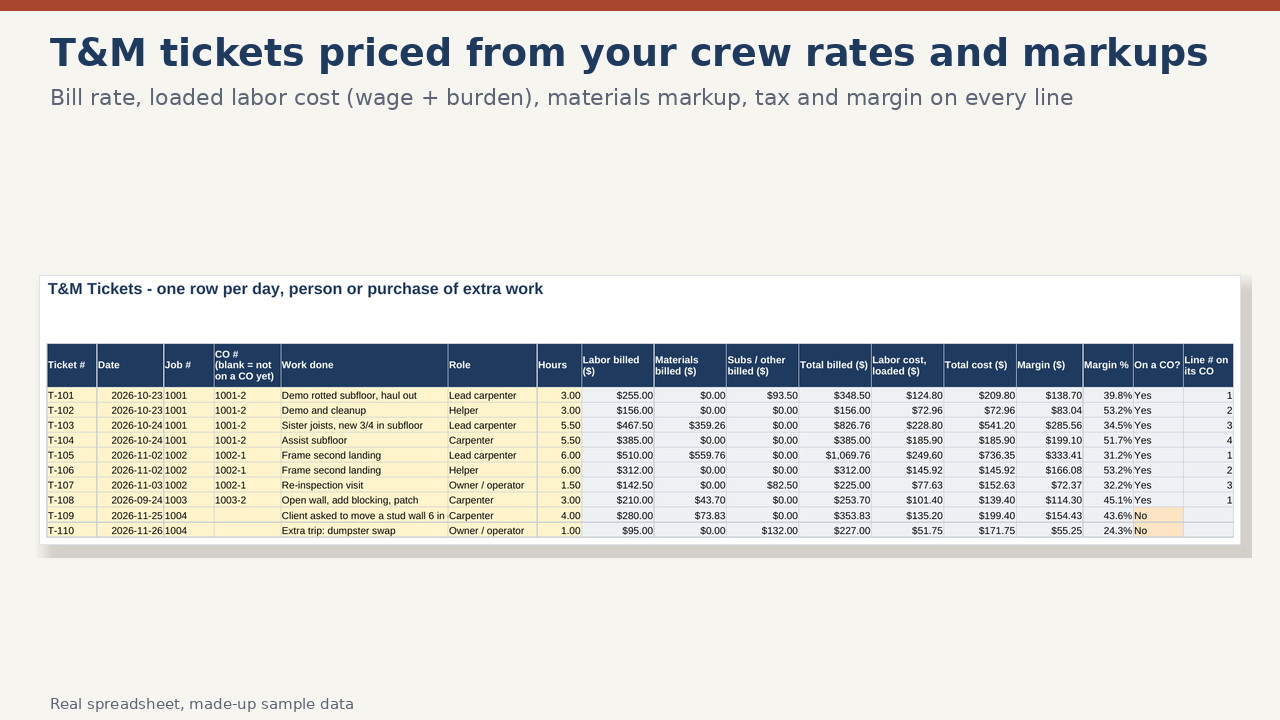
- Crew rates: one row per role with base wage, burden % (payroll taxes, comp, insurance as you work them out) and bill rate. The sheet works out the loaded cost per hour, so every T&M line shows what you billed and what it cost you.
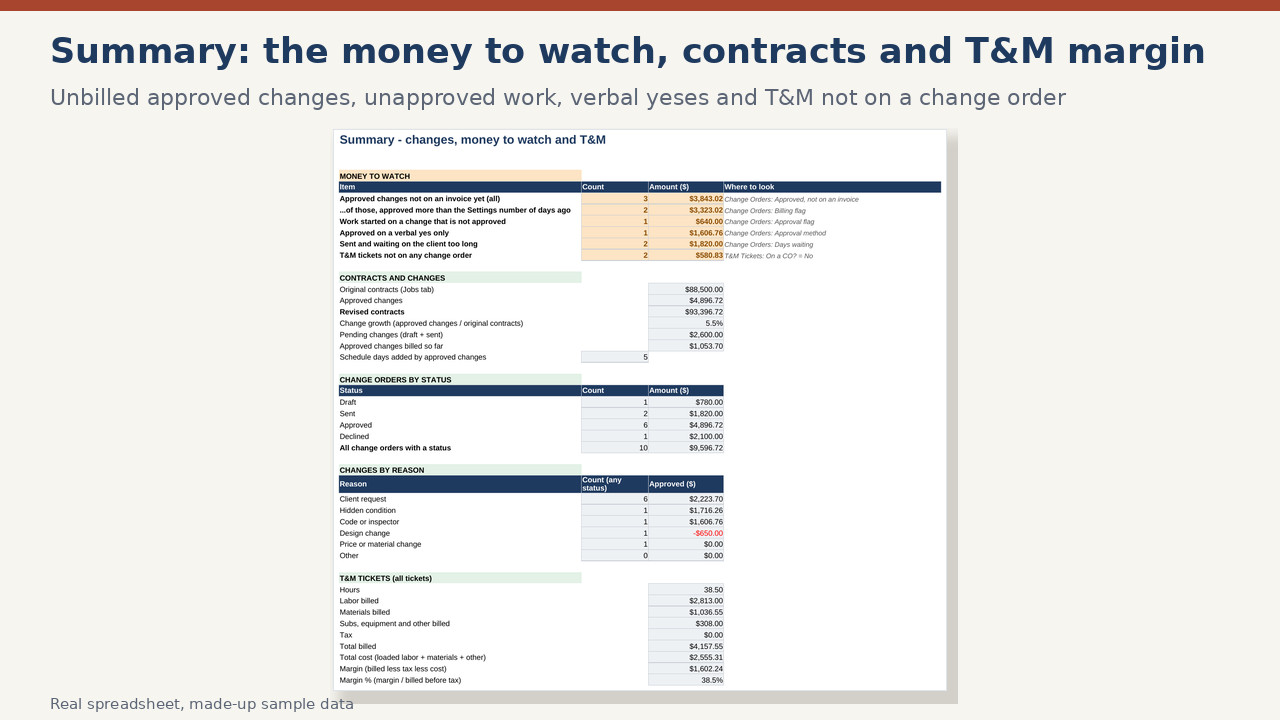
- Jobs: original contract, approved changes, revised contract, pending changes, changes billed, approved but not on an invoice, change growth, T&M not on a change order and the number of flagged change orders.
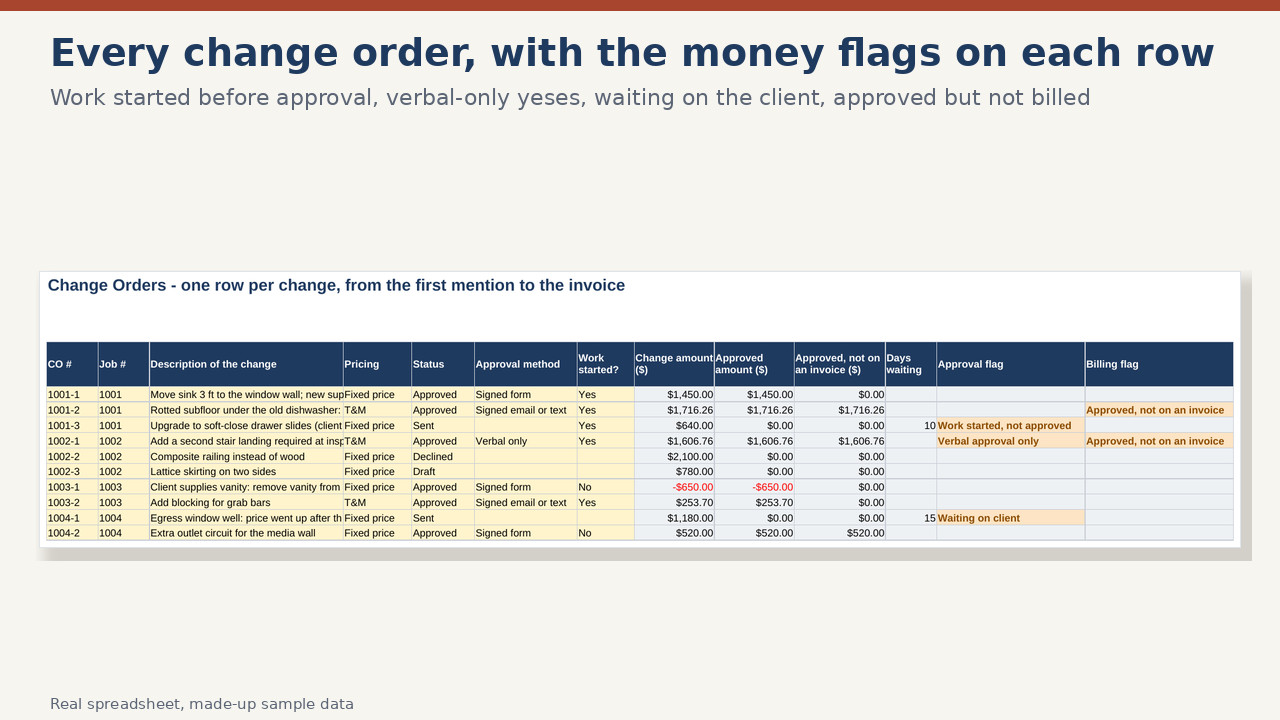
- Change orders: fixed-price or T&M, reason (client request, hidden condition, code or inspector, design change, price or material change, other), status (Draft, Sent, Approved, Declined), dates, approval method, work started, billed to date and an invoice reference. Credits (negative changes) work too.
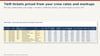
- T&M tickets: date, job, change order, role and hours, materials and subs/other at your cost. Labor at your bill rate, materials and other costs with your markups, optional sales tax on materials at your rate, total, cost and margin on every line.
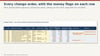
- Money flags on every change order row, with day limits you set in Settings.
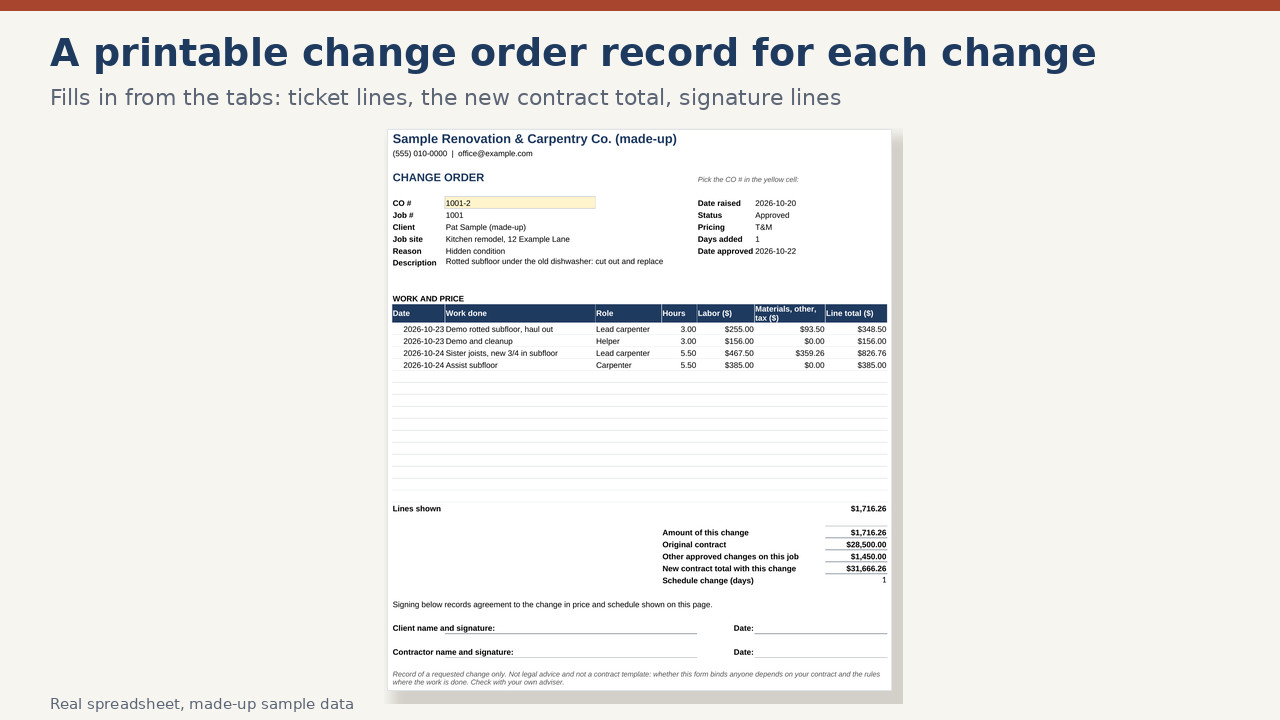
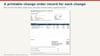
- CO Form: pick a change order and the form fills in the job, client, reason, description, dates and the ticket lines (or one fixed-price line), then shows this change, the original contract, other approved changes and the new contract total, with client and contractor signature lines. Prints on one page.
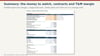
- Summary: the money to watch, contracts and changes, change orders by status and by reason, T&M hours, billed, cost and margin, and approved changes by month.
- Checks: a Check column on every tab flags a missing job, a CO # that is not on the Change Orders tab or belongs to another job, a duplicate number, an unknown role, a date after the as-of date and similar mistakes. A Checks tab adds the totals up and cross-checks them between tabs.
- Start Here tab and a two-page Quick Start PDF with a worked example.
WHAT YOU GET (instant download)
1. Rowhouse-Change-Order-Tracker-Excel.zip: the tracker for Excel (.xlsx), a DEMO copy with made-up jobs, changes and tickets, and the Quick Start PDF
2. Rowhouse-Change-Order-Tracker-GoogleSheets.zip: the Google Sheets import copy, its DEMO copy, and the Quick Start PDF
3. Rowhouse-Change-Order-Quick-Start.pdf: the two-page Quick Start on its own
CAPACITY
200 jobs, 500 change orders, 1,000 T&M ticket lines and 10 crew roles per file. When a file is full, the Checks tab says so: start a new file and carry open jobs over.
BUILT FOR
Excel 2019 or later and Microsoft 365 on a Windows or Mac computer. Google Sheets in a desktop browser (upload the Sheets copy to Google Drive, open it with Google Sheets, then save it as a Google Sheet). Not supported: Apple Numbers, phones or tablets, Excel for the web as your main tool. US dollars.
WHO IT IS FOR
Remodelers, carpenters, handymen and small trade contractors who price extra work as fixed-price change orders or as time and materials and want one place to see what was approved, what was billed and what is still at risk.
WHAT IT DOES NOT DO
It is not a contract template and does not decide whether a change order is binding. It does not give legal, tax or accounting advice, decide what is taxable where you work, or calculate payroll taxes or burden for you (you enter your own burden %). It does not send anything, take payments, keep your books or connect to other software. Markups and rates are starting values you change to your own.
ABOUT THE CO FORM
The CO Form is a plain record of a requested change: what changed, the price and schedule effect, and lines for signatures. Whether a signed form binds anyone depends on your contract and the rules where the work is done; change-order and home-improvement rules vary by state. Check the wording with your own adviser before you rely on it.
This is a record-keeping template, not legal advice. Check your contract and your state's rules.
IMPORTANT
Record-keeping tool only. Not legal, tax, accounting or contracting advice. Names, jobs and figures in the DEMO copy are made up. Screenshots show made-up sample data.
FREE SAMPLE
A free one-job sample (10 change orders, 20 ticket lines and 4 crew roles, with three made-up changes and five tickets filled in) is available as a separate free download from this shop. It has the same formulas, flags and CO Form as the full tracker.
HOW THIS WAS MADE
This workbook, its instructions and this description were created with the help of AI tools under my direction. The formulas were checked in automated tests against hand-worked examples and an independent calculation. Tested in Google Sheets and LibreOffice Calc; built to the .xlsx standard for Excel. That is not a professional legal, tax or accounting review.
LICENSE
Licensed for use in the buyer's own contracting or trade business; no resale or redistribution. You may share a copy with your own bookkeeper or tax preparer.
TRADEMARKS
Excel and Microsoft 365 are trademarks of Microsoft Corporation. Google Sheets and Google Drive are trademarks of Google LLC. Rowhouse Sheets is not affiliated with, or endorsed by, Microsoft or Google.
SELLER
Eli Klein, sole proprietor. Contact: hello@rowhousesheets.com
UPDATES
If a formula error is found in version 1.0, I will replace the files on this product so past buyers can download the corrected version. Your inputs stay in the same cells, so you can copy them across.