
Olive Green Wedding Website Template with RSVP
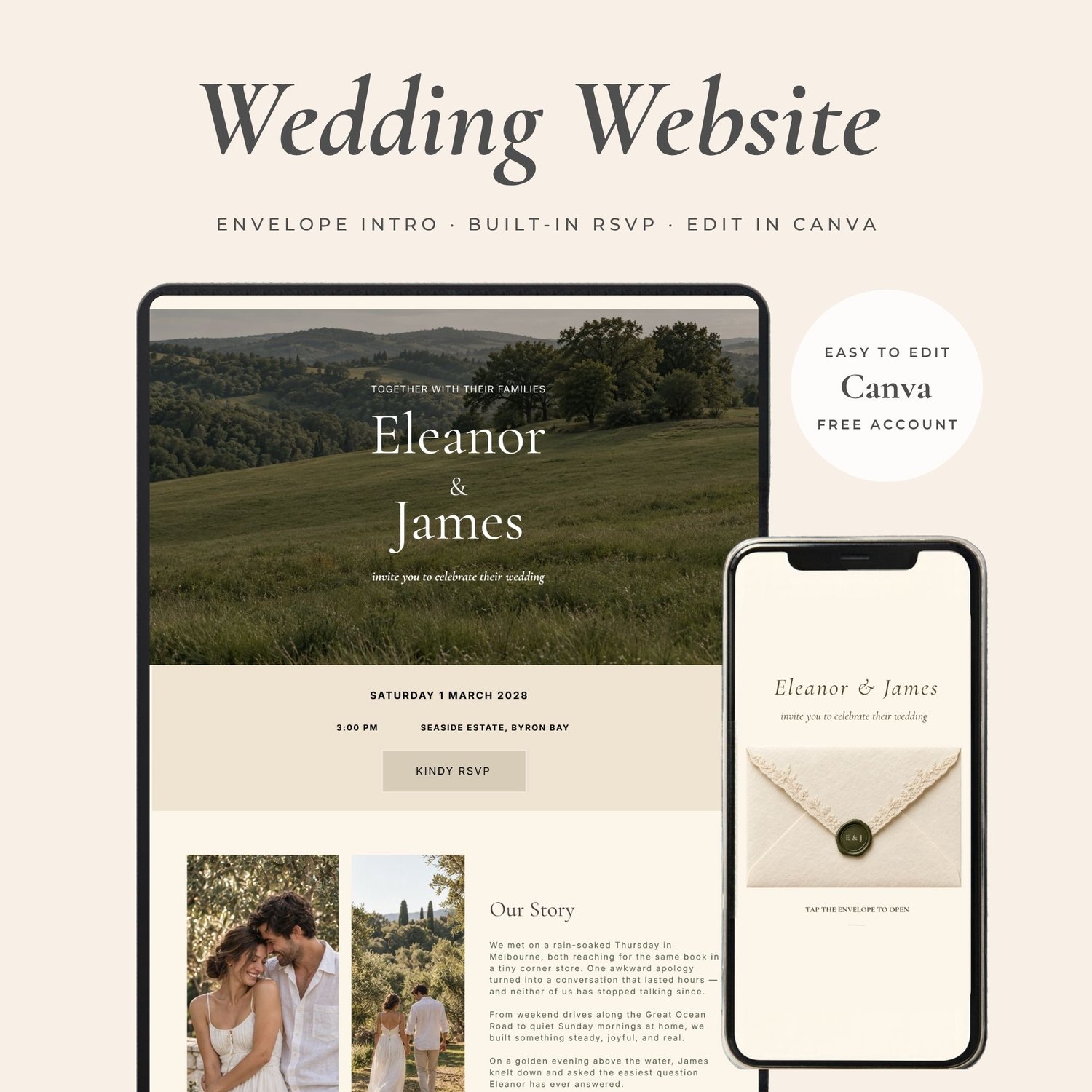
Your wedding invitation website, ready to make your own.
Get instant access to this editable olive-and-ivory Canva template and start customising in minutes.
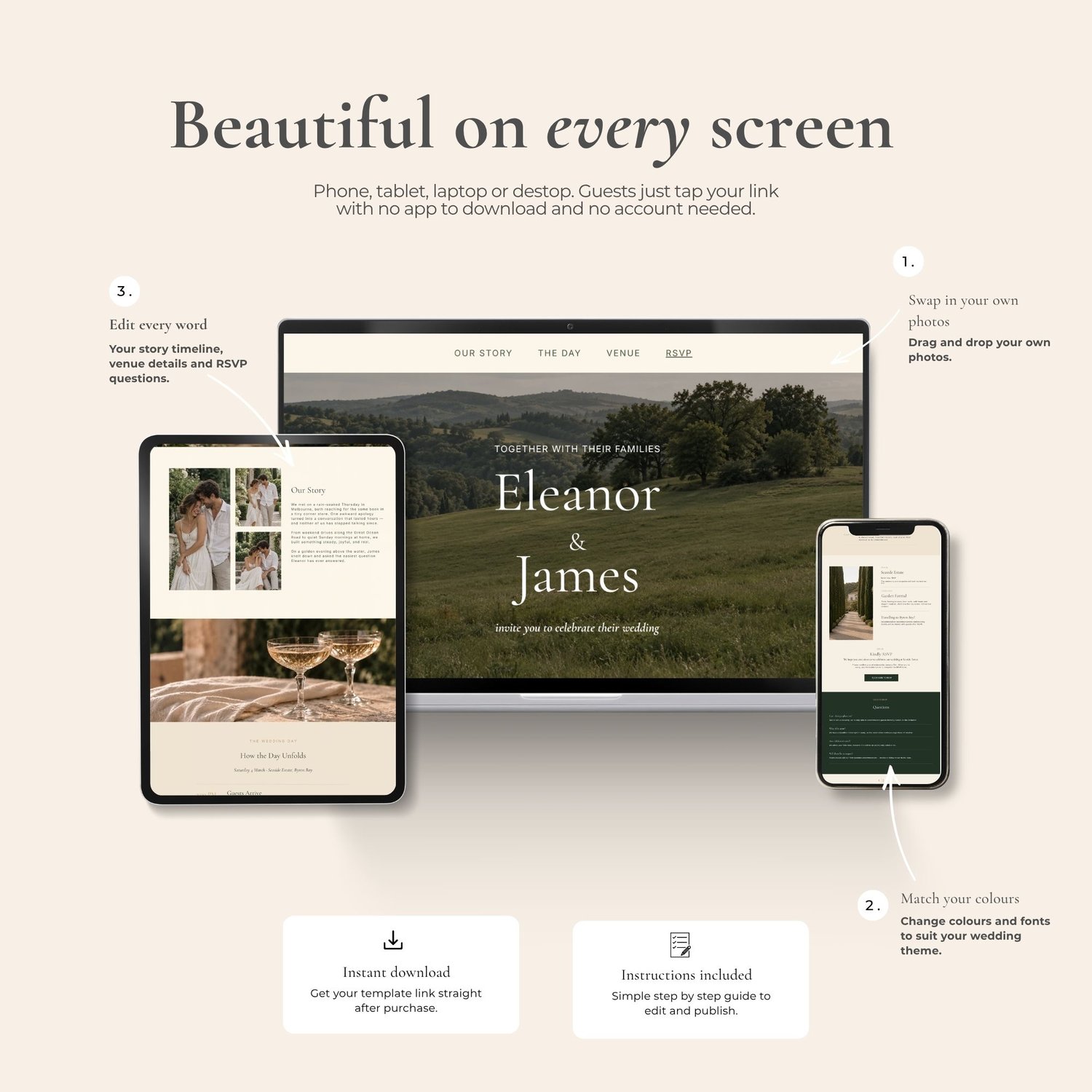
Add your names, wedding details and photographs, then publish and share one beautiful link with your guests.
With an envelope entrance, space for your wedding plans and an editable RSVP form, it brings the details together in one place.
Edit with a free Canva account. No coding needed.
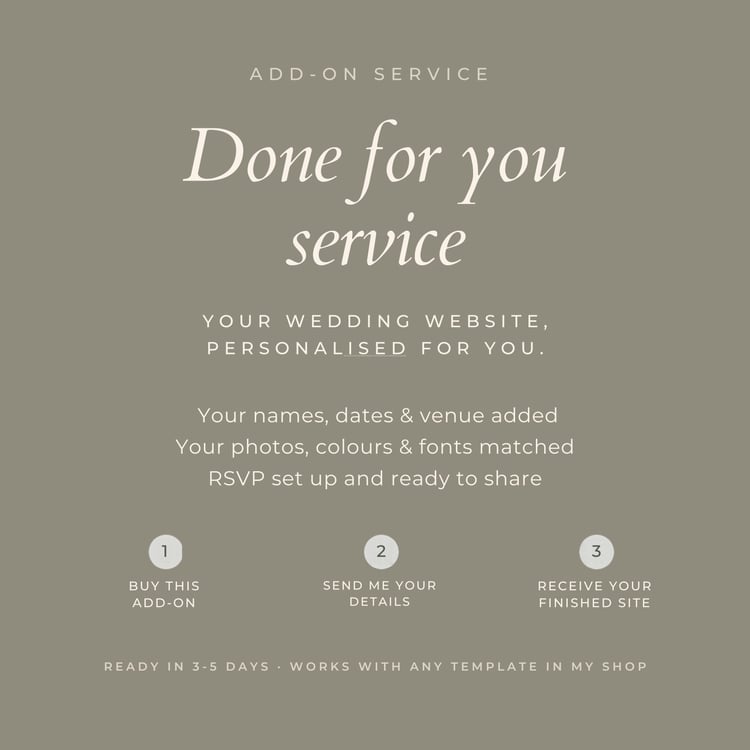
Prefer to leave the editing to me?
Simply add the Done for You Service for an extra $29, send me your details and photographs, and I’ll personalise the template for you. Add it here
Want to see it before you buy?
Open the sample invitation, explore the website and try the RSVP form.
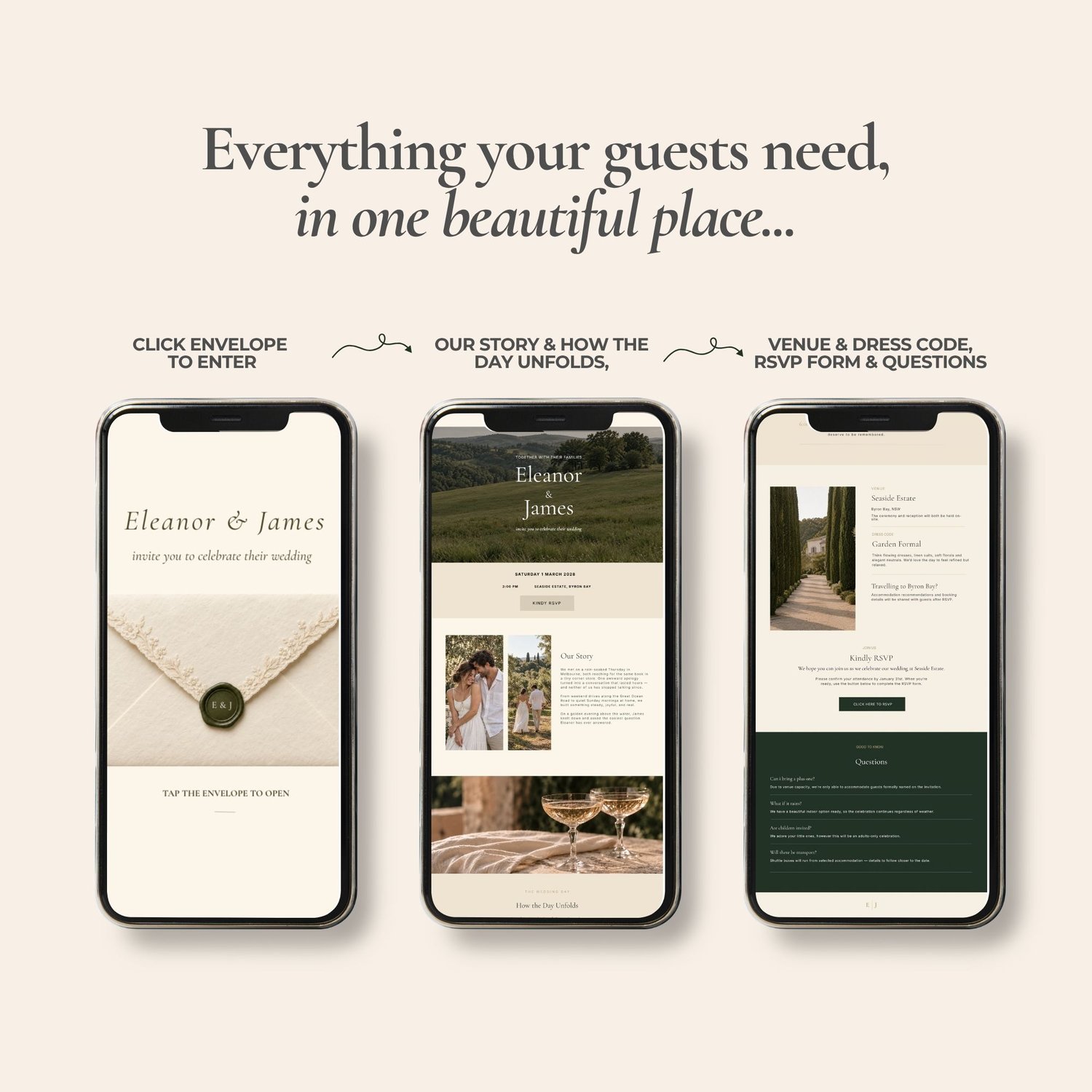
Everything they need, in one place
From where to be and what to wear, to what time the celebrations begin—give guests one place to find the details, without searching through messages.
What’s included
- Editable Canva wedding website template
- Click-to-enter envelope introduction with wax-seal design
- Wedding welcome section with your names, date and location
- Our Story section and spaces for your photographs
- Wedding-day timeline
- Venue, dress code and travel information sections
- Editable RSVP form and menu questions
- Guest questions and answers section
- PDF with your template access link and editing and publishing instructions
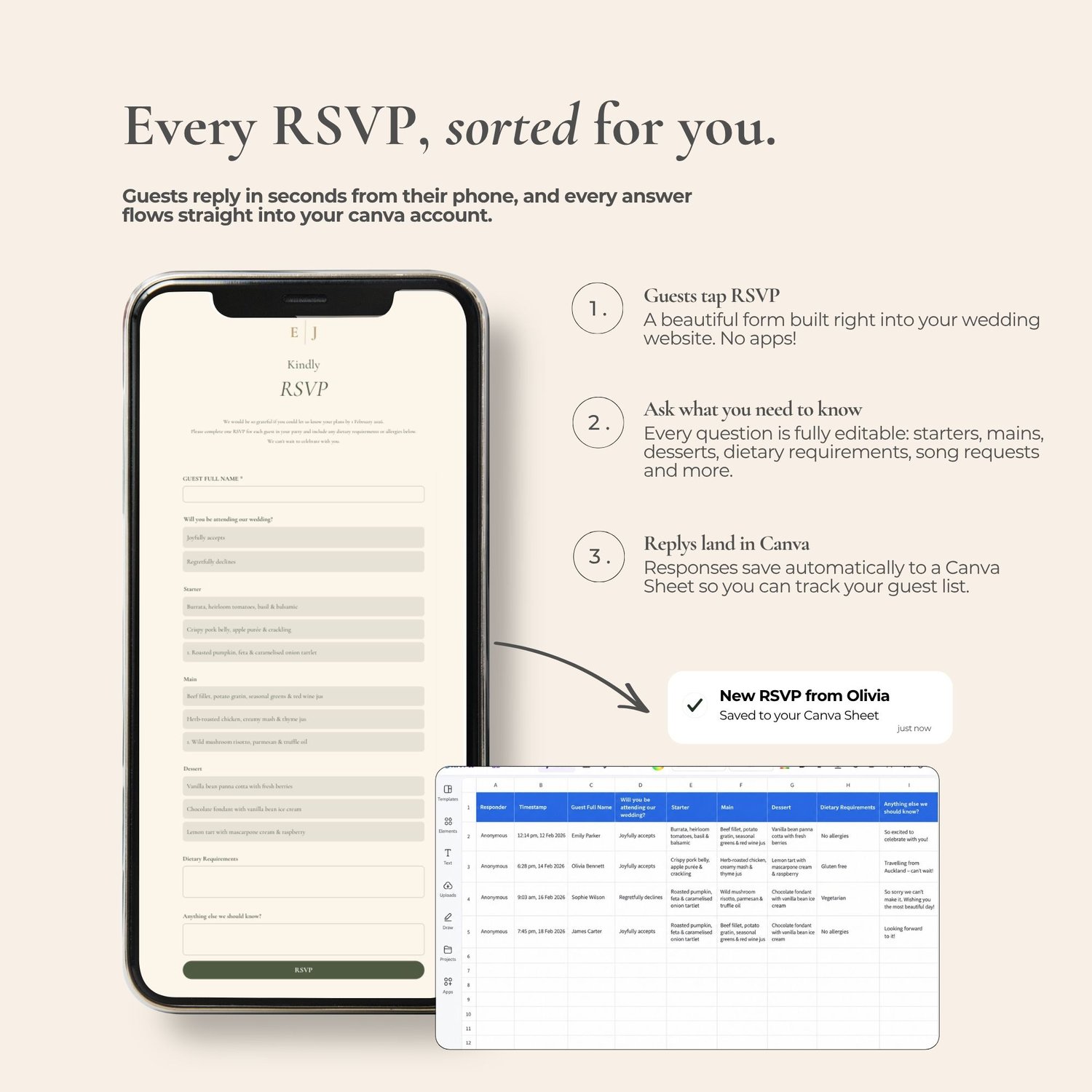
Guest replies, gathered together
Personalise your RSVP form to collect attendance, meal choices, dietary requirements and anything else you need to know before the day.
Guests follow the RSVP button on your published website to complete the form. Review their responses in Canva and organise them in a Canva Sheet.
Guests don’t need to download an app or create a Canva account to view your website or RSVP.
Change the wording, photographs, colours and fonts. Update the timeline, venue details, questions and menu choices to suit your celebration.
Download your access guide. After purchase, open your PDF and follow the Canva template link.
Make it yours. Sign in to Canva and add your photographs, wedding details and RSVP question
Publish and test. Follow the instructions, check your links and submit a test RSVP.
Share with your guests. Send your published website link when you’re ready.
A few helpful answers
Do I need Canva Pro?
No. You can edit and publish this template with a free Canva account using a Canva website address.
What can I change?
The wording, photographs, colours, fonts, wedding details, RSVP questions and menu options are editable.
How do I see the RSVPs?
Open your form’s responses in Canva. You can also organise the replies in a Canva Sheet.
What will I receive?
A digital PDF containing your Canva template access link and instructions. No physical item will be shipped.
Will you personalise it for me?
This purchase is for a self-editable template. If you would like me to do it for you please add this personalisation service HERE
Can I see it before buying?
Explore the live demo using the QR code in the product images. You can also message Pinevia Events with any questions before purchasing.
Make this design your own and give your guests one lovely place to find every detail!