
Scan Studio - Offline Document Scanner, Bulk PDF & OCR
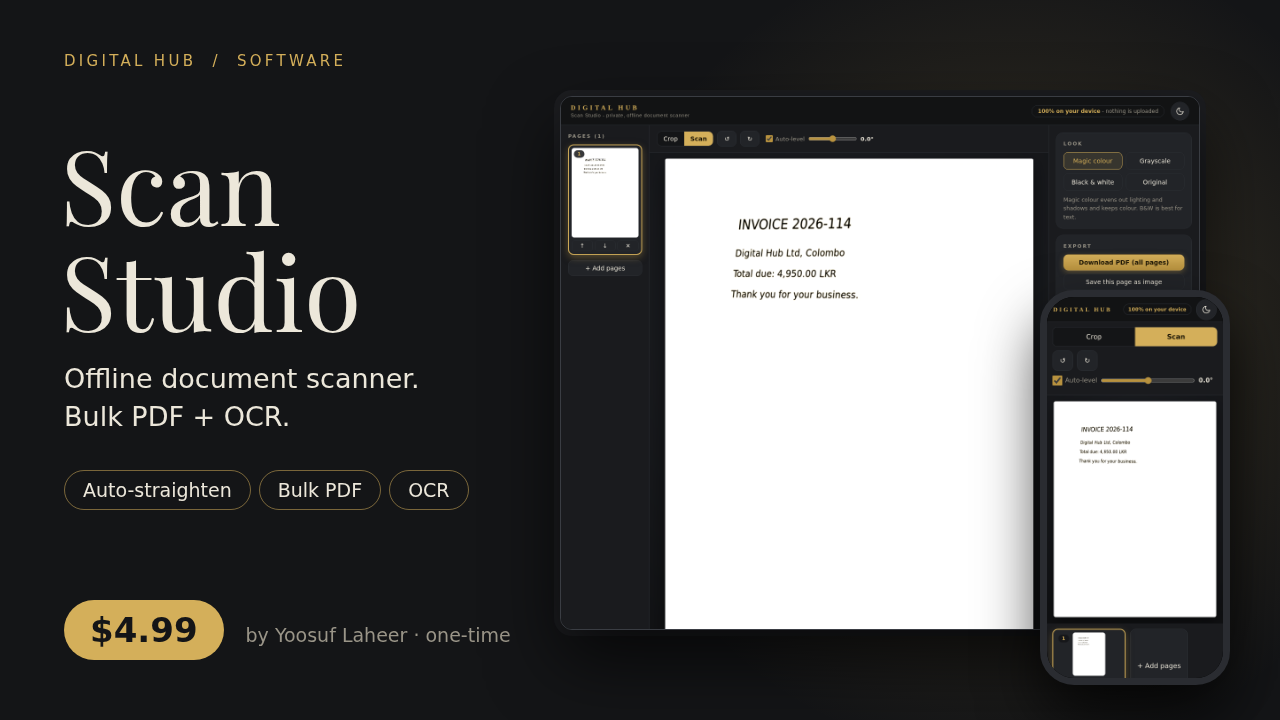
Turn a crooked phone photo into a flat, clean page without uploading it anywhere. Scan Studio is a single browser file you open on your own device. Add photos or take a picture, and the corners of the page are found for you. Drag them if they are off. The page is flattened and the text lines are levelled, then you pick Magic colour, Grayscale or Black & white. Queue up as many pages as you like, reorder them or delete the bad ones, then download one multi-page PDF. You can also save every page as an image. It can read text too. The built-in offline reader works on clear printed English and copies the result with one tap. For handwriting, there is an optional switch: paste your own free Gemini API key (a 4-step guide is inside the tool) and the page is read by Google's Gemini instead. Without a key it never goes online, and with a key only the page you press Read on is sent to Google. New: "Polish to document" (own Gemini key) rebuilds a scan as a clean, professional document, with tables and charts redrawn, and downloads it as one PDF or HTML. Your key stays in your own browser. No account, no subscription, no app install. Version 1.0 includes the HTML tool, START-HERE.txt and a customer-use license. Before you buy: PDFs are made from page images, so text in the PDF is not selectable or searchable. Offline reading is for printed English text and is not reliable on handwriting. Polish to document is AI-made, so check names and numbers, and its PDF text is not selectable. Handwriting reading and Polish need your own Gemini key and an internet connection, and Google's free-tier limits and terms apply. Edge detection works from brightness, so white paper on a white desk may need the corners dragged by hand. Scans are not saved between visits, so download before closing the tab. Desktop Chrome or Edge is recommended. The layout fits phones, tested on Chrome at phone size, but other phone browsers and iPhone are not certified.