


Local Share
Local Share — Fast File Sharing Over Your Local Network
Send files between your devices instantly — no internet, no cloud, no size limits.
Local Share connects your devices directly over your home or office Wi-Fi and transfers files at full network
speed. Nothing leaves your network. No account required.
---
Why Local Share?
Every other file sharing solution sends your files through a server. Local Share doesn't. Your files go directly
from one device to another — faster, private, and works even without internet.
---
FREE ON MOBILE — FOREVER
The mobile app (Android & iOS) is free to download. Basic file transfers between devices cost nothing, no account
required. Premium mobile features like password-protected transfers, QR pairing, compression, and transfer history
are available via subscription.
---
DESKTOP — ONE-TIME PURCHASE. ALL FEATURES. FOREVER.
The desktop app unlocks everything — every feature that exists in the mobile Premium tier, with no subscription. Pay
$2.99 once and you're done.
Works on Linux and Windows.
---
WHAT YOU GET ON DESKTOP
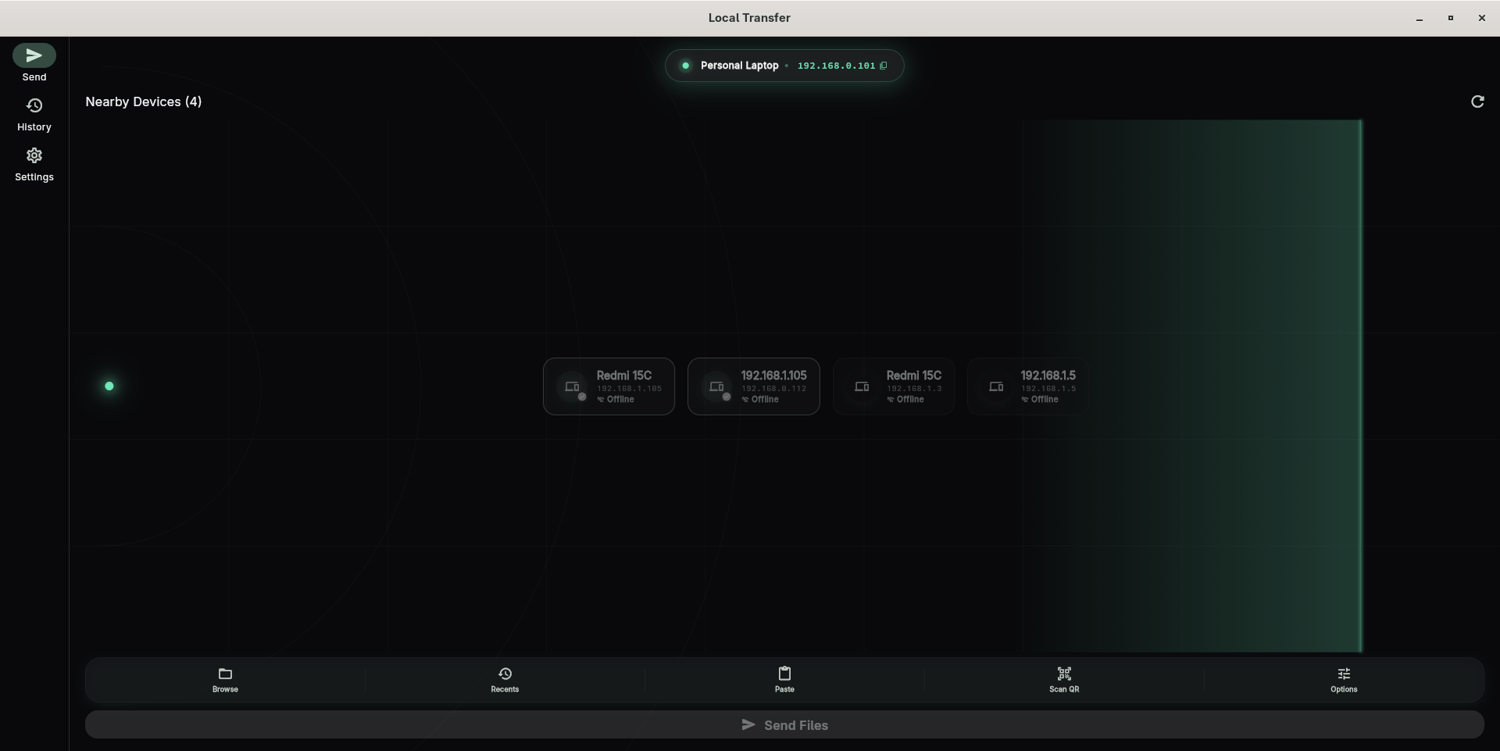
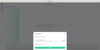
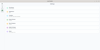
• Send and receive any file at full Wi-Fi speed
• Drag and drop files directly into the app
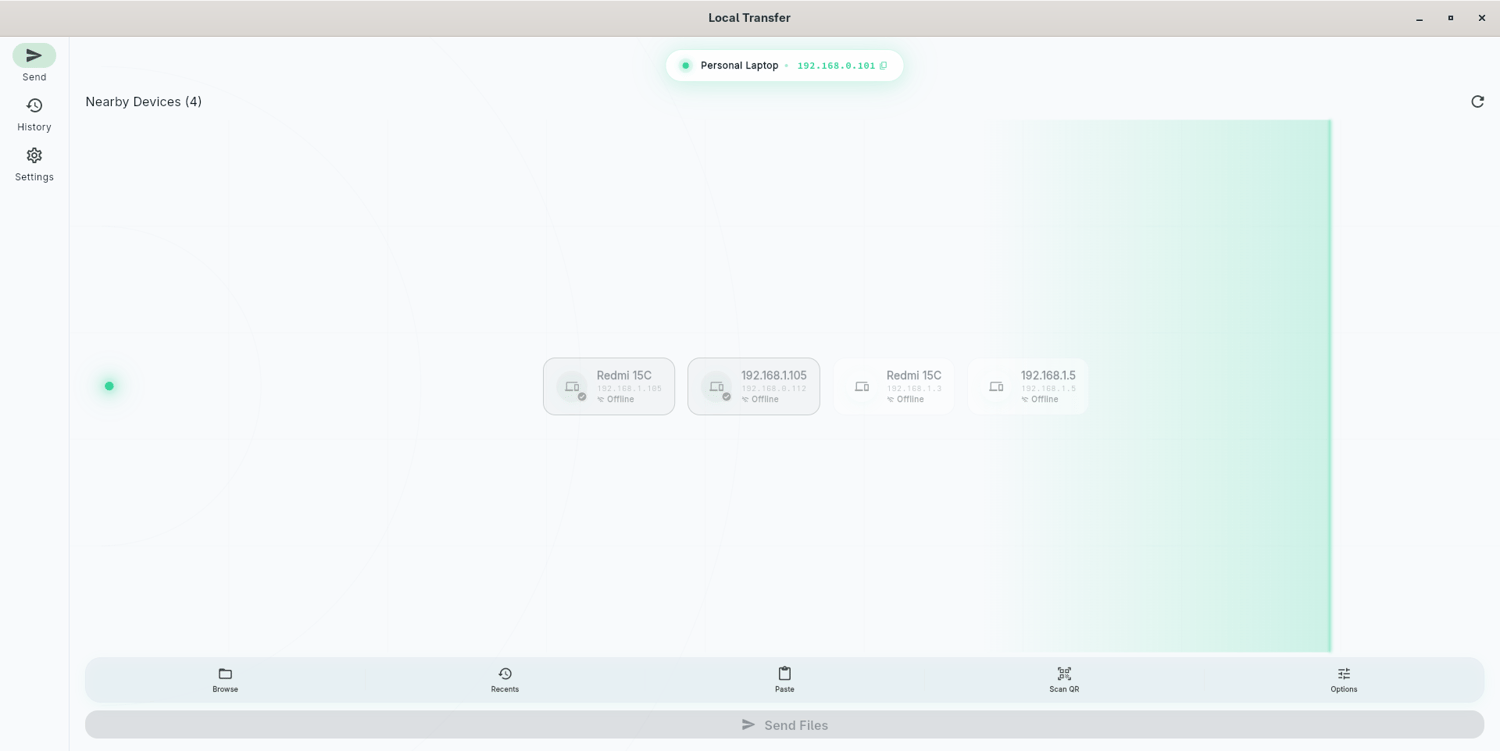
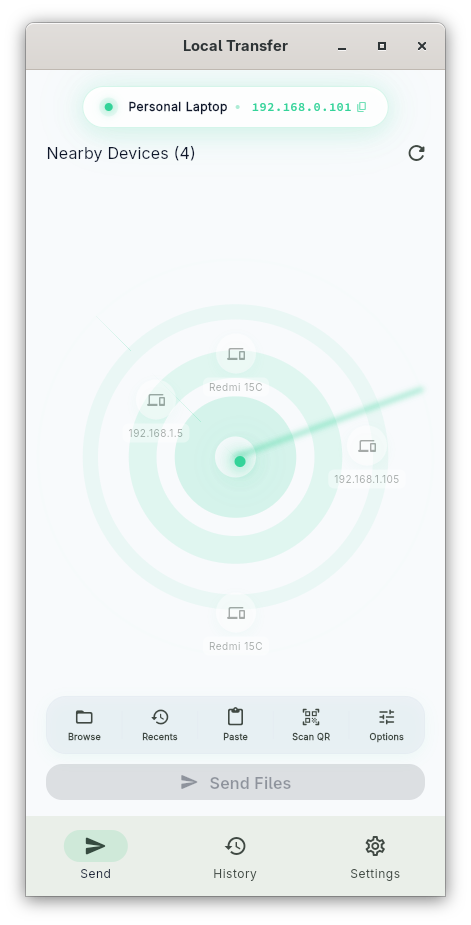
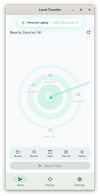
• Automatic device discovery — no IP addresses to type
• QR code pairing for instant device setup
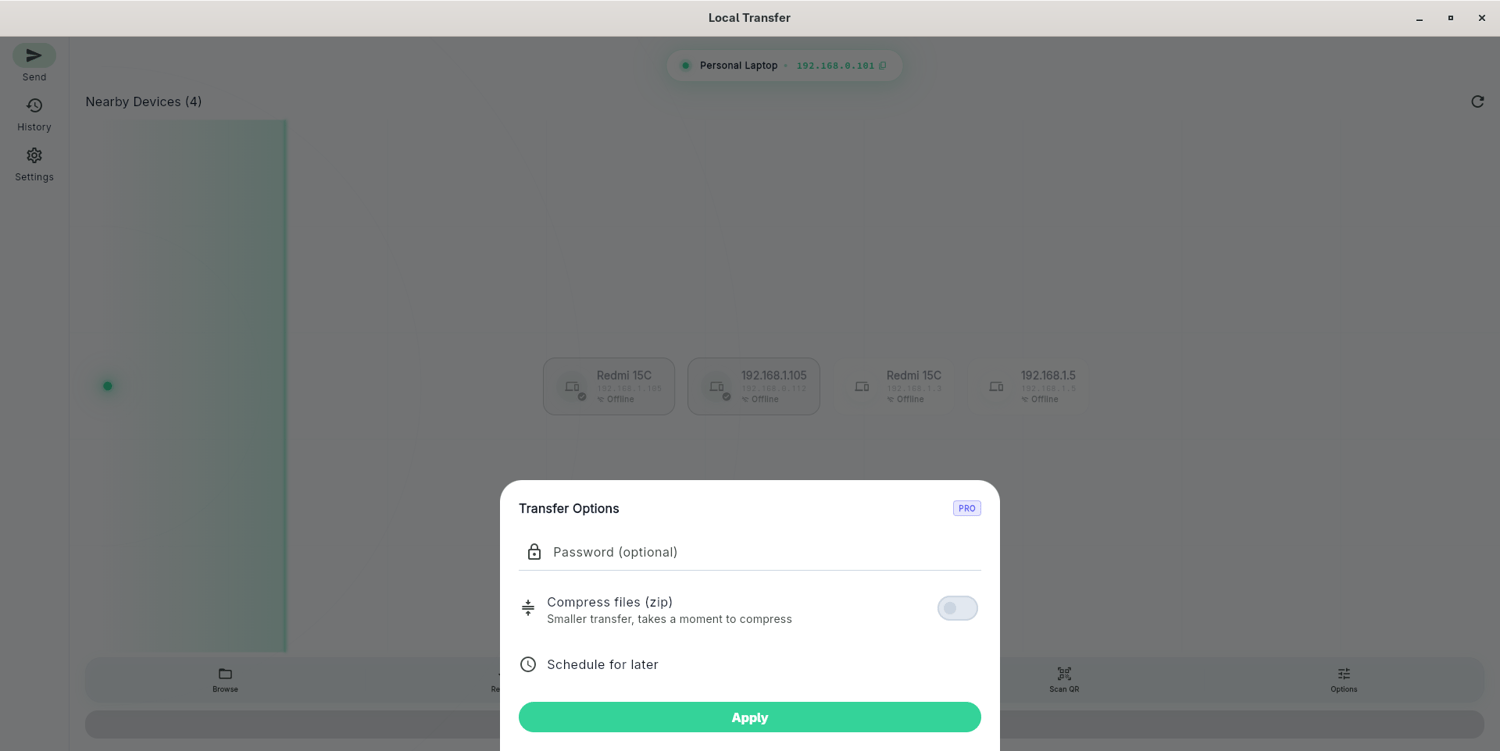
• Password-protected transfers
• File compression before sending
• Resume interrupted transfers
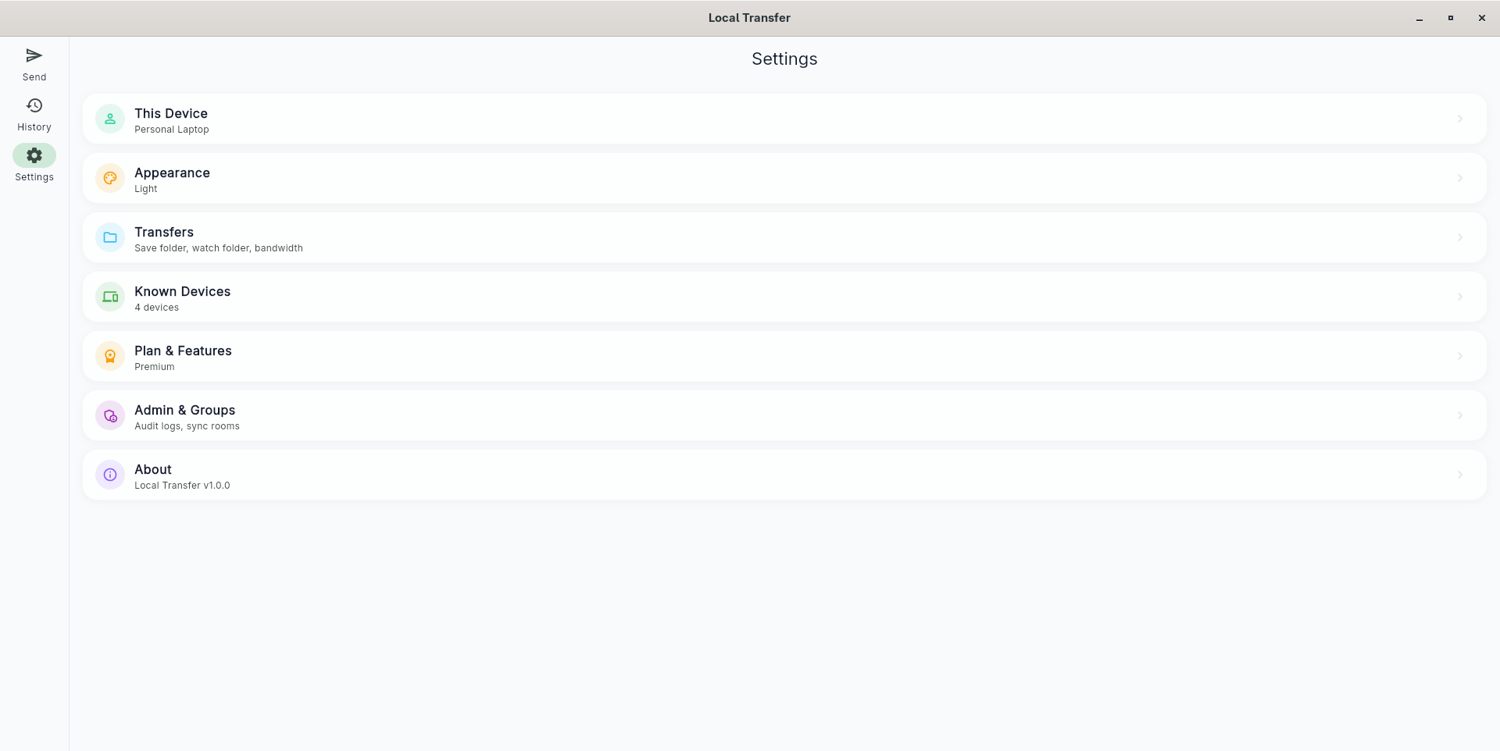
• Transfer history and audit log
• Receive files in the background
• No subscription, no recurring fees
---
PRIVACY FIRST
No servers. No accounts. No analytics. Files never leave your local network.
---
System requirements: Linux (Ubuntu 20.04+ / Fedora 38+) or Windows 10+. Devices must be on the same Wi-Fi network to
transfer.
Mobile app available free on the Play Store and App Store.