

Daycare Business Manager
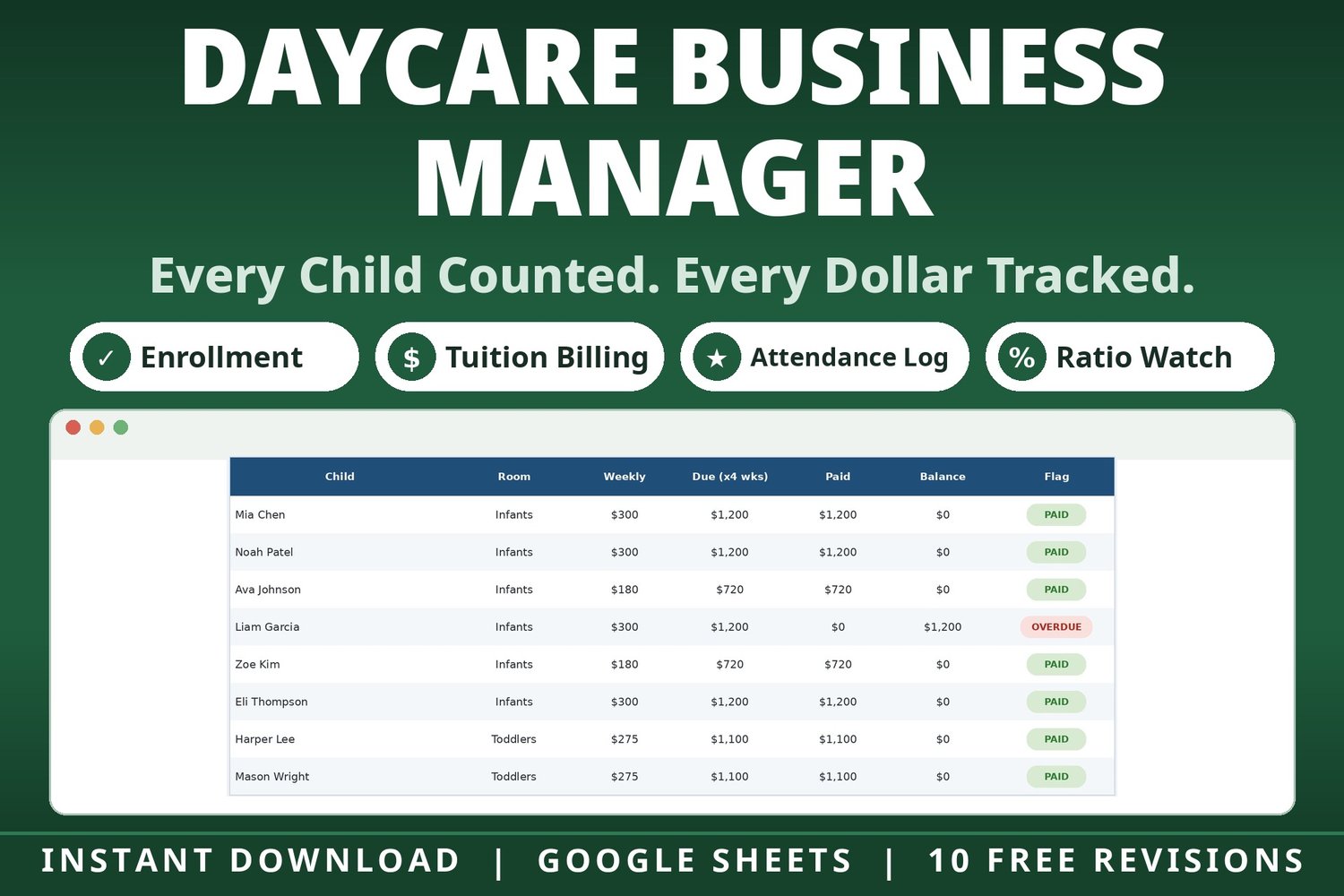
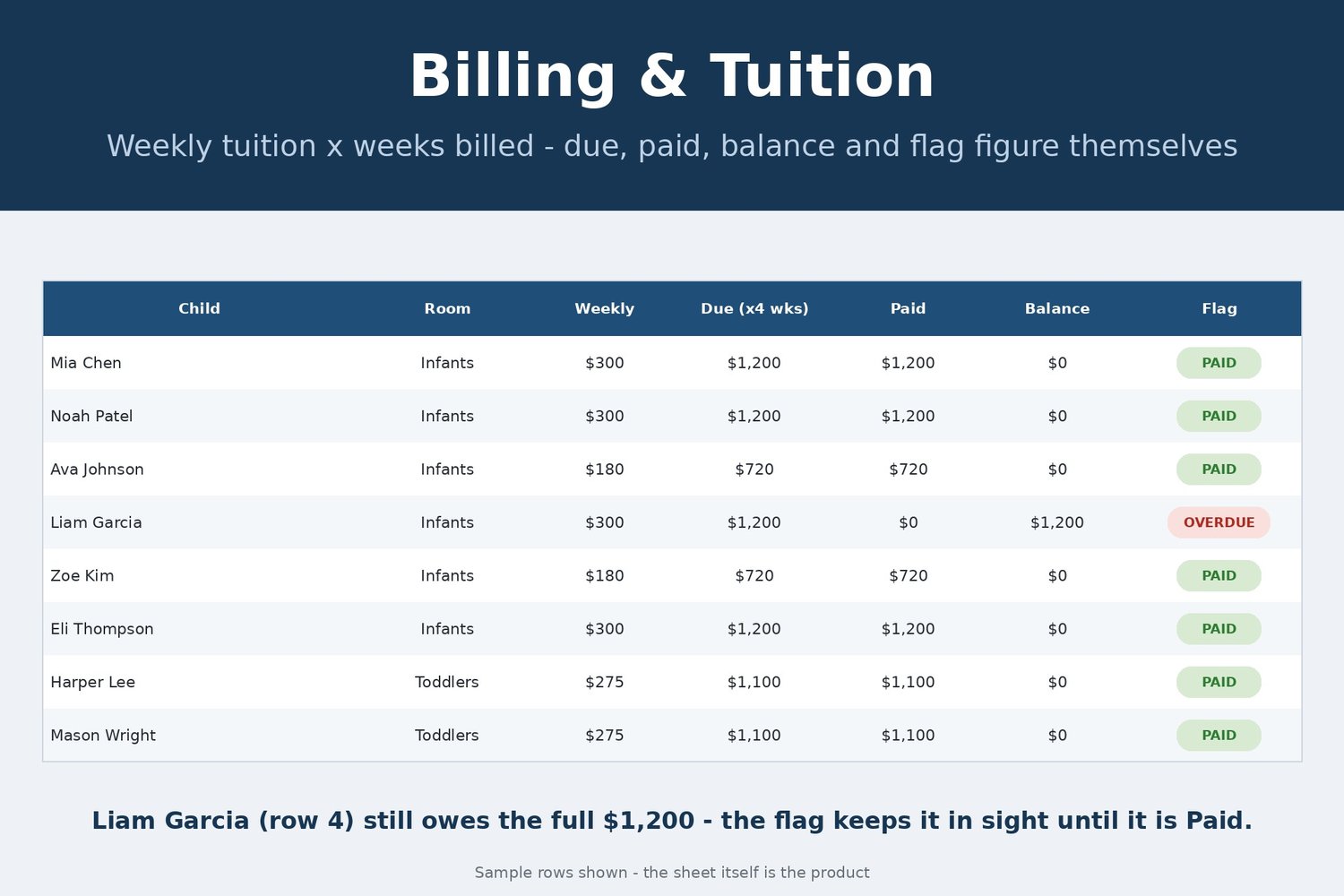
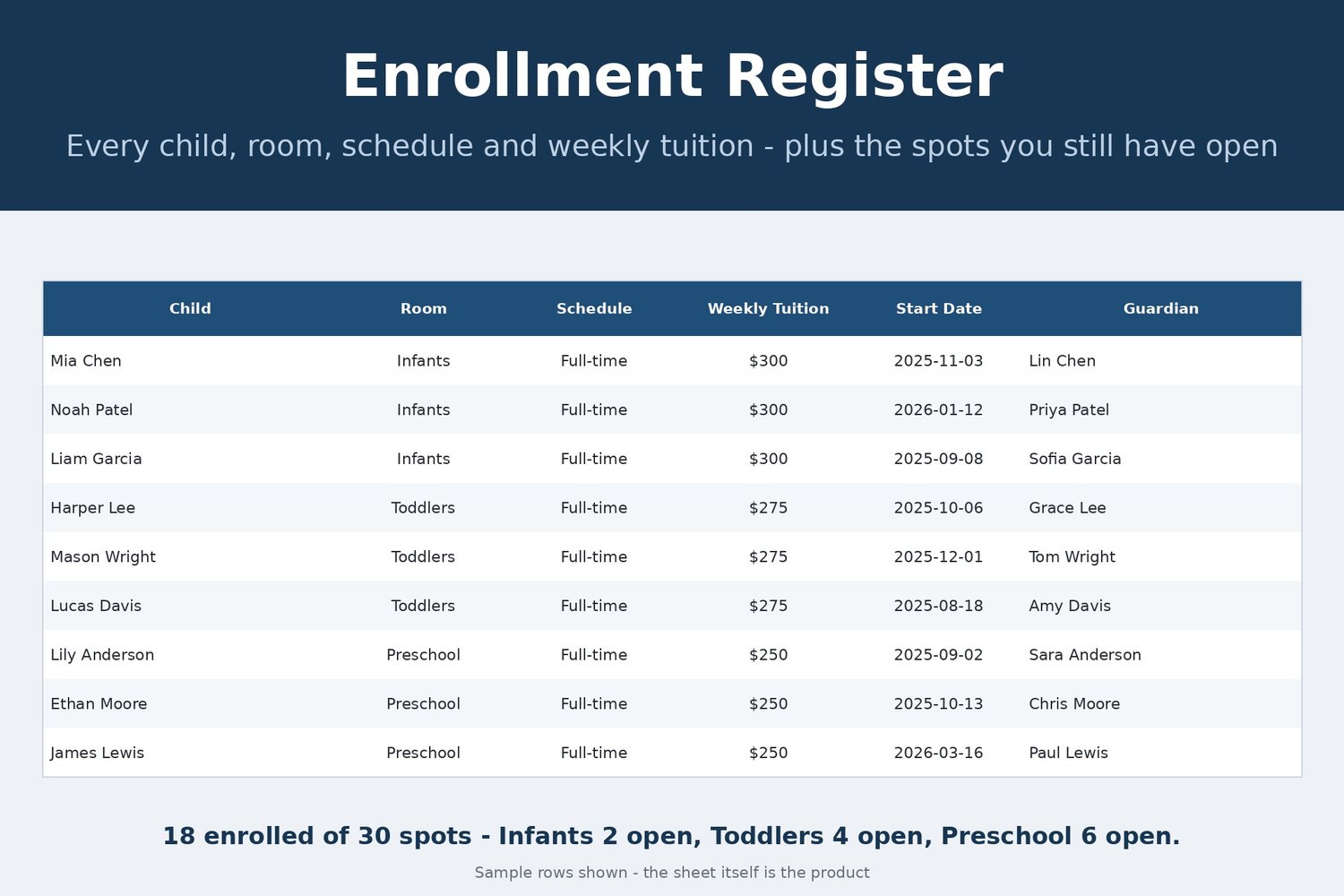
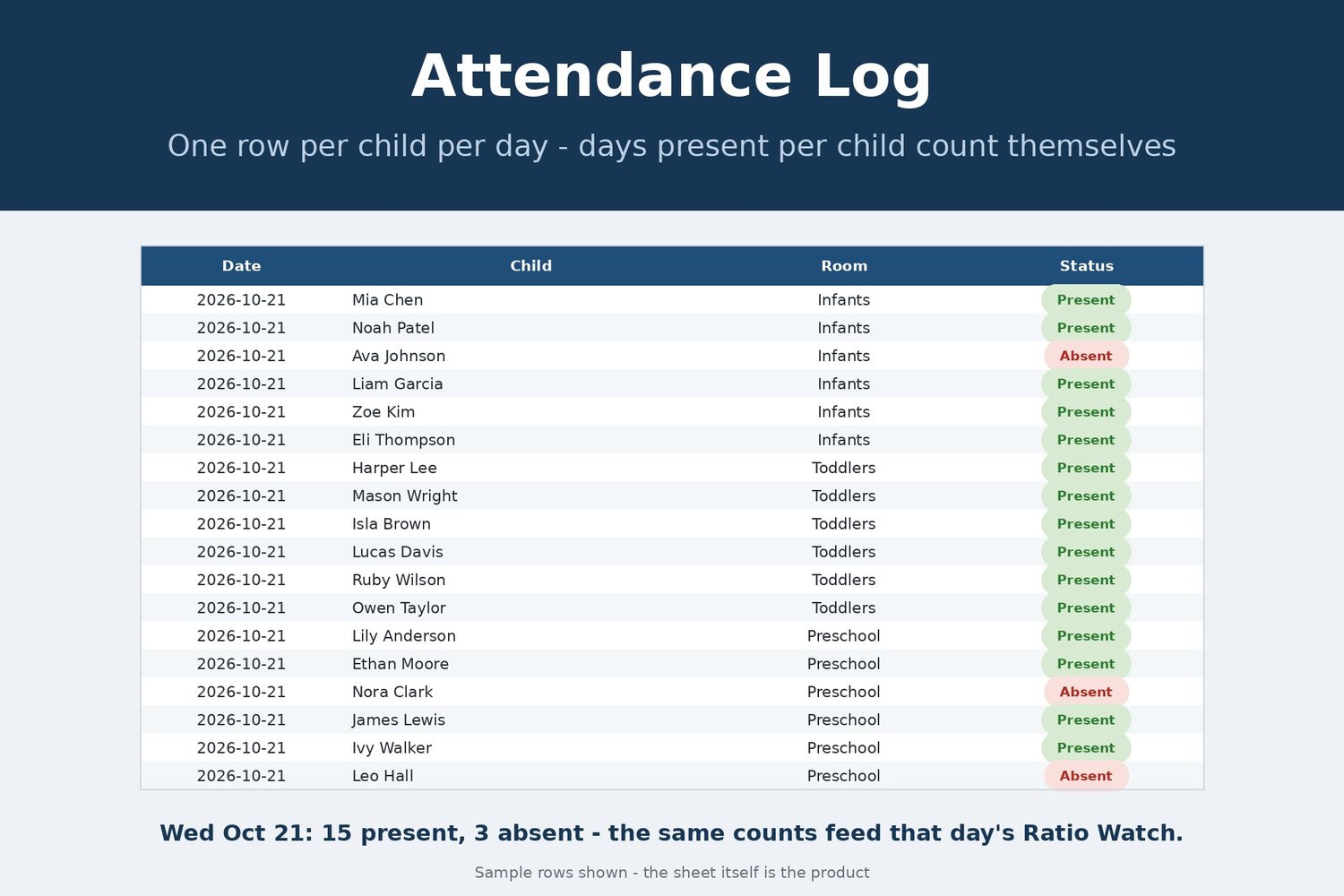
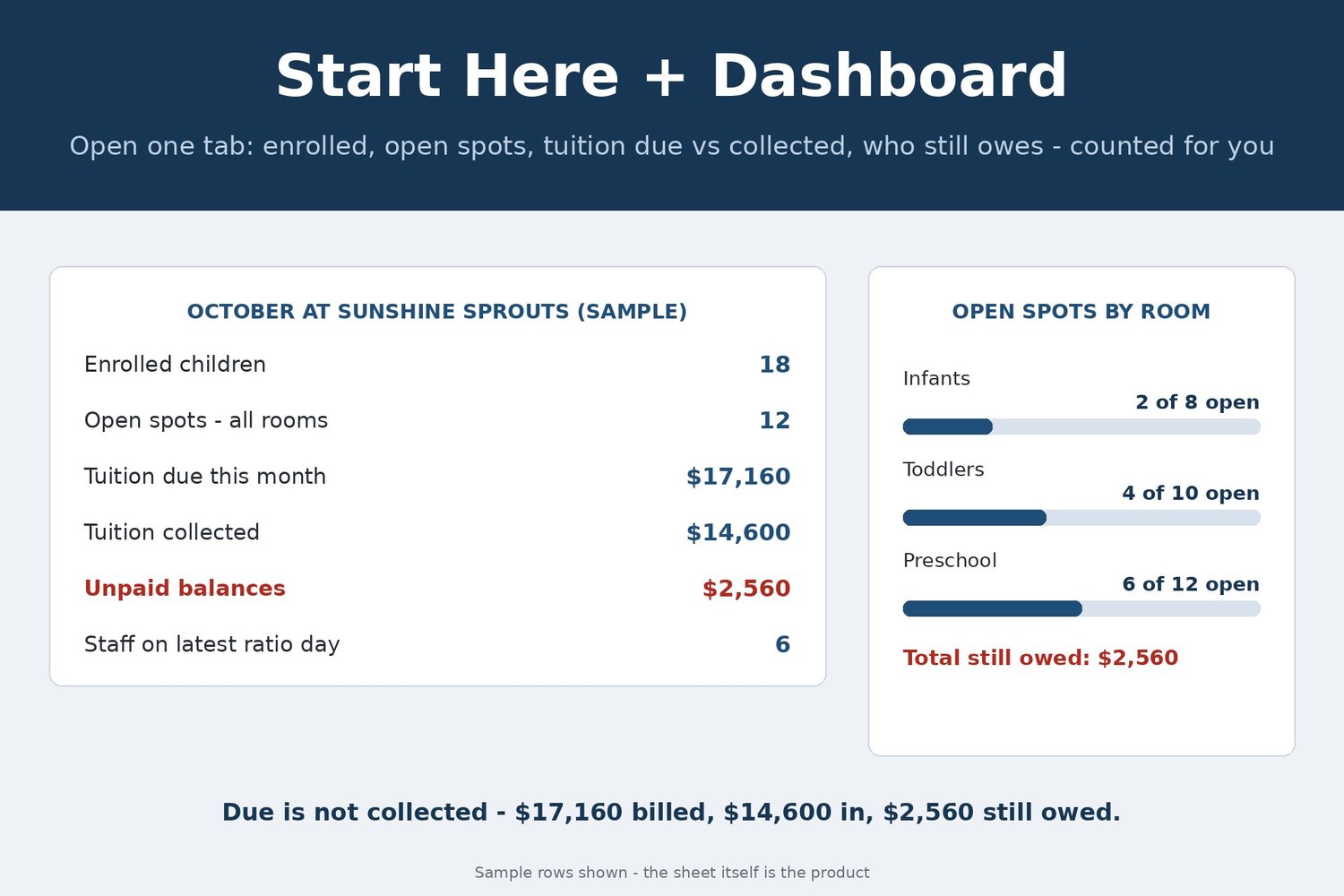
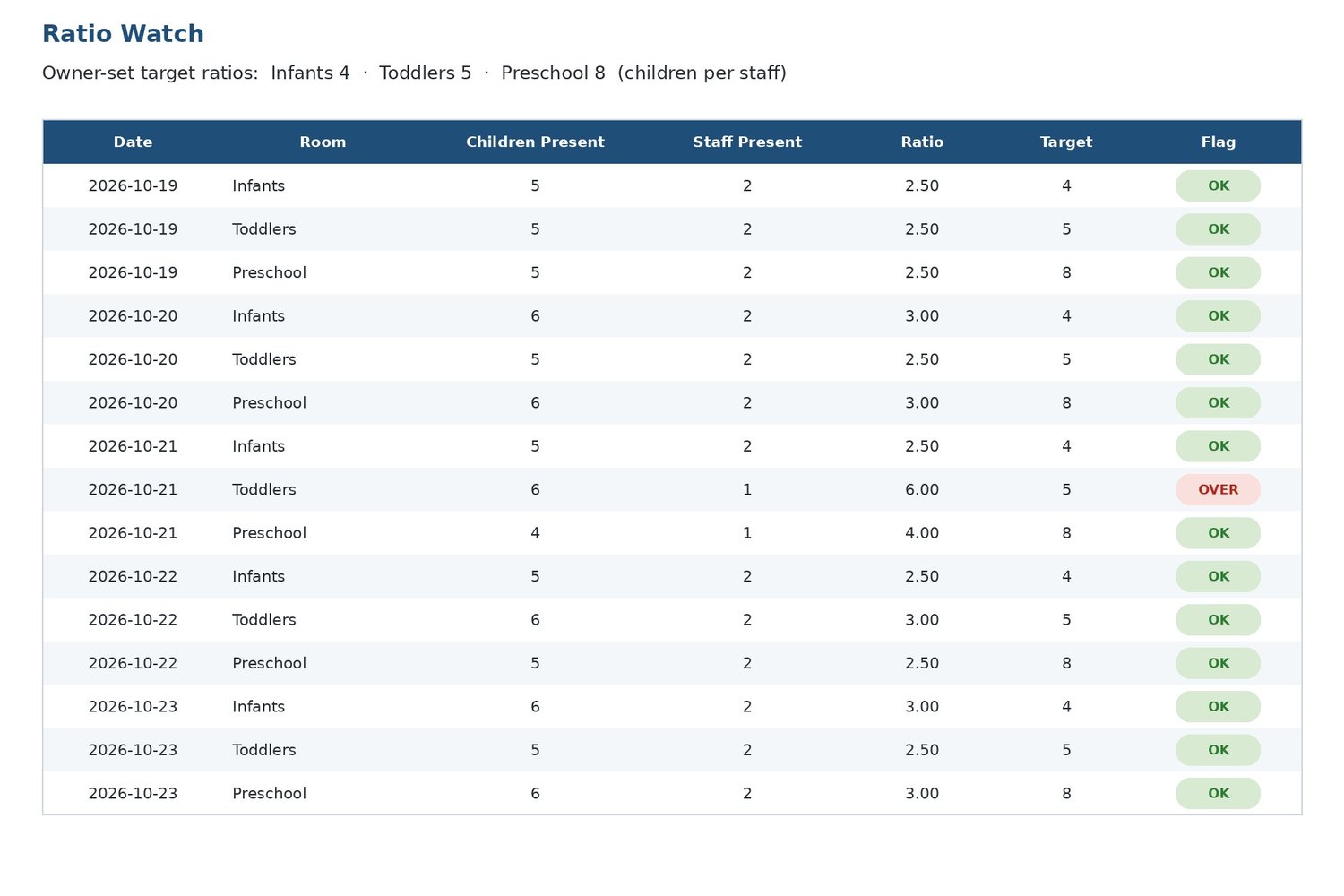
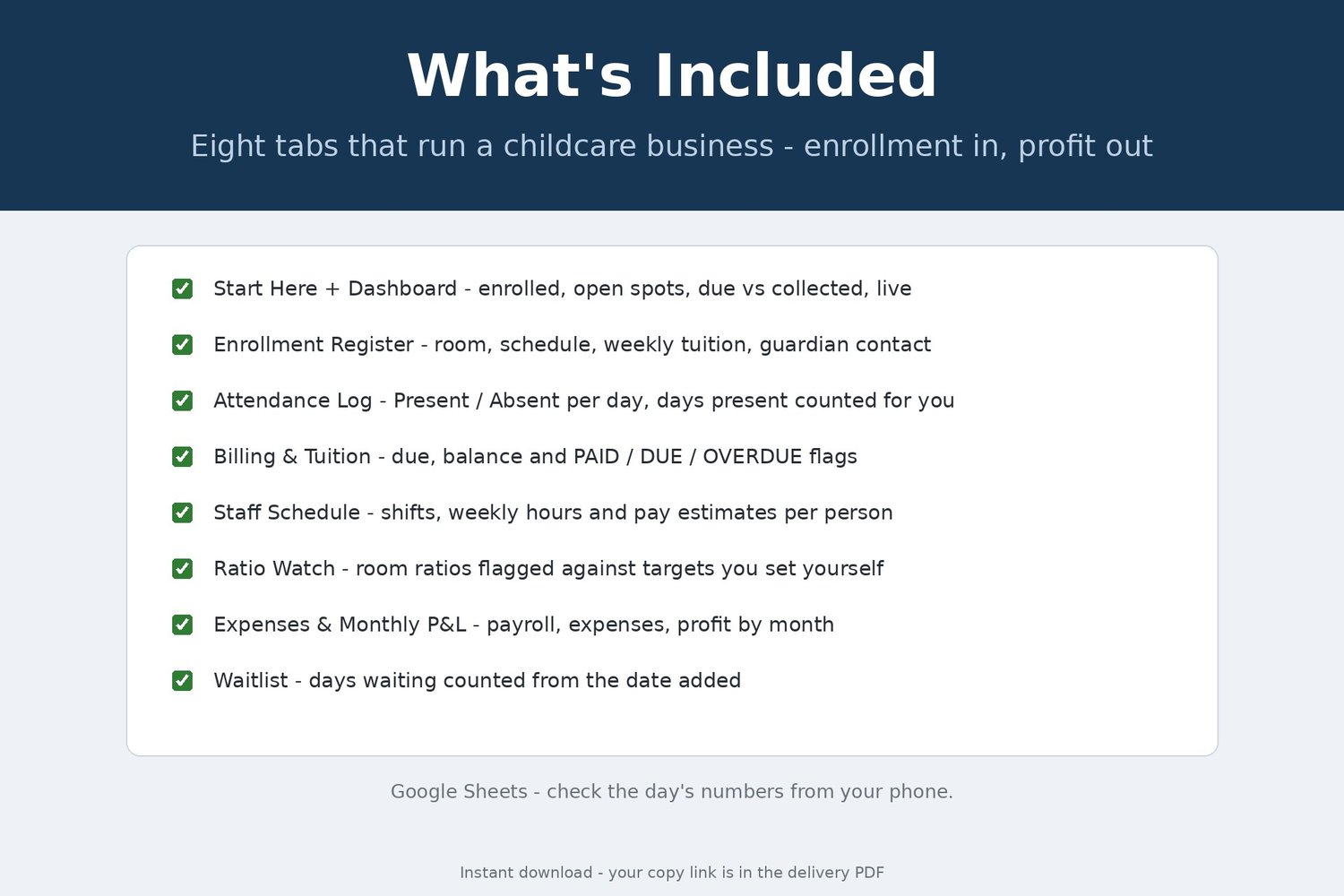
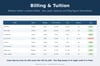
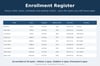
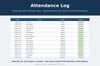
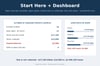
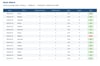
Eighteen children across three rooms, tuition due on the fifth, and two families have not paid. Which room has an open spot for your waitlist? How many children were here on Wednesday — and how many staff were in that room with them? It runs a childcare center's business side in one Google Sheets file, 8 tabs: an Enrollment Register with open spots by room, an Attendance Log counting days present, Billing and Tuition figuring each bill's due, balance and PAID, DUE or OVERDUE flag, a Staff Schedule turning shifts into pay, and a Ratio Watch flagging rooms past your target ratio.
Samples: one fictional month (Sunshine Sprouts Childcare, October 2026) — 18 children, 3 rooms, 6 staff. Tuition billed $17,160, collected $14,600, $2,560 still owed. Toddlers flags OVER on October 21 (6 children, 1 staff, 6.00 against a target of 5); the month closes at $2,150 after $12,160 payroll and $2,850 expenses. A Waitlist tab counts days waiting.
Transparency note: this spreadsheet was designed with AI assistance, then hand-built and formula-tested by our shop.
What you receive is the finished file, delivered instantly at checkout as a PDF containing your Google Sheets copy link. Open it, choose "Make a copy," and the file is yours. It runs in Google Sheets on a free Google account — nothing to install — and sample data is included so you can see the formulas work. If a file ever breaks, you receive a corrected copy of the file free. This is a digital product — no physical item will be shipped.