
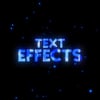
Text Effects
On Sale
$3.99
$3.99
Text Effects Pack for After Effects
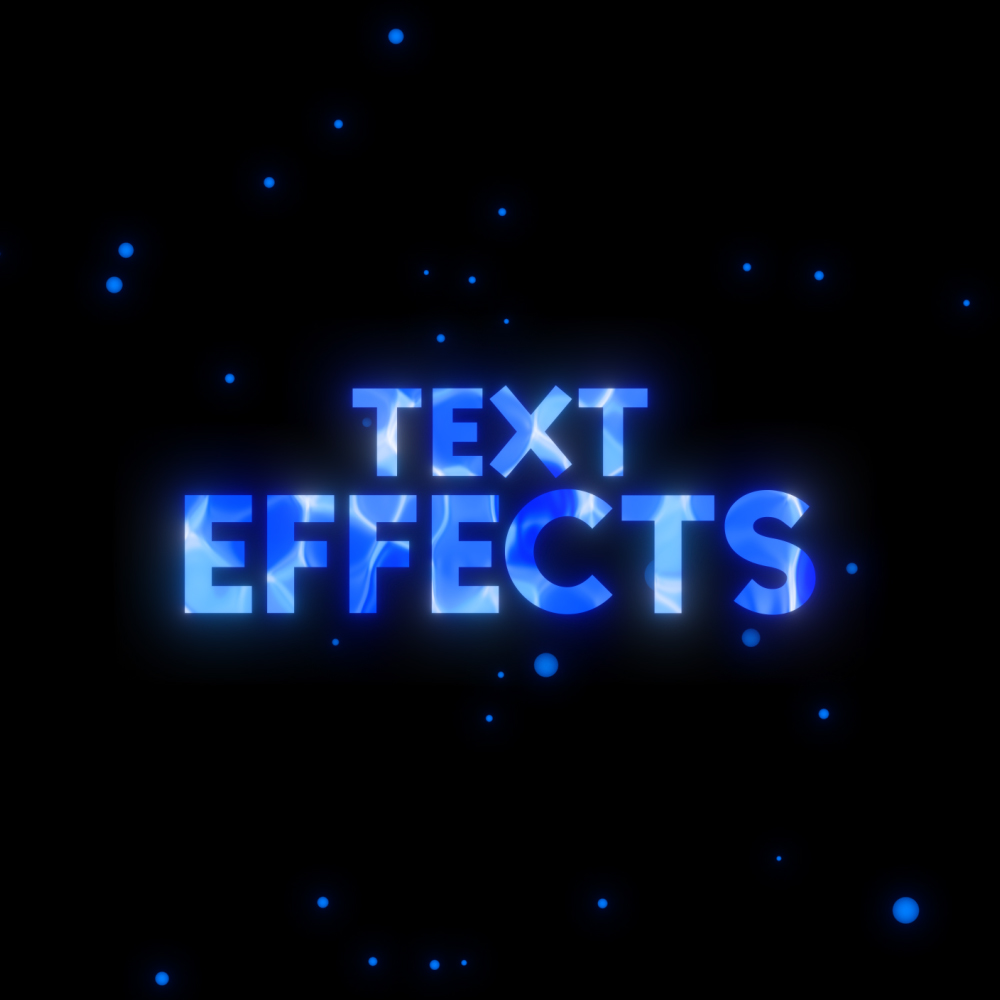
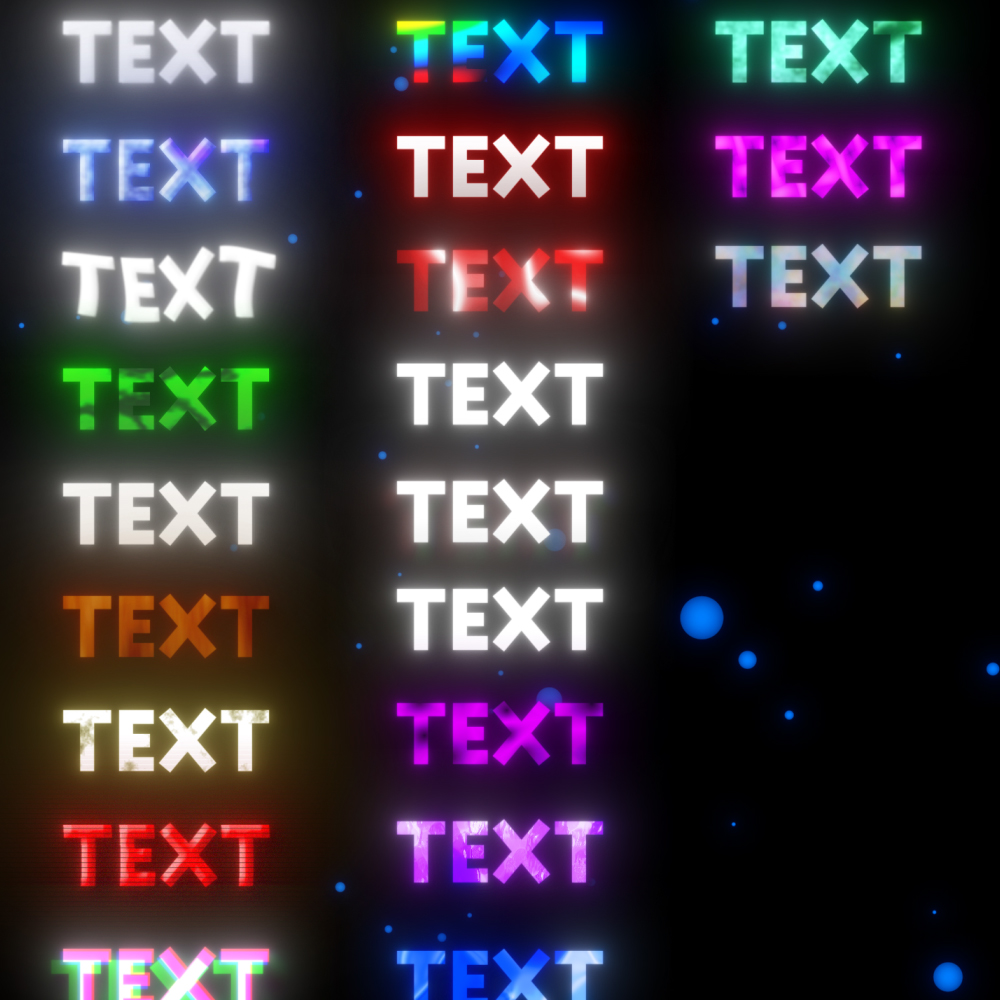
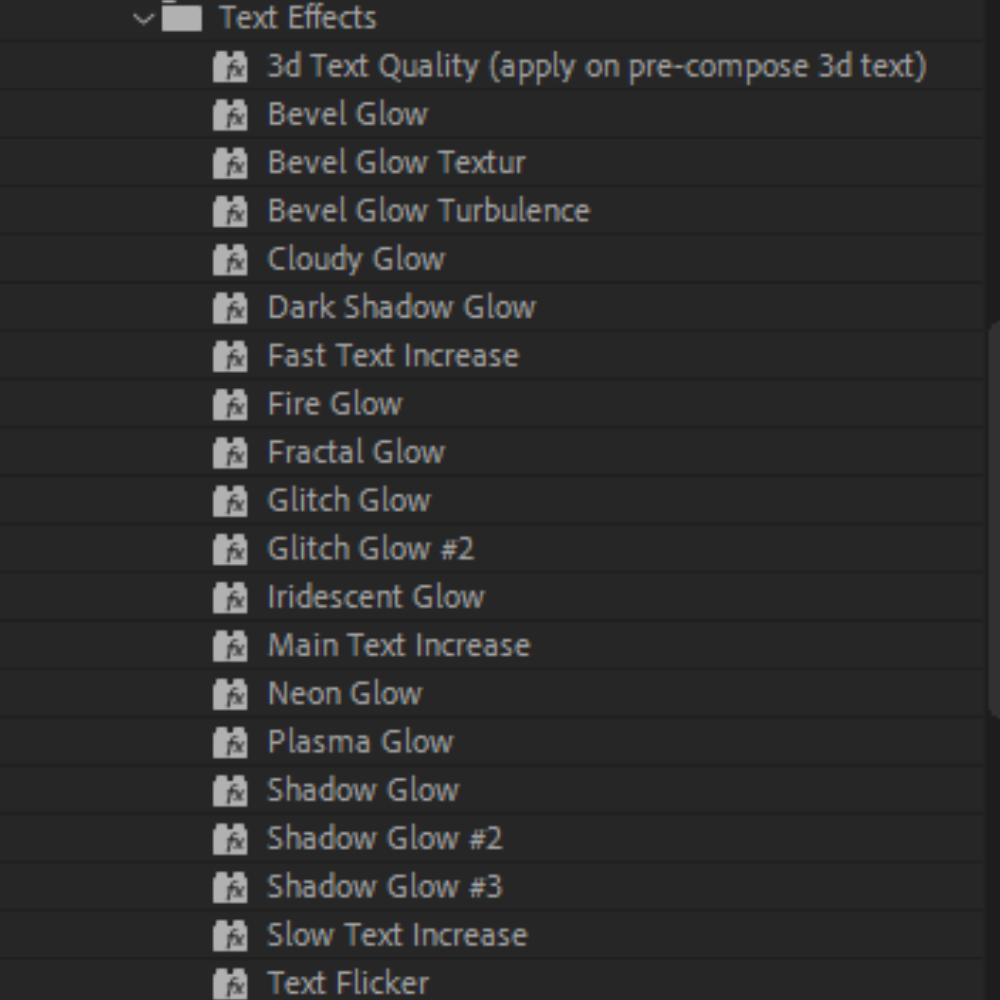
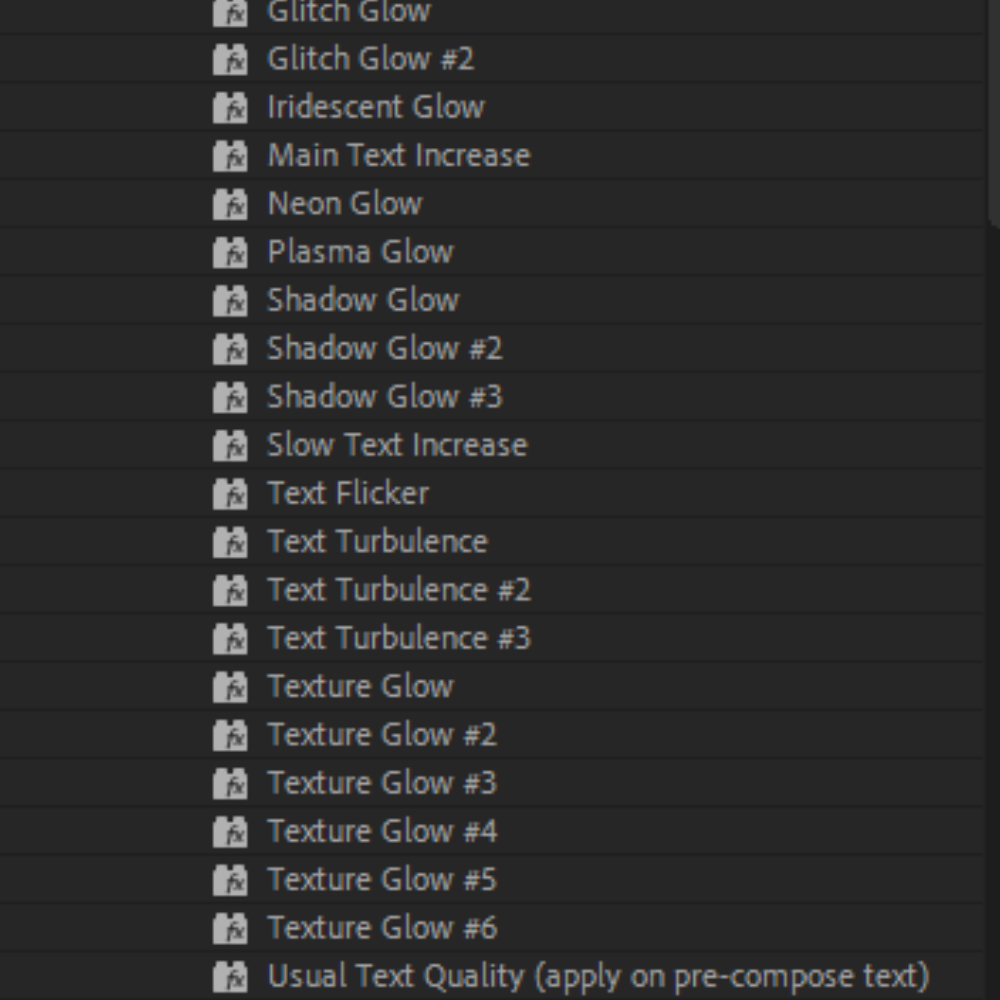
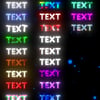
This pack includes 30 text effect presets designed to make your text look cleaner, more stylish, and professional in just a few clicks. Each preset combines multiple effects to create unique looks that are perfect for edits.
What's Included
- 30 unique text effect presets
Requirements
- Adobe After Effects 2020 or newer
- Sapphire
- Boris FX Continuum (BCC)
- Magic Bullet Looks
Installation
1) Download the product.
2) Extract the downloaded .zip archive.
3) Copy the included folder to the following directory:
Documents/Adobe/After Effects (Your Version)/User Presets/
4) Launch Adobe After Effects (or restart it if it is already open).
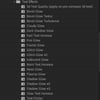
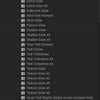
5) Your presets will appear in the Effects & Presets panel