
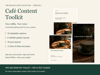

Café Content Toolkit — 30 Captions, Image Studio & Planner (English)
Your coffee. Your voice. Your content toolkit.
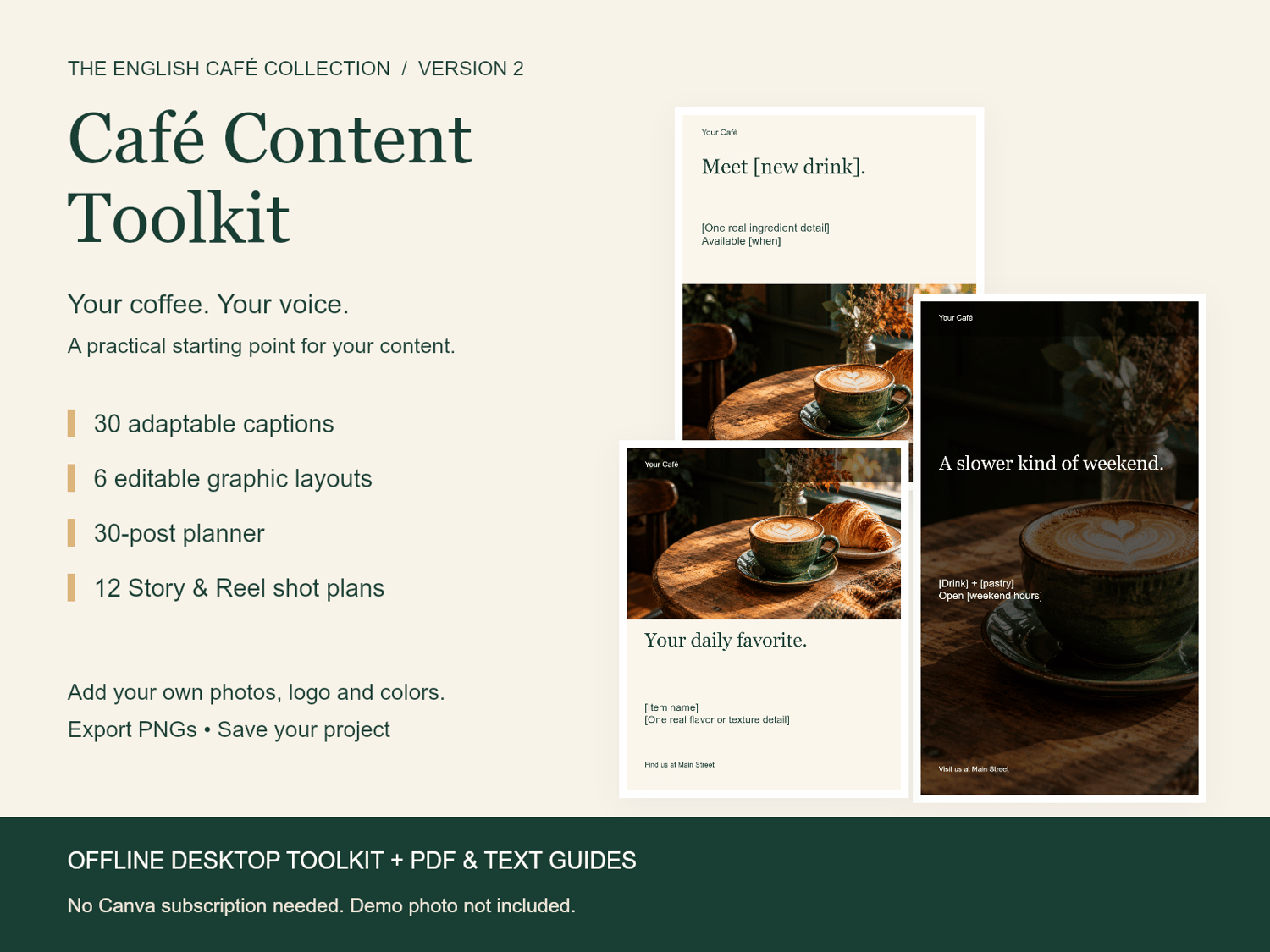
Turn a real café moment into a caption, a branded graphic and a plan for what to post next. Built for independent café and coffee shop owners who handle their own social media.
What is inside V2.2
• New in V2.2: six three-slide carousel starters with captions, three color themes and a first-week walkthrough. Edit and export each slide separately in Image Studio.
• Also included: four mini campaigns with three connected posts each, photo prompts and review guidance. Build a matching graphic from each campaign and send library captions directly to their planner rows.
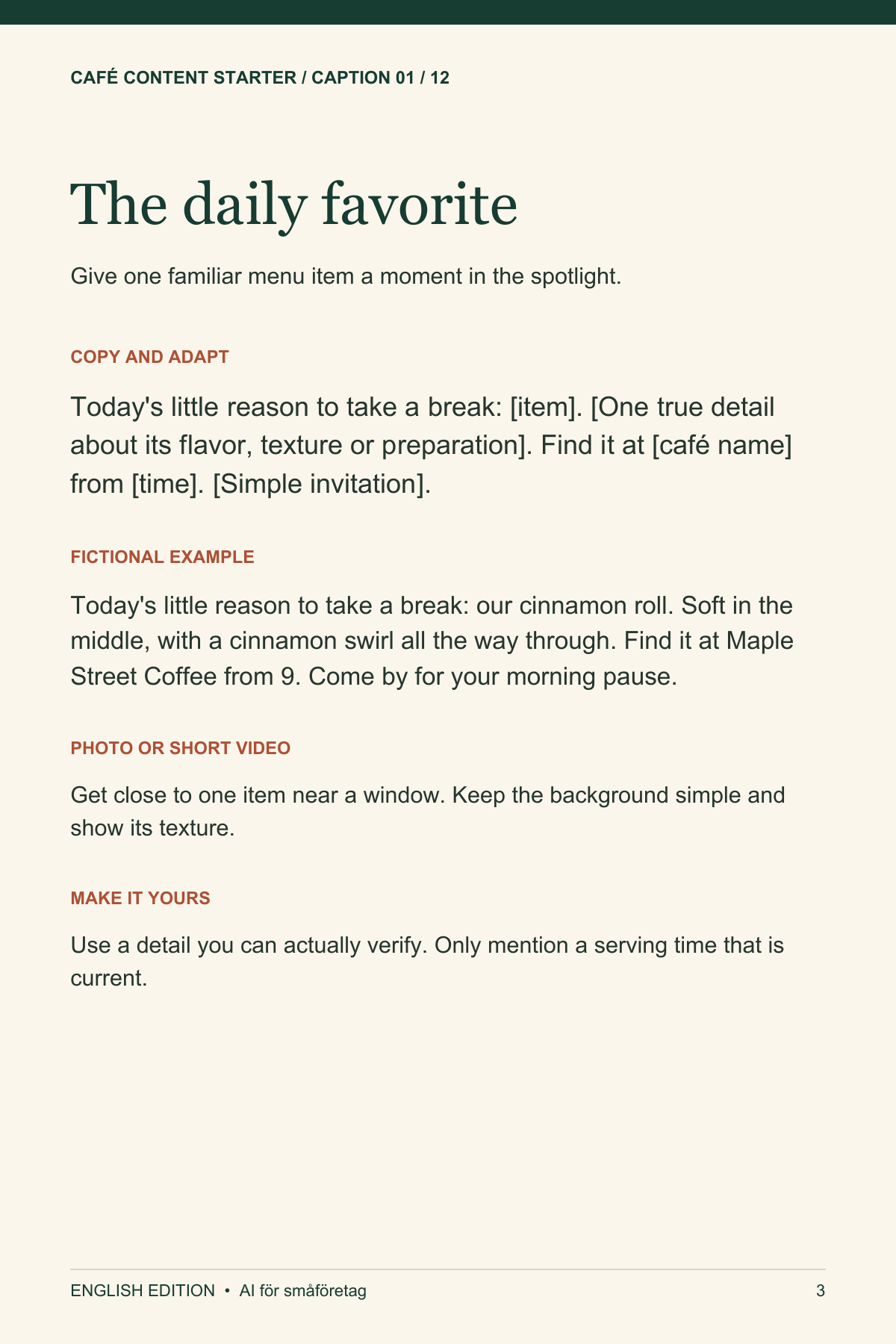
• 30 adaptable English captions, with photo ideas and practical checks. Includes the original 12 captions plus 18 new ones.
• Offline Image Studio: six editable layouts for menu items, opening hours, your café story, practical tips and weekend invitations.
• Add your own photo and logo, change the café name and colors, then export a PNG. Choose portrait (1080 × 1350), Story (1080 × 1920) or Pinterest (1000 × 1500).
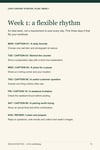
• A 30-post planner with editable dates, channels, notes and results. Set a daily rhythm for a month or spread the posts out. Export your plan as CSV.
• 12 Story and Reel concepts with shot sequences and on-screen wording. These are filming plans, not finished videos.
• Save and reload your work as a project file. Export personalized captions as TXT.
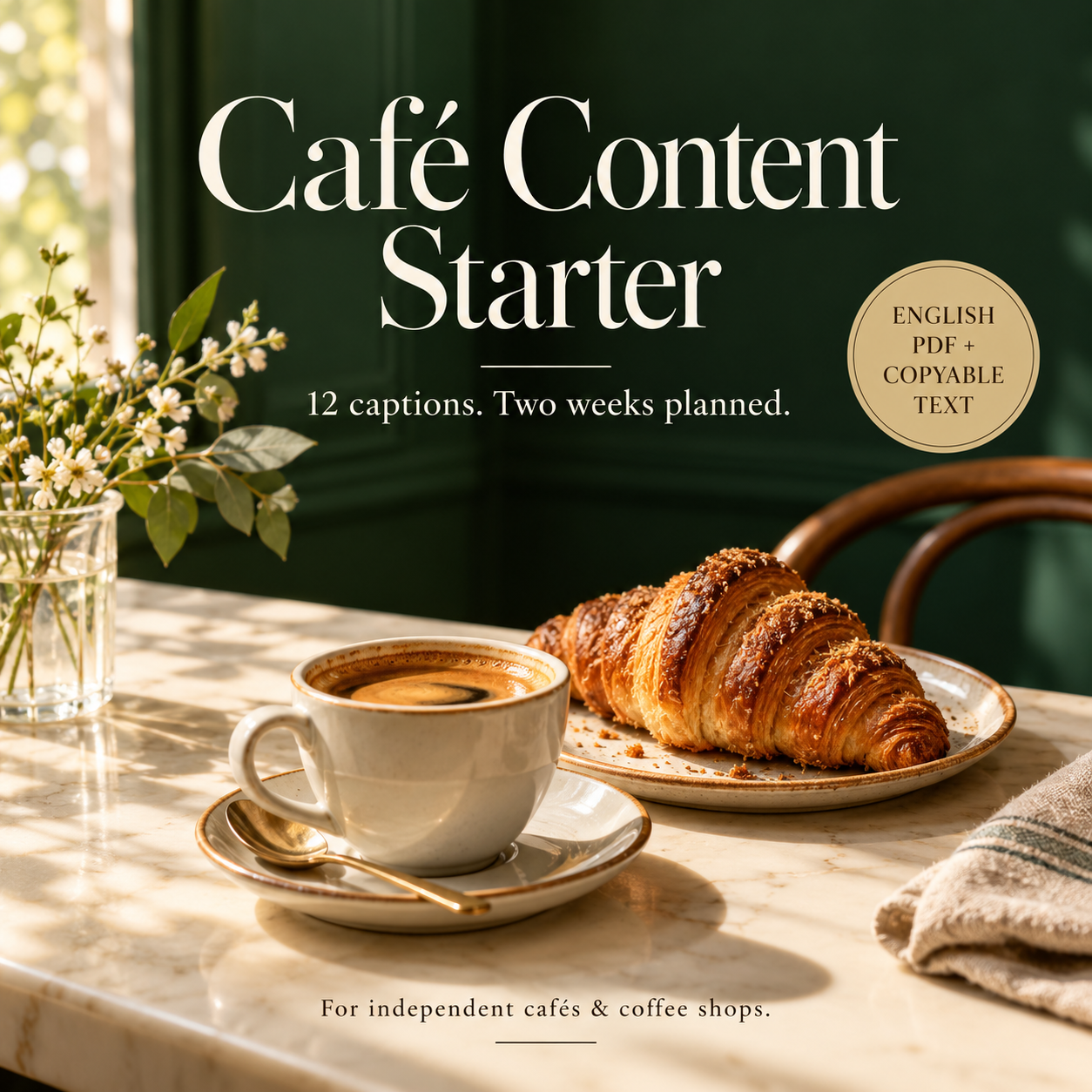
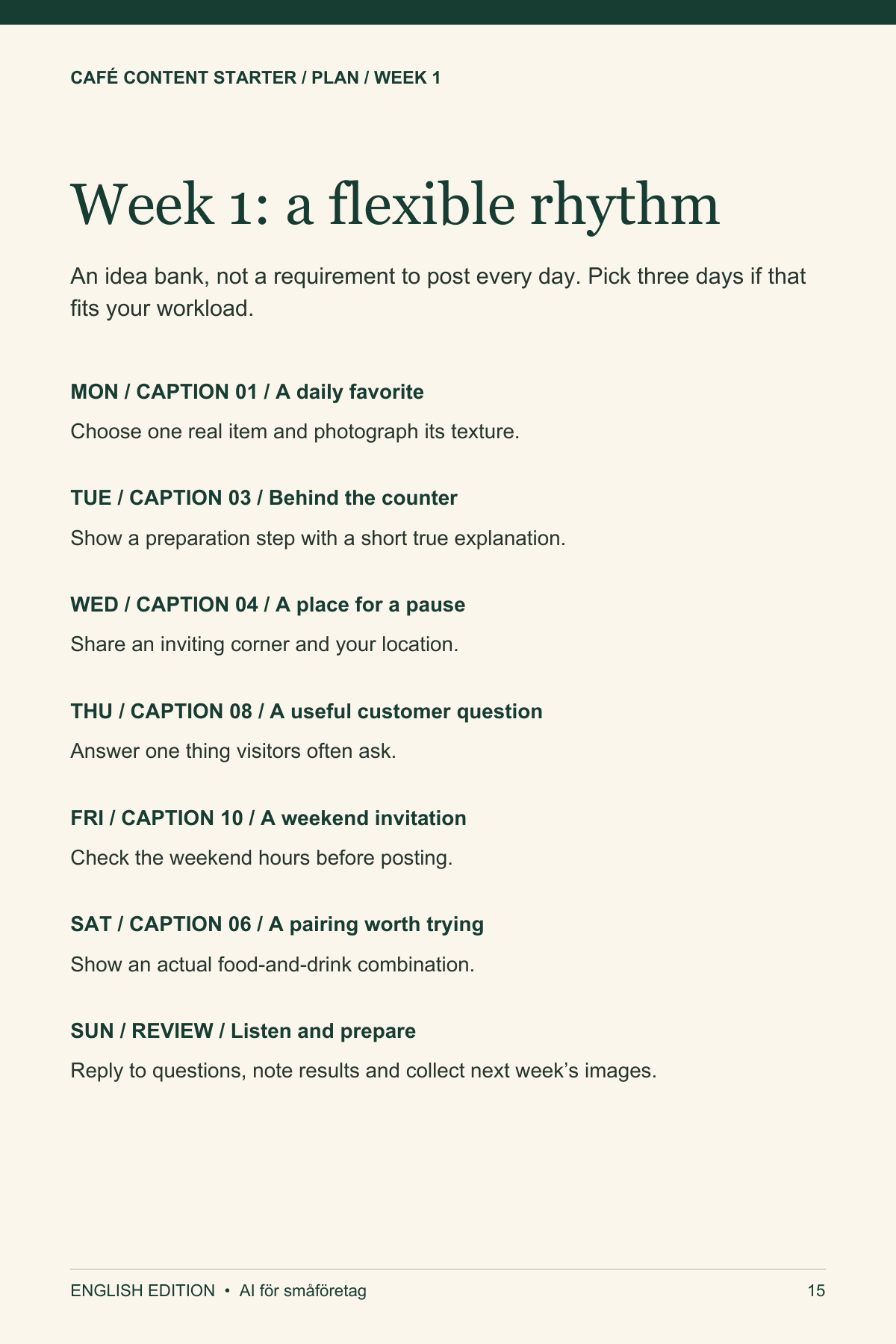
• The original 18-page PDF guide with 12 worked examples, a two-week plan and a photo checklist, plus plain-text caption and video-plan files.
Start with the V2.2 ZIP
1. Download Cafe-Content-Toolkit-English-v2.2.zip and extract it into a folder on your computer.
2. Open START-HERE.html in a desktop browser. Chrome or Edge is recommended.
3. Enter your café details, choose a caption and adapt a graphic with your own photo.
4. Save your project before closing. Export your graphic, check the details and post it yourself.
No account, Canva subscription or paid AI tool is needed to use the toolkit. It works offline after download and does not upload your photos. There is no automatic saving, posting or scheduling.
Try a caption first
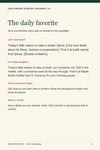
“Meet [new item]: [plain-language description]. We paired [ingredient] with [ingredient] for [flavor or texture]. Available [when]. [Invitation to try it].”
Replace every bracket with a detail that is true for your café. The free preview above offers a sample of the original writing approach.
Before you buy
Everything in this English product is in English. The interactive toolkit is designed for desktop use; local HTML editing and PNG downloads vary on phones, so use the included PDF and TXT files on mobile.
Bring your own photos and logo. Stock photographs, Canva templates, music and finished videos are not included. The gallery shows example graphics with an illustrative café image; that image is not part of the download.
The separate v1 PDF and TXT downloads remain included for convenience. ZIP files named Previous-edition are older releases; choose the V2.2 ZIP for the latest complete package. Start with the V2.2 ZIP for the complete current toolkit. Older gallery pages and statements in the original PDF describe the earlier 12-caption edition; V2 adds the editor, expanded captions and planner.
US$9.90, one-time purchase.
Use it for your own café
Adapt the captions, plans and exported graphics for your own business marketing. Do not resell or redistribute the original toolkit files. Examples are illustrative; check your actual hours, prices, ingredients and availability before publishing.
Created with AI assistance and editorial review. No reach or sales outcomes are guaranteed.