
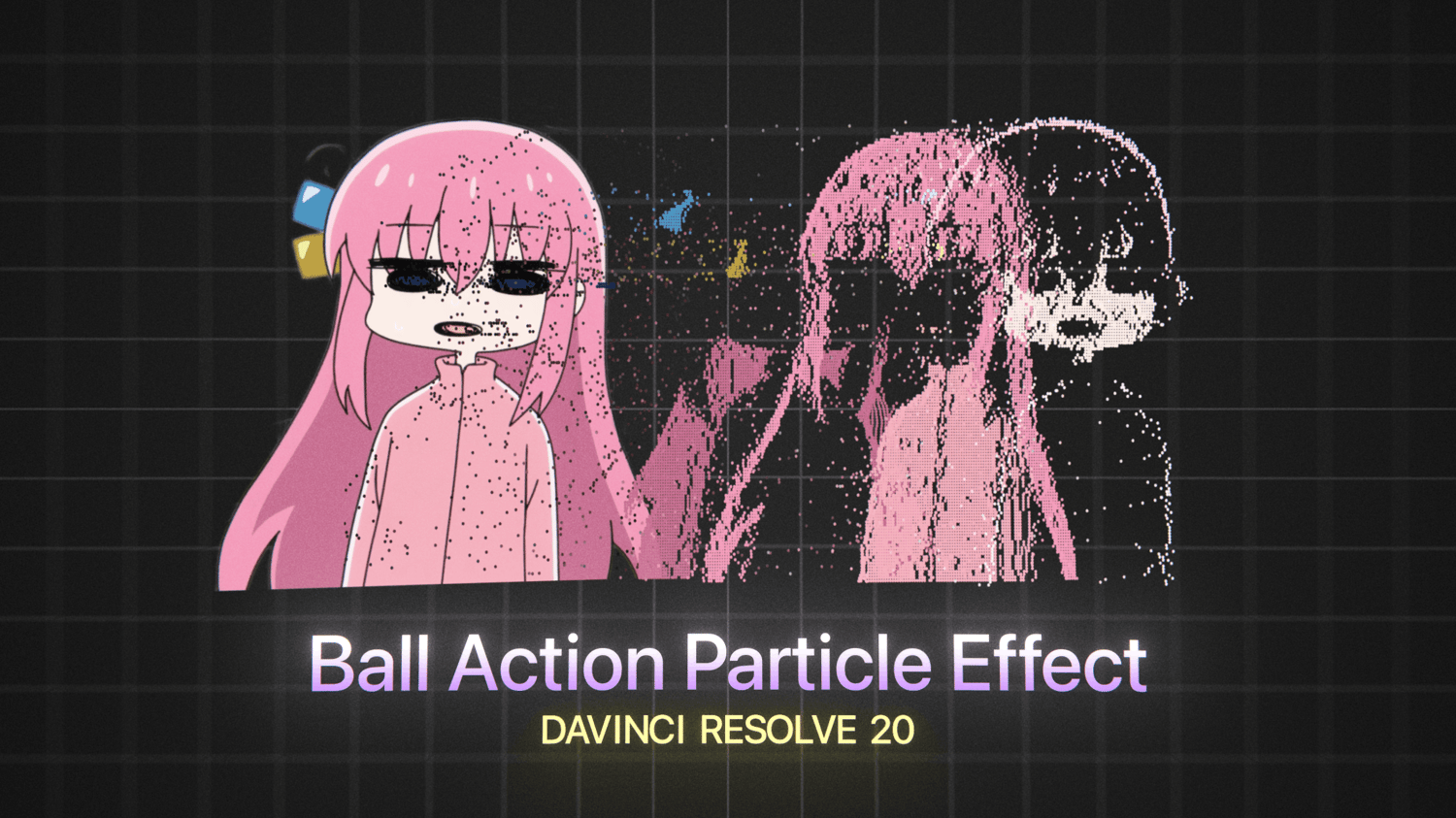

SC_BallAction | Paid Ball Action Particle Macro
On Sale
$3.00
$3.00
Paid CC Ball Action recreation from After Effects.
UPDATE (07/24/2026)
- Fixed Render Types not working on Resolve v21.
- Replaced Twist Angle Mode with Twist Order and Individual sliders for each Twist direction.
- Lock Columns/Rows checkbox replaced button control, when locked the particle amount is controlled by a new slider, "Density", when unlocked it returns to the native Columns & Rows sliders.
Features that are included (not included in the free version):
- Twist Angle
- Twist Angle modes: X, Y, Z, XY, XZ, YZ
- Individual particle rotations based on luminance
- Soft clipping, fades particles out when they approach the camera
- Custom gradient controls: threshold, invert, channel selection
- Alpha threshold to prevent particles from spawning in the alpha channel of the input.
- Separate render modes: 2D Rendered image, 3D render to use in a 3D scene, Particle (requires pRender) to add more particle nodes into the workflow.
How To Install Macros:
- Install Macro .Setting File from Payhip
- Find Macro Installation Path
- Windows: %appdata%\Blackmagic Design\DaVinci Resolve\Support\Fusion\Macros\
- MacOS: ~/Library/Application Support/Blackmagic Design/DaVinci Resolve/Fusion/Macros/
- Restart DaVinci Resolve and locate the effect using the toolbox in Fusion, SC_BallAction or BaA (as the shortcut)
If you are not able to find the correct macro install path, refer to this video: Where to Install Macro Nodes for Fusion | PeeJ