






✨ Wizard Light
On Sale
€3.00
Pay what you want:
(minimum €3.00)
€
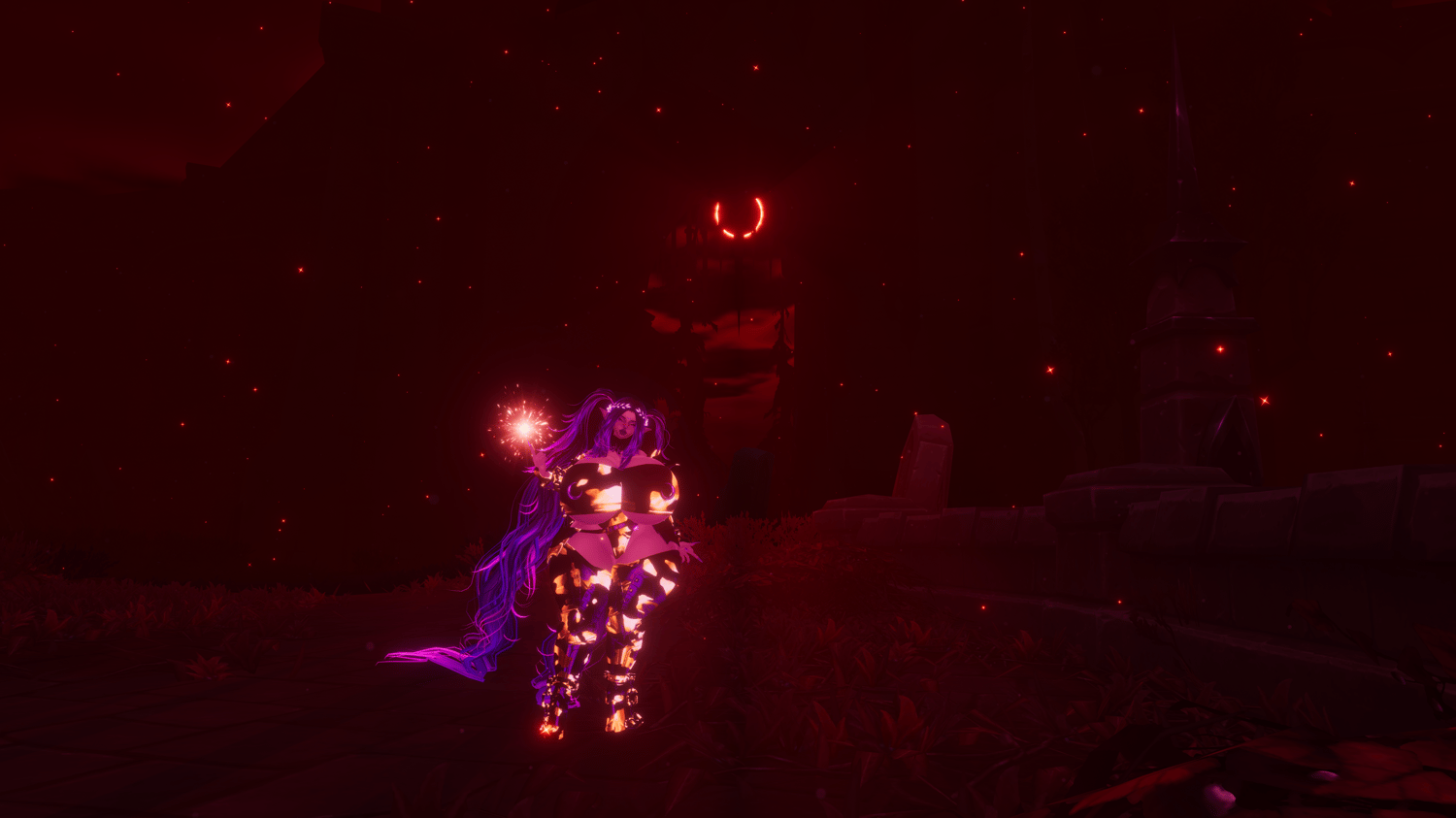
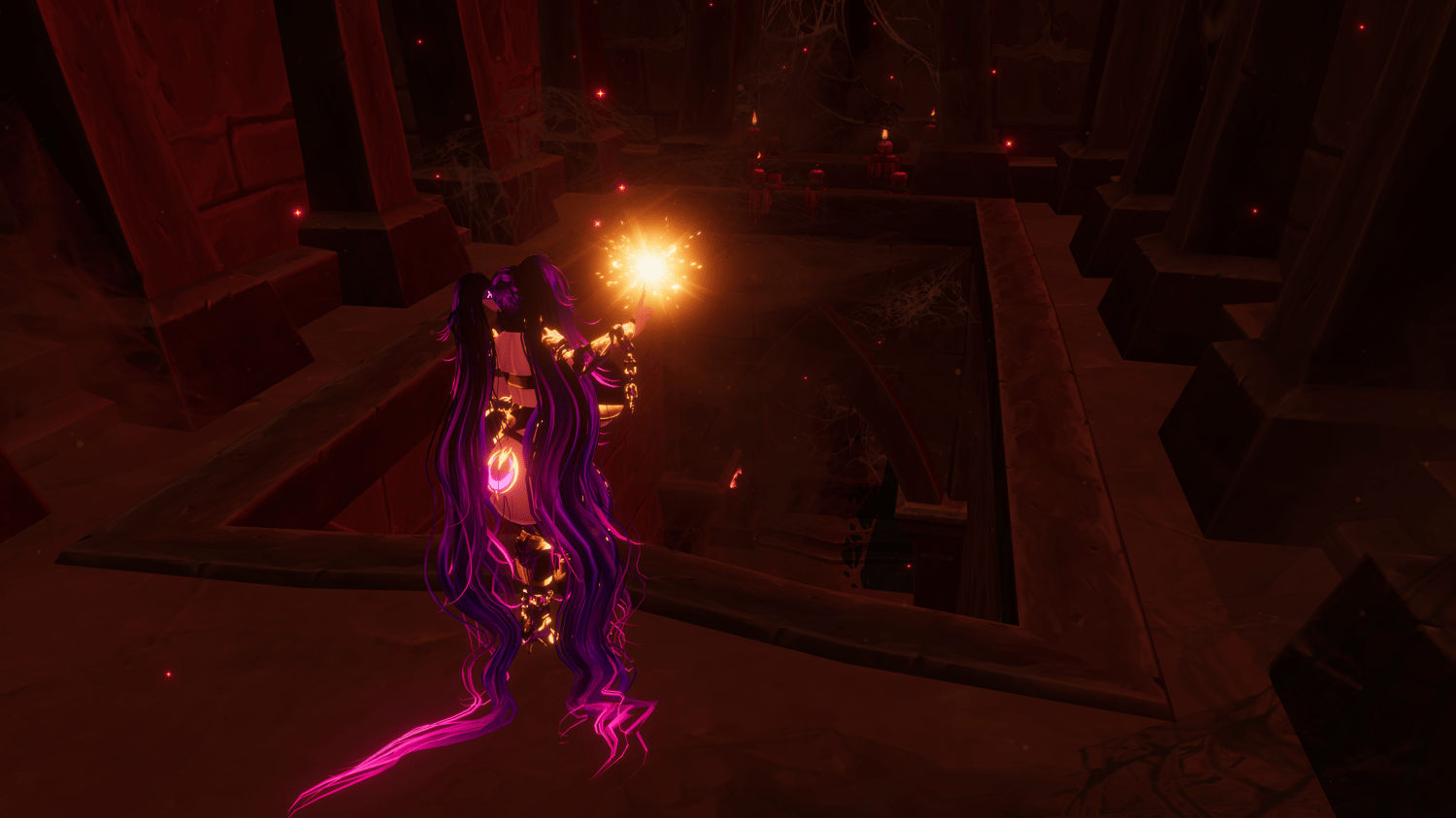
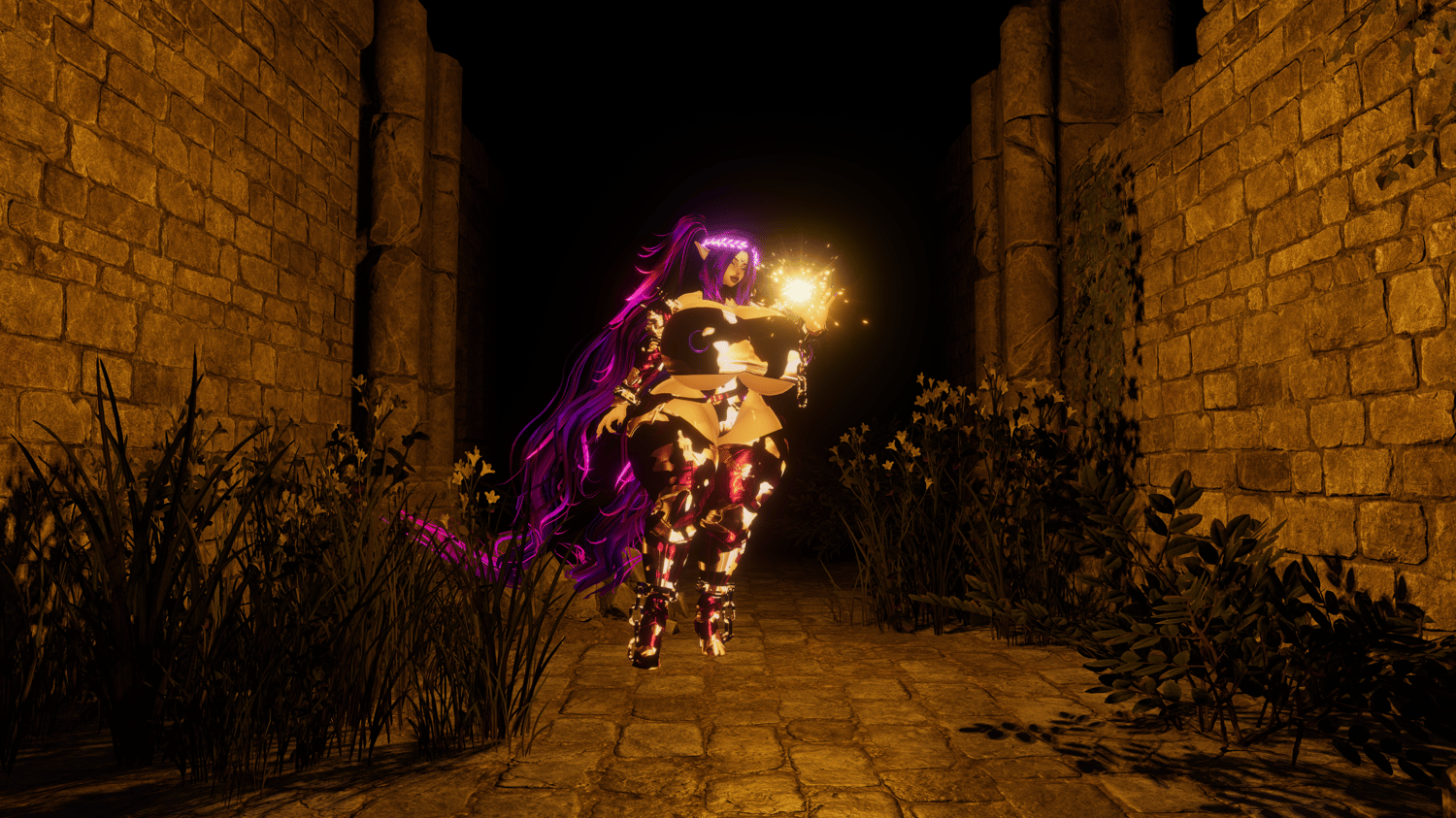
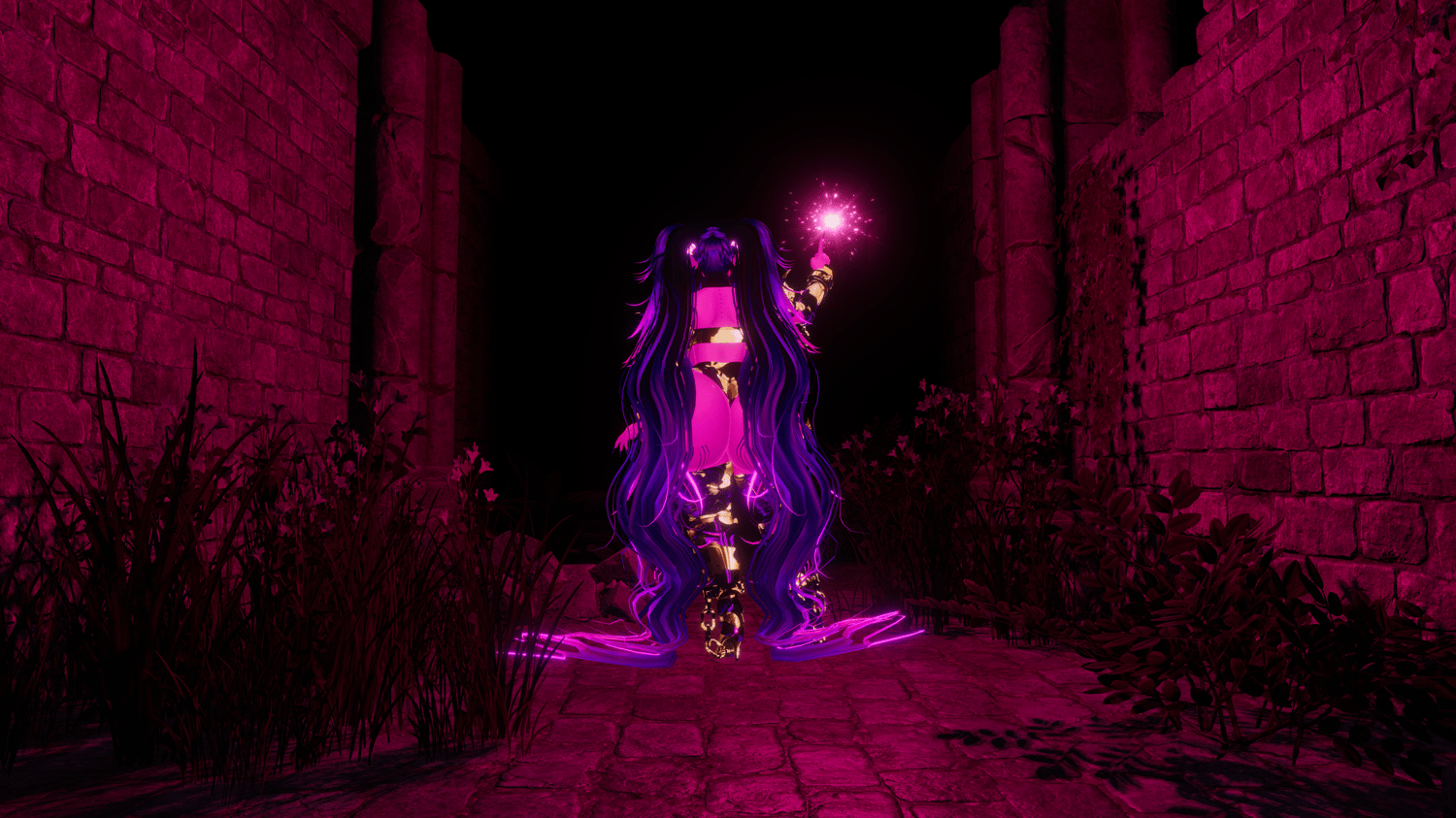
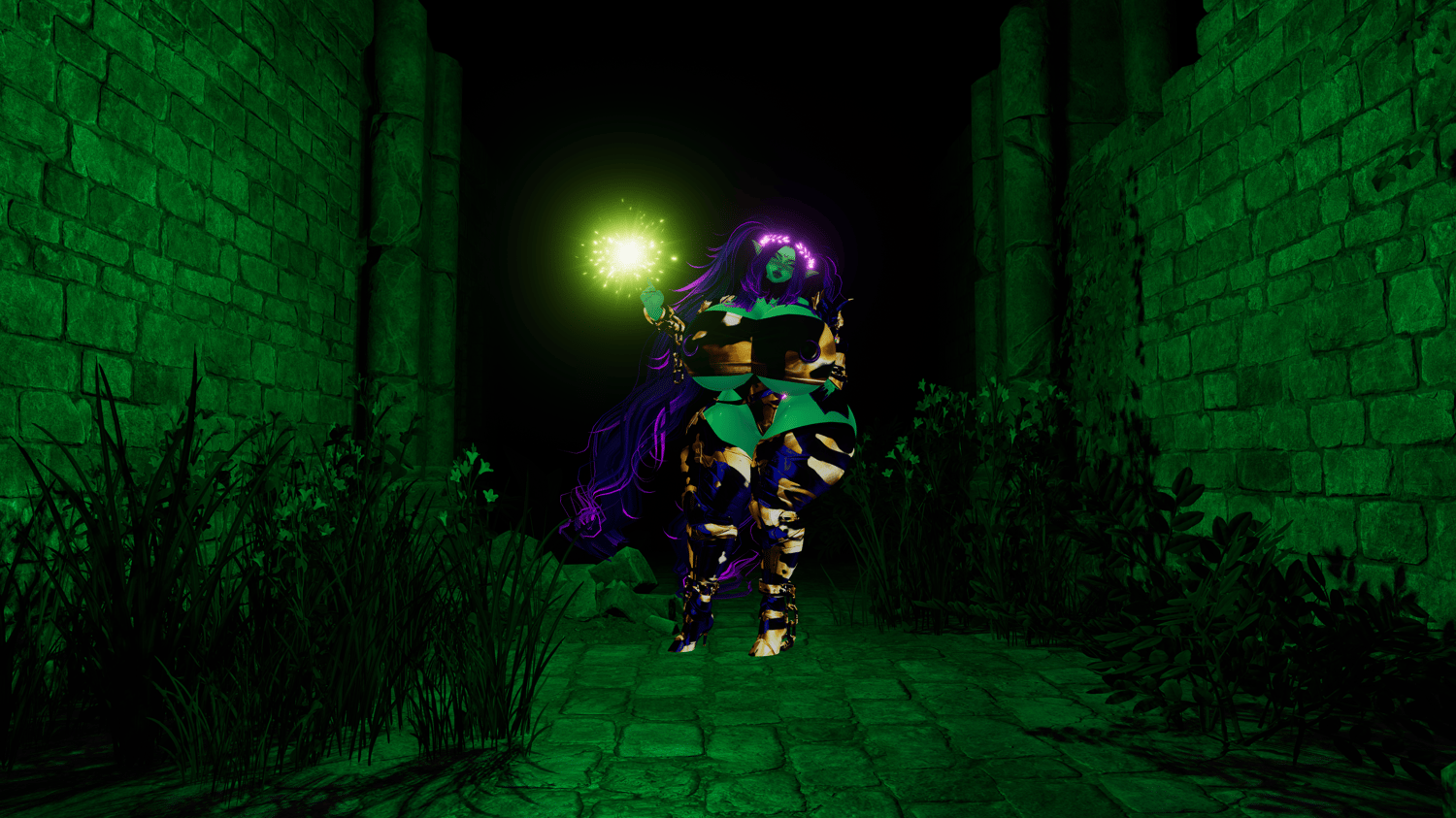
Summon, carry, and control your own magical light!
Conjure a glowing light in your hand, carry it around, drop it into the world, or summon it back whenever you need it. Whether you're exploring dark environments, roleplaying as a powerful wizard, or simply adding some magic to your avatar, Wizard Light brings an immersive and interactive experience to VRChat! ^^
✦ Interactive Magical Light
- Beautiful, customizable magical particle effects
- Summon and extinguish your light using hand gestures
- Hold your light, sheath it, or drop it into the world
- Pick up your light again using intuitive hand gestures
- Resummon your light with a special two-handed gesture
- Optional summon-back gesture toggle
✦ Two Lighting Systems
- Wizard Light features two independent lighting systems, allowing you to find the perfect balance between visual quality and performance.
- Fake / Stencil Light — A highly optimized lighting effect, ideal for performance-friendly magical illumination
- Realtime Light — An optional realtime light with shadow casting, perfect for more immersive lighting
- Enable either lighting system independently, use both simultaneously, or disable both entirely
✦ Customization
- Hue Shift — Change the color of your magical particles
- Emission — Adjust the glow and intensity of the particle effects
- Brightness — Control the brightness of your lighting effects
- Range — Customize how far your lights reach
✦ Gesture Controls
- ✨ Conjure Light: Right Hand: Finger Point + Left Hand nearby (anything except Open Hand)
- 🌌 Drop Light: Right Hand: Open Hand while holding the light
- 🤲 Pick Up Light: Right Hand: Finger Point inside the dropped light
- 💨 Extinguish Light: Left Hand: Open Hand inside the light while holding it
- 🔮 Summon Back: Both Hands: Rock 'n' Roll gesture
- The summon-back gesture can be enabled or disabled through the radial menu.
✦ Easy Installation
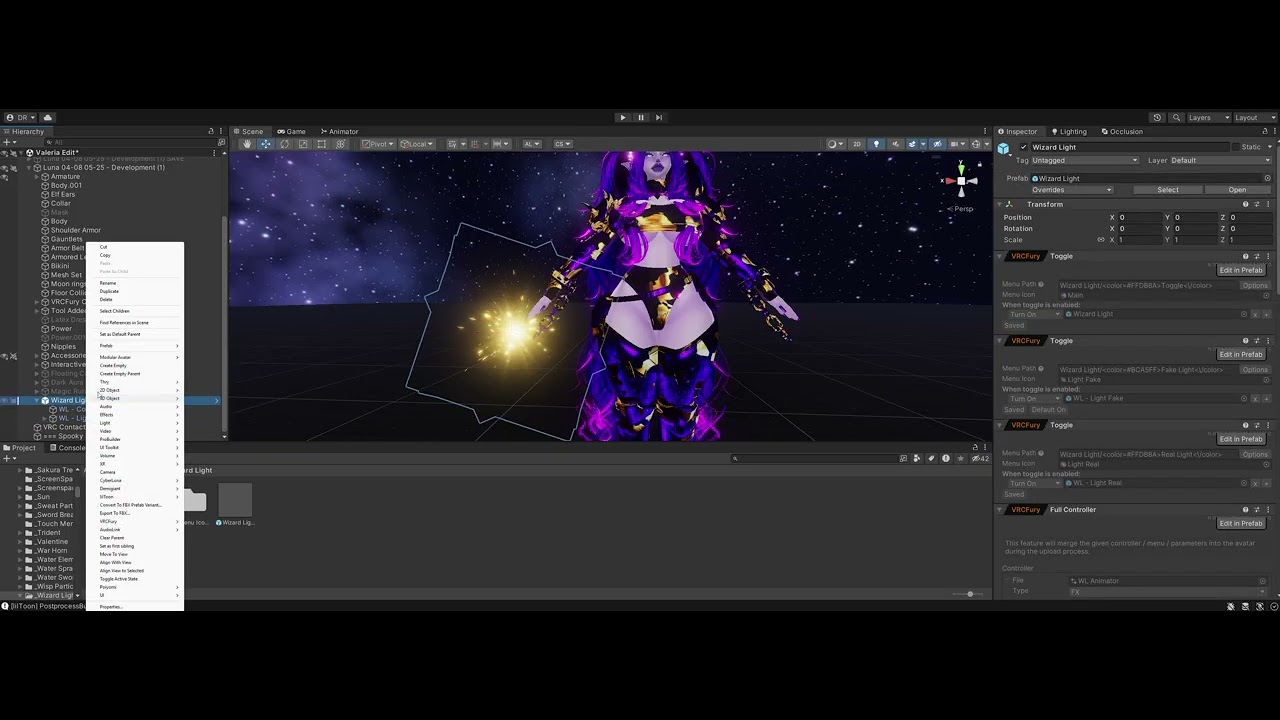
- Simple setup for your VRChat avatar
- Just position the Wizard Light on your avatar (see the install video on here)
- Convenient radial menu for controlling its features
- Designed for intuitive everyday use in VRChat
✦ Requirements
- VRCFury
✦ Personal Use License
For personal VRChat avatar use. Redistribution, resale, or sharing of the asset files is not permitted.