



Study Planner & Tracker for PEBC MCQ | Excel Dashboard
Studying for the PEBC MCQ but unsure what to revise next?
Your QBank holds your scores. Your notebooks hold your notes. Where do you keep track of the topics you have reviewed, the ones you’re less confident about and the calculations you need to practise again?
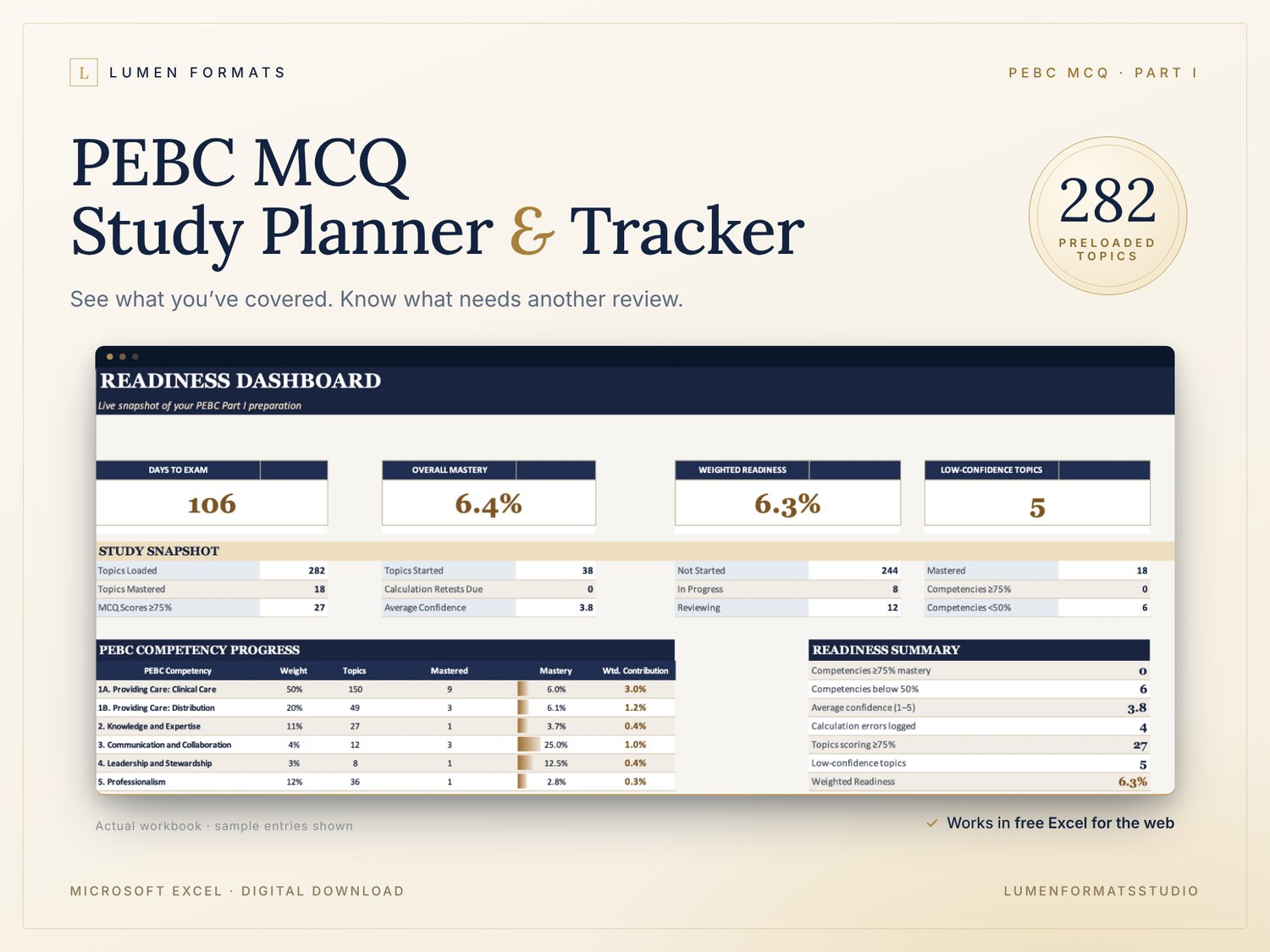
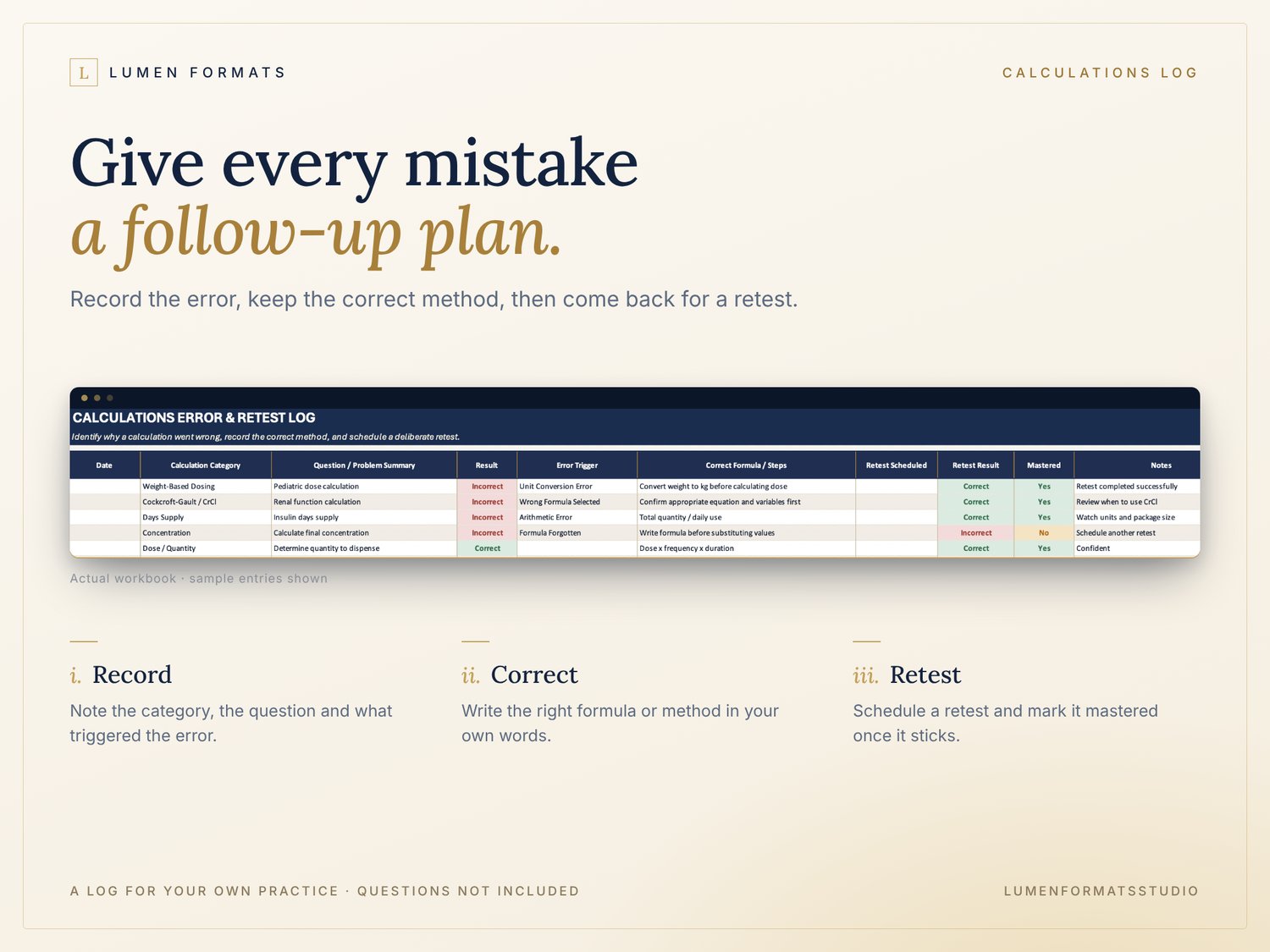
The Lumen PEBC MCQ Study Planner & Tracker brings those records into one Excel workbook, with 282 preloaded topics, revision checkboxes, confidence ratings and a calculations error log.
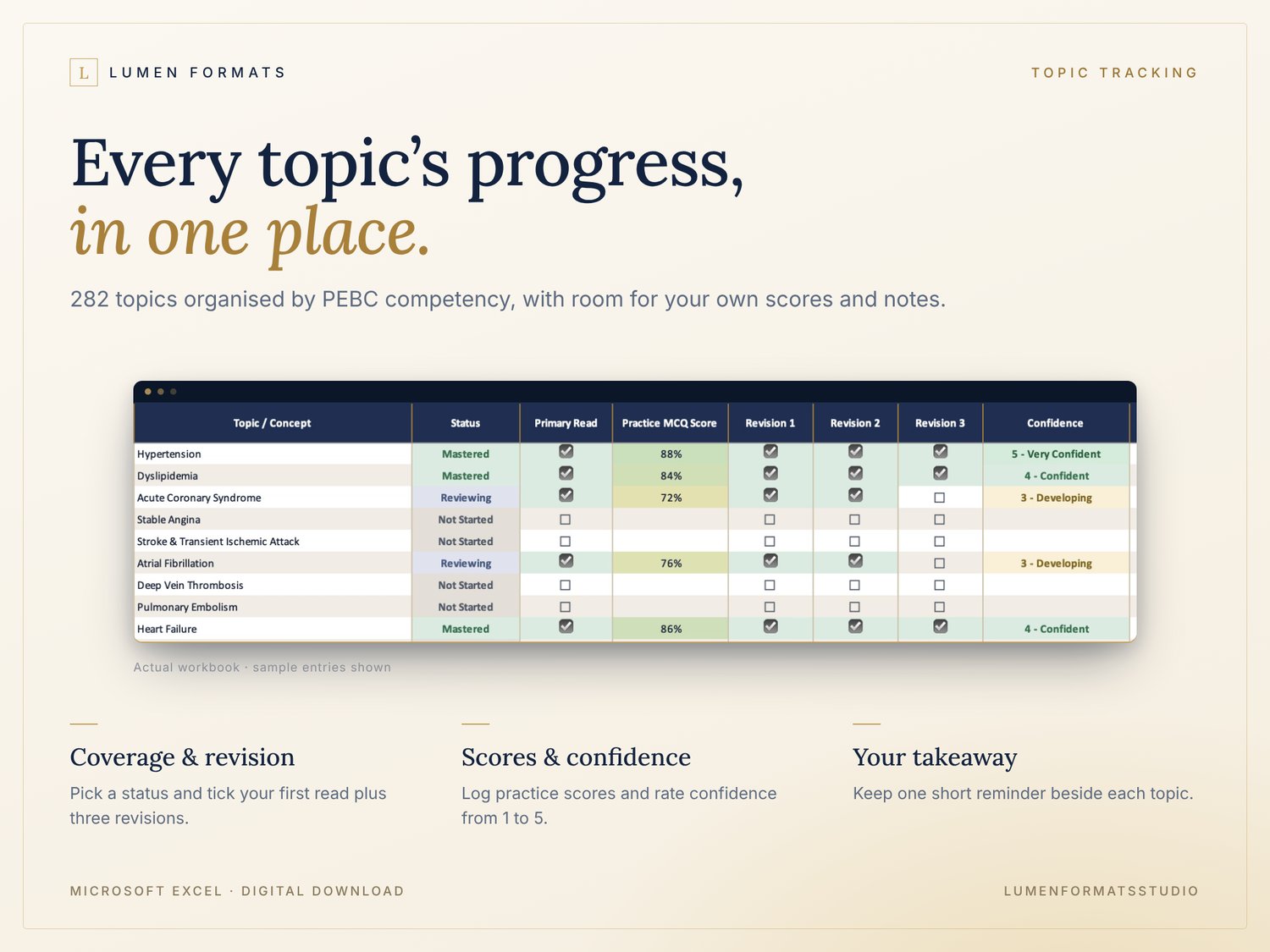
For example: you’ve completed your first read of atrial fibrillation, but still feel unsure. Record your practice score, rate your confidence and keep the topic marked Reviewing. At your next study session, that record helps you choose where to focus.
Start with the organised topic list instead of building your own tracking spreadsheet from scratch. Use it alongside your existing notes and question banks.
BUILT BY SOMEONE WHO'S BEEN THERE
I am an international pharmacy graduate. I created this from my own PEBC MCQ preparation, after juggling question banks, scattered notes and a job, and wishing I could see at a glance where I actually stood.
WHAT YOU CAN DO
• Track each topic as Not Started, In Progress, Reviewing or Mastered
• Record scores from the practice MCQ resources you already use
• Tick off your primary read and three revision passes
• Rate confidence from 1-5 and add a short takeaway beside each topic
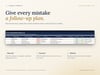
• Log calculation errors, the correct method and a retest date
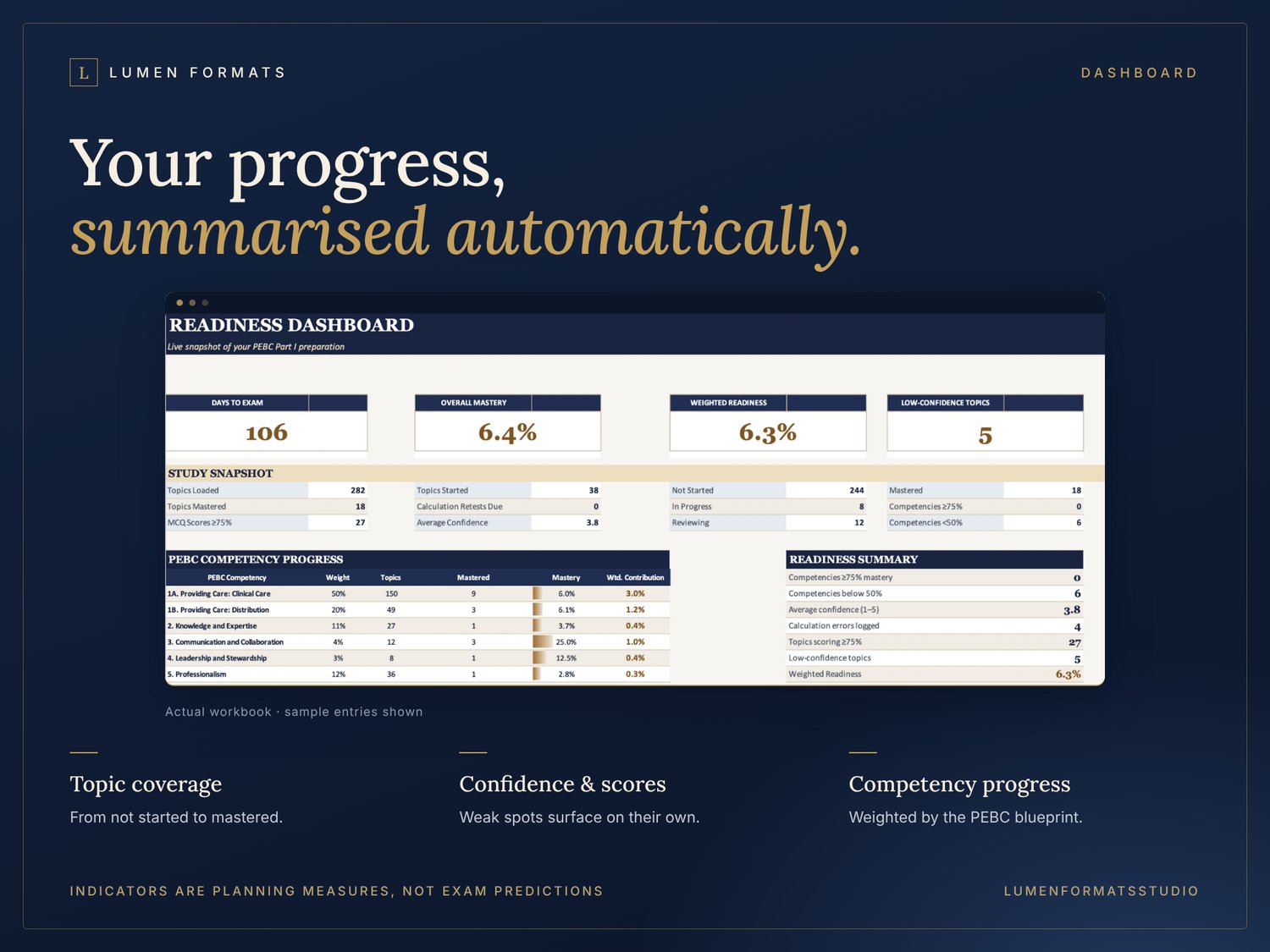
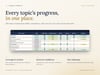
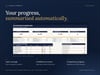
• See your progress, low-confidence topics and competency summaries on the dashboard
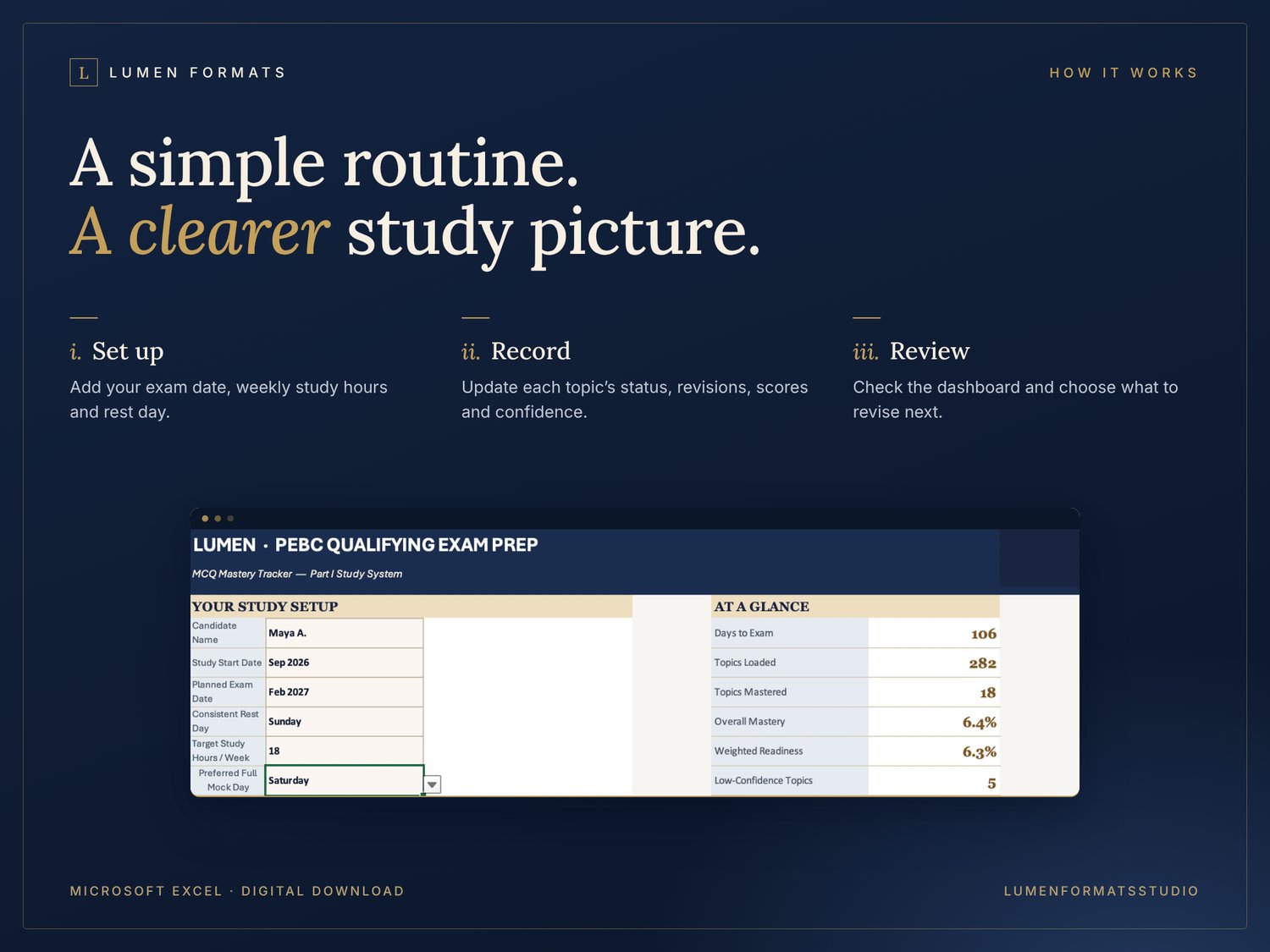
HOW IT WORKS
- Set your exam date, study start date and weekly study hours.
- Update topics, scores, revisions and confidence as you study.
- Check the dashboard and calculations log to decide what to review next.
IS THIS FOR YOU?
✔ You're preparing for the PEBC Qualifying Exam Part I (MCQ)
✔ You already have study resources but feel disorganized or unsure where you're weak
✔ You're studying around work, family or a previous attempt and need to use limited time well
✘ It's not a question bank or study notes. It organizes the resources you already use.
WHAT YOU RECEIVE
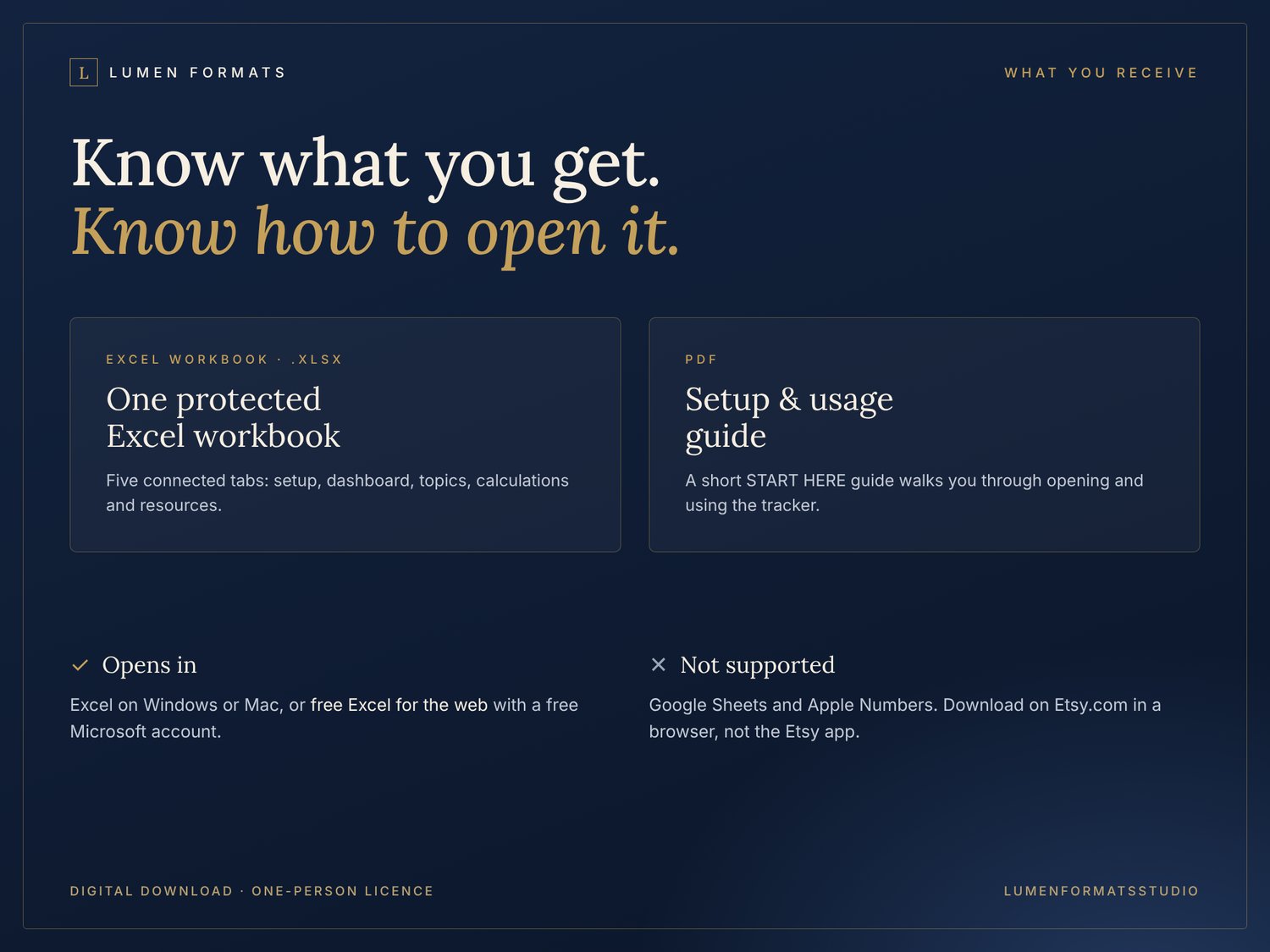
• START HERE guide (PDF): setup and usage instructions
• Study planner: a protected Excel workbook with five tabs (Start Here, Dashboard, MCQ Topics, Calculations Log, Resources & Settings)
FREQUENTLY ASKED QUESTIONS
Do I need a paid Excel subscription?
No. Upload the .xlsx file to OneDrive and open it in free Excel for the web with a free Microsoft account. Google Sheets and Apple Numbers are not supported, as they change the formatting and protection.
Does it include study notes or practice questions?
No. It’s a planning tool that organizes your preparation and records scores from resources you already use.
What can I edit?
Input cells are editable, while formula cells are protected to help prevent accidental changes.
The 282 topics are preloaded study topics organised by competency, but you can add related subtopics or drug pearls in the Key Takeaway/Note column.
Does the dashboard predict whether I will pass?
No. Mastery and weighted readiness summarize what you enter. They’re planning indicators, not predictions of exam performance.
Can I share my copy?
Each purchase covers one person. Study partners need their own copy. For group purchases, email lumenformats@gmail.com.
What if I need help?
Reply to your receipt email or contact lumenformats@gmail.com with the application you’re using and a screenshot of the issue.
🎁 Not ready to buy? Try a free Lumen cheat sheet first: https://payhip.com/b/c3bUf
PLEASE NOTE
Independent Lumen Formats product, not affiliated with, endorsed by or approved by PEBC. Consult official PEBC resources for current exam requirements.
© 2026 Lumen Formats. Personal-use licence. Sharing, resale and redistribution are not permitted.