

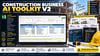



Construction Business AI Toolkit V2
Estimate construction jobs. Track costs. See projected profit.
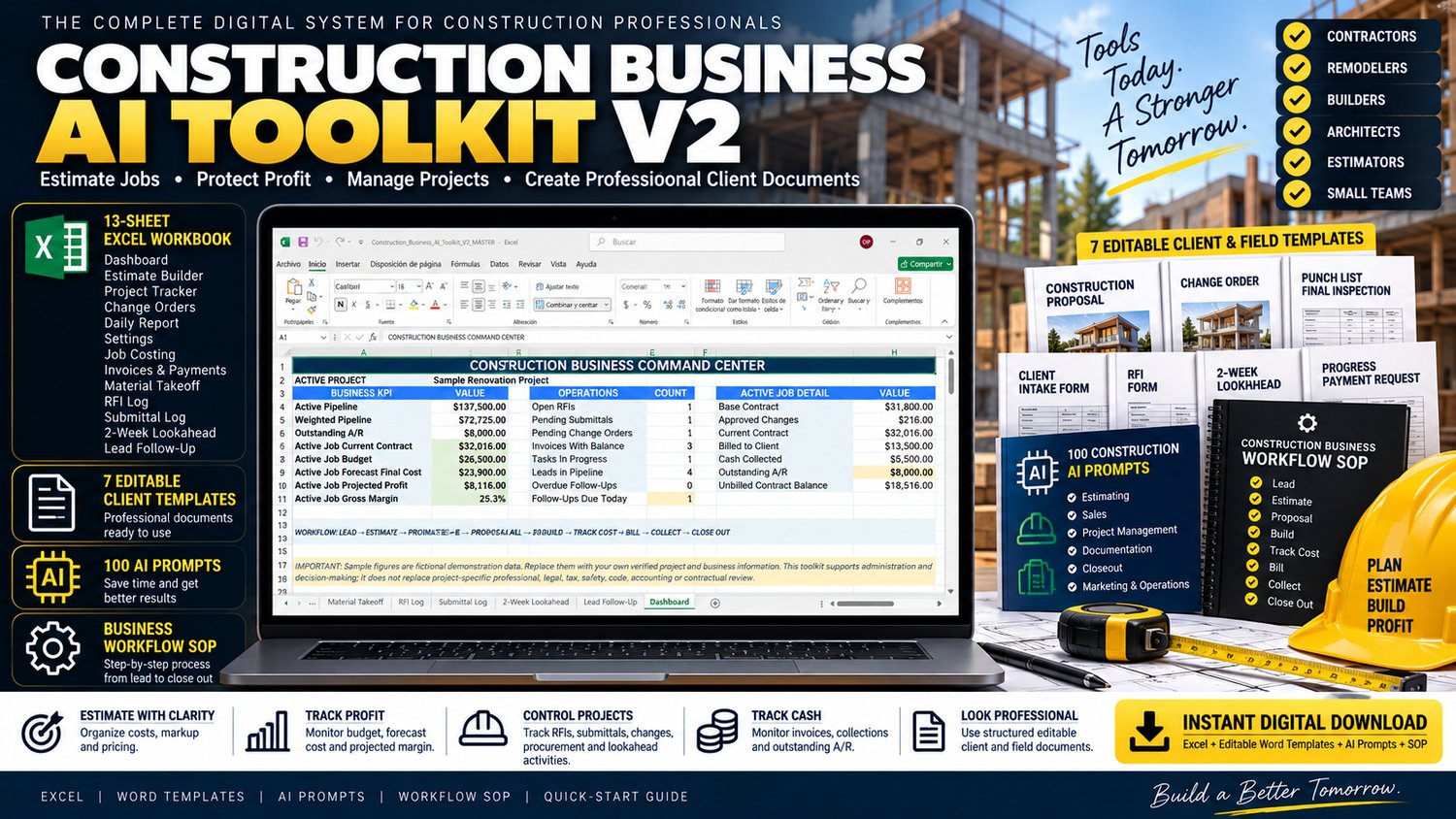
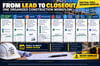
Construction Business AI Toolkit V2 gives small contractors, remodelers and construction teams editable Excel and Word resources for the administrative side of a job — from the first estimate to payments and closeout.
$47 USD · One-time digital purchase · No physical item
WHAT YOU RECEIVE
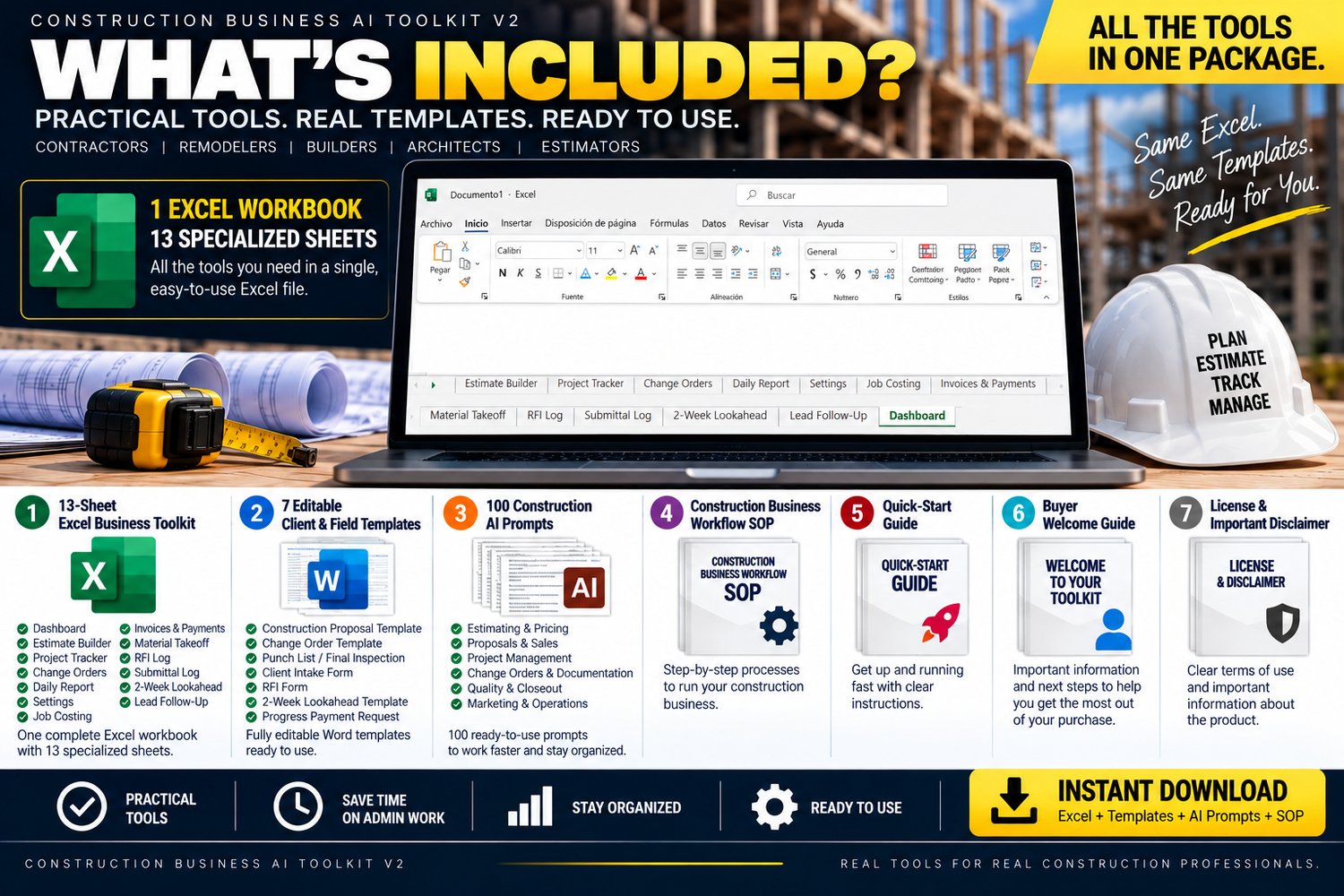
One ZIP with 13 files:
• 1 Excel workbook (.xlsx) with 13 worksheets: Estimate Builder, Project Tracker, Change Orders, Daily Report, Settings, Job Costing, Invoices & Payments, Material Takeoff, RFI Log, Submittal Log, 2-Week Lookahead, Lead Follow-Up and Dashboard.
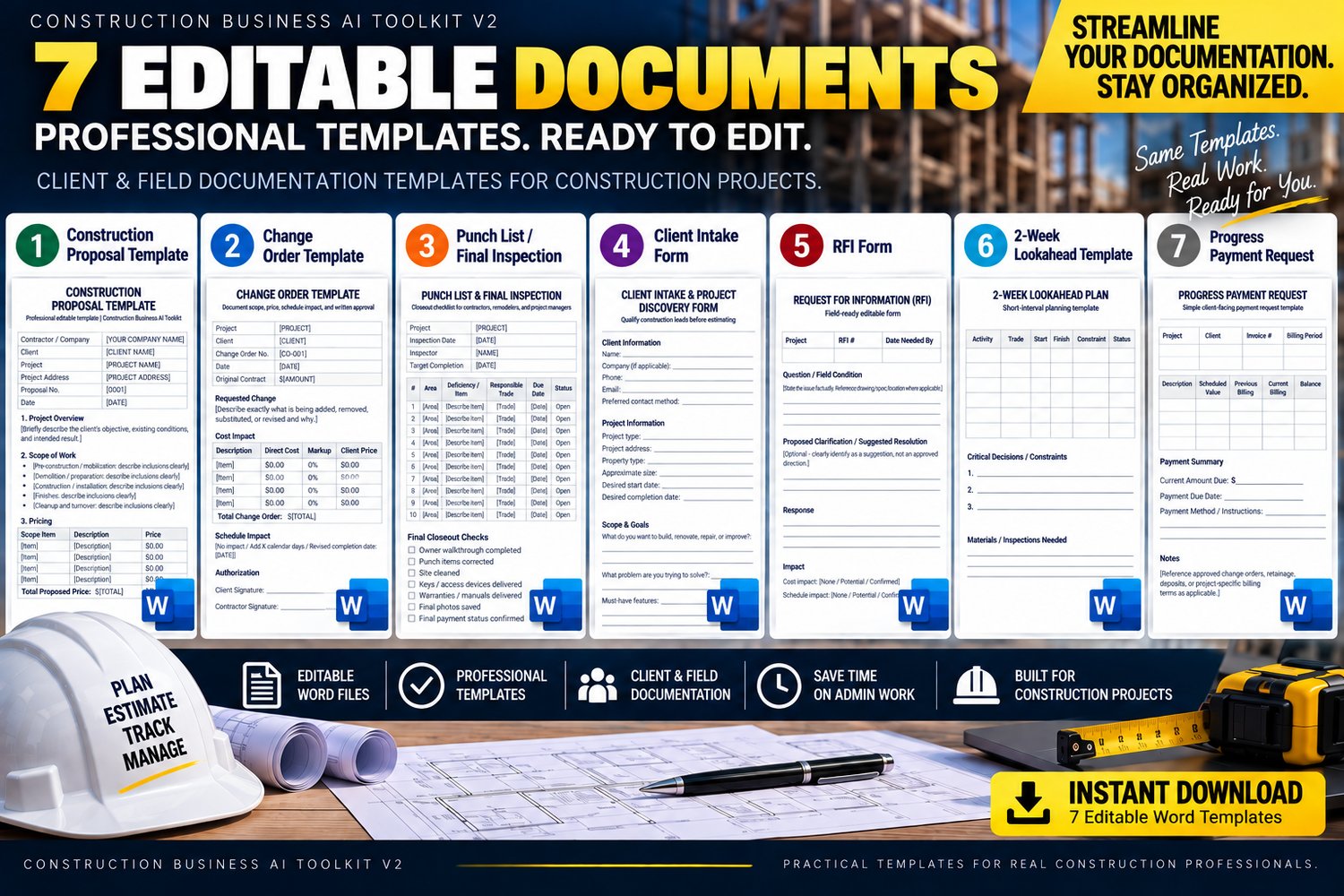
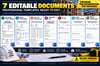
• 7 editable Word templates (.docx): construction proposal, change order, punch list/final inspection, client intake, RFI, 2-week lookahead and progress payment request.
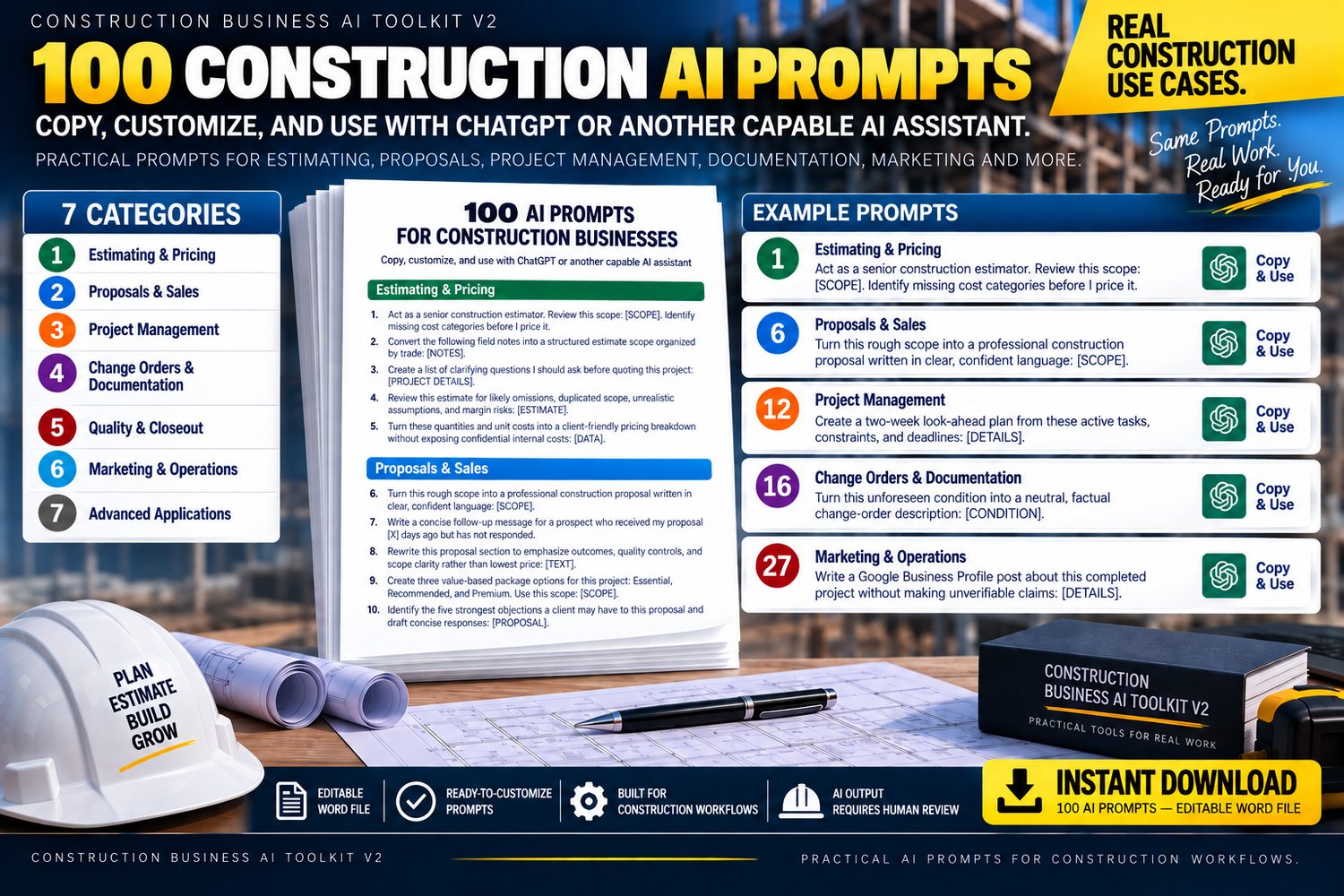
• 100 construction AI prompts in a separate Word document.
• Construction Business Workflow SOP.
• Quick-Start Guide, Buyer Welcome Guide and License & Important Disclaimer.
SEE HOW THE WORKBOOK WORKS
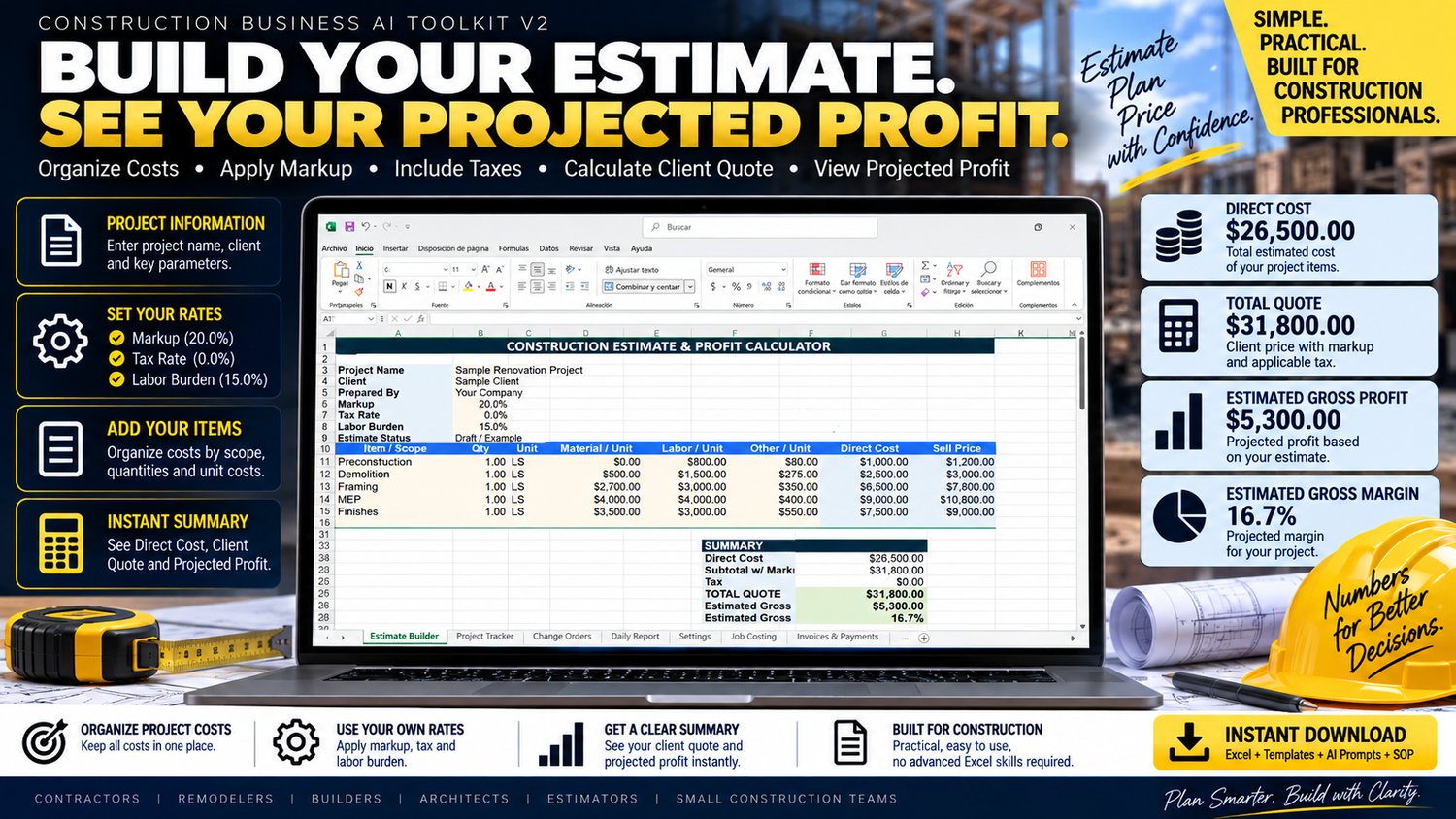
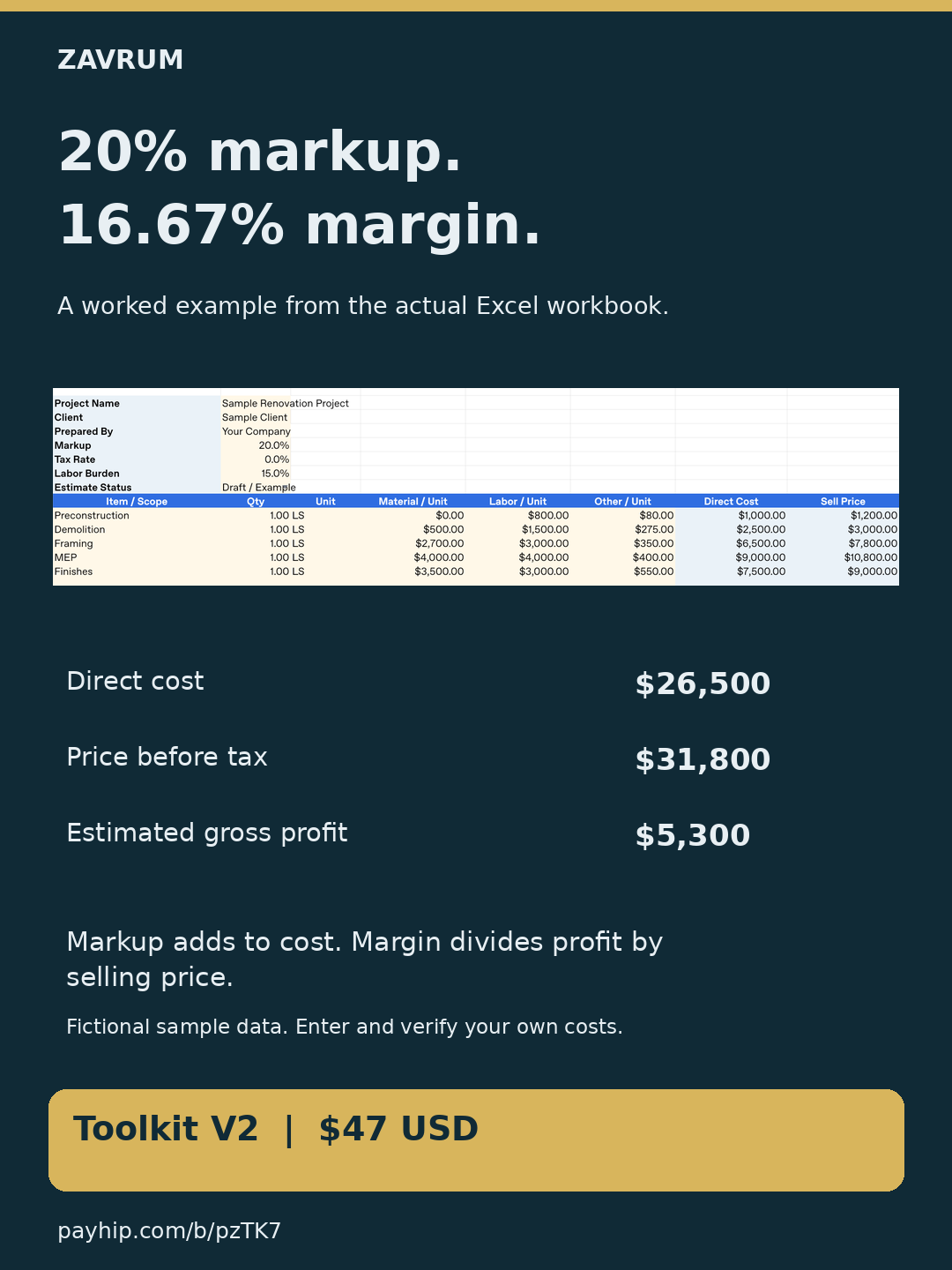
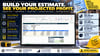
Estimate Builder combines quantities, material costs, labor costs, labor burden, other direct costs, markup and entered tax to calculate a quote and estimated gross margin.
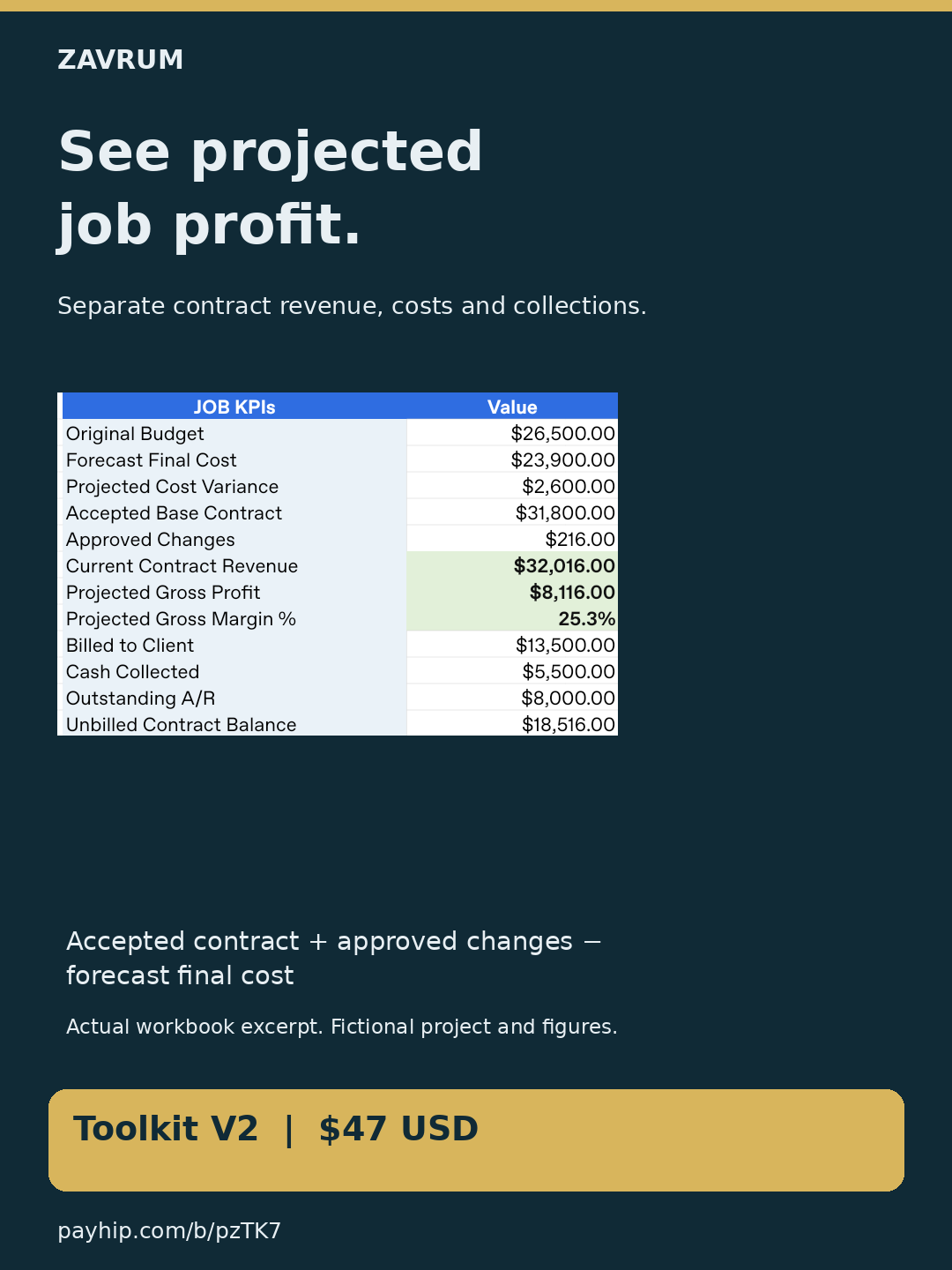
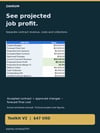
Job Costing compares the project budget with actual costs and forecast-to-complete entries. It uses the accepted contract plus approved changes to show projected gross profit and margin.
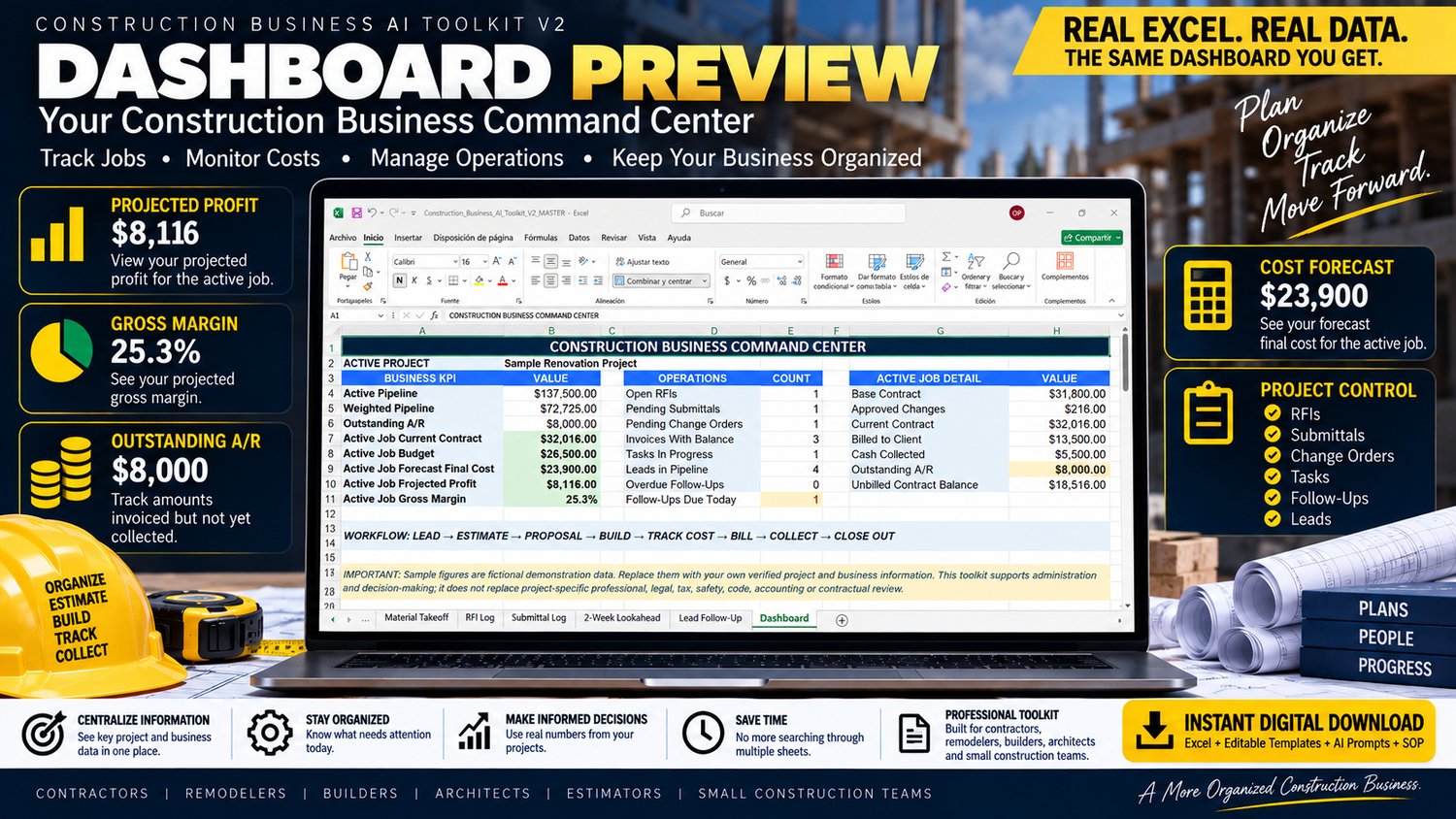
Invoices & Payments records invoiced amounts, collections and balances. Dashboard brings key project and workflow figures together.
WORKED EXAMPLE — FICTIONAL DATA
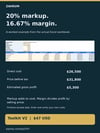
The included estimate shows $26,500 direct cost and 20% markup: $31,800 before tax, $5,300 estimated gross profit and 16.67% gross margin. Markup and margin are different. These are demonstration figures, not promised results or construction price recommendations.
START WITH ONE JOB
1. Unzip the download and read the Quick-Start Guide.
2. Open the master Excel workbook and review Settings and the inputs on the worksheet you use.
3. Replace the fictional sample data with your own quantities, rates and project information.
4. Review the calculations and adapt the Word documents before sharing them with a client.
COMPATIBILITY & LIMITS
Microsoft Excel and Word are recommended for the .xlsx and .docx files. Spreadsheet/word-processing software is not included. Google Sheets, Apple Numbers and mobile editing have not been validated for this package; layout and features may differ. Use a desktop spreadsheet application for the intended workflow.
This is a file-based toolkit, not an app or accounting system. It does not supply live construction prices, convert currencies, send invoices automatically or include AI inside Excel. The prompts are separate text for an AI assistant; AI subscriptions or credits are not included.
LICENSE & RESPONSIBLE USE
One purchasing business may adapt the files for its own internal operations and client projects under the included license. No resale, redistribution or public sharing of source files. Verify all inputs, outputs and project requirements. This administrative and educational toolkit is not a substitute for qualified legal, tax, accounting, engineering or other professional advice. Review AI output before use.
Instant digital download after payment confirmation. Final checkout shows any applicable taxes. Review the included guides before relying on the toolkit for a real project.