

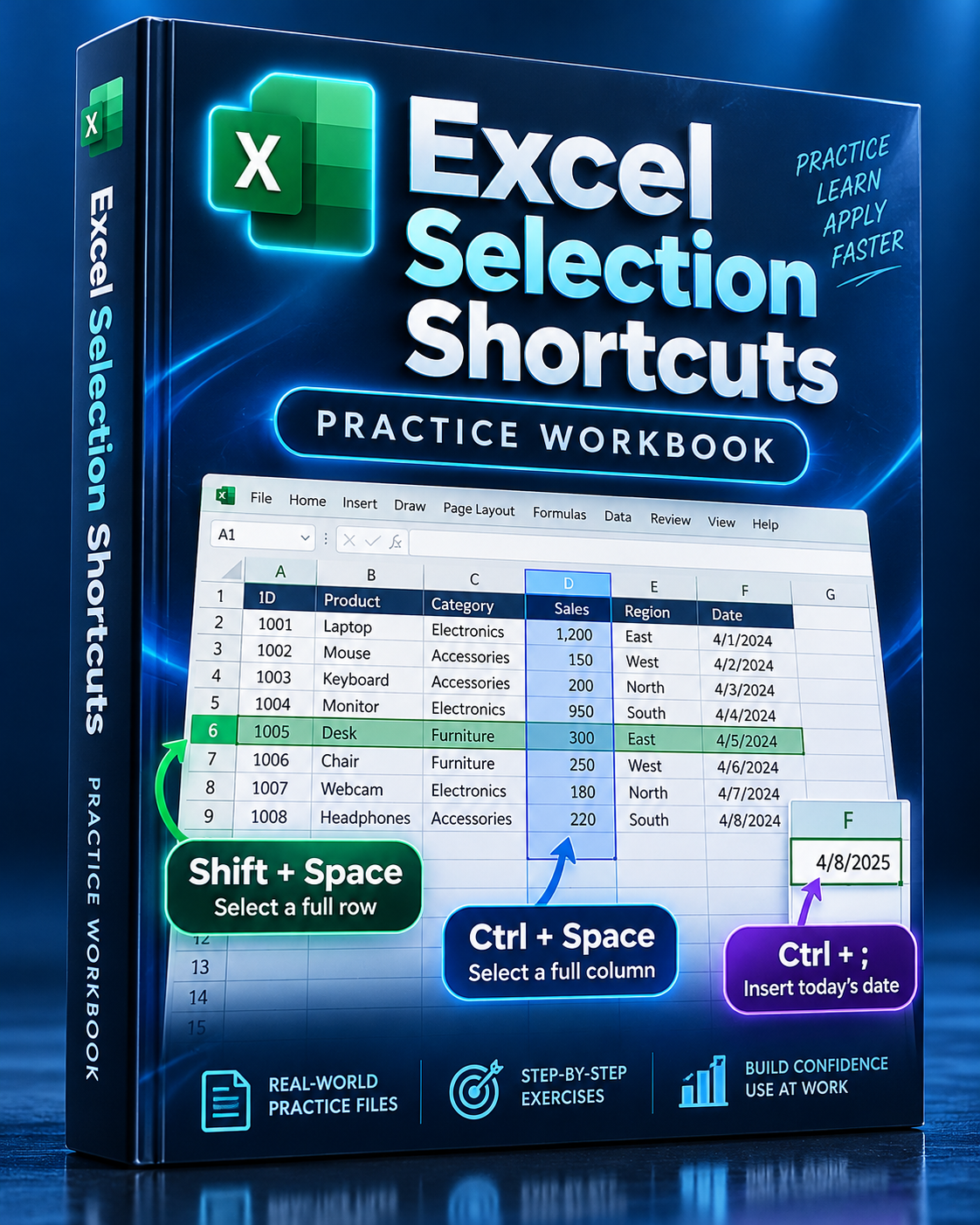
Excel Selection Shortcuts — Practice Micro-Course & Speed Challenge
On Sale
$2.49
$2.49
Stop selecting Excel data the slow way. Master three powerful selection techniques with realistic practice and timed challenges.
This downloadable Excel workbook turns three essential keyboard shortcuts into practical everyday skills.
Instead of memorizing shortcuts from a list, you'll practice them inside realistic business datasets containing 150 records each.
What's included
- Range Selection Training — Select large data ranges instantly with Ctrl + Shift + Arrow
- Row & Column Selection — Master Ctrl + Space and Shift + Space
- Visible Cells Only — Learn Alt + Semicolon for filtered data
- Reusable Selection Playbook — Choose the right shortcut for common spreadsheet tasks
- 7 Practical Skill Drills — Complete real selection challenges with suggested time targets
- Progress Tracker — Track completed exercises automatically
- Answer Key — Verify each selection and avoid common mistakes
Why this workbook is different
It's designed as a compact, hands-on Excel micro-course.
You'll develop faster, more accurate spreadsheet navigation and learn how to prepare filtered data without unnecessary manual selection.
Perfect for
- Excel users who want to work faster
- Business and data analysts
- Finance and operations professionals
- Students and office workers
- Anyone regularly working with large Excel reports