
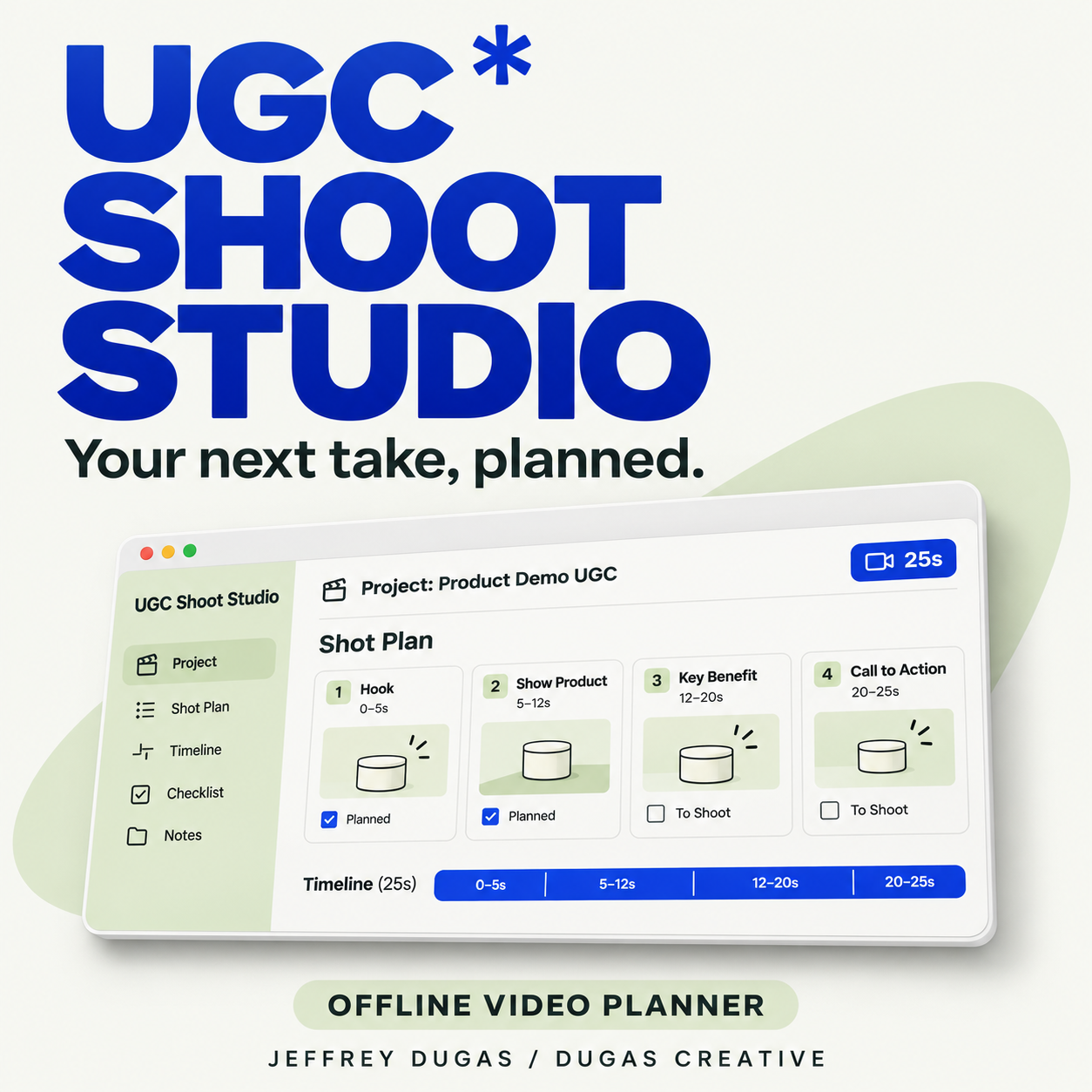
UGC Shoot Studio - Offline Video Planner
Plan your next UGC video from first idea to final review.
UGC Shoot Studio is a reusable browser based workspace for creators making product demos, portfolio samples, and client content. Keep your brief, script, timed shot list, and handoff notes together.
What’s inside:
- Project workspace - create, rename, duplicate, and organize your shoots.
- Creative brief - define your audience, product, message, and desired action.
- Timed shot planner - plan each visual, spoken line, and on-screen caption. See timestamps and total duration update as you edit.
- Filming tracker - mark completed shots and focus on what’s left.
- Three AI prompt builders - prepare prompts for hooks, script review, and portfolio captions using your project details.
- Final review checklist - check framing, audio, captions, claims, permissions, and playback.
- Printable shoot plan - prepare a clean plan to share with a client or save as a PDF through your browser.
- Project backups - export and import your work as JSON files.
- Completed example - explore an editable, fictional 25-second desk-lamp demo.
What you receive:
A ZIP containing the UGC Shoot Studio HTML app and a short getting-started guide.
Extract the ZIP and open index.html in a current desktop browser. The app works offline. You can copy its generated prompts into an AI assistant of your choice.
Saving your projects:
Projects save in your current browser when browser storage is available. Export backups regularly, especially before moving the app, switching browsers, or clearing browser data.
The layout adapts to smaller screens. A desktop browser provides the most reliable experience for opening the downloaded app.
Created by Jeffrey Dugas / Dugas Creative.
Questions? Email dugascreativestudio@gmail.com.