


Architectural Notes Manager Pro
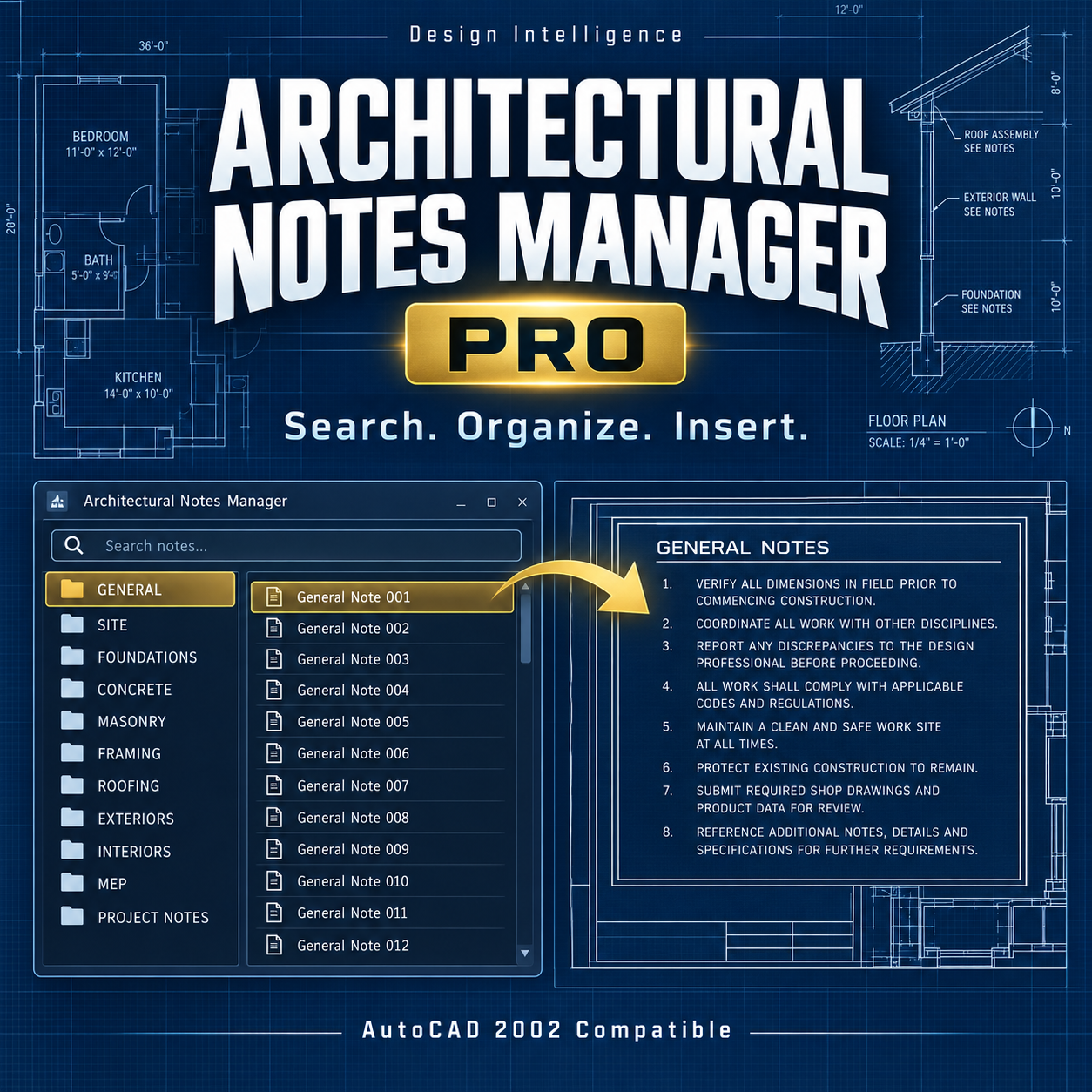
users organize, customize, and place professional architectural notes quickly and consistently.
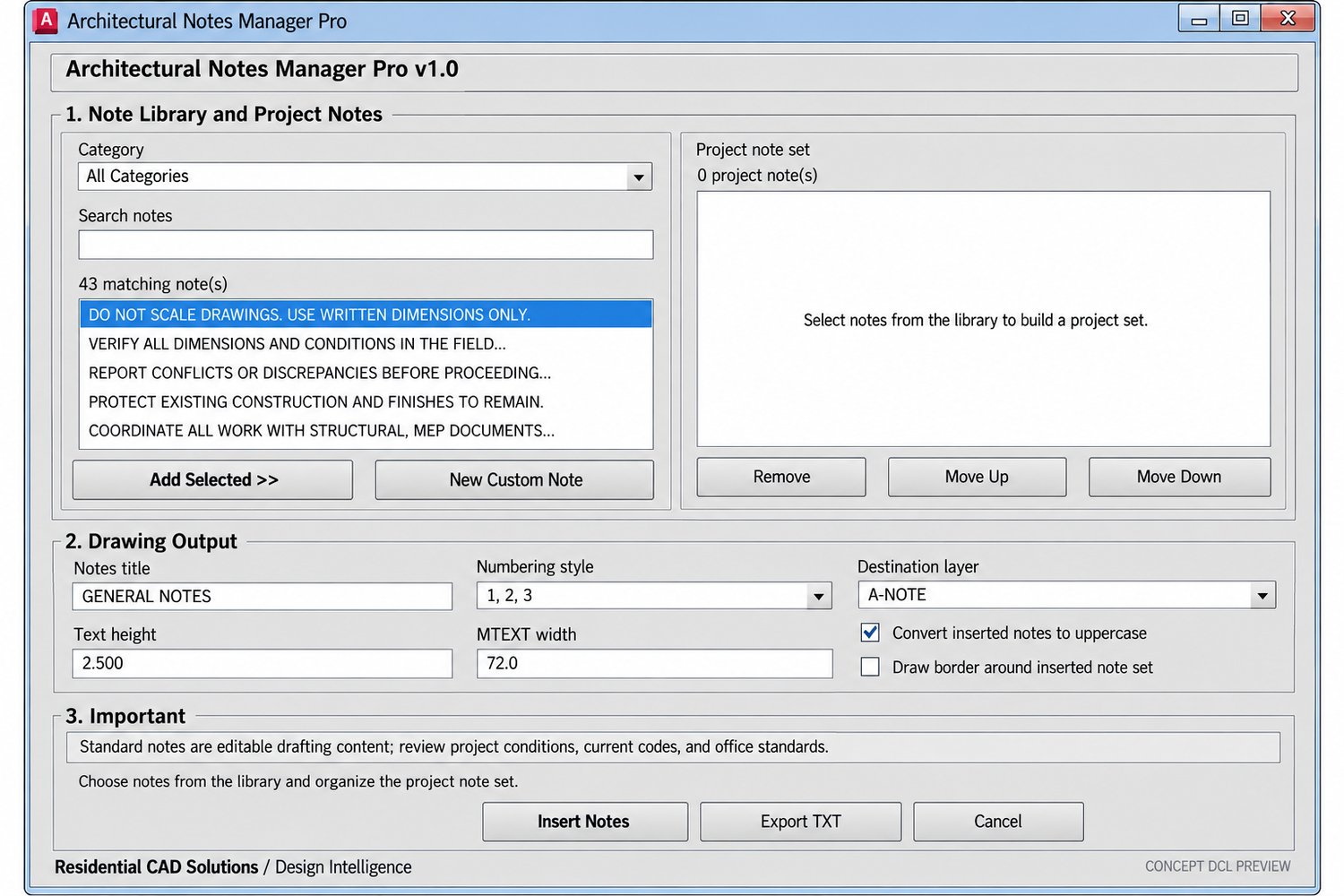
Search a built-in residential note library, create reusable custom notes, assemble project-specific note sets, and insert them into your drawing as one clean, editable MTEXT object.
KEY FEATURES
• 44 built-in residential architectural notes
• 14 organized note categories
• Live category and keyword search
• Create and save reusable custom notes
• Add, remove, and reorder project notes
• Numeric, alphabetic, or no numbering
• Adjustable text height and width
• Custom title and drawing layer controls
• Optional note border
• Automatic A-NOTE layer creation
• Optional uppercase conversion
• Export completed note sets to a TXT file
• Inserts notes as one editable MTEXT object
INCLUDED CATEGORIES
General, Site, Foundation, Framing, Roofing, Exterior, Interior, Doors & Windows, Plumbing, Mechanical, Electrical, Energy, Life Safety, and custom notes.
INCLUDED FILES
• ArchitecturalNotesManager.lsp
• ArchitecturalNotesManager.dcl
• User guide and installation instructions
INSTALLATION
- Extract the downloaded ZIP file.
- Keep the LSP and DCL files in the same folder.
- Add the folder to AutoCAD’s Support File Search Path.
- Use APPLOAD to load ArchitecturalNotesManager.lsp.
- Enter ARCHNOTES or ANM at the command line.
COMMANDS
• ARCHNOTES or ANM — Open Architectural Notes Manager Pro
• ANMEXPORT — Export a project note set
• ANABOUT — Display product information
COMPATIBILITY
Built on an AutoCAD 2002-compatible AutoLISP foundation and intended for full Windows desktop versions of AutoCAD that support AutoLISP, Visual LISP, and DCL.
AutoCAD LT versions without AutoLISP support are not compatible. Testing with your specific AutoCAD release is recommended.
IMPORTANT
The included notes are general starting language only. Every note must be reviewed and updated for the specific project, adopted building codes, local authority requirements, consultant information, and selected products.
This software does not replace professional architectural, engineering, legal, code, or specification review.
Save time, maintain consistent drawing notes, and produce cleaner architectural documentation with Architectural Notes Manager Pro.