
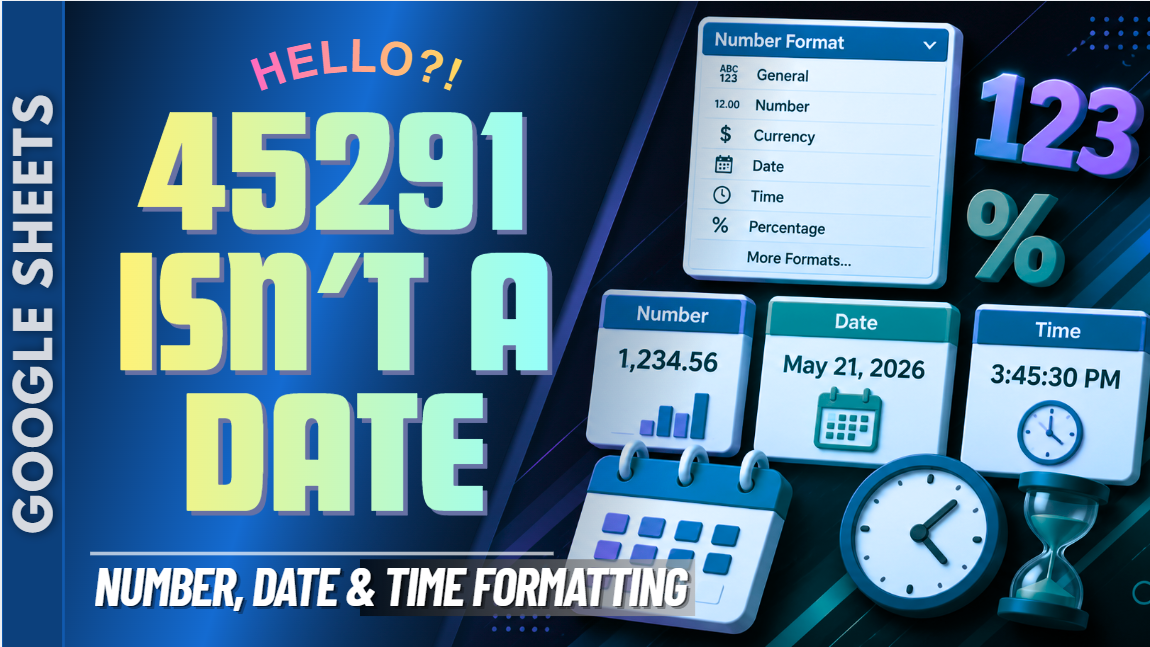
Google Sheets Number, Date & Time Formatting Practice Workbook | Beginner Practice
Learn how to format numbers, dates, and times in Google Sheets with this beginner-friendly practice workbook from Easy Mode Excel Tutorials!
Ever entered a date, time, or number into a spreadsheet and wondered why it didn't look quite right? Google Sheets has formatting tools that help you display your information clearly and consistently without changing the underlying values.
This hands-on workbook accompanies our free Google Sheets Number, Date & Time Formatting video lesson, giving you the opportunity to practice these essential formatting skills yourself.
What You'll Practice
✓ Apply number formatting to spreadsheet values
✓ Display dates in different formats
✓ Change how times appear in cells
✓ Understand the difference between a cell's value and how it's displayed
✓ Use formatting tools to make information easier to read
✓ Create consistent number, date, and time formats throughout your spreadsheet
What's Included
✓ One ready-to-use Google Sheets practice workbook
✓ Beginner-friendly exercises to reinforce the lesson
✓ Your own editable copy of the workbook
✓ Hands-on practice you can complete at your own pace
Perfect for Google Sheets beginners! Learn how to display numbers, dates, and times clearly while building confidence with everyday spreadsheet formatting.
Price: $2.49 USD — one-time purchase.
After purchasing, you'll receive a link to create your own editable copy of the Google Sheets practice workbook.
This purchase includes the practice workbook only.
Watch the FREE Video Lesson
🎥 Google Sheets Number, Date & Time Formatting: