
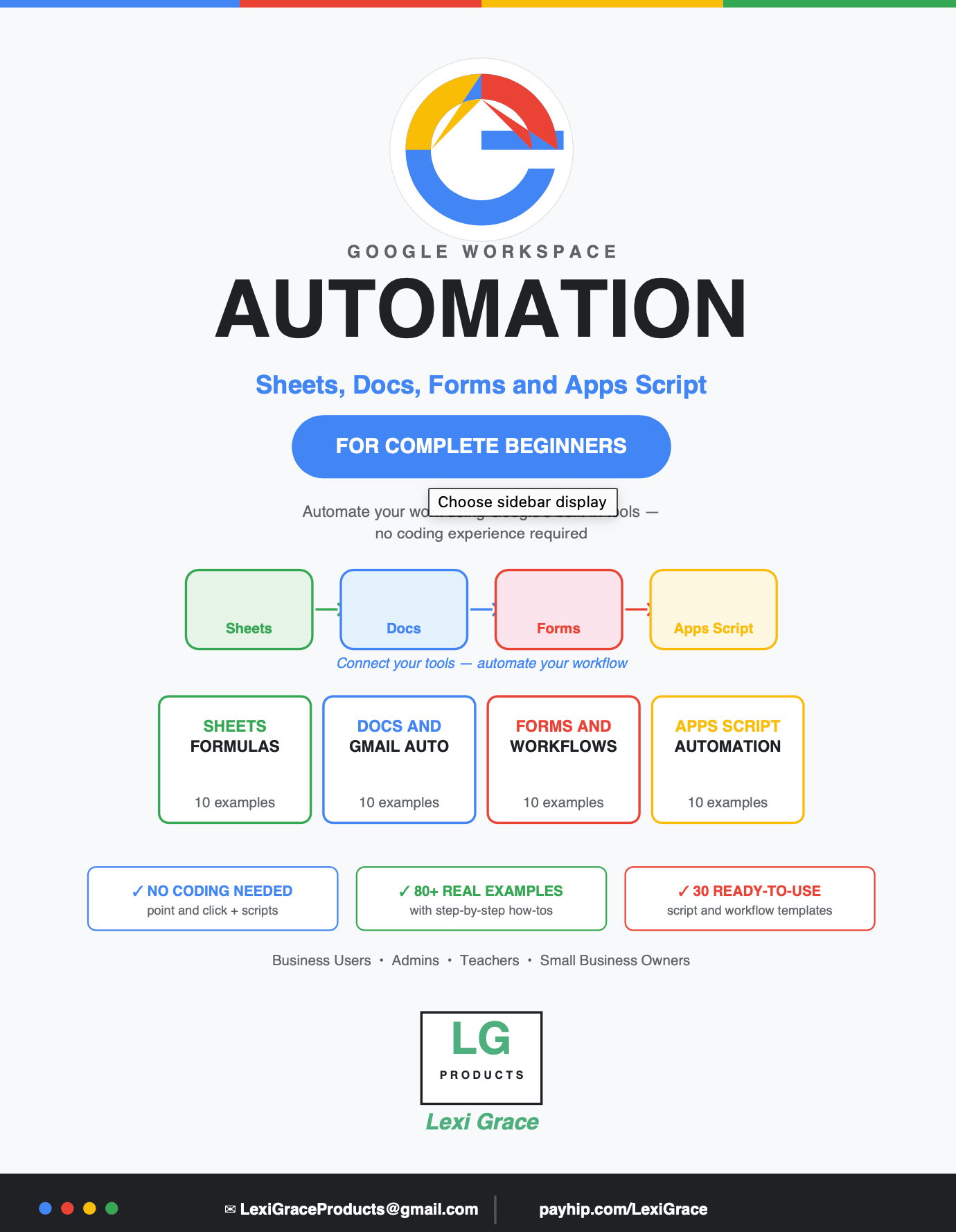
Google Workspace Automation: Sheets, Docs, Forms and Apps Script for Complete Beginners
You use Google every day. But you are probably only using 10 percent of what it can do.
Gmail, Google Sheets, Google Docs, Google Forms, Google Drive, Google Calendar — you already have access to all of them. And buried inside every single one of these free tools is a powerful automation engine that most people never discover.
This guide unlocks all of it. For free. Starting today.
Google Workspace Automation: Sheets, Docs, Forms and Apps Script for Complete Beginners is the most comprehensive beginner-friendly guide to automating your work using Google's built-in tools — covering formulas, Apps Script, Gmail filters, Forms workflows, Drive management, Calendar automation, and complete multi-app workflows that connect everything together.
No coding experience required. No third-party software needed. No subscriptions. Everything in this guide uses tools you already have in your free Google account.
What's Inside:
✅ Introduction — Why Google Workspace automation is the smart person's advantage and how to access Apps Script right now with no installation required
✅ Chapter 1 — Google Sheets formulas and automation — 10 examples covering VLOOKUP, IMPORTRANGE, QUERY, ARRAYFORMULA, conditional formatting, data validation, SUMIFS, SPARKLINES, and pulling live data from the web automatically
✅ Chapter 2 — Google Sheets Apps Script — 10 complete ready-to-paste scripts including email alerts when cells change, weekly summary reports, automatic timestamps, bulk formatting, copying data between sheets, monthly sheet creation, duplicate removal, birthday reminders, PDF generation, and auto-sorting
✅ Chapter 3 — Gmail automation — 10 examples covering auto-labeling, canned responses, scheduled sending, keyword filters, auto-forwarding, form confirmation emails, auto-starring important senders, vacation responders, bulk email from Sheets, and Gmail label reporting
✅ Chapter 4 — Google Forms and data collection automation — 10 examples including auto-sending responses to Sheets, confirmation emails, Doc generation from submissions, routing responses to the right person, booking systems, expense approval workflows, feedback analysis, and automated reminders for non-submitters
✅ Chapter 5 — Google Docs automation — 10 examples covering template document generation, auto-creating meeting agendas, mail merge for multiple recipients, live data updates in documents, automatic invoice creation, contract generation, student reports, and PDF archiving
✅ Chapter 6 — Google Calendar automation — 10 examples including creating events from Sheets, sending guest reminders, blocking focus time, exporting calendar to Sheets, syncing deadlines, daily agenda emails, and auto-declining out-of-hours meetings
✅ Chapter 7 — Google Drive automation — 10 examples covering automatic folder structure creation, sorting files by filename keywords, bulk sharing with new team members, file inventory reports, bulk renaming, archiving old files, storage reporting, and daily CSV backups
✅ Chapter 8 — Connecting everything — 10 complete multi-app workflow examples including new client onboarding, invoice generation and tracking, event registration systems, employee expense workflows, weekly report compilation, content calendar management, customer feedback loops, HR onboarding, sales pipeline automation, and school gradebook systems
✅ Bonus — 30 complete ready-to-use Apps Script templates and workflow recipes covering every common automation scenario — copy, paste your folder IDs and email addresses, and run
This guide is perfect for:
- Anyone who uses Google Workspace and wants to stop doing repetitive tasks manually
- Small business owners who want to automate client onboarding, invoicing, and communications
- Teachers and school administrators who manage student data, reports, and parent communications
- Office admins, HR professionals, and project managers who work in Google Workspace daily
- Complete beginners who have never written a script but want to start automating their work
- Anyone who already uses Power Automate or Excel automation and wants the Google equivalent
Everything in this guide is completely free to implement.
No Power Automate subscription. No Zapier account. No third-party tools. Just your existing Google account and this guide.
Google built the automation into the tools. This guide shows you where it is and exactly how to use it.
Instant digital download. Open Google Sheets and start automating today.
Note: Works with any free Google account. Google Workspace business accounts have additional features but all core examples in this guide work with standard Gmail and Google accounts.
© 2026 Lexi Grace Products | LexiGraceProducts@gmail.com | payhip.com/LexiGrace