
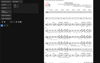
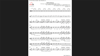
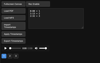
NotePak (web version) - MP3/YouTube PDF Sync Player with Automatic Page Turning
Update 5/18/26: NotePak is now available in the Google Play Store
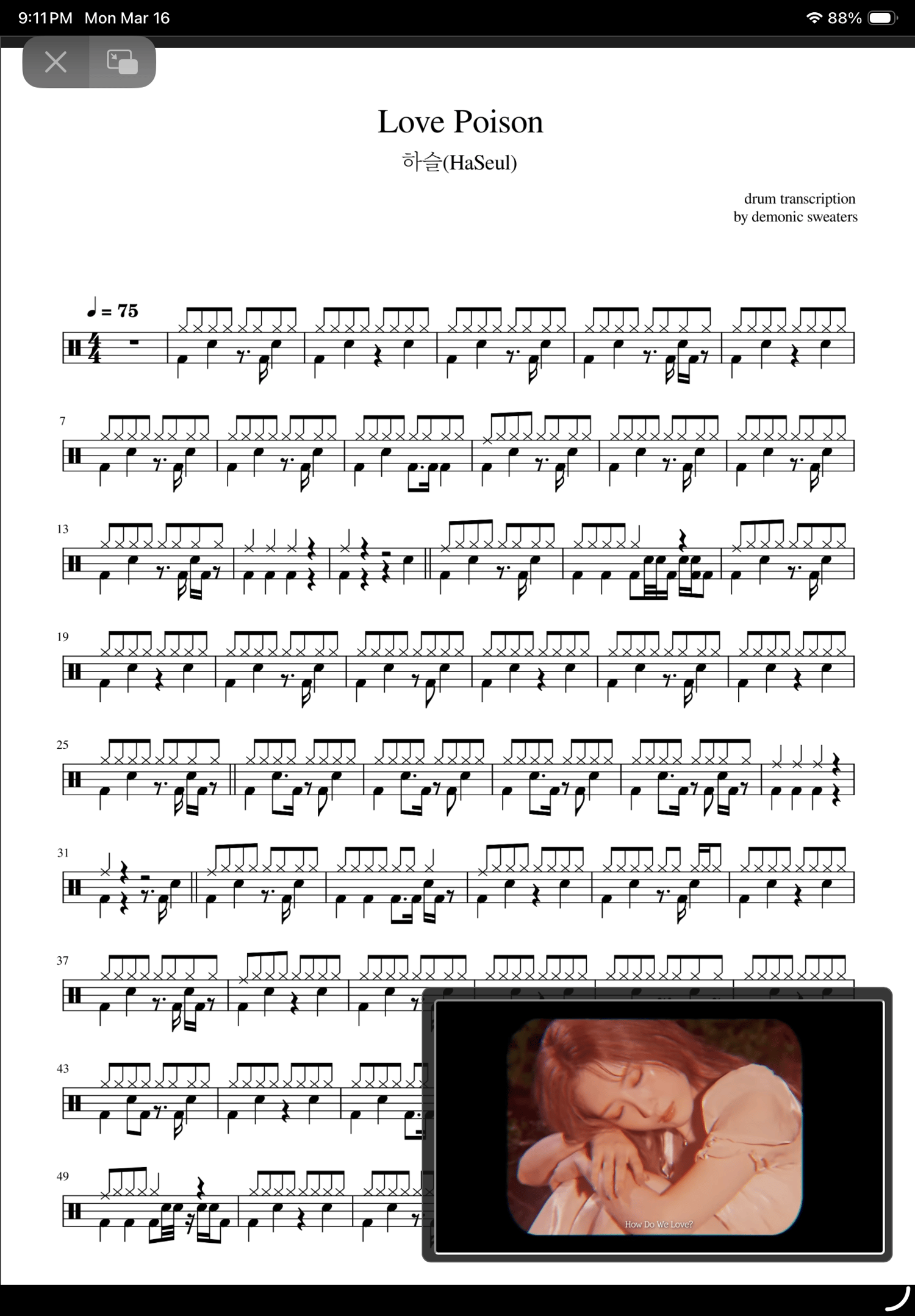
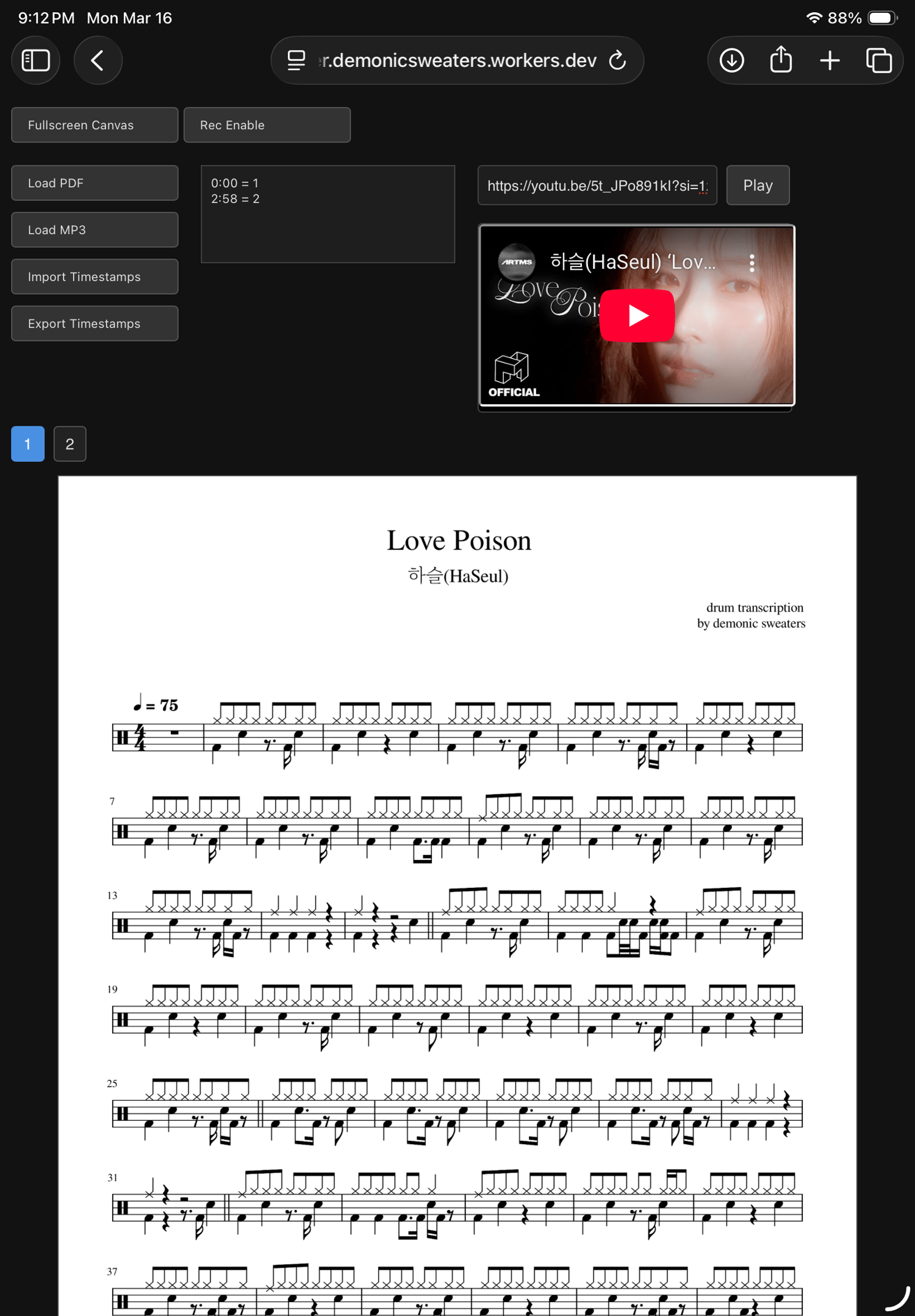
UPDATE* 3/16/26 added the ability to play audio from YouTube with automated page turning
NotePak - MP3 PDF Sync Player with Automatic Page Turning
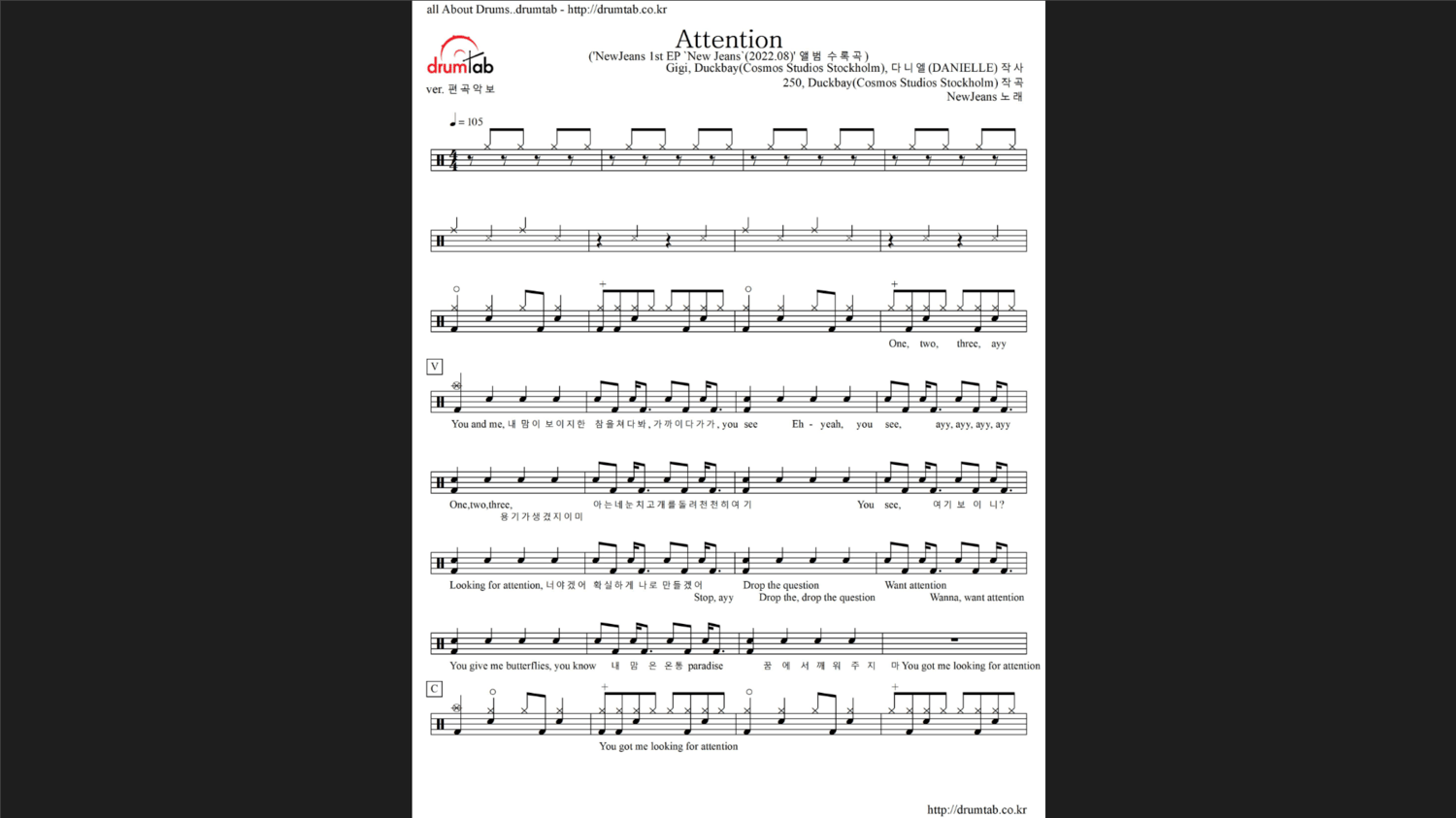
This app lets you load any PDF sheet music and sync it to an MP3 file (now youtube too!). As the audio plays, the pages turn automatically at the exact timestamps you define — no tapping, swiping, or losing your place while practicing.
Perfect for musicians who rehearse with recordings, teachers preparing materials for students, and anyone who wants a smoother, more focused practice session.
FEATURES
• View PDF and play MP3 files simultaneously from the same app.
• Automatic Page Turning
Pages flip themselves while the audio plays, based on your custom timestamps.
• Record Page Flips in Real Time
Tap once per page while listening to the track — the app automatically generates timestamps for you. No typing required.
• Fullscreen Sheet Music Mode
Clean, distraction‑free display with floating audio controls.
• Import and Export "NotePaks" this allows you to save and share your combined PDF, audio and page turns!
• Runs in Your Browser (web version)
No installation. No plugins. Works on desktop, laptop, and iPad.
• Private Access
Your purchase grants access to a Cloudflare‑protected version of the
HOW TO ACCESS YOUR APP
1. Use Your Purchase Email
You must log in using the same email address you used at checkout.
This email is added to the private access list.
2. Open the App
Visit the app here:
https://mviewer.demonicsweaters.workers.dev/
3. Cloudflare Login
When you visit the app, you’ll see a Cloudflare Access login screen.
• Enter your email
• Cloudflare will send you a one‑time login code
• Enter the code to continue
Once logged in, you’ll have full access.
4. Using the App
Inside the viewer, you can:
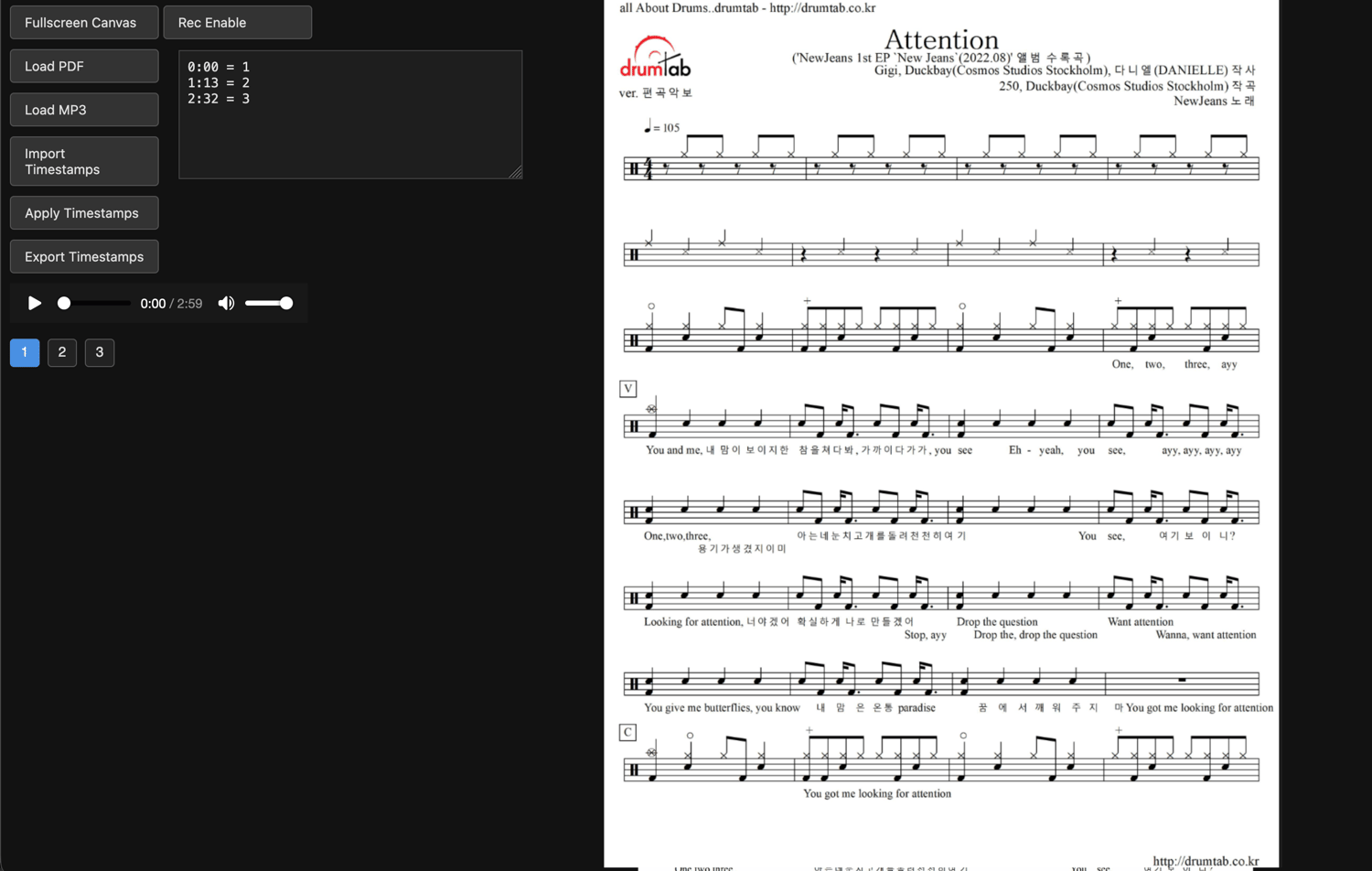
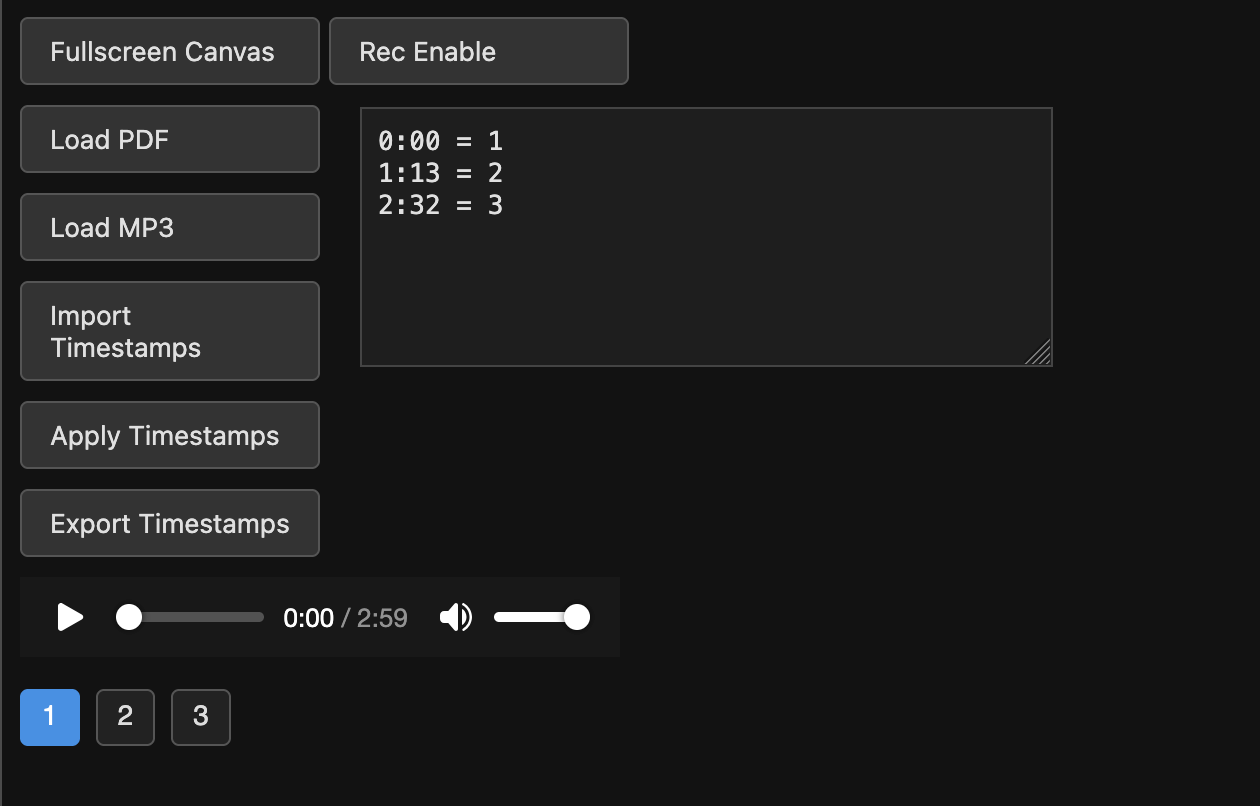
• Load a PDF
• Load an MP3
• Enable “Rec Mode” to generate timestamps automatically
• Tap “Record Page Flip” to capture page‑turn moments
• Apply timestamps to sync page turns
• Enter fullscreen for distraction‑free reading
• Export your timestamp file for later use
5. Need Help?
If you have trouble logging in or need support, email:
demonicsweaters at icloud dot com