

Obsidian Vault for Claude Code: House Rules, 4 Skills
Stop explaining your notes to Claude every single day.
Mindroom is a ready-made notes folder for Obsidian that Claude Code understands from the first minute. Where things go, what it must never touch, how you like your notes: it's all written down in one file that Claude reads every time it starts. You set it up once, then you just talk to it.
What changes for you
• Say "start my day" and get today's page with your open tasks pulled together.
• Dump ideas into one inbox. Claude sorts them, but shows you first where each one would go.
• Ask it to connect a note, and it finds the notes that belong with it.
• Once a week it writes a short review of what you did.
• It looks for an existing note before making a new one, so you don't end up with five notes on the same thing.
• It is told never to delete anything: old stuff goes to an archive, and it asks before changing a lot at once.
What you need
• Obsidian (free) and Claude Code (part of a paid Claude plan). No coding.
• About 15 minutes with the step-by-step guide inside.
• Also works with ChatGPT in a simpler way, without the automatic routines.
Not sure yet? Mindroom Light is free: one routine and three templates to try first.
WHAT'S INSIDE
🤖 4 Claude Code skills you trigger by just saying it:
• "Start my day" → today's note + your 3 most important tasks pulled from active projects
• "Sort my inbox" → proposes where each note belongs, then moves it (links stay intact)
• "Do my weekly review" → your week summarized from your daily notes
• "Link this note" → finds related notes and adds the links
📋 CLAUDE.md: the house rules for the AI. It knows your folders and formats and never deletes anything. 💬 ChatGPT: a guide, 4 copy-and-paste workflows and an AGENTS.md for OpenAI Codex.
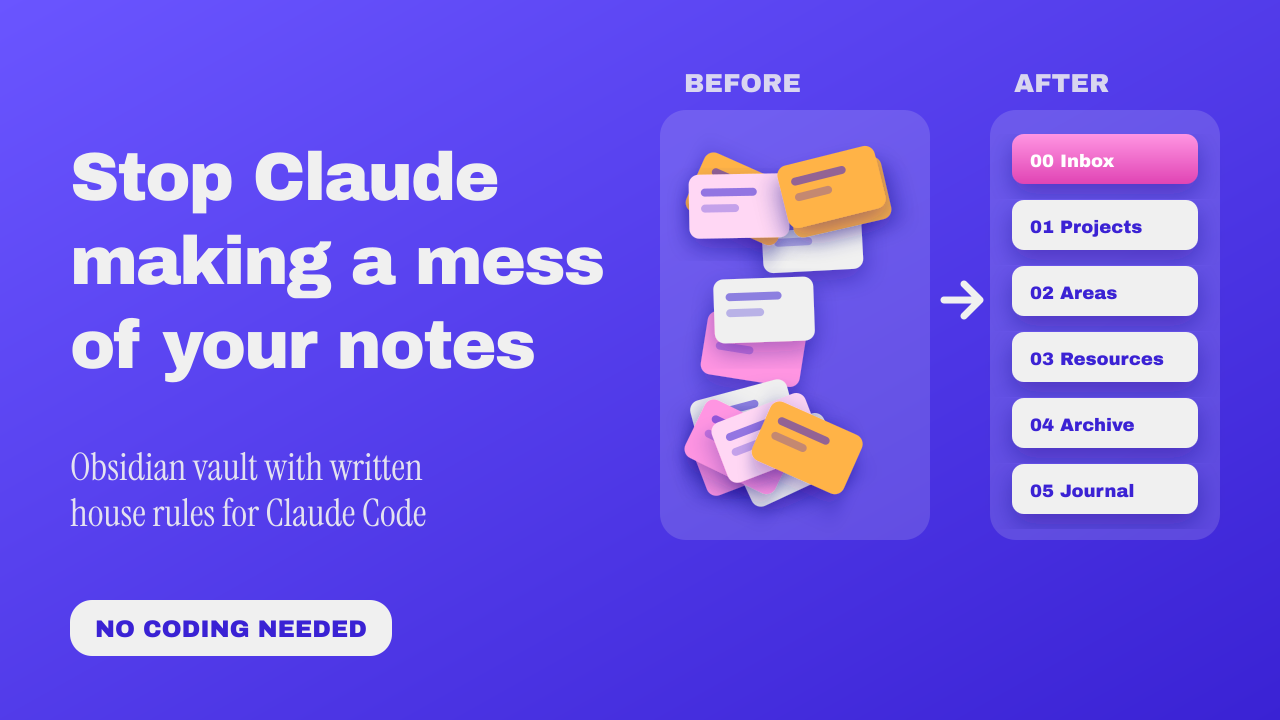
🗂️ PARA structure: Projects, Areas, Resources, Archive (from "Building a Second Brain")
🧩 9 templates: daily note, weekly review, project, area, idea, book & course, meeting, person, study sheet
📊 4 live dashboards built on Obsidian Bases: projects with a deadline traffic light, inbox age, knowledge cards, journal with average energy
💬 40 copy-paste prompts: learn, plan, write, decide, tidy up
🗺️ Canvas map of the whole system
📖 4 short guides: Obsidian in 10 minutes, set up Claude Code, daily routine, FAQ
WHO IT'S FOR
Students, freelancers and anyone who already uses (or wants to try) Obsidian and Claude Code and doesn't want to build the structure from scratch.
WHAT YOU NEED
Obsidian 1.9+ (free) and either a Claude subscription (Pro is enough) or ChatGPT (free works with copy-and-paste; OpenAI Codex needs a plan that includes it). Templates and dashboards work without any AI.
Delivered as a ZIP. Unzip → "Open folder as vault" → start. Free updates. License: personal and professional use, teams up to 5.
Digital product, delivered immediately after payment. By purchasing you agree to immediate delivery and acknowledge that the 14-day right of withdrawal (EU) does not apply to digital content once delivery has begun.