

Wrenfield - Point of Sale UI Kit for Flutter
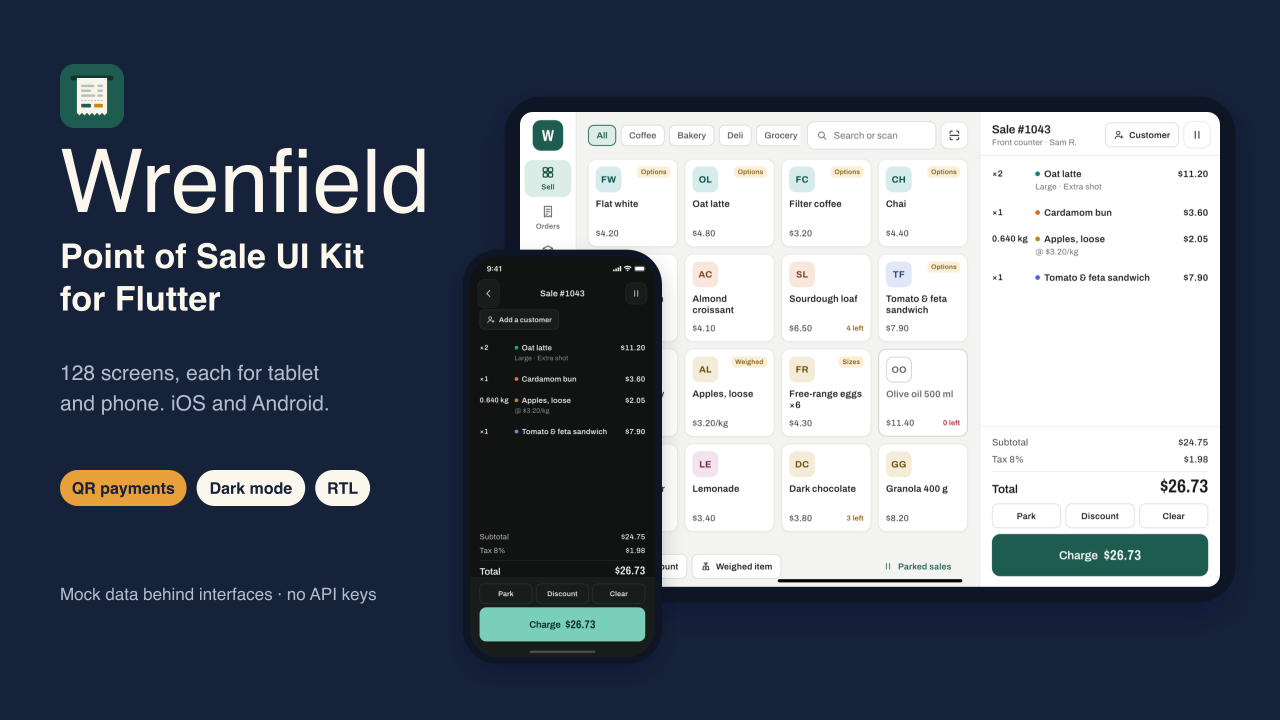
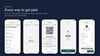
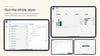
Wrenfield is a complete point-of-sale front end for small shops, cafés, and counters, built in Flutter for iOS and Android. Every one of its 128 screens has a tablet layout for the counter (landscape, side rail, the cart always visible) and a phone layout for handhelds and stalls (portrait, five tabs, a full-screen cart). It runs on mock data out of the box, so you can open it, sell, refund, and close a shift, then connect your own backend and hardware by replacing one set of classes.
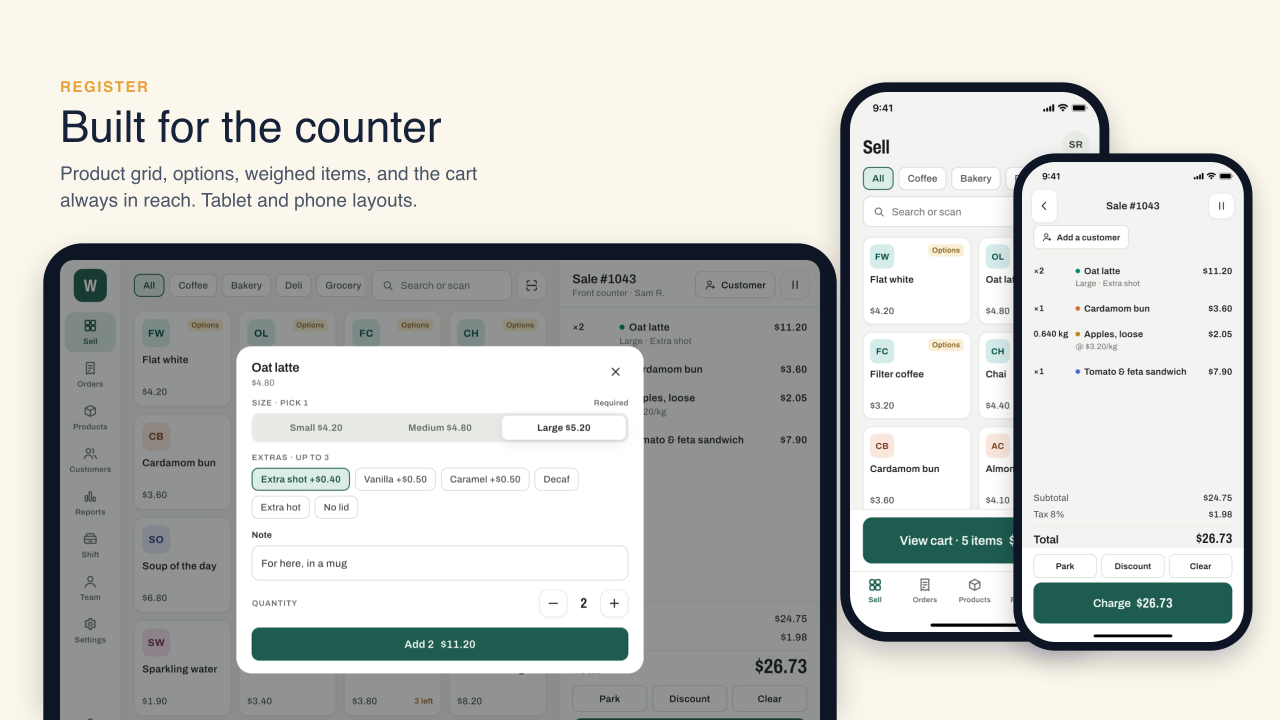
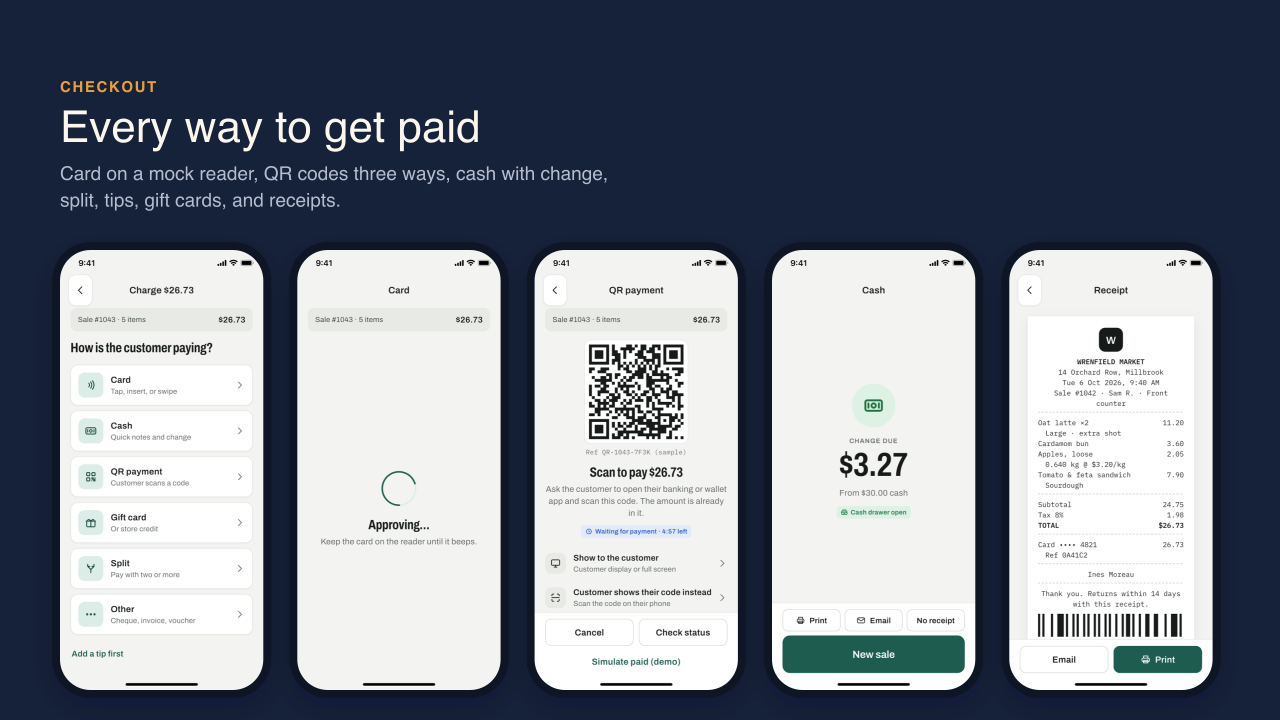
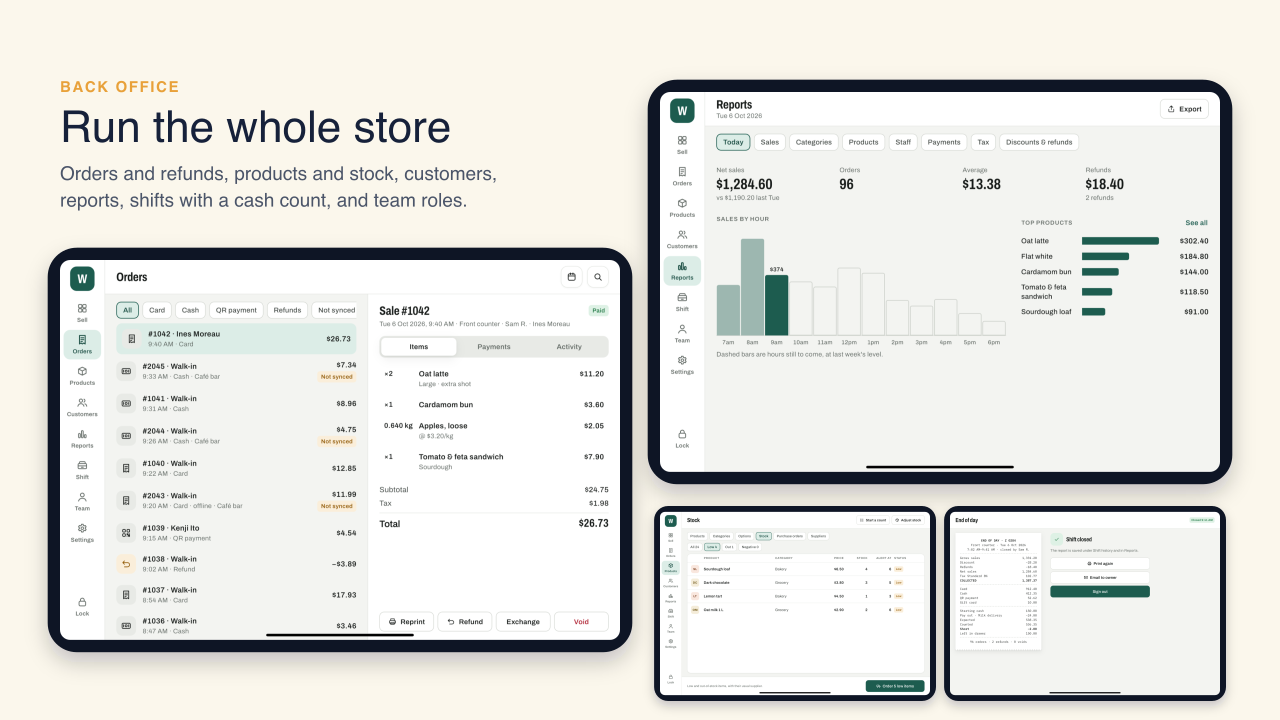
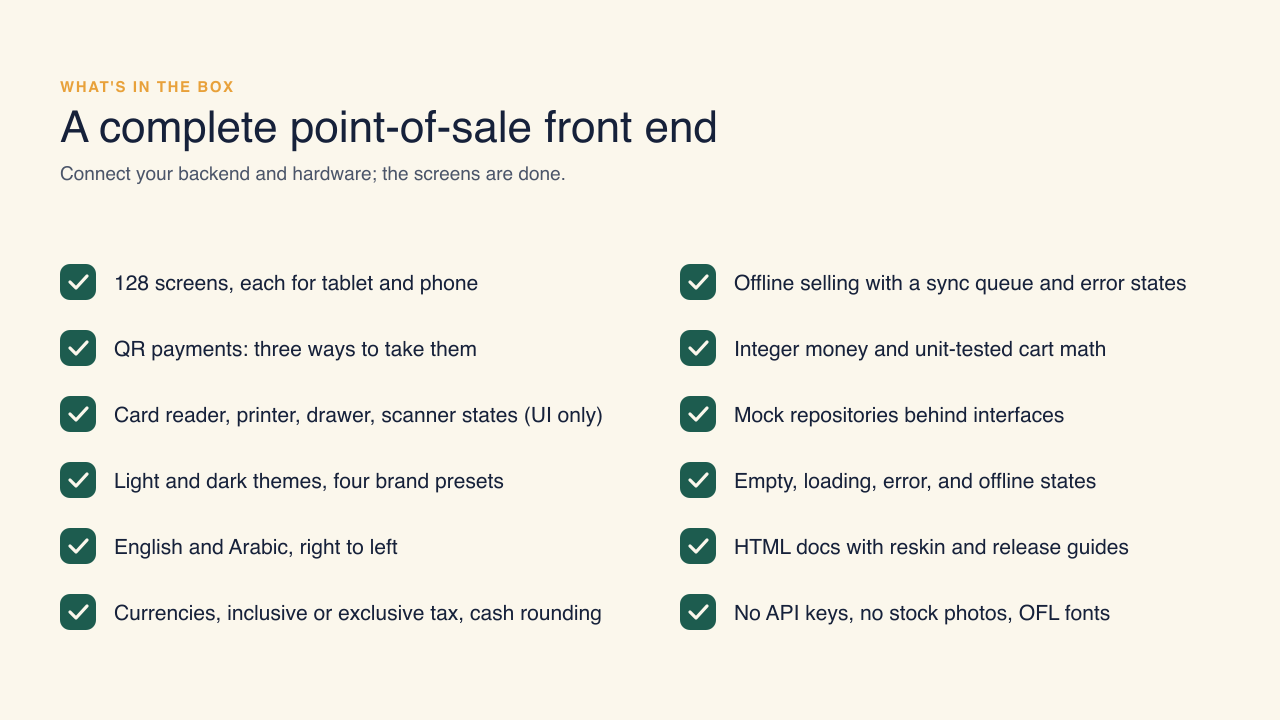
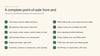
It covers a whole day at the till: sign-in, choosing a register, first-run setup, staff PINs, and opening a shift with a float count; the register with categories, search, barcode scanning, options, weighed items, custom amounts, discounts with manager approval, customers and rewards, and parked sales; checkout with card on a reader, QR payments three ways (a code per sale, a printed store code, or the customer's code), cash with quick-cash buttons and change, split payments, tips, gift cards, and receipts; orders with refunds, voids, and exchanges; products, variants, options, stock counts, purchase orders, and suppliers; customers with loyalty and store credit; reports by hour, category, product, staff, payment, and tax; shifts with pay in and out, a denomination count, and the end-of-day report; and team roles, time clock, and settings. Loading, empty, error, and offline states are included, and offline sales queue for sync.
Screens read from thirteen repository interfaces through Riverpod providers, including card payments, QR payments, and hardware. Mock implementations with clearly fictional data are bound in one file; replace them with your own classes and no screen needs to change. Money is stored as integer minor units, and the cart math (inclusive or exclusive tax, rounding per line or per order, cash rounding, discounts, change) is unit-tested.
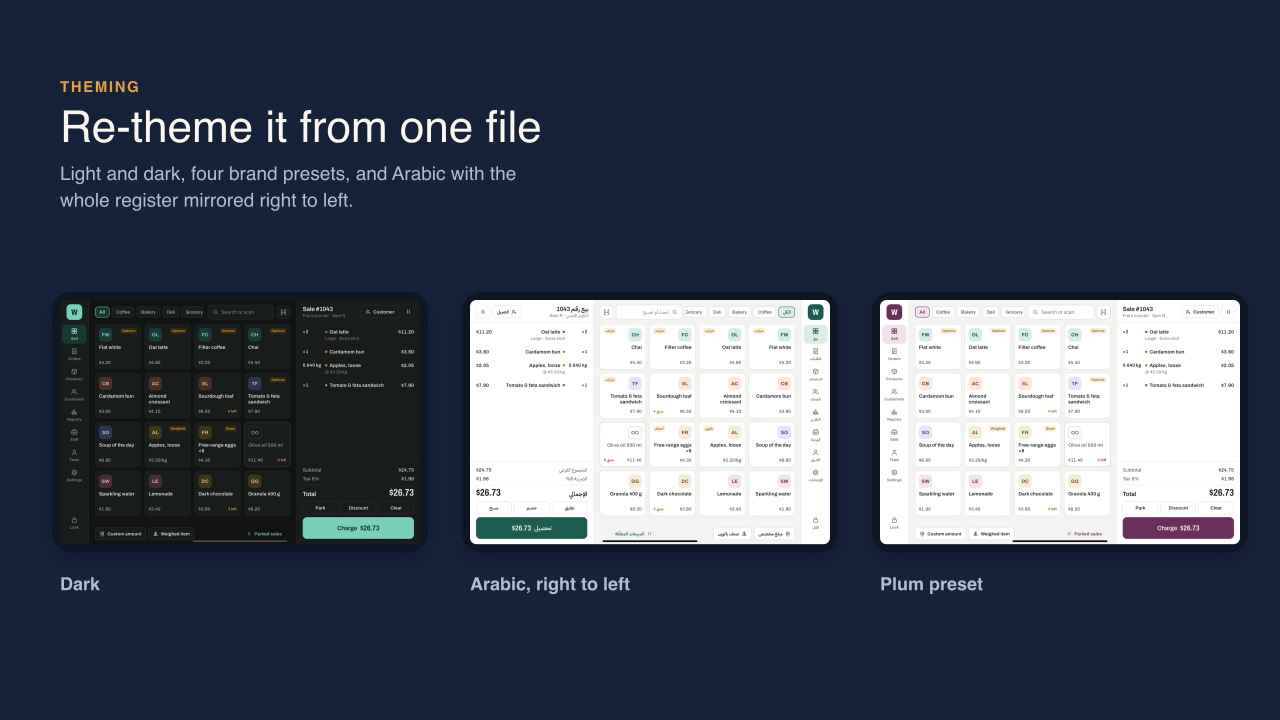
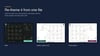
The design system has light and dark themes, four brand presets, and one palette file for your own colors. English and Arabic are included with the whole register mirrored right to left. Currency, number format, dates, times, and weight units are settings. Product tiles, receipts, QR codes, and charts are drawn in code, so there are no stock images to license. The HTML documentation covers setup, architecture, connecting your API, a reskin checklist, app icons and splash files, and step-by-step Android and iOS release instructions.
Wrenfield is a UI kit, not a payment system: it takes no real payments, drives no real hardware, and has no real security. The documentation lists what you need before going live. Not included: a backend, a payment provider or terminal SDK, printer or scanner drivers, restaurant table maps, a kitchen display, or a web back office.
Requirements: Flutter 3.44 or later (Dart 3.12), Xcode 16 or later for iOS and iPadOS, Android Studio with an Android SDK for Android. No API keys or accounts are needed to run the demo.
After the first paragraph, add the line Try it in your browser: https://demo.oncombalado.net/wrenfield.