


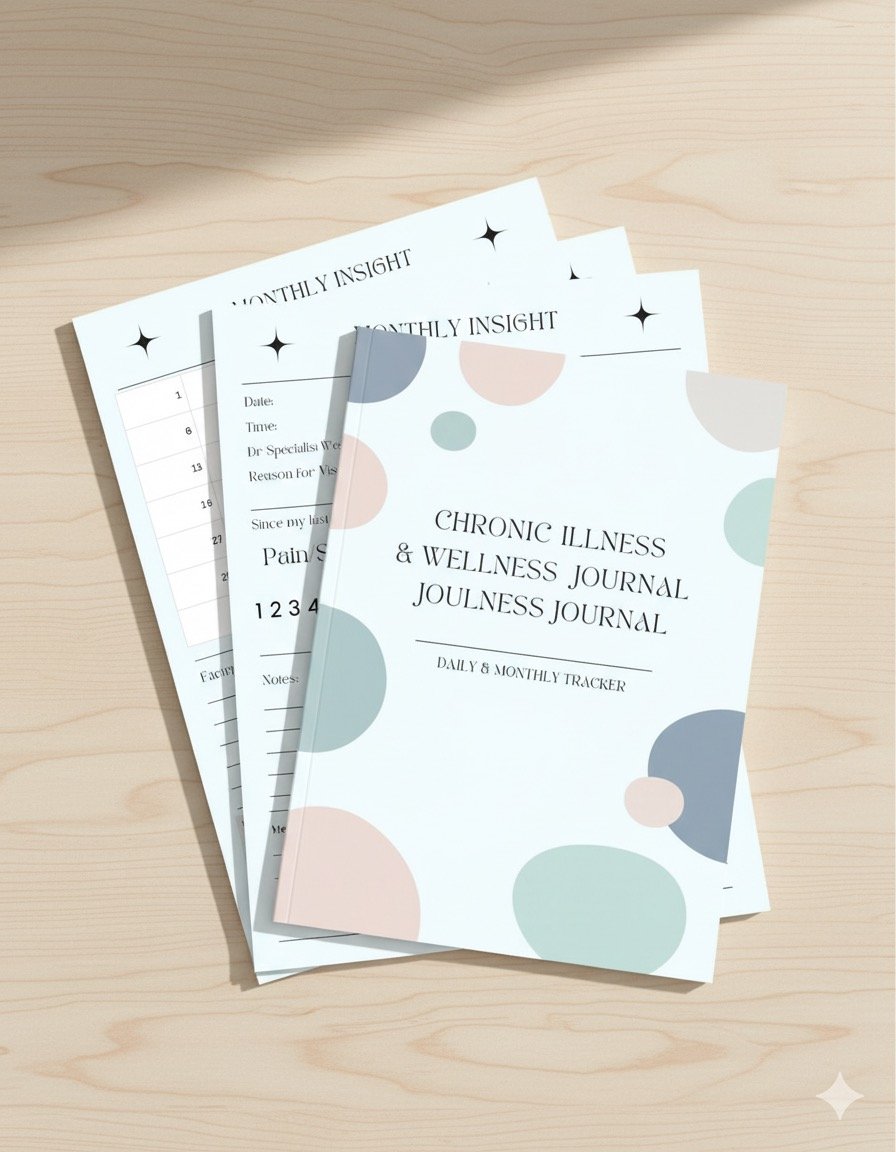


The Ultimate Chronic Illness Planner & Tracker | Digital Journal
Are you tired of feeling overwhelmed, forgetting key symptoms before a doctor's visit, or struggling to spot patterns in your health?
The Ultimate Chronic Illness Planner & Tracker is your comprehensive, supportive companion designed specifically to help you take control of your health journey. This 5-in-1 digital journal transforms complex medical tracking into a simple, organized process, giving you the clarity you need to communicate effectively with your medical team and understand your body better.
🔑 Key Features & What's Included (5 Essential Pages):
1. Daily Symptom & Wellness Tracker: Track pain levels, energy, sleep, diet, and key symptoms.
2. Doctor Appointment Prep Sheet: Never forget a question again! Organize your current concerns, medication review points, and critical questions before your appointment, and easily record the doctor's recommendations.
3. Monthly Insight Sheet: Identify long-term patterns! Summarize your best/worst days, average pain scores, and potential triggers each month to easily spot trends over the year.
4. Medication & Supplement Log: Maintain a centralized, up-to-date record of all prescriptions, supplements, dosages, and notes on side effects or refills. Essential for safety and clarity.
✨ Why You Need This Tracker:
• Improve Communication: Bring organized, factual data to every doctor visit, saving time and leading to more accurate diagnoses and treatment plans.
• Identify Triggers: Clear tracking across symptoms, diet, and activity helps you pinpoint what makes your condition better or worse.
• Reduce Brain Fog Stress: Stop relying on memory! All your critical health information is consolidated in one easy-to-access place.
• Empowerment: Move from feeling like a victim of your condition to being an active, informed manager of your care.
Stop scrambling for information. Start gaining clarity and control today!
This comes with one of each page. To duplicate the pages to have more please follow the below instructions!
Popular free options include Smallpdf, iLovePDF, or PDFsam Basic (desktop software, but free).
1. Go to the tool's website (e.g., Smallpdf's Organize PDF tool).
2. Upload your planner PDF file.
3. The tool will show you a thumbnail view of all your pages.
4. Find the page you want to duplicate.
5. Look for an icon (often a + symbol or a "Duplicate" icon) on or near the page thumbnail and click it repeatedly to insert copies.
6. Alternatively, some tools allow you to extract the single page you want to duplicate as a separate PDF, and then use the Merge tool to combine that single page PDF with your main document multiple times.
7. Once the pages are in place, click Finish or Download to save your final, completed PDF.
Thank you!!