




Project Management Starter Pack: Excel & Google Sheets Templates
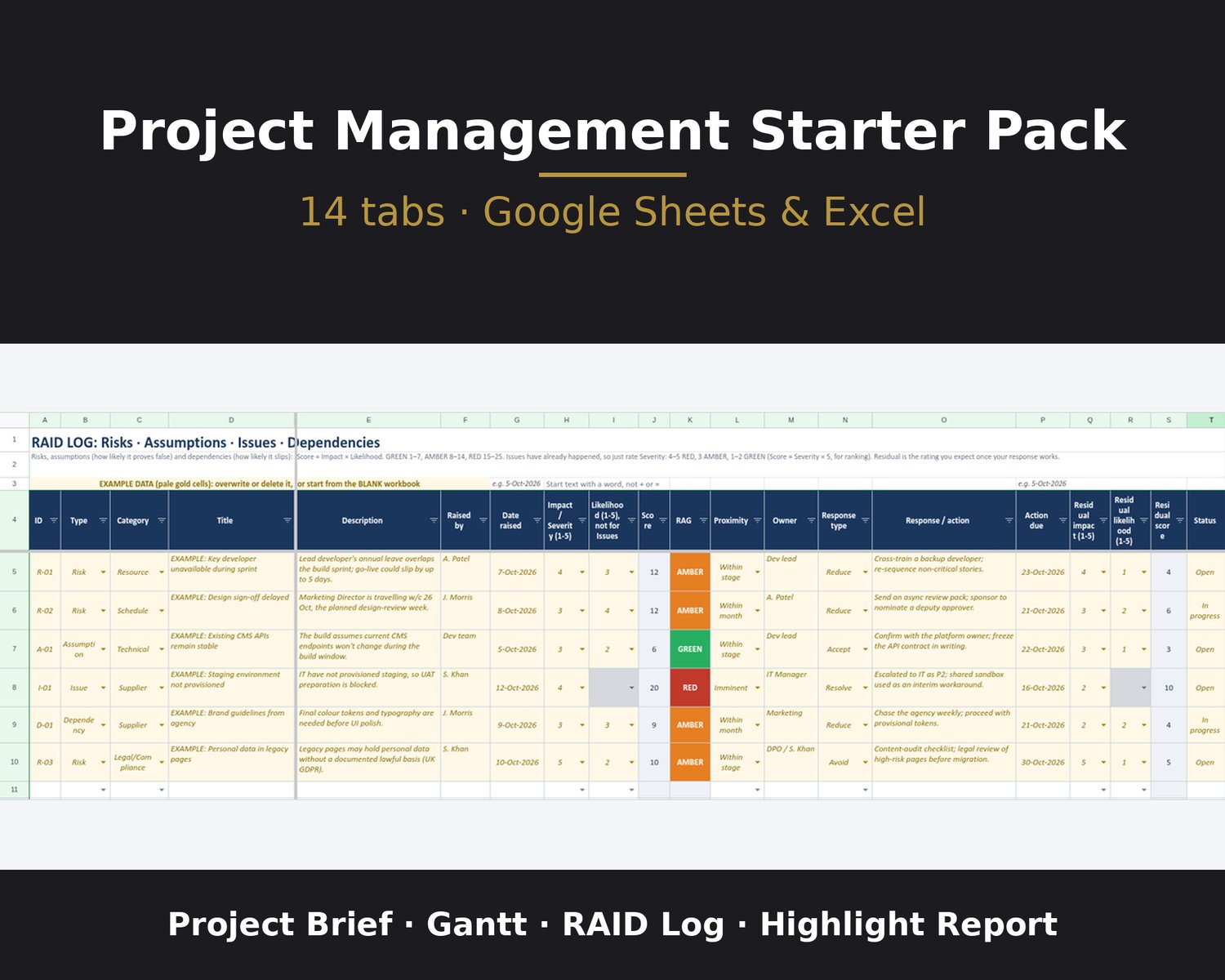
Project management template for Excel and Google Sheets: project brief, Gantt chart, RAID log, risk register and highlight report in one workbook. No macros.
Run a small project from one workbook: write the brief, plan your tasks in working days, keep track of risks and issues, and report progress. A Checks sheet tells you when something needs a look.
WHAT YOU GET (instant download)
- Project_Management_Starter_Pack_v3.3_BLANK.xlsx: blank workbook, start here
- Project_Management_Starter_Pack_v3.3.xlsx: filled example project
- Instructions.pdf: how to get started, including the Google Sheets copy link
TWO WAYS TO USE IT
- Google Sheets: open the copy link in Instructions.pdf (also on the Start Here sheet) and click Make a copy.
- Microsoft Excel: alternatively, feel free to download it if you intend to edit in Excel. Open the BLANK .xlsx and click Enable Editing if it opens in Protected View.
Please note: although the demo video shows Google Sheets, the workbook can also be used in Excel in the same way.
Questions? Email info@opscendsolutions.com.
Digital downloads can't be returned, but if a file is faulty, email me and I'll sort it.
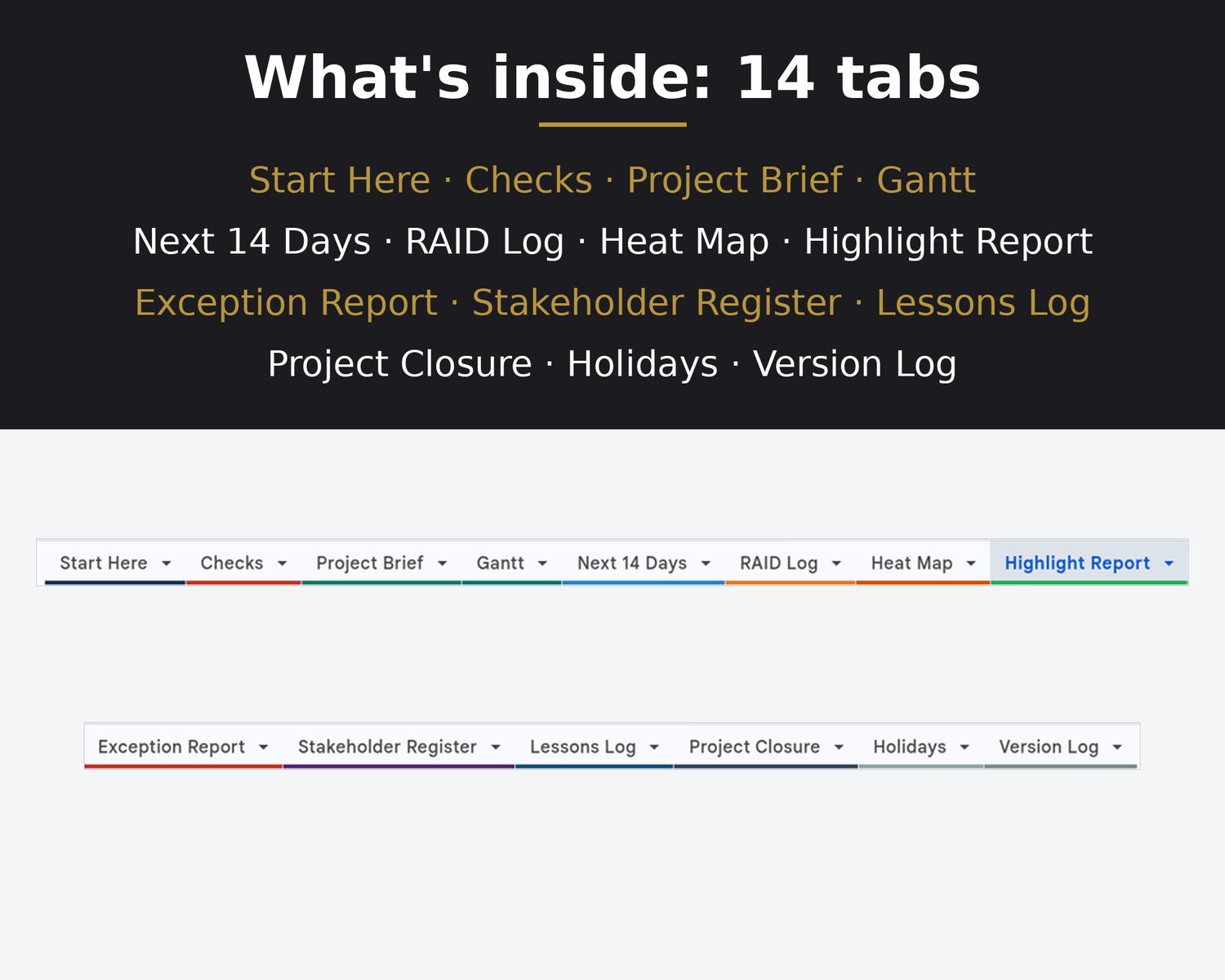
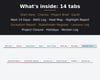
WHAT'S IN THE 14 TABS
- Start Here: quick-start steps, a workbook health summary, date tips and the Google Sheets copy link.
- Checks: PASS, WARN or FAIL for setup, the schedule, entries and formula errors. It never changes your data.
- Project Brief: project definition, deliverables and acceptance criteria, business case, tolerances (finish date ± working days, budget ± %), roles and the sponsor decision.
- Gantt: up to 40 tasks over 30 weeks, durations in working days, up to 3 finish-to-start predecessors per task, an optional start-date override, and overdue and late-start flags. Weekends and holidays are skipped.
- Next 14 Days: every unfinished task starting within 14 days of the status date, plus anything overdue, earliest first.
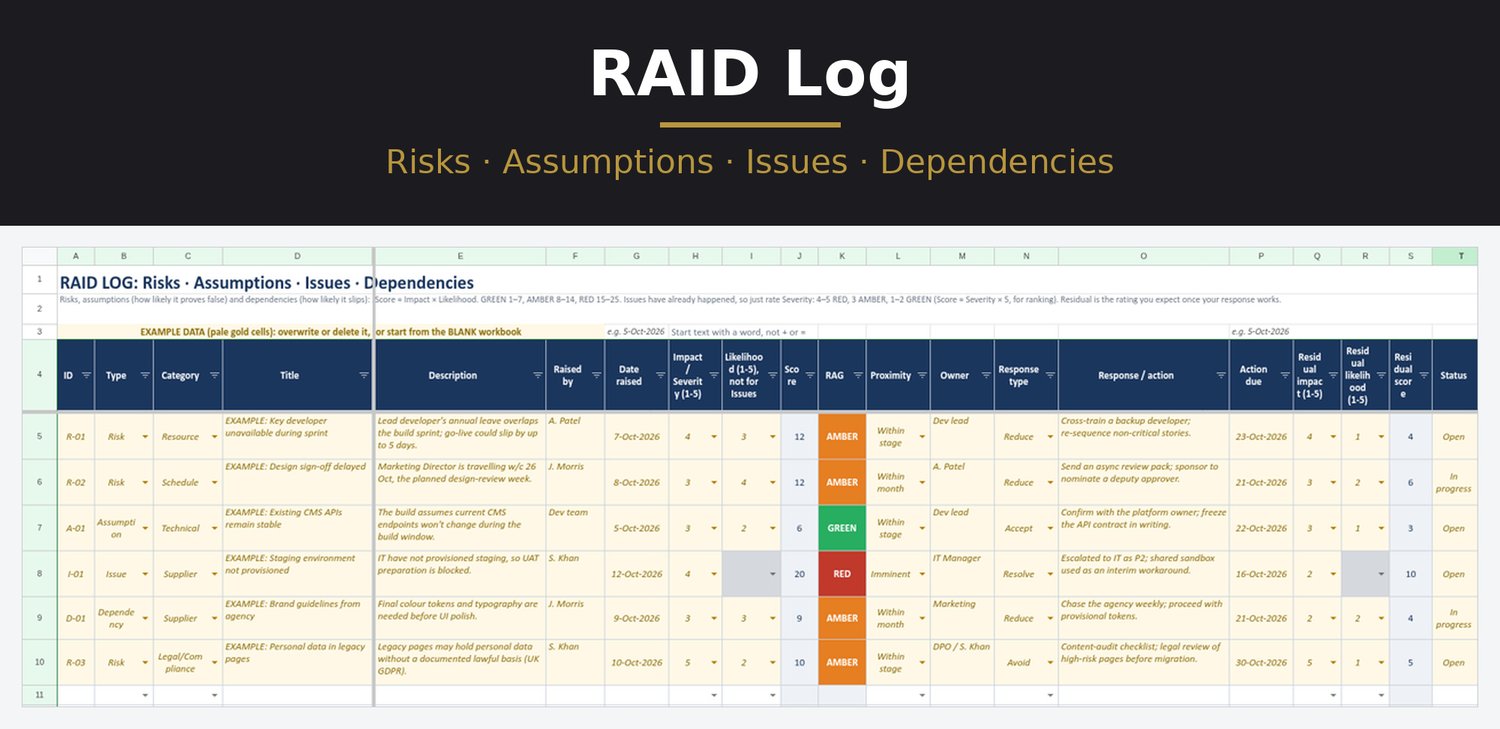
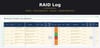
- RAID Log: 50 rows for risks, assumptions, issues and dependencies, with Impact × Likelihood scores, residual scores and overdue flags.
- Heat Map: 5 × 5 grids of open RAID items, as logged and after your response, with issues counted by severity.
- Highlight Report: a one-page progress report for your sponsor. Your RAGs sit next to suggested ones worked out from the plan, budget and RAID Log.
- Exception Report: for when a tolerance looks set to be exceeded. The key facts fill in from the plan; you add the cause, consequences, options and recommendation.
- Stakeholder Register: 30 rows. Interest and influence scores place each person on the grid: Manage closely, Keep satisfied, Keep informed or Monitor.
- Lessons Log: 40 rows for what happened, its effect, the lesson and the action.
- Project Closure: an end-of-project (or end-of-stage) report that pulls from the Brief, Gantt and Lessons Log, with a space for sponsor approval.
- Holidays: England & Wales bank holidays 2026–2029, which the plan skips, plus room for your own shutdown days.
- Version Log: what changed in each version, plus a change log for your own edits.
No macros or add-ins.
WORKS WITH
- Google Sheets (make a copy with the link)
- Microsoft Excel: Tested in Google Sheets; opens in Excel for the web
PLEASE NOTE
- Please note that Excel date formatting is region locked, which can invert months/days. To avoid any issue, type dates as 5-Oct-2026 format instead of XX/XX/YYYY so Excel and Sheets both read them correctly in any country/region
- This is a digital download, and nothing physical is shipped.
- Finish-to-start links only: no lags, float or critical path.
- Formulas and labels are protected with no password in both Excel and Google Sheets, so you can still edit them if you choose.
- To add a row, copy an existing row and Insert copied cells, so the formulas come with it.
- Bank holiday dates: check gov.uk/bank-holidays before relying on them.
- It's a template, not professional advice.
- Licence: For your own personal or business use. Please don't resell, share or redistribute the files.
HOW THIS WAS MADE
I designed these templates and decided what each sheet does. The instructions inside the workbook were drafted with AI and then reviewed and approved by me. AI tools also helped build the formulas and layout and run checks, under my direction. The listing images are screenshots of the real files; none of them are AI-generated.