
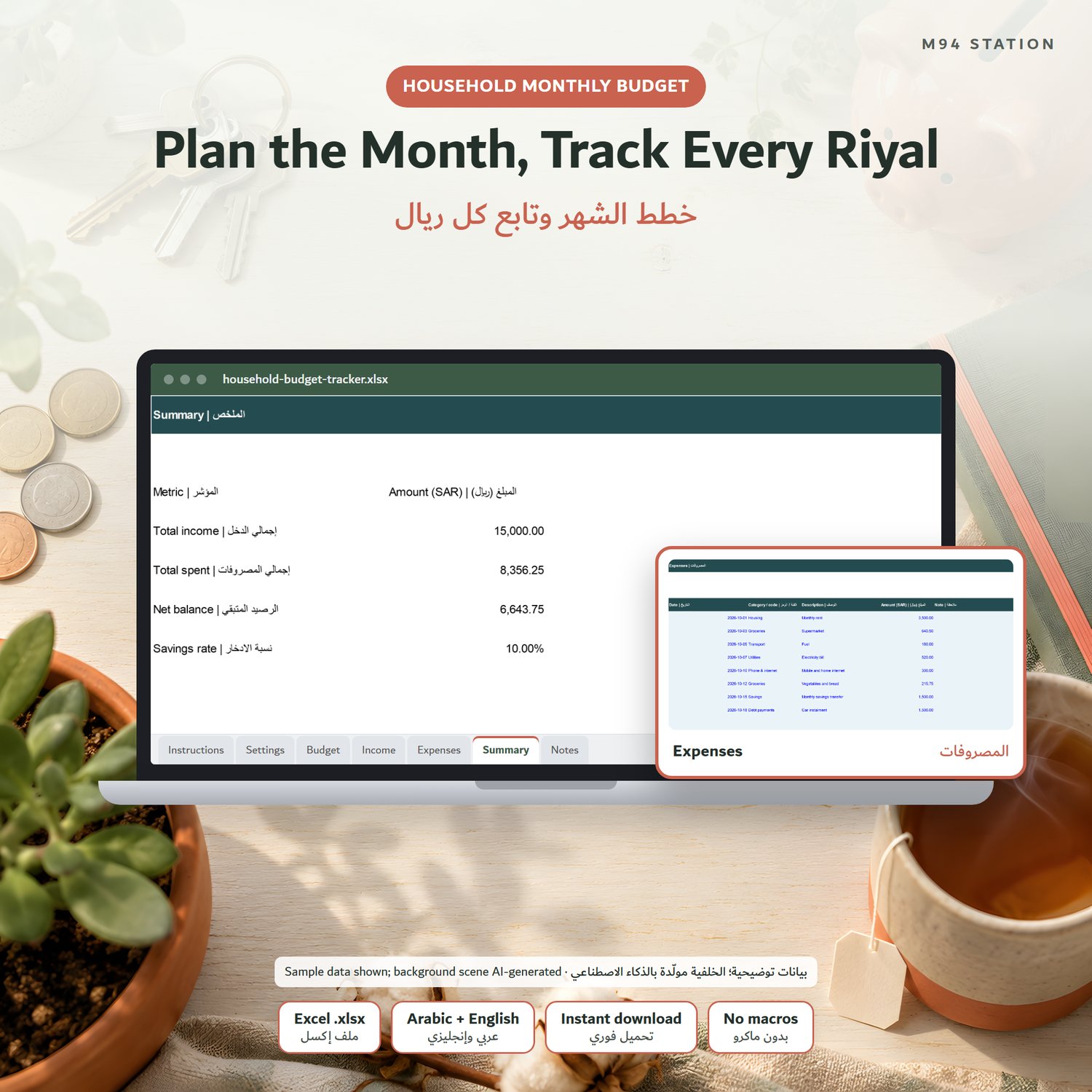
Household Monthly Budget and Expense Tracker (SAR/USD)
Plan your household's monthly budget and log each expense in one bilingual (Arabic/English) spreadsheet. Enter every amount in SAR and switch the Summary display to USD when you need it.
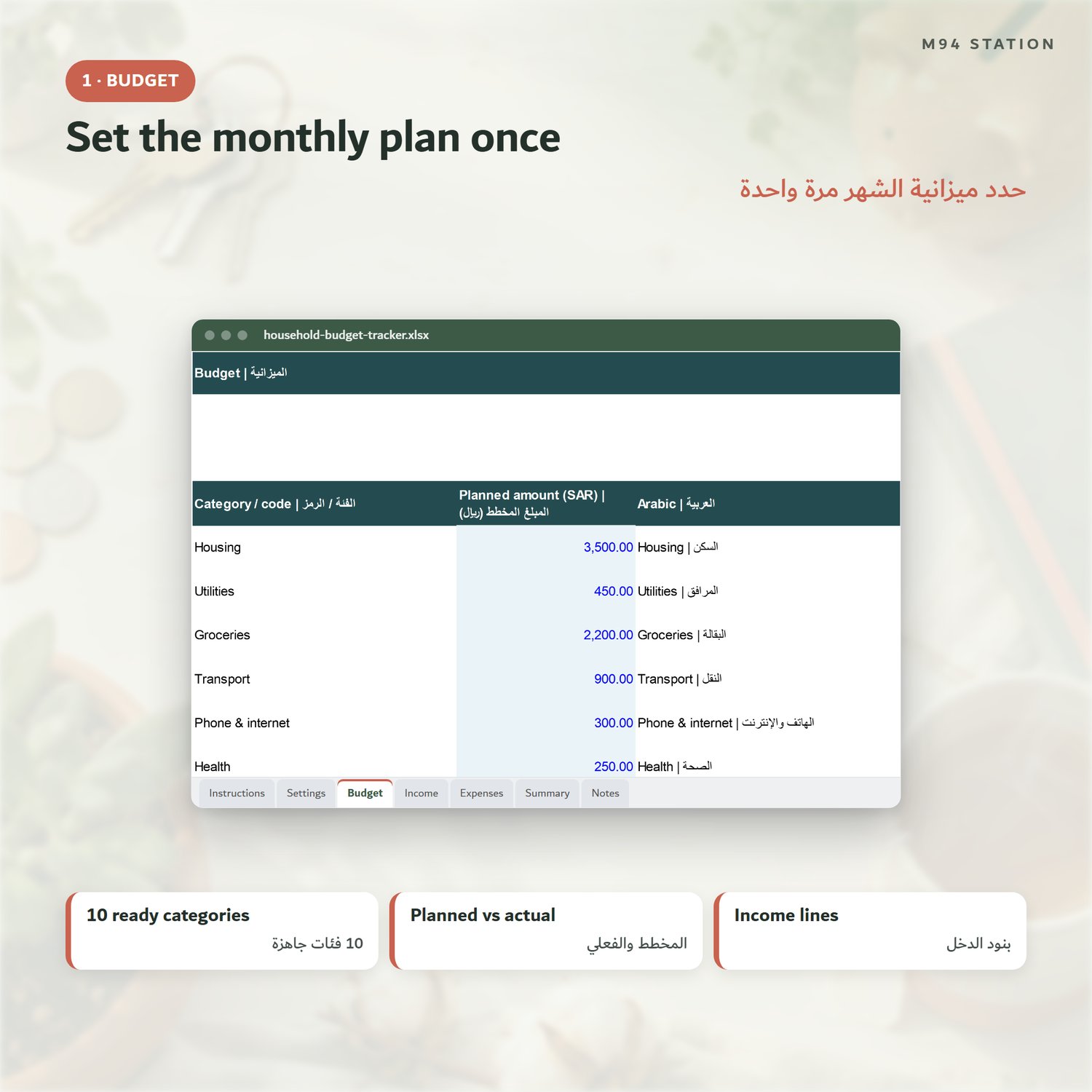
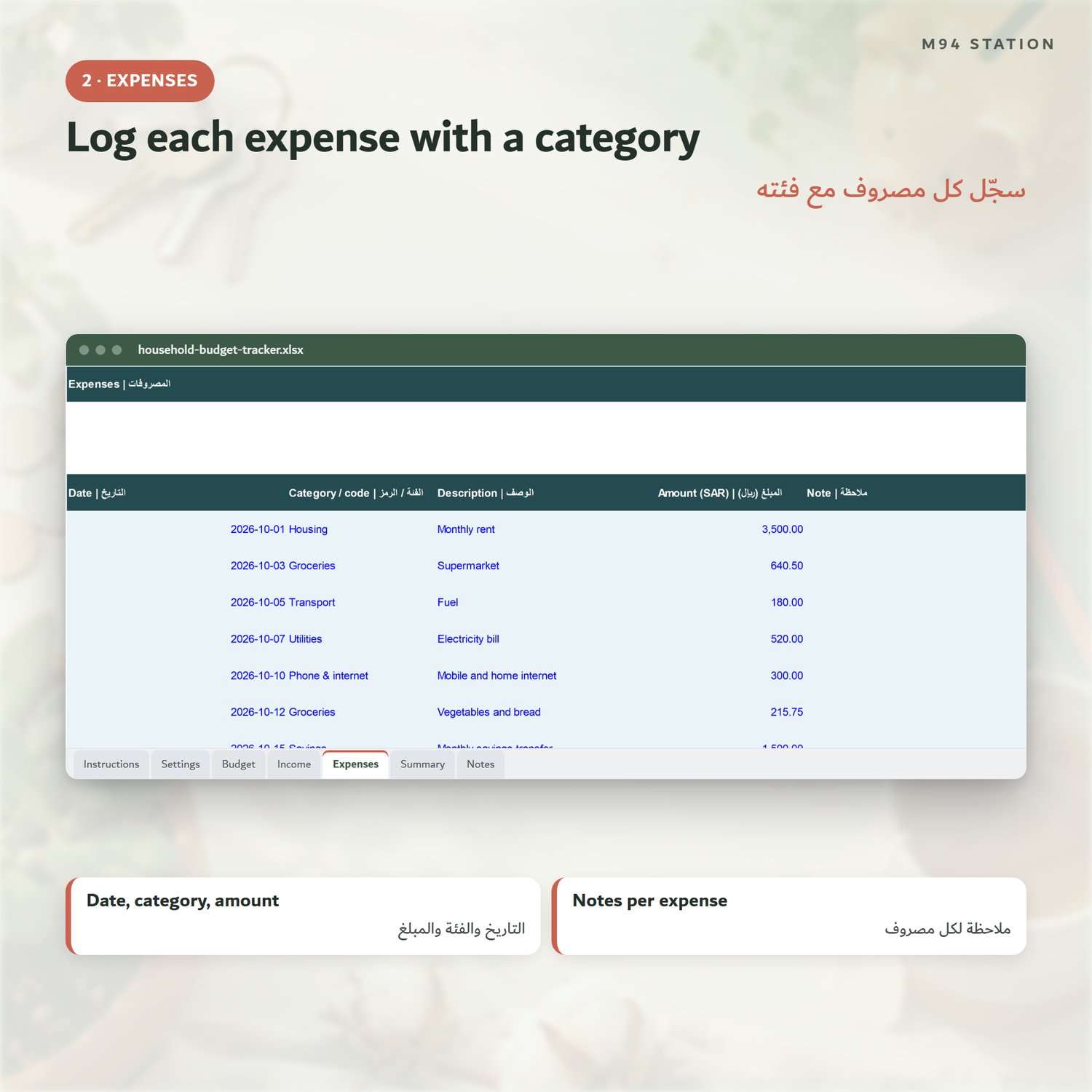
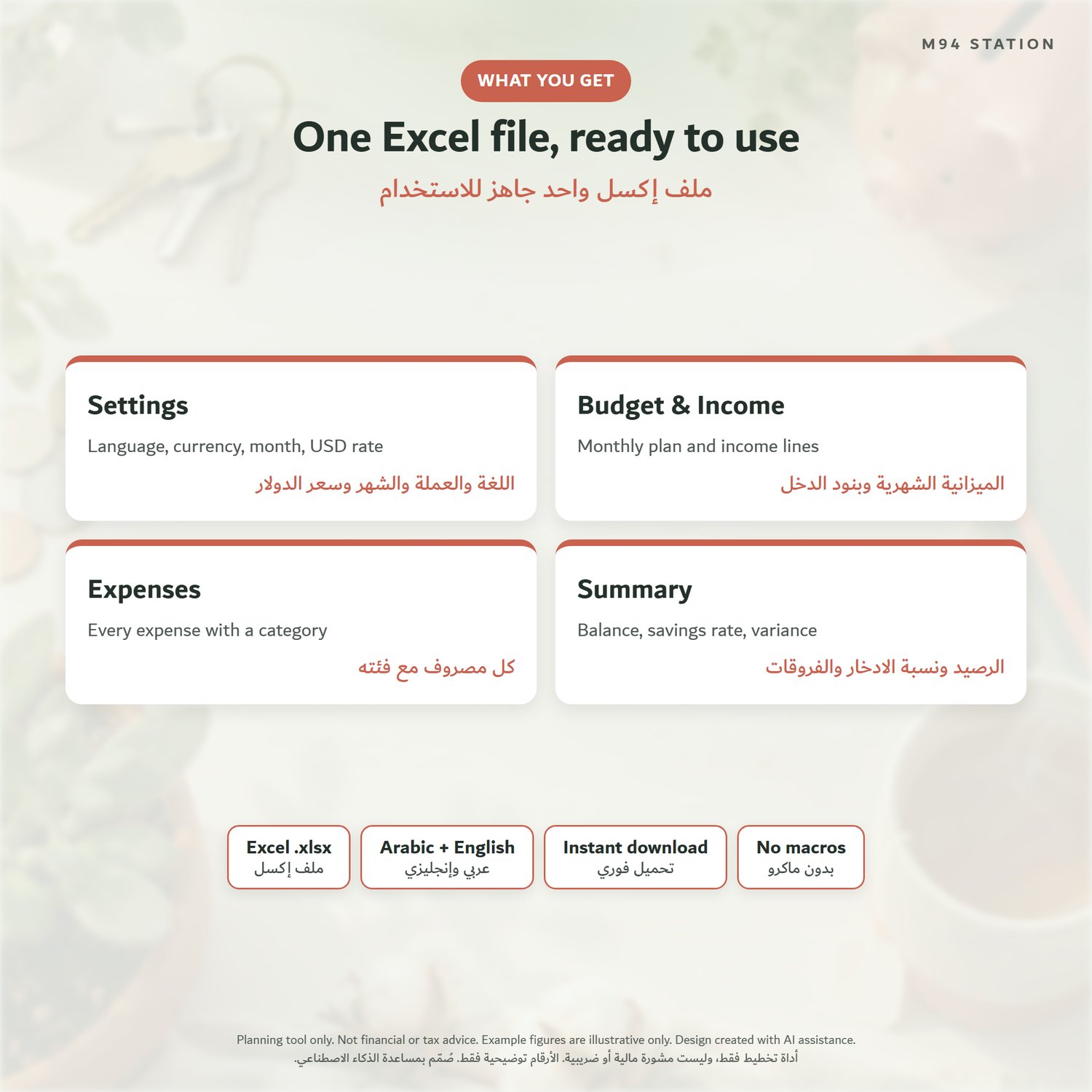
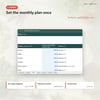
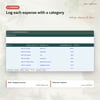
Budget tab: set a planned amount for each of 10 categories: Housing, Utilities, Groceries, Transport, Phone and internet, Health, Education, Debt payments, Savings and Other. Income tab: salary and other income. Expenses tab: a log with date, category (dropdown), description, amount and note, with room for 500 rows.
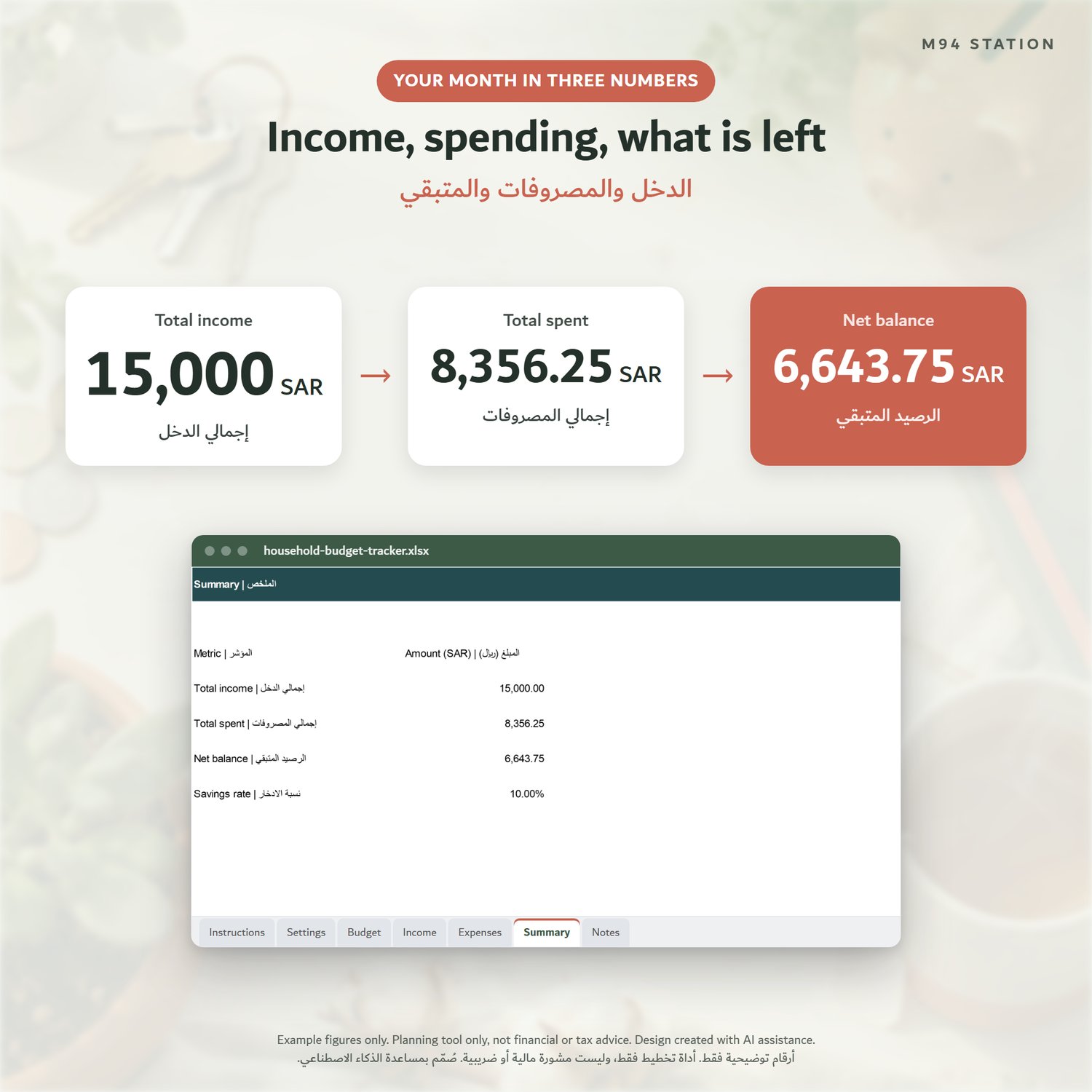
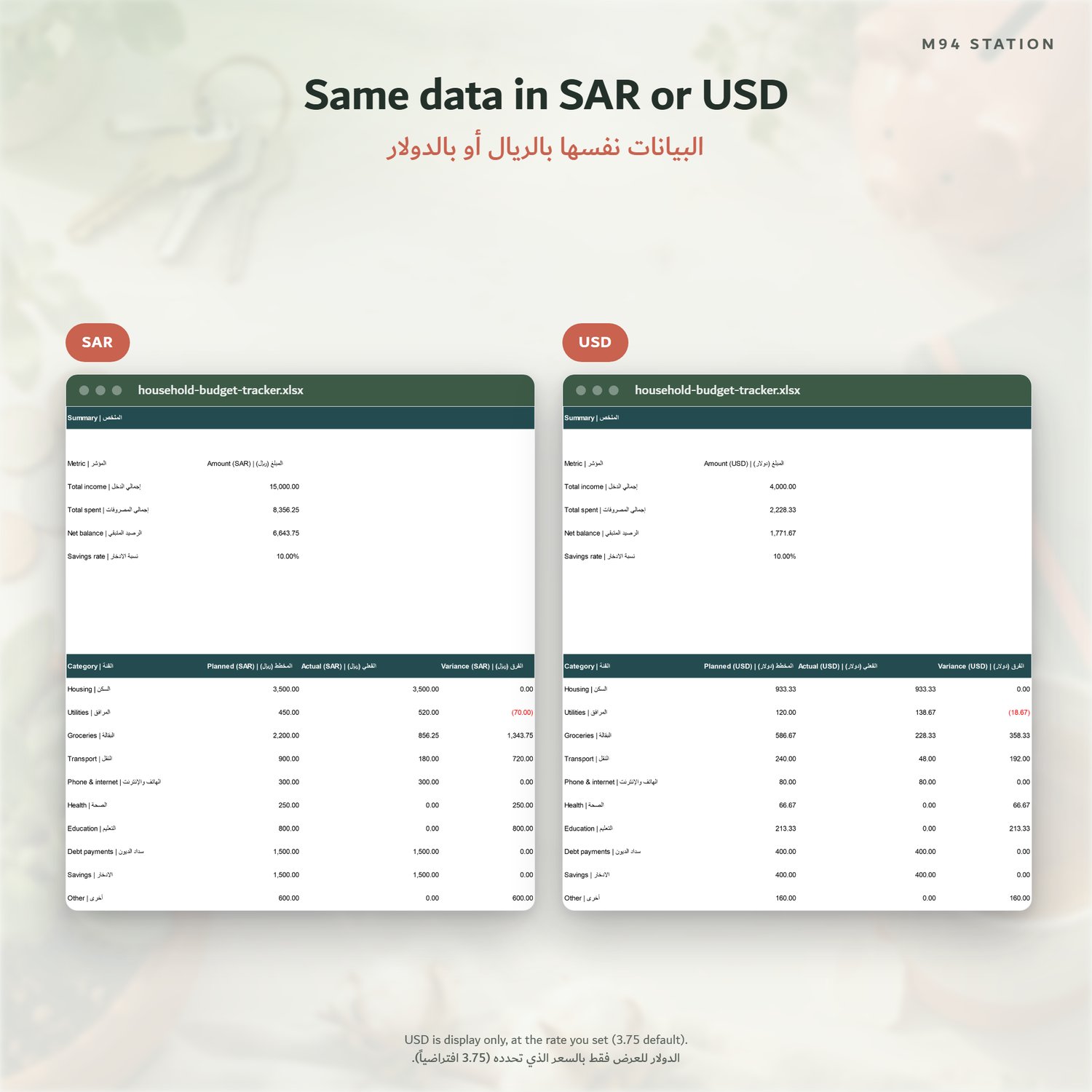
Summary tab: total income, total spent, net balance (income minus spending) and savings rate (savings divided by income). Savings transfers count as spending, so the balance is the cash left after savings. Each category shows planned, actual and variance (planned minus actual; a negative number means over budget). A result that cannot be calculated shows a dash, not a zero.
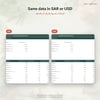
Settings tab: choose SAR or USD for the display and set the USD to SAR rate (default 3.75, editable). Amounts are stored in SAR. USD is a display only: the file does not update exchange rates automatically. Choose EN or AR for the language.
Excel format (.xlsx) only. No macros.
Planning tool only. Not financial or tax advice. Example figures are illustrative only.
Design and formulas created with AI assistance.
What you get
- Excel-format workbook (.xlsx). No macros (no VBA project); no external data links.
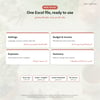
- 7 tabs in order: Instructions (first), Settings, Budget, Income, Expenses, Summary, Notes
- Settings: language EN/AR, currency SAR/USD (dropdown), month (text label), USD to SAR rate (default 3.75, must be positive; a warning appears if not)
- Budget: planned amount per category (10 categories, SAR)
- Income: salary and other income (SAR)
- Expenses: log with date, category dropdown, description, amount (SAR), note; 500-row capacity
- Summary: total income, total spent, net balance, savings rate, planned vs actual vs variance per category, currency label in each header
- Notes: rate note (the riyal is pegged to the US dollar; check the current rate before relying on USD figures), exchange-rate note (no automatic update), version date, scope note, blank-inputs note, storage and protection note (Notes!A8: "SAR is the storage unit; USD is display only. No automatic exchange-rate updates. Protection is an editing aid with a blank password.")
- Input cells open, formula cells locked (sheet protection with a blank password)
Planning tool only. Not financial or tax advice. Example figures are illustrative only.
ميزانية الأسرة الشهرية ومتابعة المصروفات بالريال والدولار
خطّط ميزانية الأسرة الشهرية وسجّل كل مصروف في ملف جداول واحد ثنائي اللغة (عربي وإنجليزي). أدخل كل المبالغ بالريال، واعرض الملخص بالدولار متى تحتاج.
ورقة Budget: حدد مبلغاً مخططاً لكل فئة من الفئات العشر: السكن، المرافق، البقالة، النقل، الهاتف والإنترنت، الصحة، التعليم، سداد الديون، الادخار، أخرى. ورقة Income: الراتب والدخل الآخر. ورقة Expenses: سجل فيه التاريخ والفئة (من قائمة) والوصف والمبلغ والملاحظة، وفيه مساحة لـ 500 صف.
ورقة Summary: إجمالي الدخل، وإجمالي المصروفات، والرصيد المتبقي (الدخل ناقص المصروفات)، ونسبة الادخار (الادخار مقسوماً على الدخل). الادخار يُحسب ضمن المصروفات، فالرصيد هو ما يتبقى بعد الادخار. لكل فئة: المخطط والفعلي والفرق (المخطط ناقص الفعلي؛ الرقم السالب يعني تجاوز الميزانية). النتيجة التي لا تُحسب تظهر شرطة وليس صفراً.
ورقة Settings: اختر عرض الريال أو الدولار، وحدد سعر الدولار بالريال (الافتراضي 3.75، قابل للتعديل). المبالغ تُحفظ بالريال، والدولار للعرض فقط، والملف لا يحدّث أسعار الصرف تلقائياً. اختر AR أو EN للغة.
ملف Excel (xlsx) فقط، بدون ماكرو.
أداة تخطيط فقط، وليست مشورة مالية أو ضريبية. الأرقام في الأمثلة توضيحية فقط.
صُمّم القالب وصيغه بمساعدة الذكاء الاصطناعي.
أداة للتخطيط فقط، وليست مشورة مالية أو ضريبية. الأرقام في الأمثلة توضيحية فقط.
FAQ / الأسئلة الشائعة
EN
- Which file formats are included? Excel format (.xlsx) only.
- Are the amounts stored in SAR? Yes. Every amount is entered and stored in SAR. USD is only shown on the Summary tab.
- Where does the USD figure come from? The USD to SAR rate in Settings (default 3.75). It is an input you can edit. The file does not fetch live exchange rates. Check the current rate before you rely on the USD figures.
- How is the savings rate worked out? Savings spending divided by total income. It shows a dash when income is zero.
- Does a savings transfer count as spending? Yes. Savings is one of the categories, so the net balance is the cash left after savings.
- What does variance mean? Planned minus actual. A negative number means the category is over budget.
- Does it connect to my bank? No. You type each entry.
- Can I track a new month? The month field is a label, not a date filter. Clear the expense log before you start a new month, as the Instructions tab says.
- Is it financial advice? No. It is a planning tool only.
- Can I get a refund? Please see the store policy.
AR
- ما صيغ الملفات المتوفرة؟ ملف Excel (xlsx) فقط.
- هل تُحفظ المبالغ بالريال؟ نعم. كل مبلغ يُدخل ويُحفظ بالريال، والدولار يظهر فقط في ورقة Summary.
- من أين يأتي رقم الدولار؟ من سعر الدولار بالريال في ورقة Settings (الافتراضي 3.75)، وهو خانة تقدر تعدلها. الملف لا يجلب أسعار الصرف المباشرة، فتحقق من السعر الحالي قبل الاعتماد على أرقام الدولار.
- كيف تُحسب نسبة الادخار؟ مصروفات الادخار مقسومة على إجمالي الدخل. تظهر شرطة إذا كان الدخل صفراً.
- هل تحويل الادخار يُحسب مصروفاً؟ نعم. الادخار فئة من الفئات، والرصيد المتبقي هو ما يبقى بعد الادخار.
- ماذا يعني الفرق؟ المخطط ناقص الفعلي. الرقم السالب يعني أن الفئة تجاوزت الميزانية.
- هل يرتبط ببنكي؟ لا. أنت تكتب كل إدخال بنفسك.
- هل أقدر أتابع شهراً جديداً؟ حقل الشهر عنوان وليس فلتراً بالتاريخ. امسح سجل المصروفات قبل بدء شهر جديد، كما تذكر ورقة Instructions.
- هل هذه نصيحة مالية؟ لا. هي أداة تخطيط فقط.
- هل أقدر أسترجع المبلغ؟ يرجى مراجعة سياسة المتجر.