

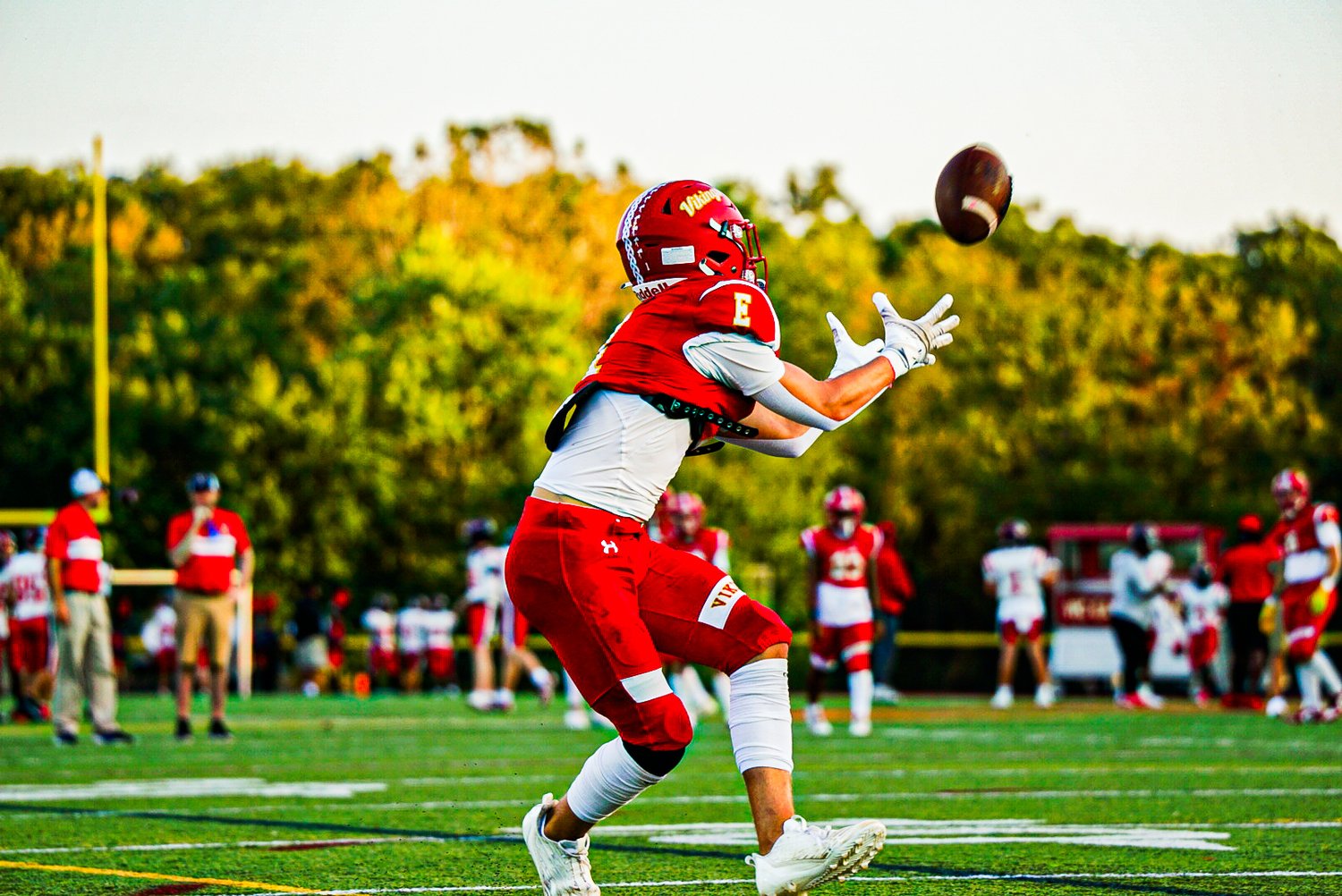

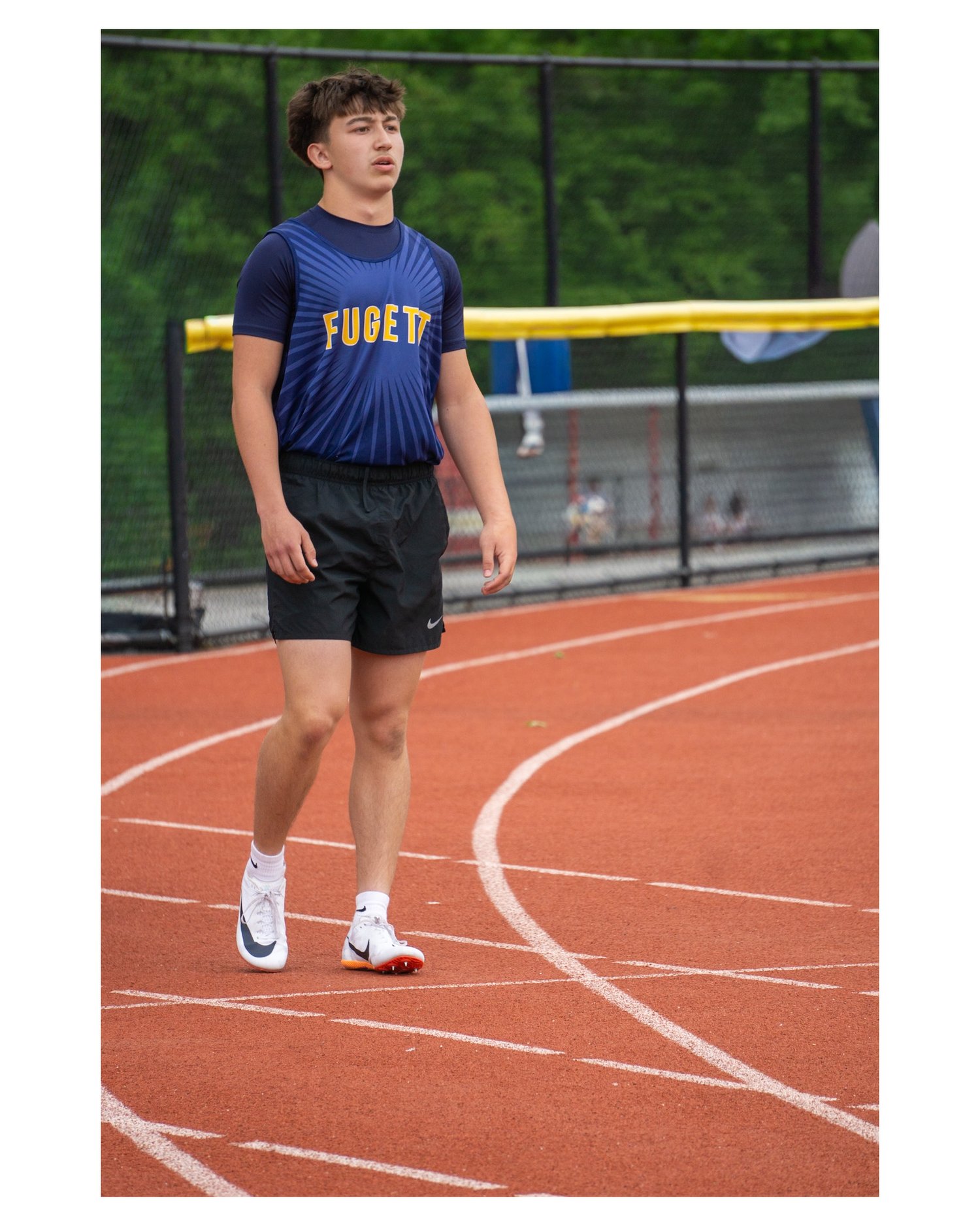


Sports Preset Pack Vol. 1
On Sale
$3.99
$3.99
Sports Preset Pack Vol. 1
Lightroom Preset Installation Guide
Thanks for purchasing Sports Preset Pack Vol. 1! Follow the instructions below to install your presets.
📱 iPhone / iPad — Lightroom Mobile
- Download the ZIP file and unzip it.
- Open Lightroom.
- Open any photo.
- Tap Presets at the bottom.
- Tap the three dots (•••) → Import Presets.
- Select the .XMP preset files from your downloaded folder.
- Your presets will now appear in your Presets panel.
- Tap a preset to apply it to your photo.
💻 Mac
- Download and unzip the preset ZIP file.
- Open Adobe Lightroom.
- Open a photo.
- Go to Develop.
- Find the Presets panel on the left.
- Click the + button → Import Presets.
- Select the .XMP files.
- Click Import.
- Your presets will appear in the Presets panel and are ready to use.
🖥️ Windows
- Download and unzip the preset ZIP file.
- Open Adobe Lightroom.
- Open a photo and go to Develop.
- Find the Presets panel on the left.
- Click the + button → Import Presets.
- Select the .XMP files.
- Click Import.
- Your presets will now appear in the Presets panel.
⚡ Quick Tip
Presets are a starting point, not a one-click guarantee. After applying a preset, adjust Exposure, White Balance, Contrast, and other settings to match your photo.
Enjoy Sports Preset Pack Vol. 1! 📸
© 2026 — For personal use only. Please do not redistribute, resell, or share these preset files.