
How to turn approved customer notes into an AI voice-of-customer evidence map
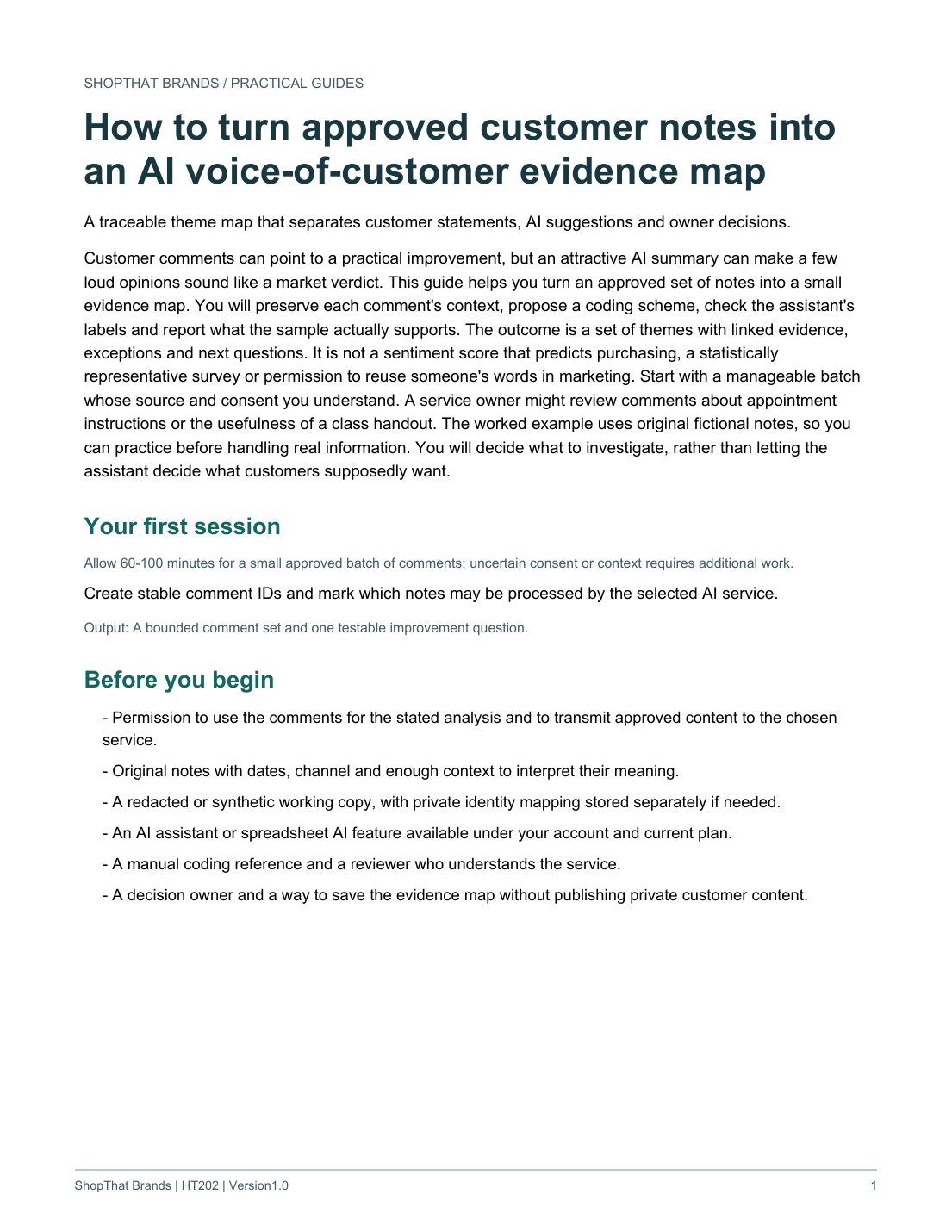
An AI summary can sound convincing while hiding missing rows, changed quotations or a weak sample. This guide helps a service owner turn permitted customer notes into a traceable evidence map before deciding what to change.
Eight steps cover the service question, an authorized redacted working copy, a practical codebook, pilot labels, full-batch reconciliation, conservative counts, a reversible correction and a repeatable review rule. The complete fictional workshop example shows how a bus-delay comment can be mislabeled and why one note can count in two themes.
Four distinct tools include a scope/permission card, theme codebook and pilot review, evidence reconciliation map and service correction/comparison plan. They contain field-level guidance and coherent completed examples. Troubleshooting addresses overlapping totals, rewritten quotes, unsupported themes, over-redaction and noncomparable follow-up batches.
The package includes a PDF guide, offline HTML reading copy and four tools in HTML and editable TXT formats. Counting and decisions are manual; offline forms do not autosave. AI access, spreadsheet software and customer-processing permission are separate.
Designed for small approved batches, not customer-wide satisfaction estimates. You will keep observations separate from hypotheses and prepare a practical owner-reviewed improvement test. No sales uplift or representative buyer-demand result is promised.
Included files: PDF guide, offline HTML guide, 4 distinct editable tools in HTML and TXT. Extract the ZIP before use. No paid software is required to read this guide or edit its supplied tools. Services discussed may require an eligible account or subscription and their features vary. No XLSX, Canva, Notion or video files are included.
Text and template wording were generated with AI and reviewed for clarity and consistency.
License: Personal or internal business use only. You may edit the templates for that use; do not redistribute or resell the supplied files or templates.
HTML tools do not autosave. Use Save filled copy before closing to download and keep your completed entries.
Independent educational publication; no endorsement or affiliation with the services named.