









Scaffold Inspection App
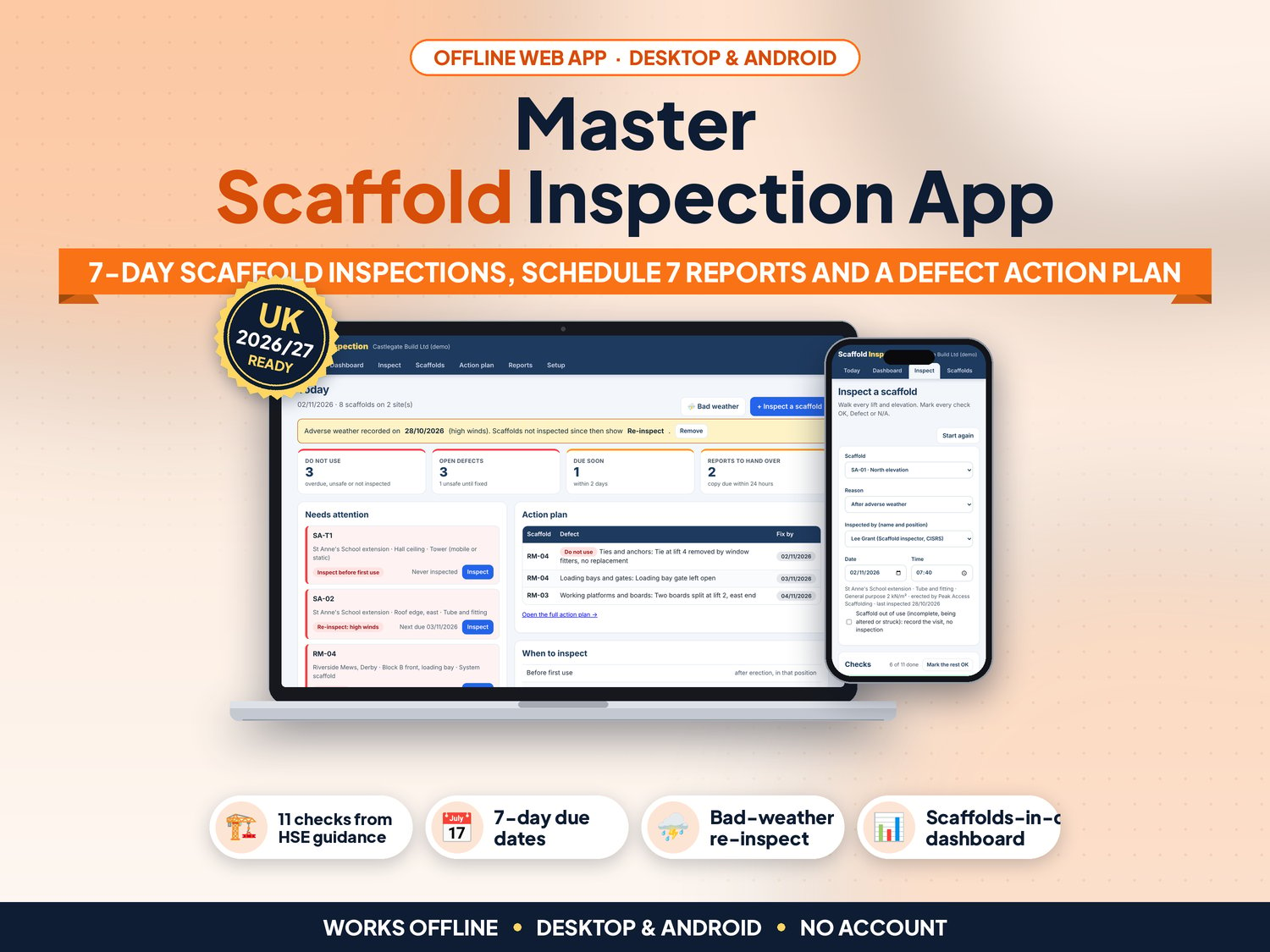
If a working platform on your site is 2 metres or more high, the Work at Height Regulations 2005 say it must be inspected before first use, at least every 7 days, and after bad weather or anything that could affect its safety, and the inspector must write a report with the details in Schedule 7. Scaffold Inspection keeps those reports on your phone, tablet or laptop, works out when each scaffold is next due, flags every scaffold that needs re-inspecting after a storm, and tracks every defect until it is fixed.
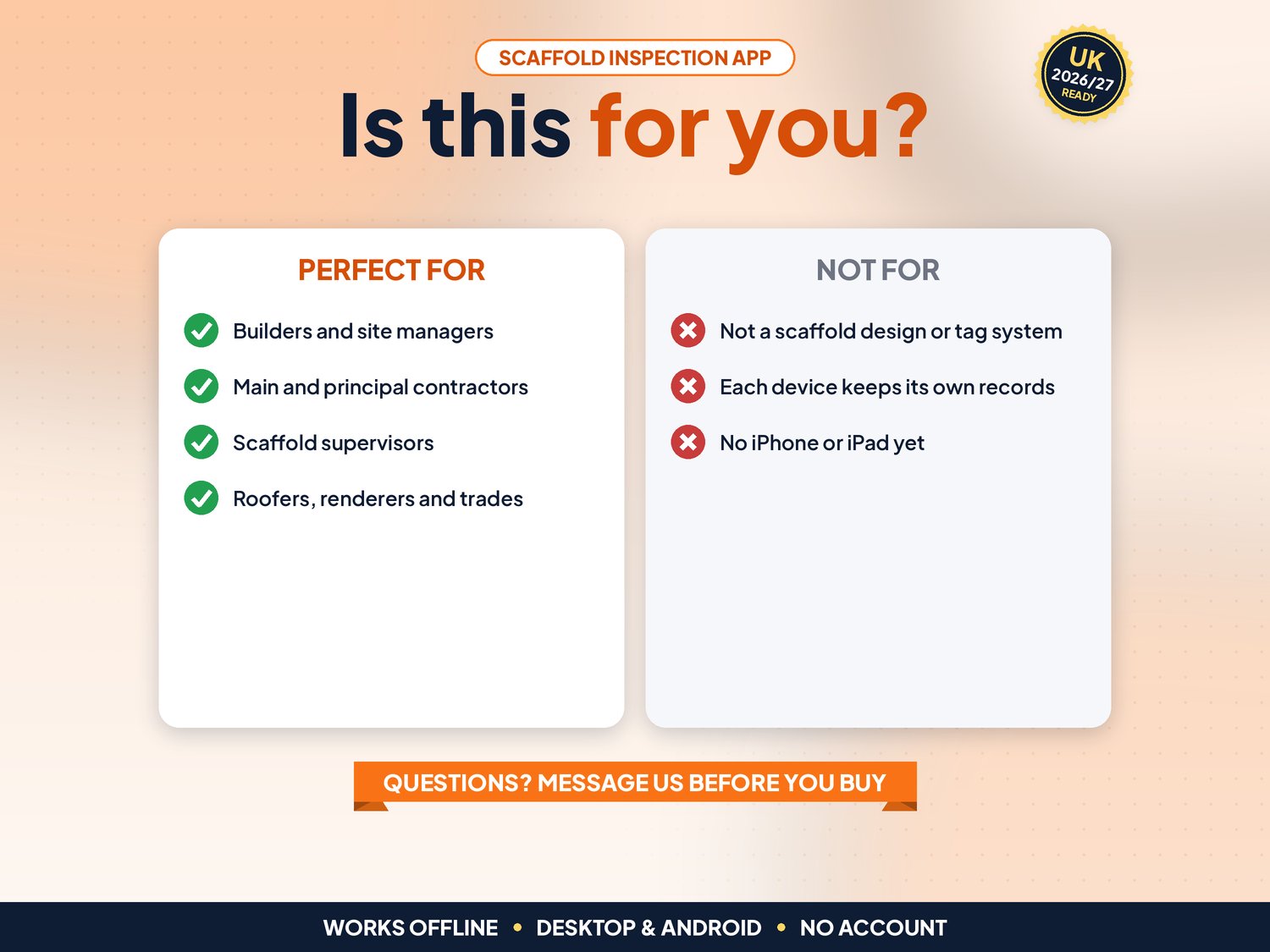
For site managers, small builders, main contractors and competent persons who inspect scaffolds and towers on their own sites. Not for you if you are a scaffolding contractor who needs QR tags and several inspectors syncing in real time, if you need a scaffold design tool, or if you need an app on iPhone or iPad.
▶ Easy Start Here guide included – video tutorial coming to our YouTube channel
Works offline in any desktop browser (Windows, Mac, Chromebook) and on Android. iPhone and iPad are not supported yet.
What it does for you
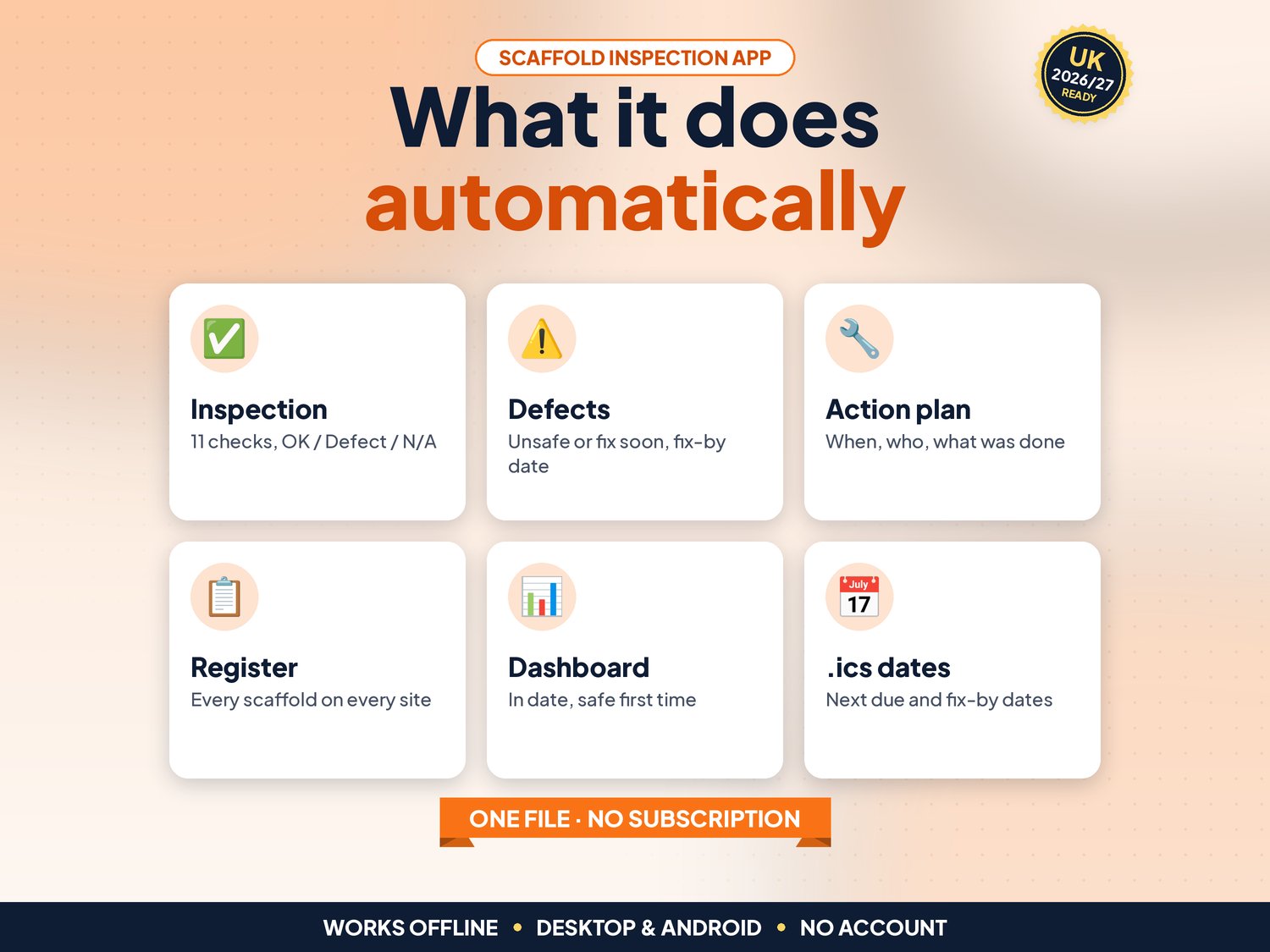
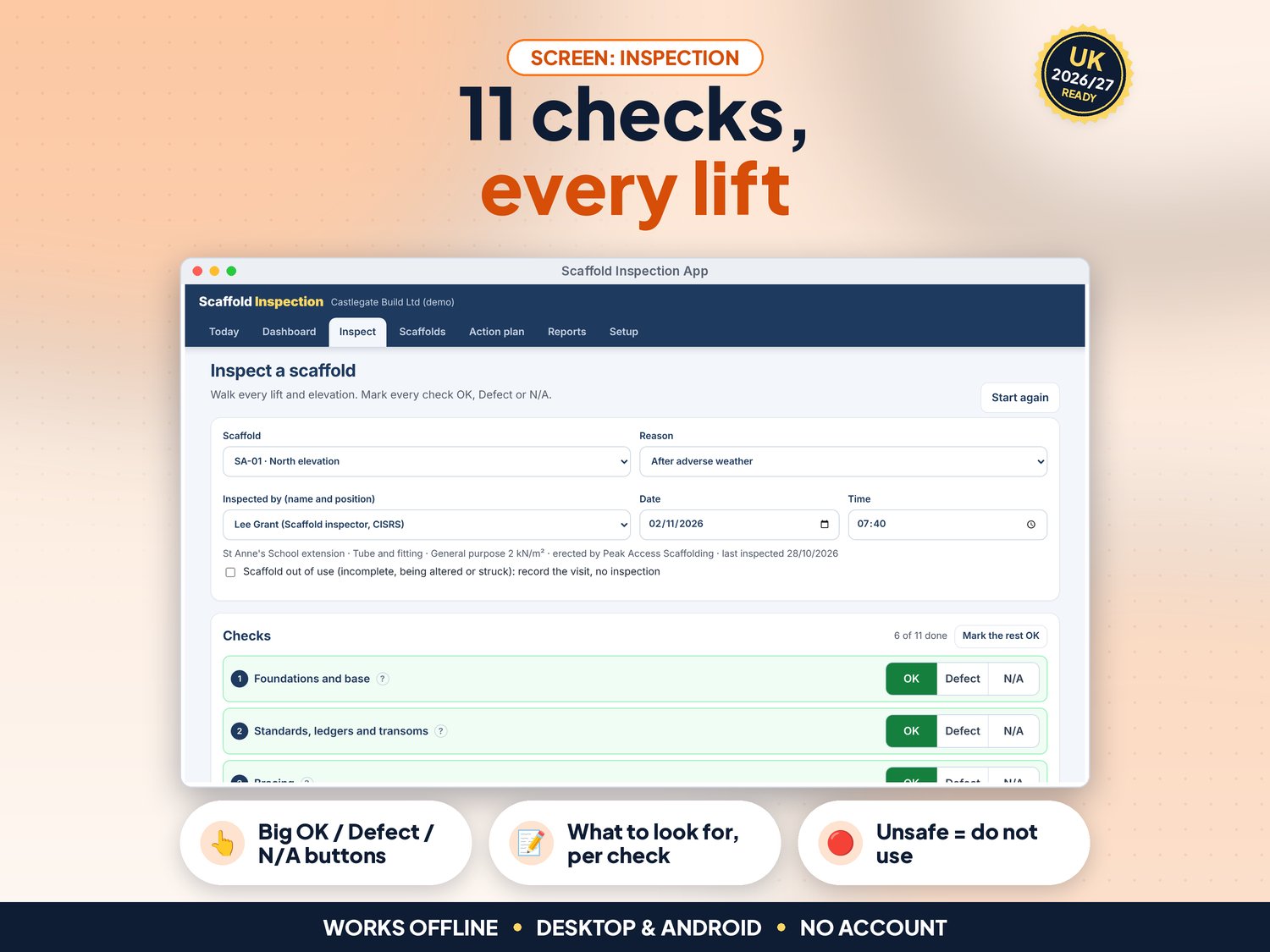
- 11 checks based on the HSE scaffold guidance, each with a short "what to look for" note: foundations, standards and ledgers, bracing, ties, platforms and boards, guard rails, toe boards and brick guards, access and ladders, loading bays, loading and sheeting, signs and tags
- Big OK, Defect and N/A buttons for use on the scaffold, plus Mark the rest OK
- Each defect gets a description, the action taken on the spot, a priority (Unsafe: do not use, or Safe to use: fix soon) and a fix-by date; one photo per inspection, shrunk to save space
- Reasons for each inspection: before first use, weekly (7-day), after adverse weather, after alteration, after damage or an incident
- Bad weather button: record high winds or snow once, and every scaffold not inspected since shows Re-inspect
- Out of use: record a visit to a scaffold that is incomplete, being altered or struck, with a note, without counting it as an inspection
- Today screen: Do not use, open defects, due soon and reports still to hand over, with a Needs attention list
- Action plan: every open defect with its fix-by date; Mark fixed records when, who and what was done
- Scaffold register for several sites: reference, location, type (tube and fitting, system, tower), duty and who erected it; tick Struck when it comes down and keep the records
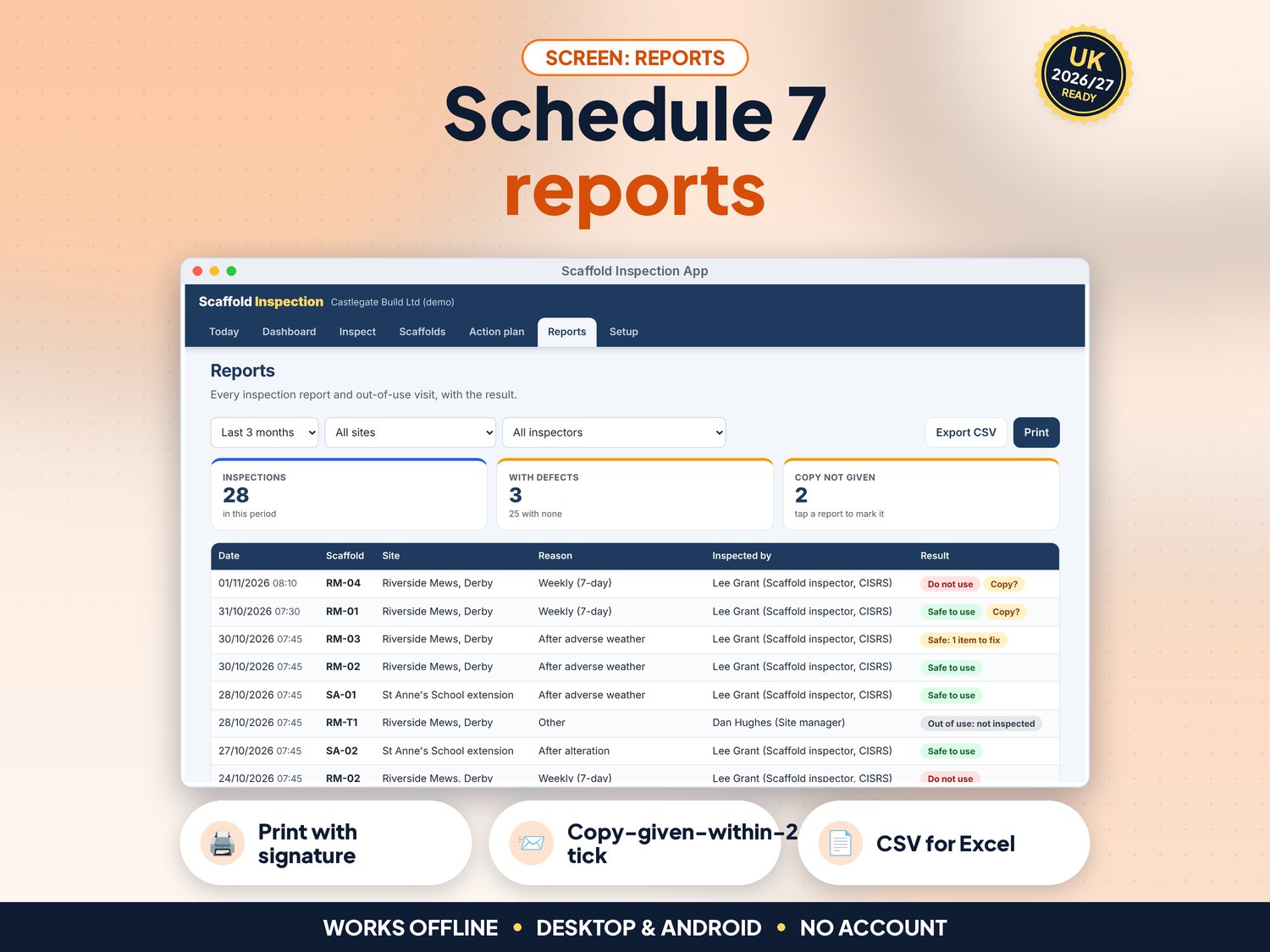
- Reports filtered by period, site or inspector, with a tick for the copy given within 24 hours; open, edit, print or delete any report
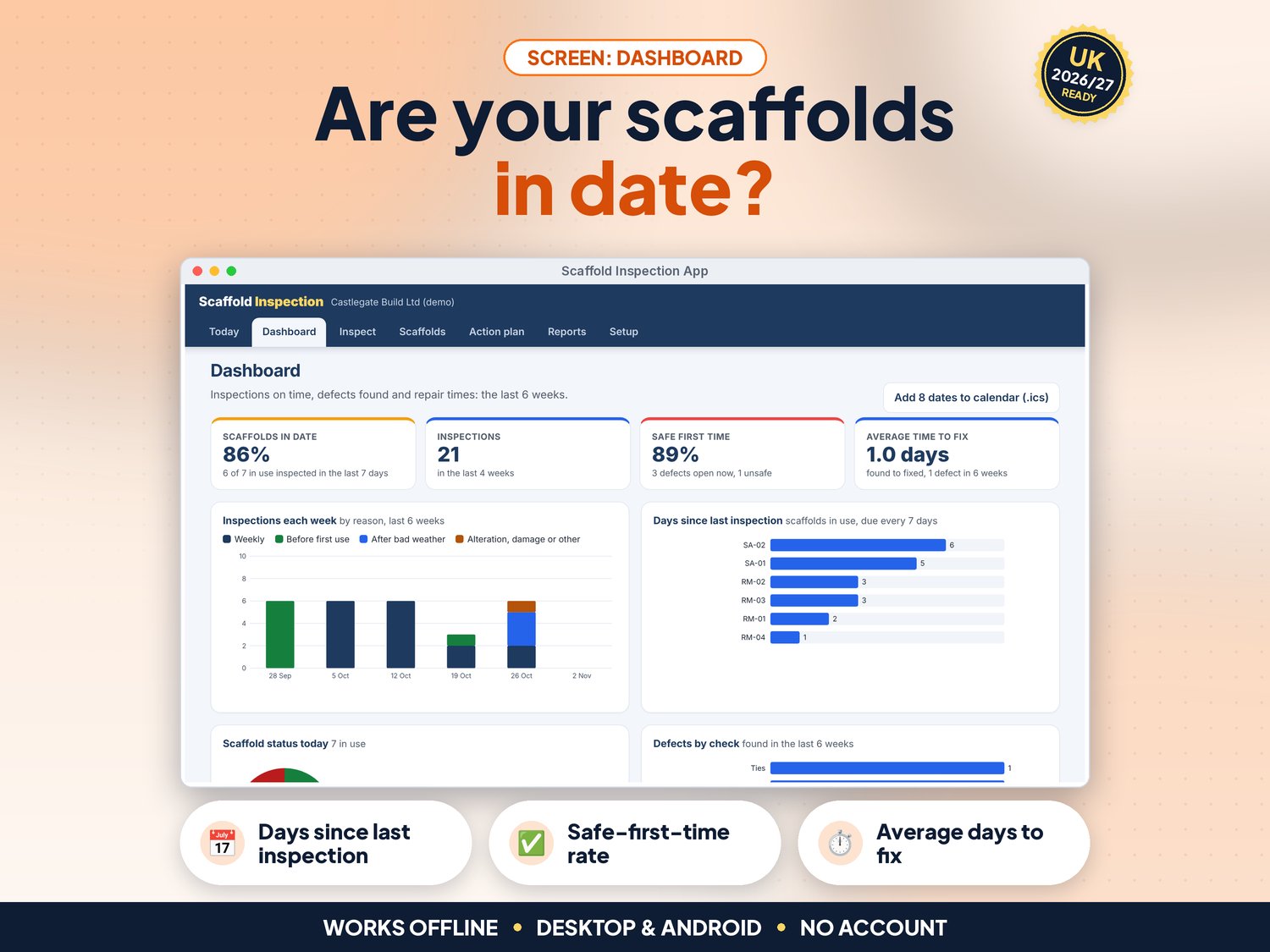
- NEW in v5: Dashboard with scaffolds in date, inspections in 4 weeks, safe-first-time rate and average days to fix, plus charts of inspections per week by reason, days since each scaffold was last inspected, scaffold status today and defects by check. Every chart has a text version for screen readers
- NEW in v5: Calendar file (.ics) with each scaffold's next due date, grouped by site and day, and the fix-by dates of open defects, for Google Calendar, Outlook or Apple Calendar
- NEW in v5: Full keyboard use, screen-reader labels, a skip link and high-contrast colours (tested against WCAG 2.2 AA with axe)
- Printable A4 inspection report with the Schedule 7 details and a signature line, printable action plan and scaffold register; CSV export of the register, action plan and reports for Excel or Google Sheets; JSON backup and restore
- Reports are refused if a check is missed, a defect has no description, the date is in the future or the fix-by date is before the inspection; the interval cannot be set above the legal 7 days
- Demo data (a builder with two sites, 8 scaffolds and towers and 6 weeks of inspections) to try it first
How it works (3 steps)
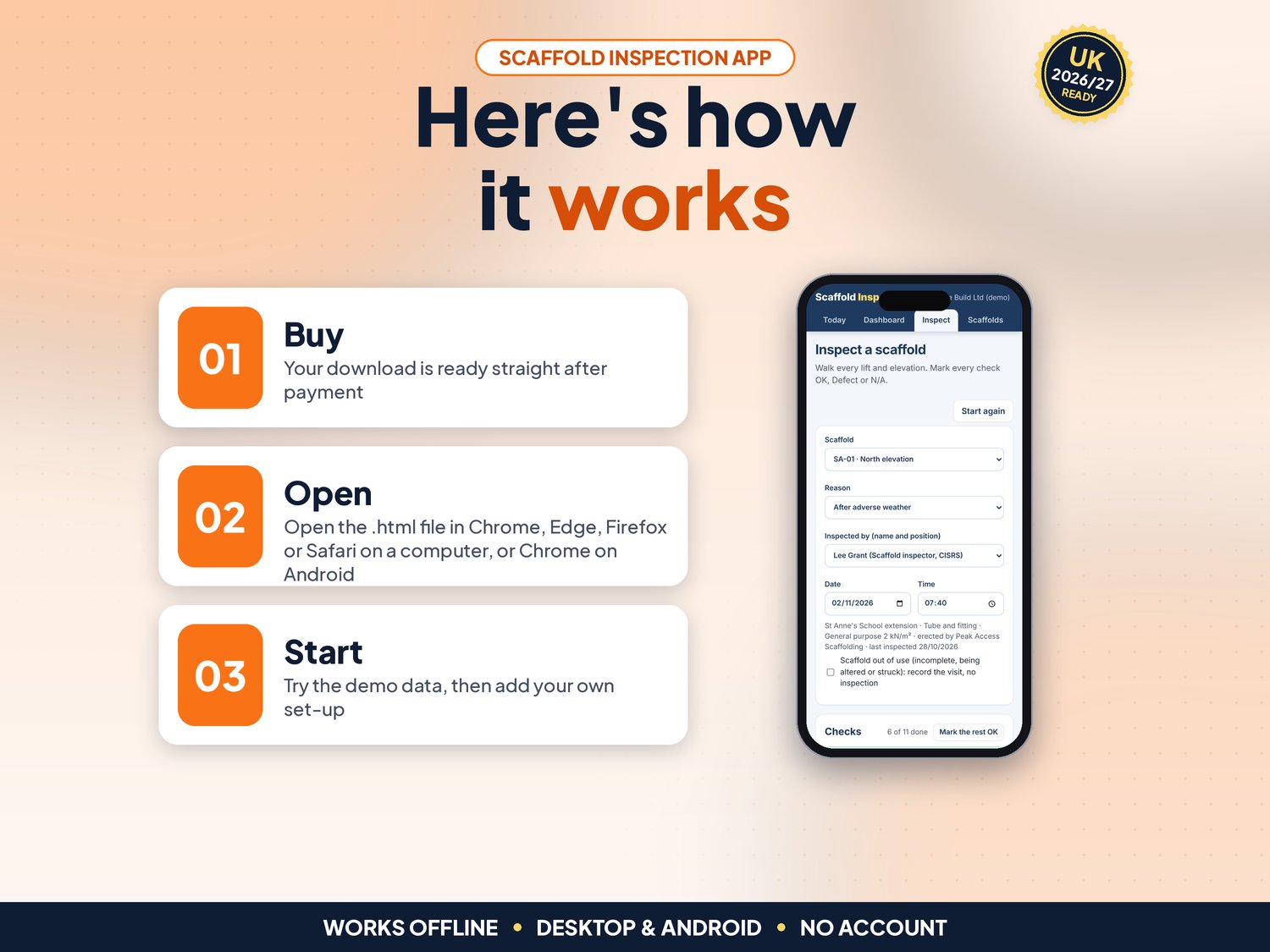
- Open the app, try the demo, then press Use my data. In Setup add your company, sites and inspectors; in Scaffolds add each scaffold or tower with its reference, location and type (about 5 minutes per site)
- On site with your phone or tablet: open Inspect, pick the scaffold, the reason and the inspector, tap OK, Defect or N/A for each of the 11 checks, then Save inspection. Print or share the report and tick that the copy was given
- Use the Action plan to get defects fixed and mark them fixed, press Bad weather after a storm, and use the dashboard and calendar file to keep every scaffold in date
What's included
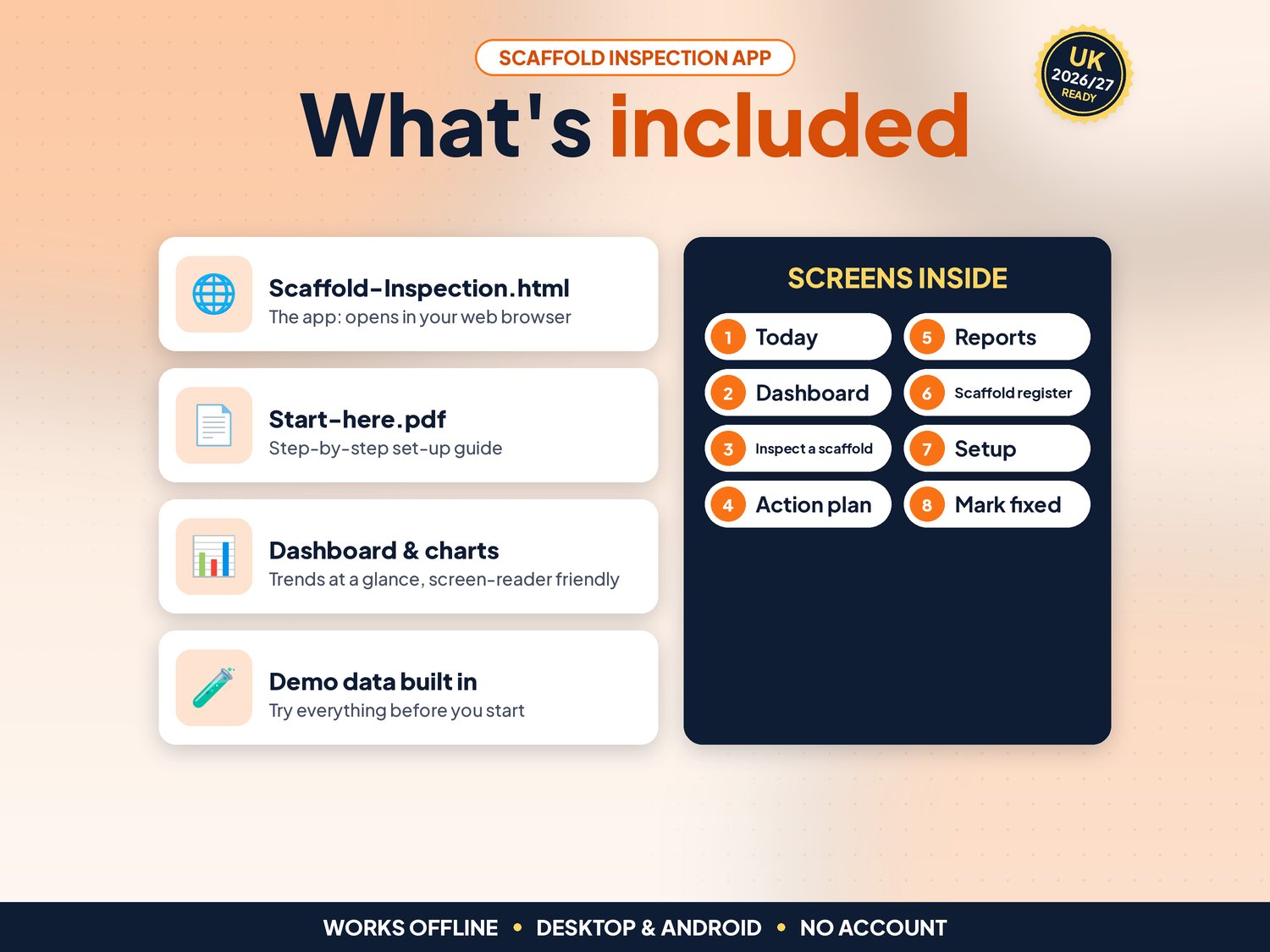
- Scaffold-Inspection.html: the app. One file, opens in your web browser, works offline
- Start-here.pdf: quick-start guide with the 3-step plan and backup tips
- Demo data built in (two sites, 8 scaffolds and towers, 6 weeks of inspections), so you can try everything first
Compatibility
- Tested in Google Chrome on a desktop (1440 px wide) and on Android phone sizes (390 px and 360 px wide)
- Also runs in current Edge and Firefox, and Safari on Mac
- Not iPhone or iPad yet: Safari on iOS cannot keep the app data from a downloaded file reliably, so we do not support it
- One self-contained file: no installation, no account, no subscription, nothing is sent over the internet
Instant download
This is a digital product. Nothing physical will be shipped. Your download link appears straight after checkout and is also emailed to you. Stuck or have a question? Email info@phkmedia.co.uk and I'll gladly help you set it up.
Good to know
- Records are saved in the browser on the device you use. Each device keeps its own records, so use one phone or tablet for the inspections and download a backup (JSON) every week
- The inspection must be done by a competent person. The app records what they found; it does not judge whether the scaffold is safe
- Keep the reports on site until the work is finished and then for 3 months at your office, as regulation 12 asks: print them, or keep the backup
- Business licence: use it within one company on as many devices as you like
- FAQ: Does it replace scaffold tags or a handover certificate? No. It records the inspections and prints the report. Keep using the tags and handover certificate from your scaffolding contractor.
- FAQ: Can two inspectors use it on their own phones? Not with shared records. Each device keeps its own. Use one shared tablet, or send a backup file from one device to the other.
- FAQ: Does it cover mobile towers? Yes. Add a tower as a scaffold of type Tower; the same 7-day rule applies to mobile working platforms inspected on site.
DISCLAIMER
Scaffold Inspection is a record-keeping aid based on the HSE scaffold guidance and the Work at Height Regulations 2005 (regulation 12 and Schedule 7). It is not legal advice and not a substitute for inspection by a competent person. The employer remains responsible for compliance. All companies, sites and people in the demo data are fictional.
Licence: Licensed for use within one business. Please do not resell, share or redistribute the files.
AI disclosure: This app and its listing images and video were designed by PHK MEDIA LTD with the help of AI tools. The video voiceover is synthetic. Everything was tested, reviewed and finalised by the seller.
© PHK MEDIA LTD
Licence: Licensed for use within one business or household. You may edit and print the files for that business. You may not resell, share or upload them for others.