

Play Doom In Doom In Unreal Engine 5
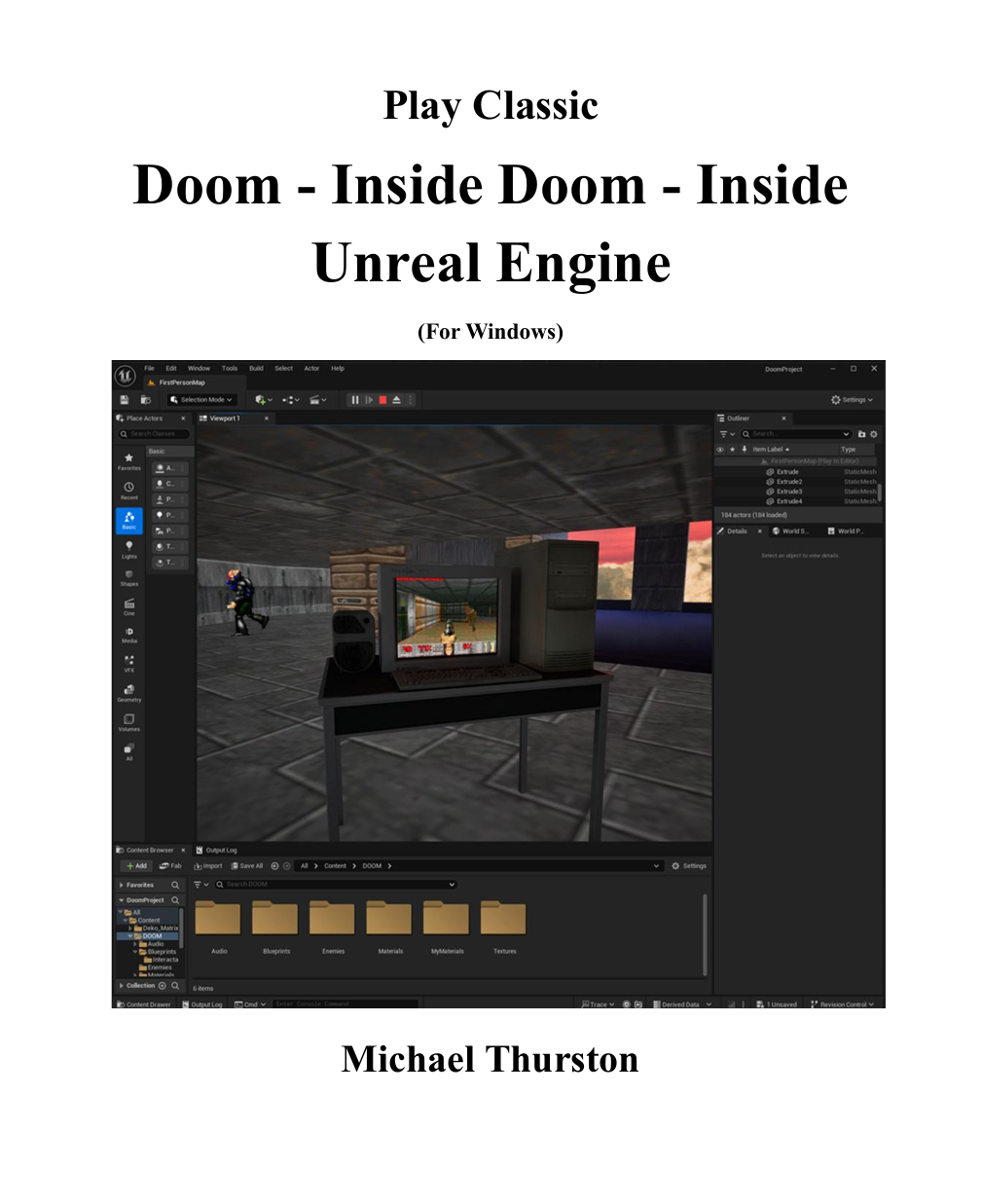
Doom Inside Doom Inside Unreal Engine 5
A Complete Step-by-Step Tutorial (with Full Source Code)
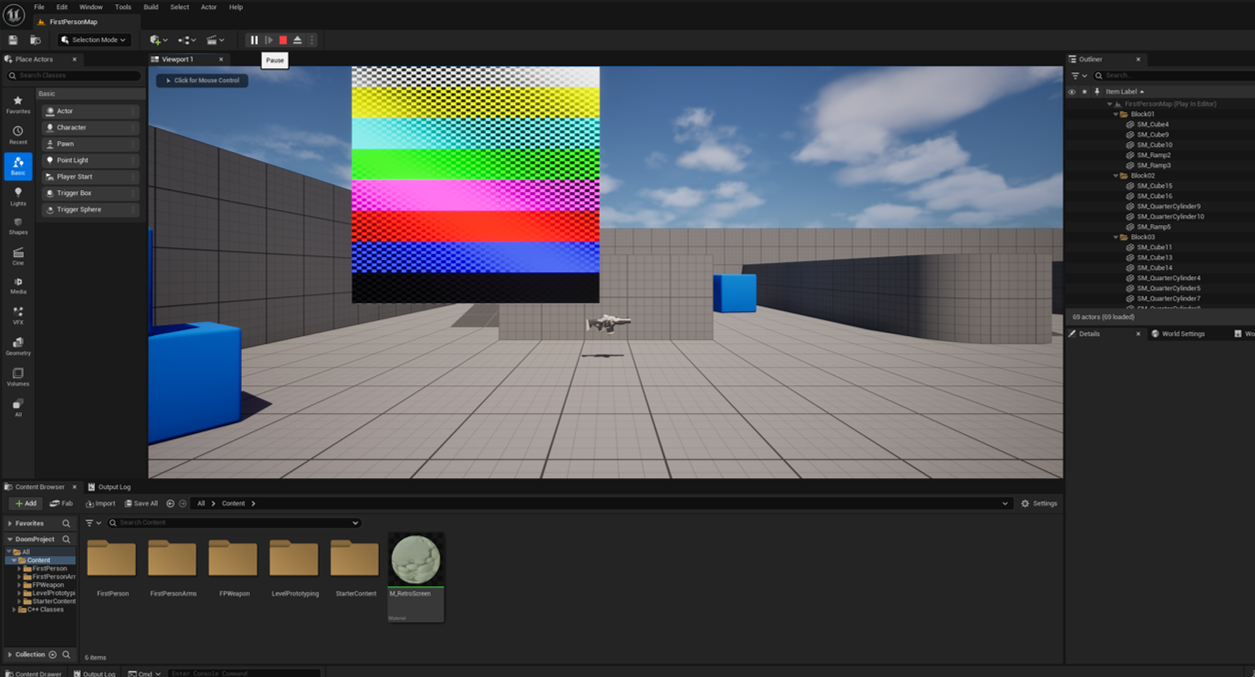
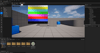
Download the Free Preview and you get the First 3 Chapters and shows you how to create a Dynamic Texture with Color Bars--Just one step away from Seeing DOOM!!
Ever wanted to play Doom inside Doom inside Unreal Engine 5?
Now you can. And you can build it yourself.
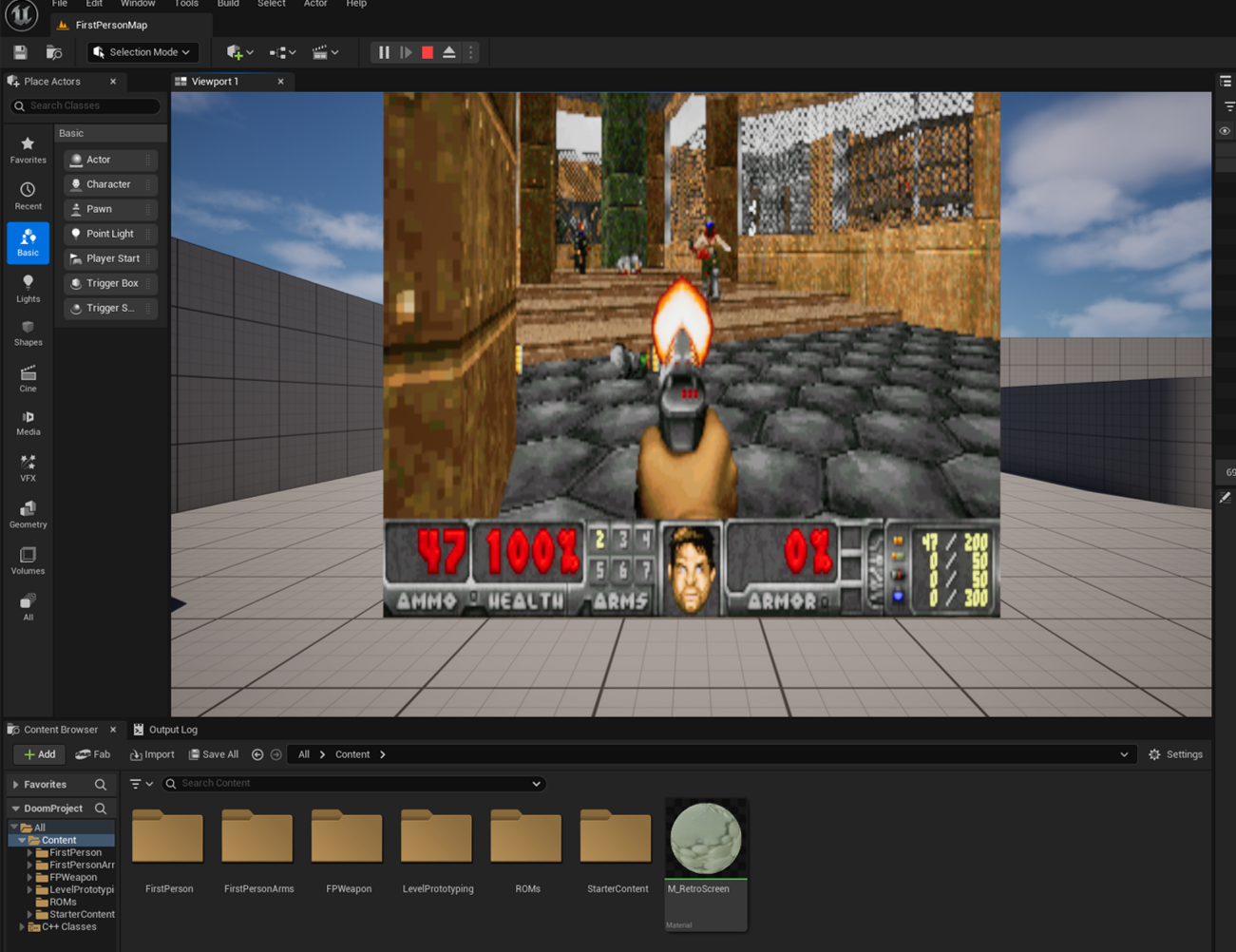
This 120-step interactive tutorial walks you through the entire process of embedding a Libretro game core directly into Unreal Engine — and turning that into a playable, fully functional in-game terminal that runs classic Doom in real time. You just need to create the Doom level in Unreal and you have DOOMception.
What You’ll Build
By the end of this tutorial, you’ll have created a working Unreal level where:
- You can walk up to a terminal, press “E”, and play Doom inside your world.
- Press “E” again to step back into Unreal’s first-person mode — seamlessly.
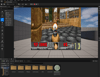
- You’ll see dynamic textures streaming live from the prboom-libretro core onto your 3D screen.
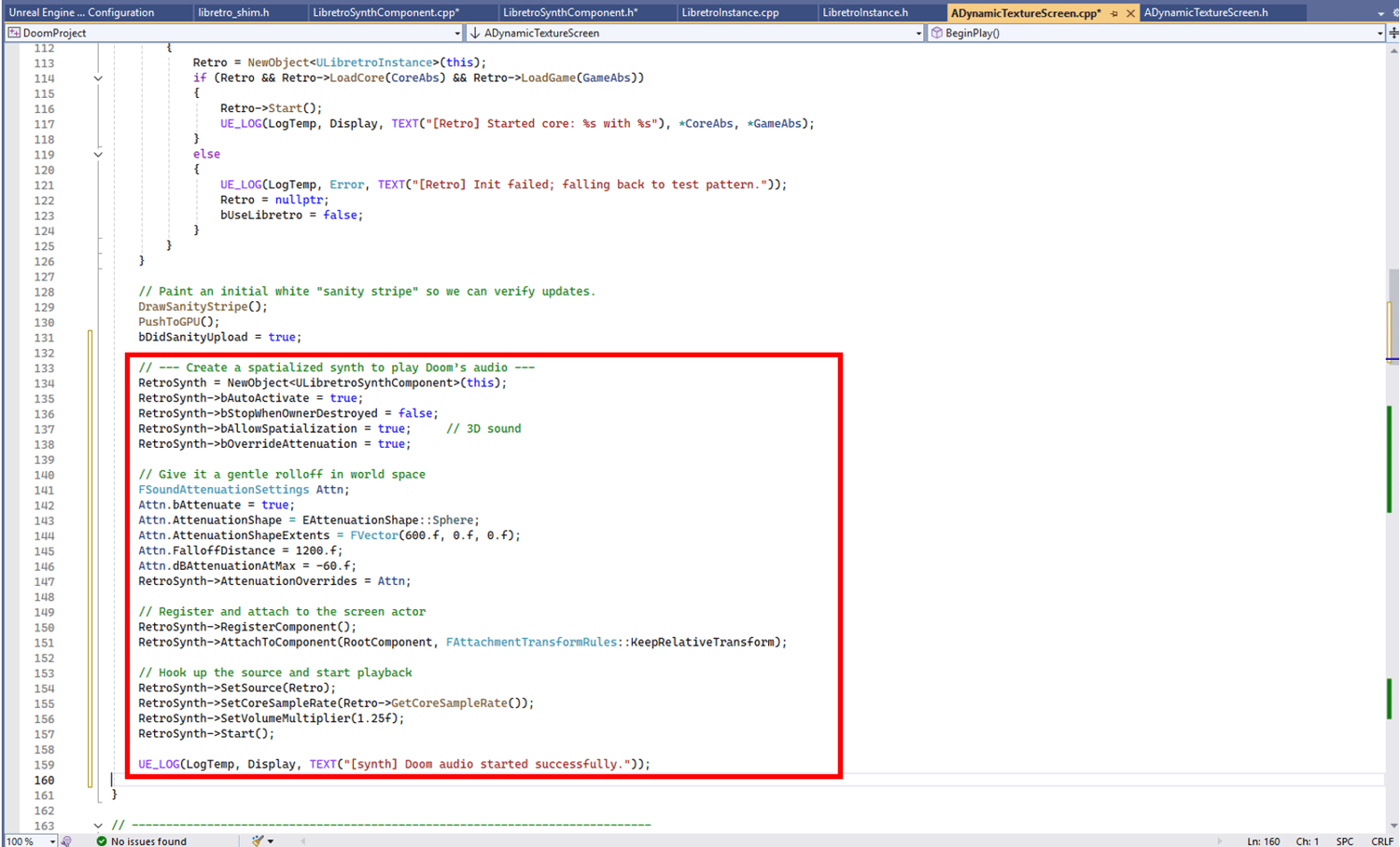
- You’ll hear authentic Doom sound running through Unreal’s audio engine.
- You’ll handle keyboard and mouse input mapping so you can play Doom just like the original.
What You’ll Learn
- How to create and render dynamic runtime textures in Unreal.
- How to embed and communicate with Libretro cores (like prboom, ECWolf, SNES9x, etc.).
- How to route player input between Unreal and your embedded game.
- How to handle live audio streaming from an external emulator using USynthComponent.
- How to extend the system to support other classic engines — from Wolfenstein 3D to NES or Genesis.
And best of all: every chapter includes ready-to-use, copy-paste C++ code, screenshots, and clear explanations. And there is also the source code file if you're just too impatient.
Why It’s Awesome
This isn’t just about Doom.
It’s a framework — a living example of how to connect Unreal’s rendering engine to any external simulation, emulator, or visualization system. You can use it as a template for:
- Retro game emulation terminals inside 3D worlds
- Interactive displays and virtual arcades
- Unreal-based front-ends for Libretro systems
- Real-time simulation overlays or educational tools
Once you understand this workflow, you can integrate almost anything that can render to memory.
Requirements
- Unreal Engine 5.5 (C++ project)
- Visual Studio 2022
- Windows 10 or 11
- The prboom-libretro core (free) and a .wad file (such as freedoom.wad or DOOM.WAD). Links to them in the document.
Bonus: Expand Beyond Doom
The same pipeline works beautifully with other Libretro cores (Chapter 9):
- ECWolf – for Wolfenstein 3D
- FCEUmm – NES
- SNES9x – Super Nintendo
- Genesis Plus GX – Sega Genesis
- MAME – Arcade systems
- VBA-M – Game Boy Advance
You’ll learn exactly where to plug them in and how to adapt resolutions, inputs, and texture pipelines to match any retro engine.