


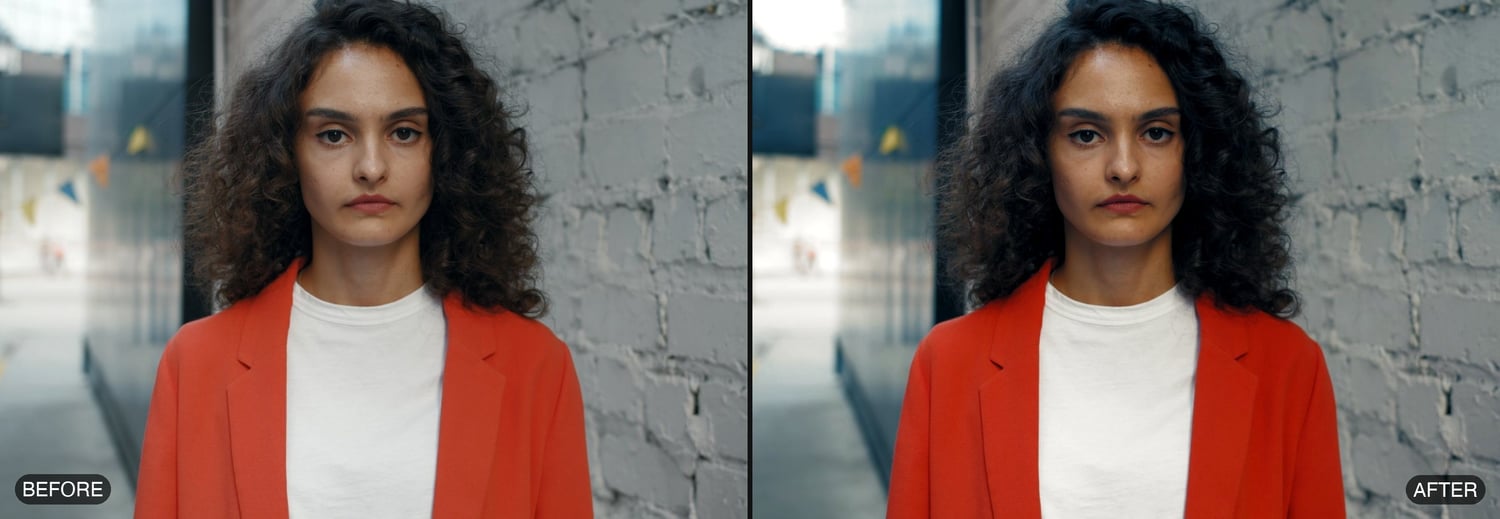
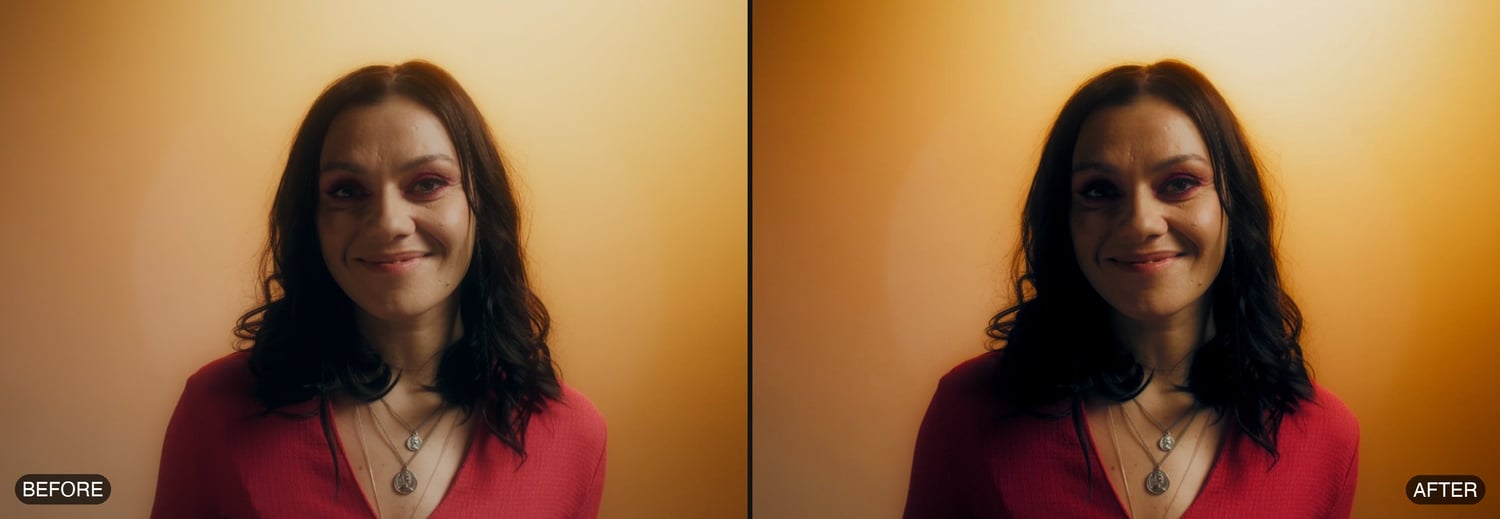
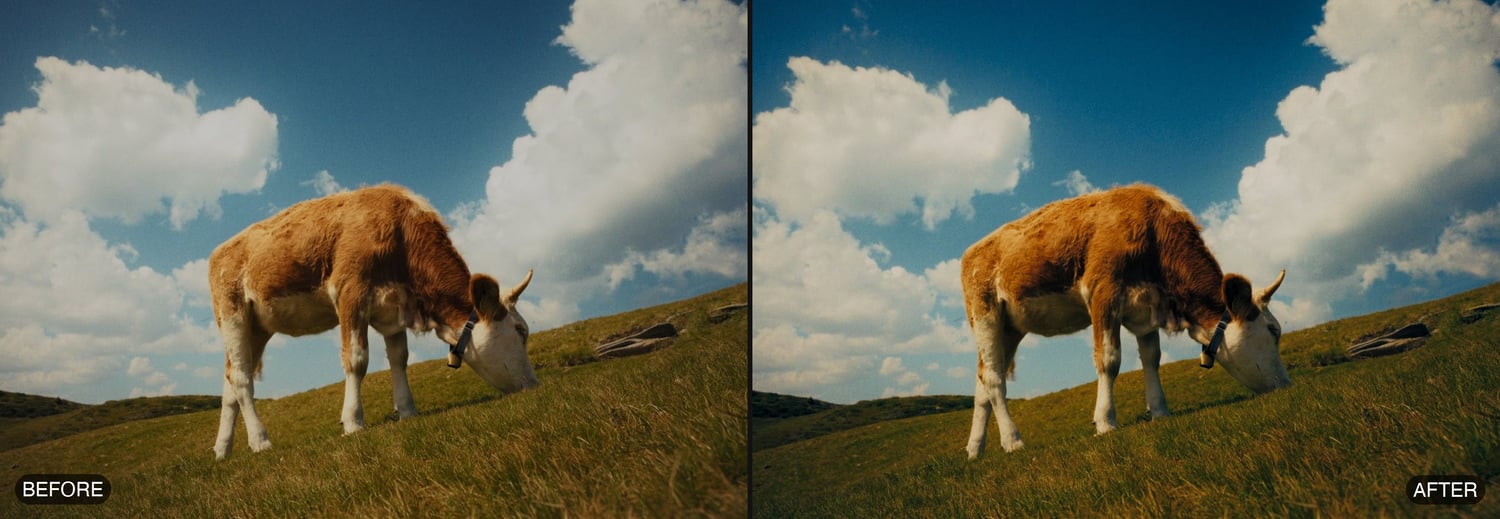
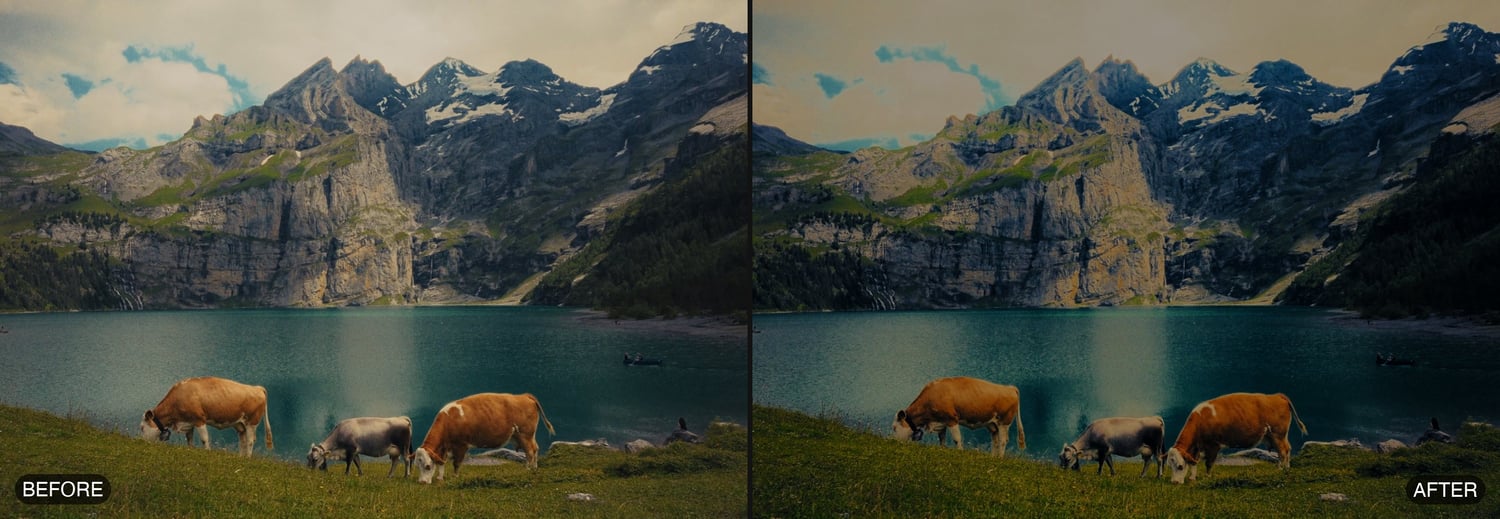




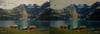
AVF FilmGrade 5.1.6 DEMO — Premiere Pro & After Effects — Windows (free)
The free demo of AVF FilmGrade 5.1.6 for Premiere Pro and After Effects on Windows — try the whole grade on your own footage before you buy.
One effect that works in both apps. AVF FilmGrade is a complete cinematic colour grade, by Anurag — A Video Productionz (@av_filmmakerr): three grading engines in one plugin, applied in order, so you get the whole look from one control panel instead of a stack of adjustment layers.
EVERY GRADING CONTROL WORKS
• 1 · GRADE — Exposure, Highlights, Blacks, Temperature, Contrast, Pivot, Midtones, Film Look tints with Split, Clean Whites & Blacks.
• 2 · HUE — hue and amount for Shadows, Midtones and Highlights, plus all eight colours, each with a Show view.
• 3 · DENSITY — Colour Density per channel, Richness, Film Contrast, Gamma, Print Density, Shadow Toe, Highlight Rolloff.
• Skin Tone — the full measured skin selection with Show Skin, Skin Tone Target, Skin Range, Skin Blur, Skin Hue, Skin Saturation and Skin Exposure.
• Input and Output Colour Space, Tone Mapping, and My Presets with the three starter looks.
THE TWO LIMITS
• A watermark of plus signs over the picture, in the viewer and in renders.
• No Export LUT.
Nothing else is held back. The demo installs beside the full version, so your test grades carry straight over when you buy.
REQUIREMENTS
• Premiere Pro or After Effects 2023 or later
• Windows 10 or 11, 64-bit
• An NVIDIA (CUDA), AMD or Intel (OpenCL) graphics card, with Mercury GPU acceleration on
INSTALLING
Copy AVF FilmGrade.aex into C:\Program Files\Adobe\Common\Plug-ins\7.0\MediaCore. Two short install documents are in the kit — one for copy and paste in File Explorer, one with a single line to paste into PowerShell — plus a GPU check tool and the Install & User Guide PDF. Windows asks you to click Continue; there is no installer to allow.
It appears under Video Effects → AVP Tools.
TESTED ON
Built from the same code as the Mac version, which is tested in Premiere Pro 2026 and plays back in real time on the GPU. The Windows build has not yet been verified on a retail PC, and After Effects has not been tested on either platform — run the included GPU check first, and tell me if anything does not work.
This is the Windows demo for Premiere Pro and After Effects. The Mac demo and the DaVinci Resolve demos are separate free downloads. Ready for the real thing? The full version removes the watermark and adds Export LUT, with no licence keys and no activation.