

Invoice & Payment Tracker (Excel + Google Sheets)
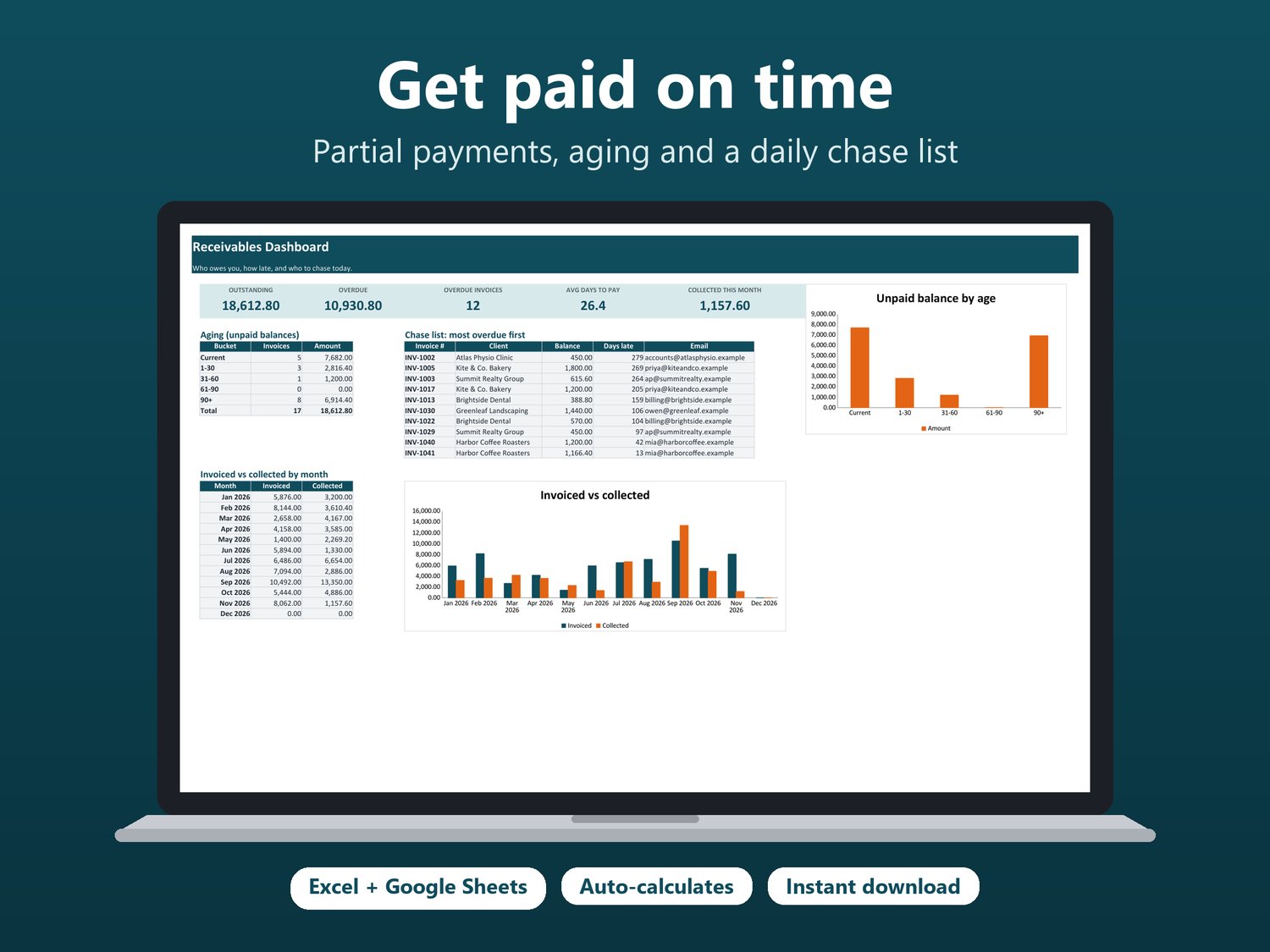
The number one complaint about invoice trackers: they break the moment a client pays in two parts. Here payments live on their own tab, linked by invoice number, so deposits, instalments and split payments just work. Status, days overdue and aging update themselves, and the Dashboard gives you a chase list every morning.
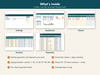
What you get:
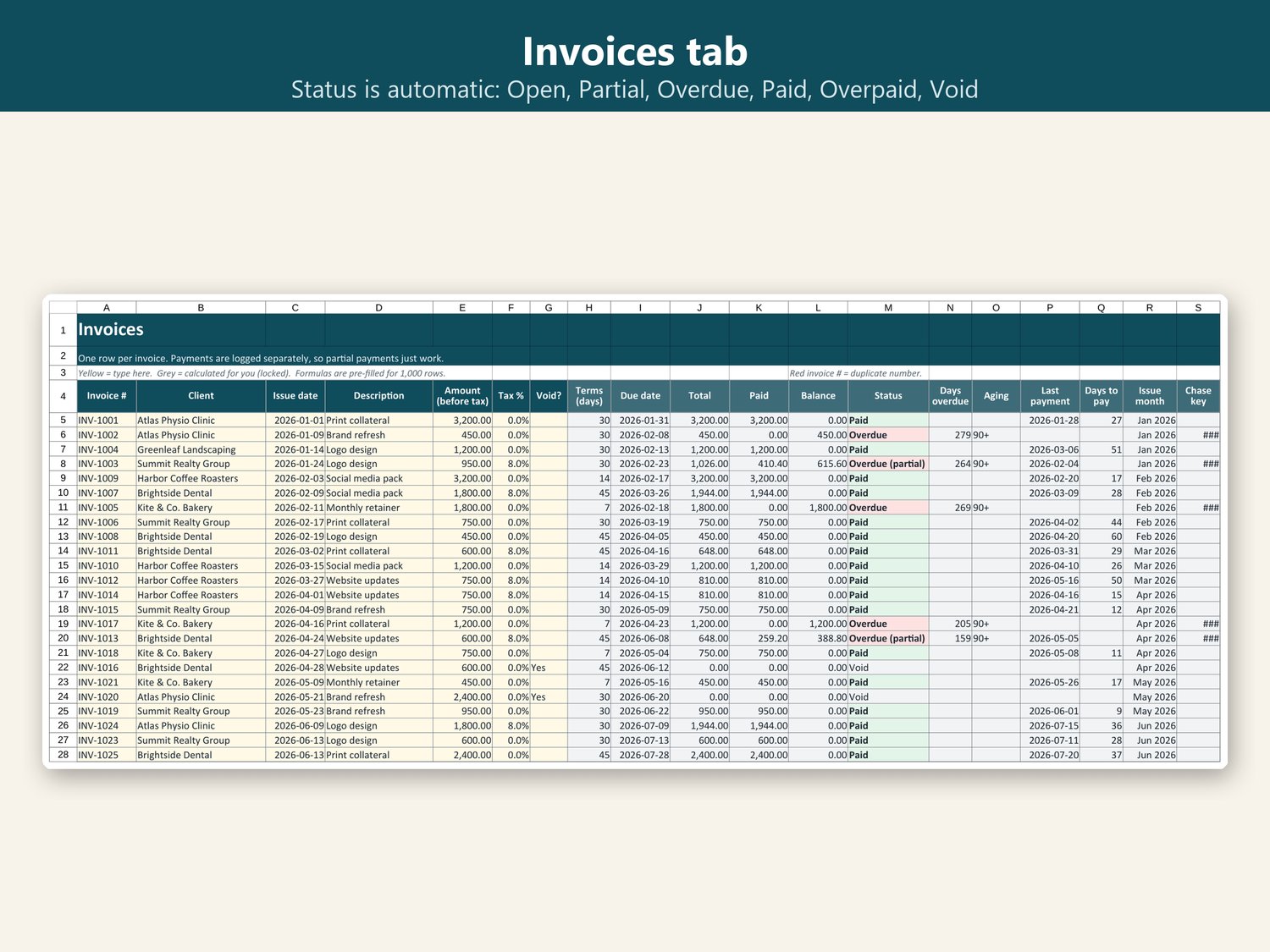
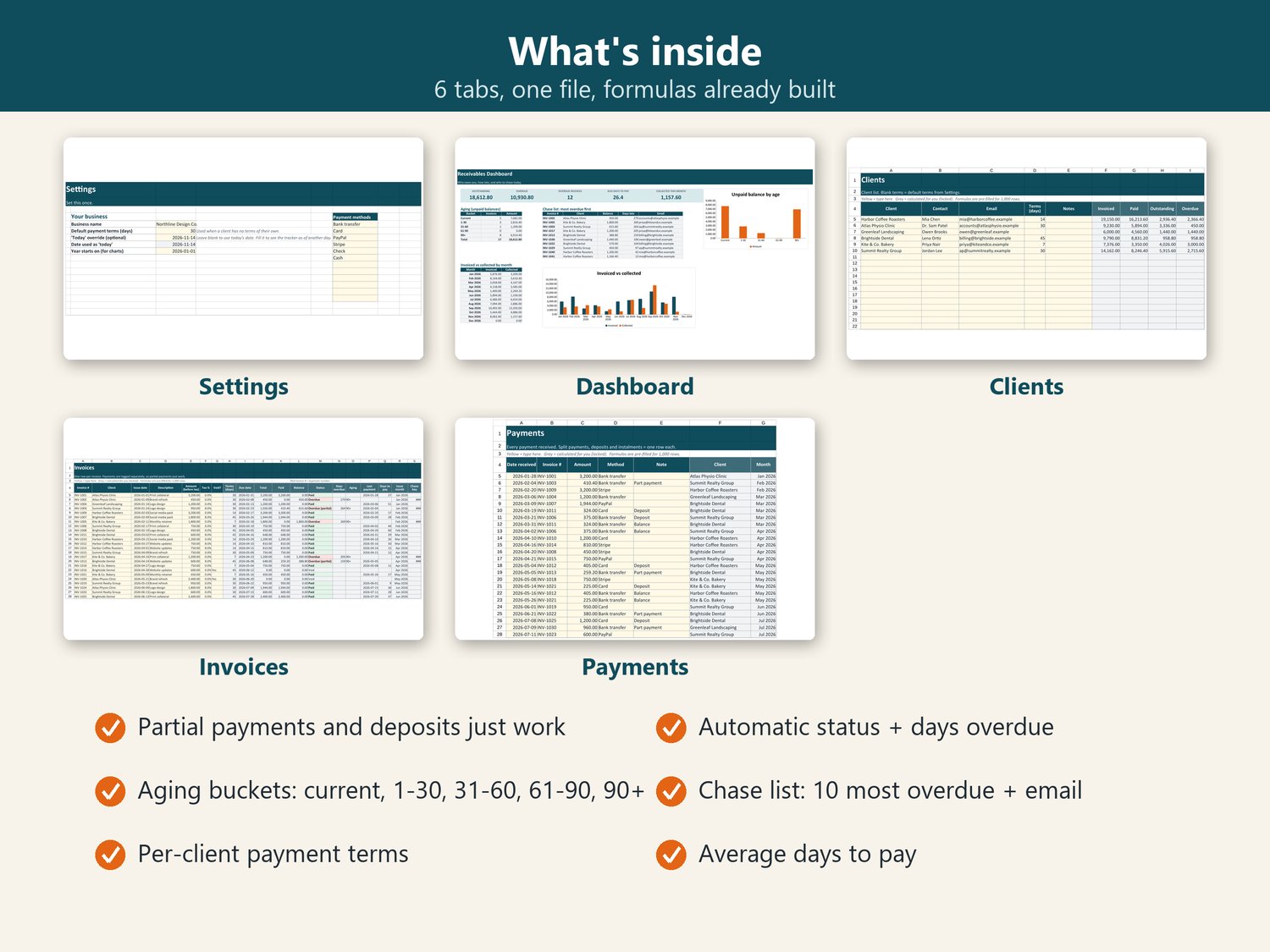
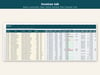
- Invoices tab: due date from each client's own terms, total with tax, paid, balance, status, days overdue, aging bucket
- Payments tab: one row per payment; deposits, instalments and part payments roll up automatically; unknown invoice numbers are flagged
- Statuses: Open, Partial, Overdue, Overdue (partial), Paid, Overpaid, Void
- Duplicate invoice numbers highlighted in red
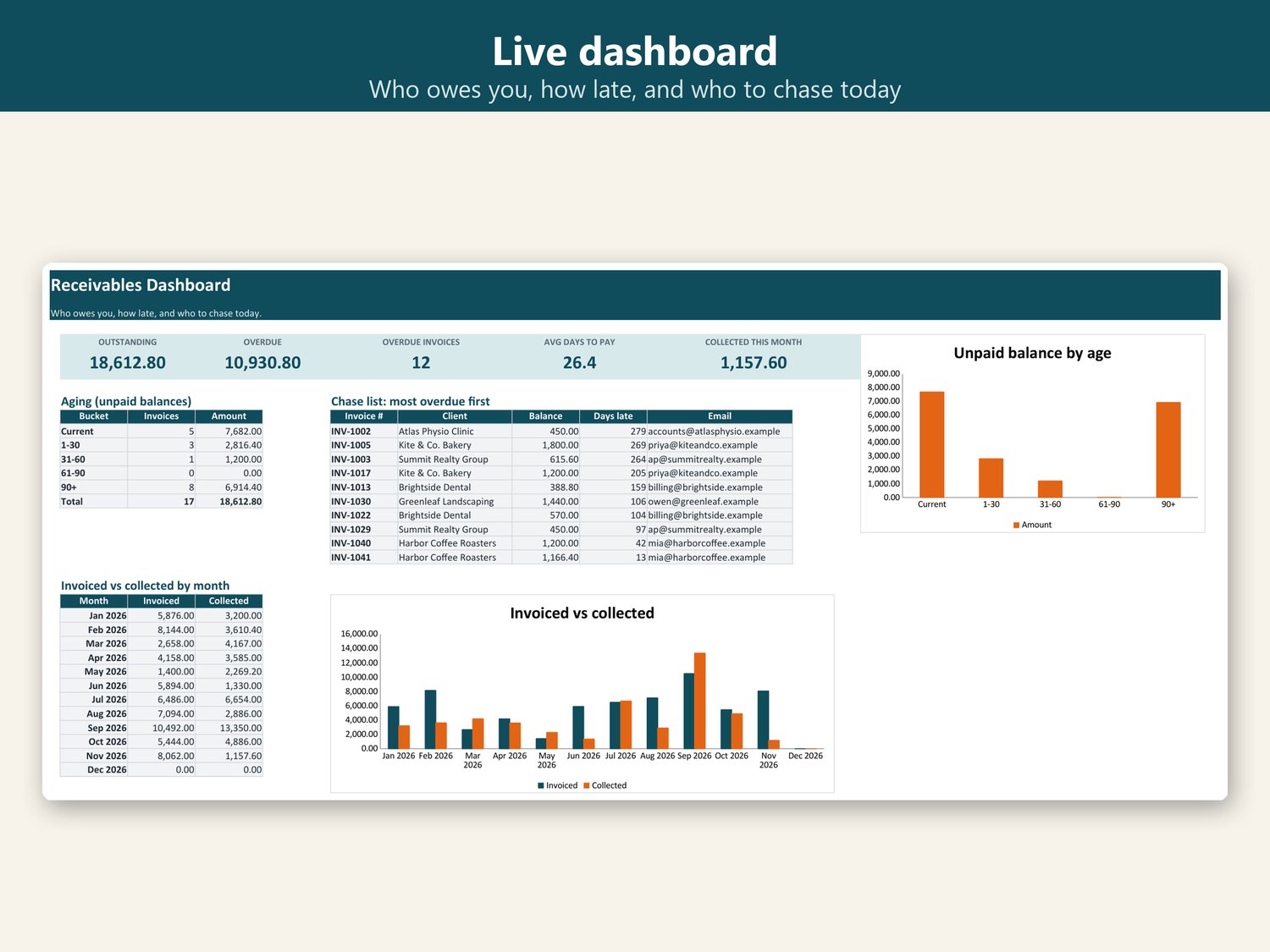
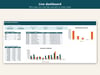
- Dashboard: outstanding, overdue, number of overdue invoices, average days to pay, collected this month
- Chase list: the 10 most overdue invoices with balance, days late and the client's email
- Charts: unpaid balance by age; invoiced vs collected by month
- Clients tab: lifetime invoiced, paid, outstanding and overdue per client
Included files:
- Invoice and Payment Tracker.xlsx (blank)
- Invoice and Payment Tracker - SAMPLE.xlsx (demo data)
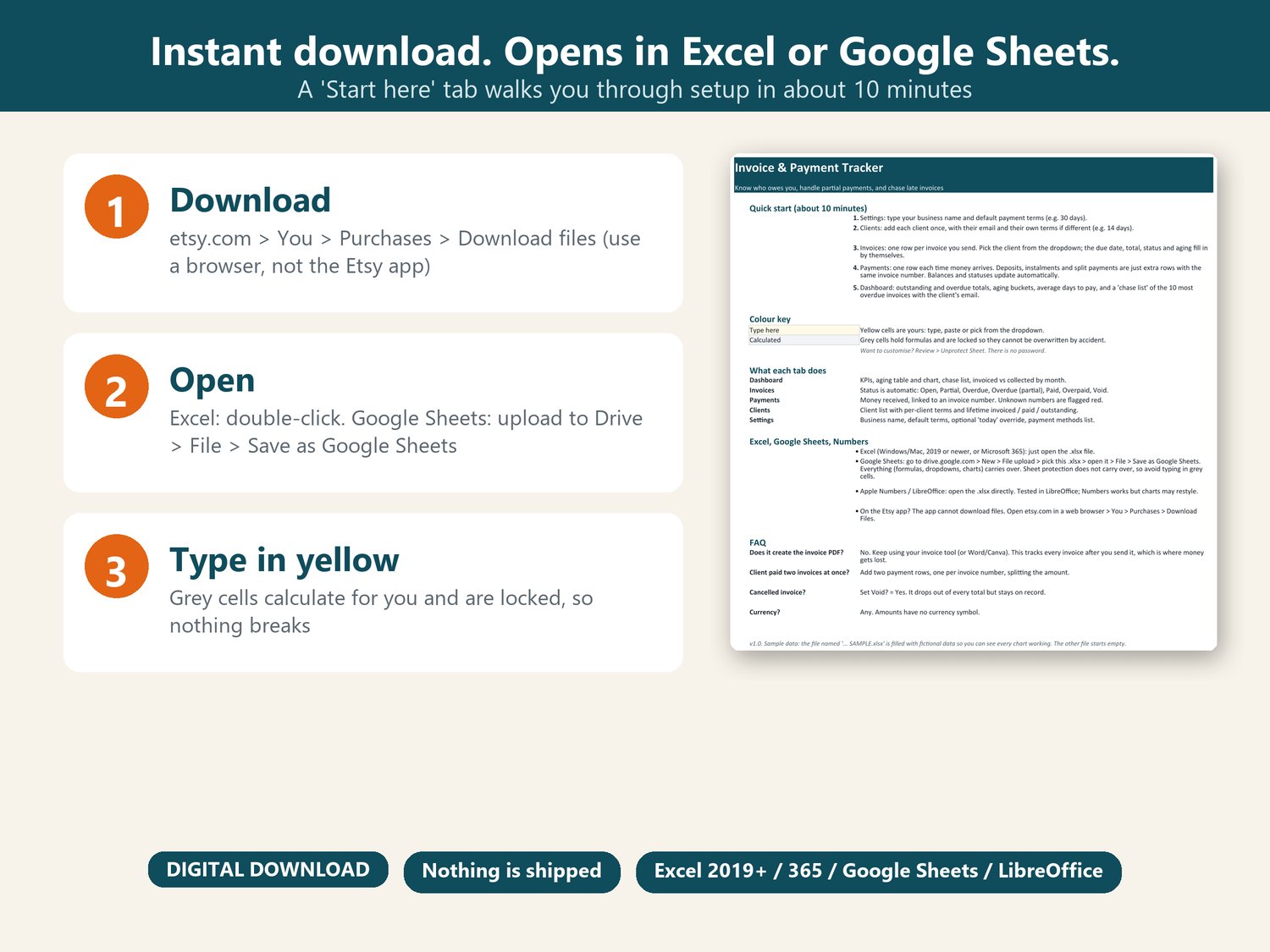
- 'Start here' instructions tab
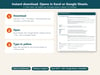
Works in: Microsoft Excel 2019, 2021, Microsoft 365 (Windows and Mac), Google Sheets (free), LibreOffice. One .xlsx file for both Excel and Google Sheets; no separate versions to mix up.
After purchase you get an instant download link by email (Payhip). This is a DIGITAL DOWNLOAD. Nothing physical will be shipped.
Refunds: because this is an instantly downloadable file, sales are final, but if the file doesn't open or a formula misbehaves, email me and I will fix it or refund you.
Designed, built and tested by me. I used AI tools to help write formulas and copy; every formula was recalculated and checked against hand calculations before listing.
This is a planning and record-keeping tool, not legal, tax or accounting advice.