
Wedding Planning OS: Wedding Budget Spreadsheet That Shows What You Still Owe (Google Sheets & Excel)
Find the Hidden Balance before it finds you.
Every deposit you sign leaves a bigger balance for later. Most budgets mix up what you planned, what you signed and what you've paid, so the money you still owe stays out of sight until the final weeks.
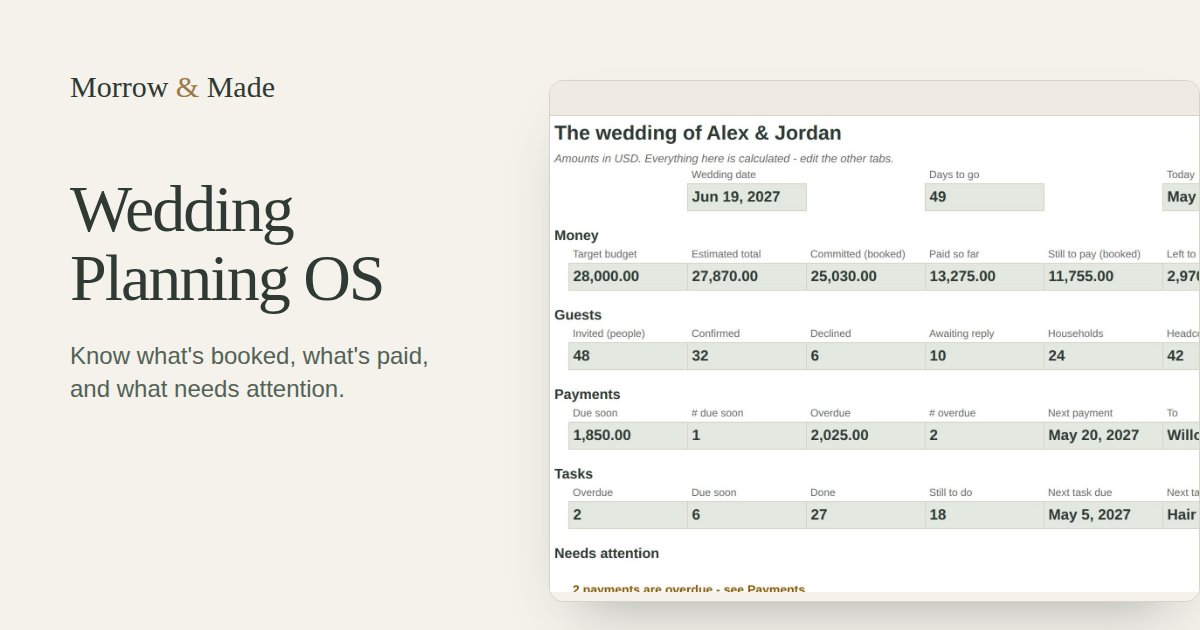
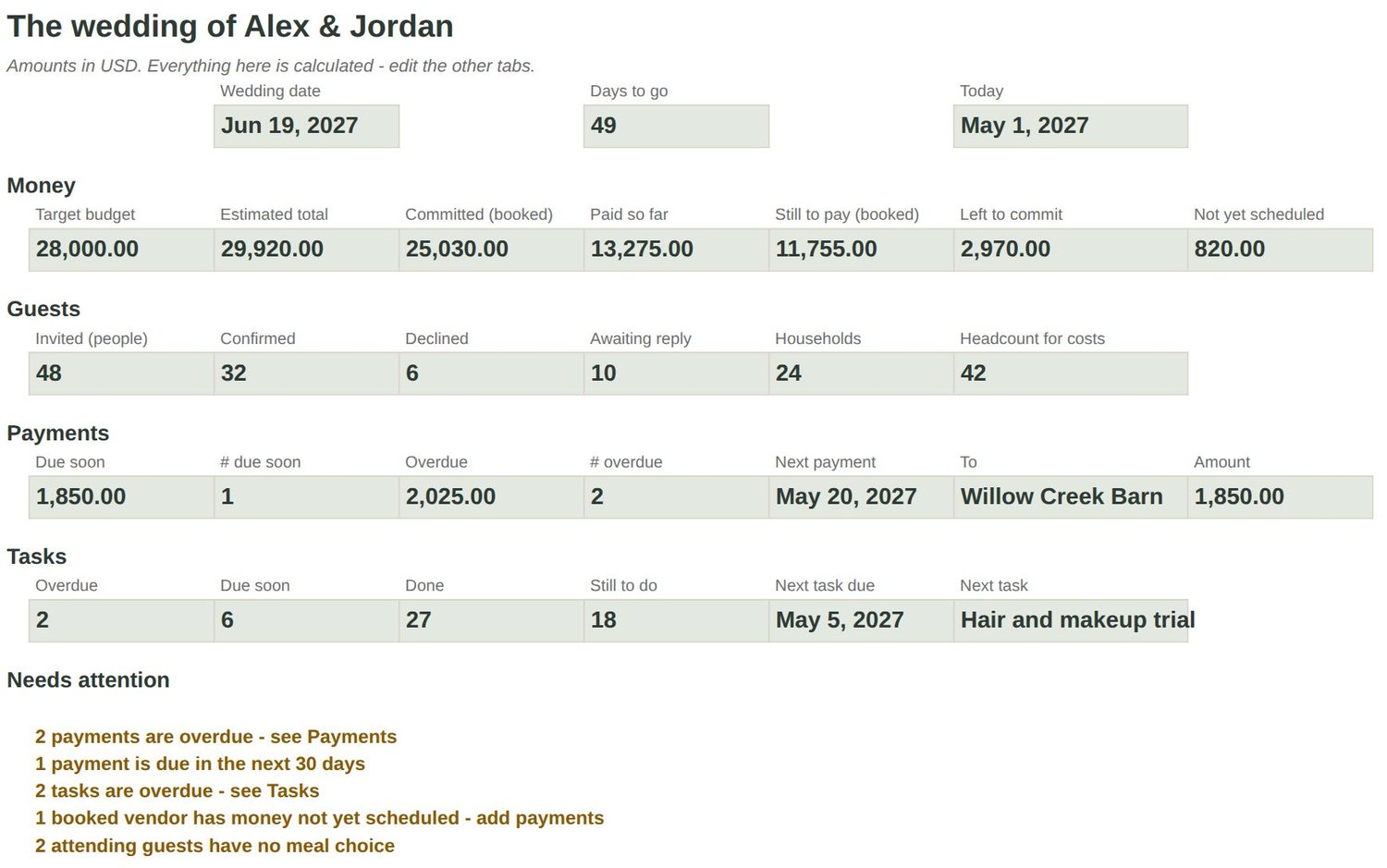
Wedding Planning OS keeps four numbers apart: Planned, Signed, Paid and Still Owed. Your budget, guests, vendors, payments and tasks live in one workbook for Google Sheets or Excel, and every deposit, installment and final balance gets its own row and due date.
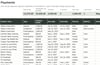
Payments, the part most planners skip
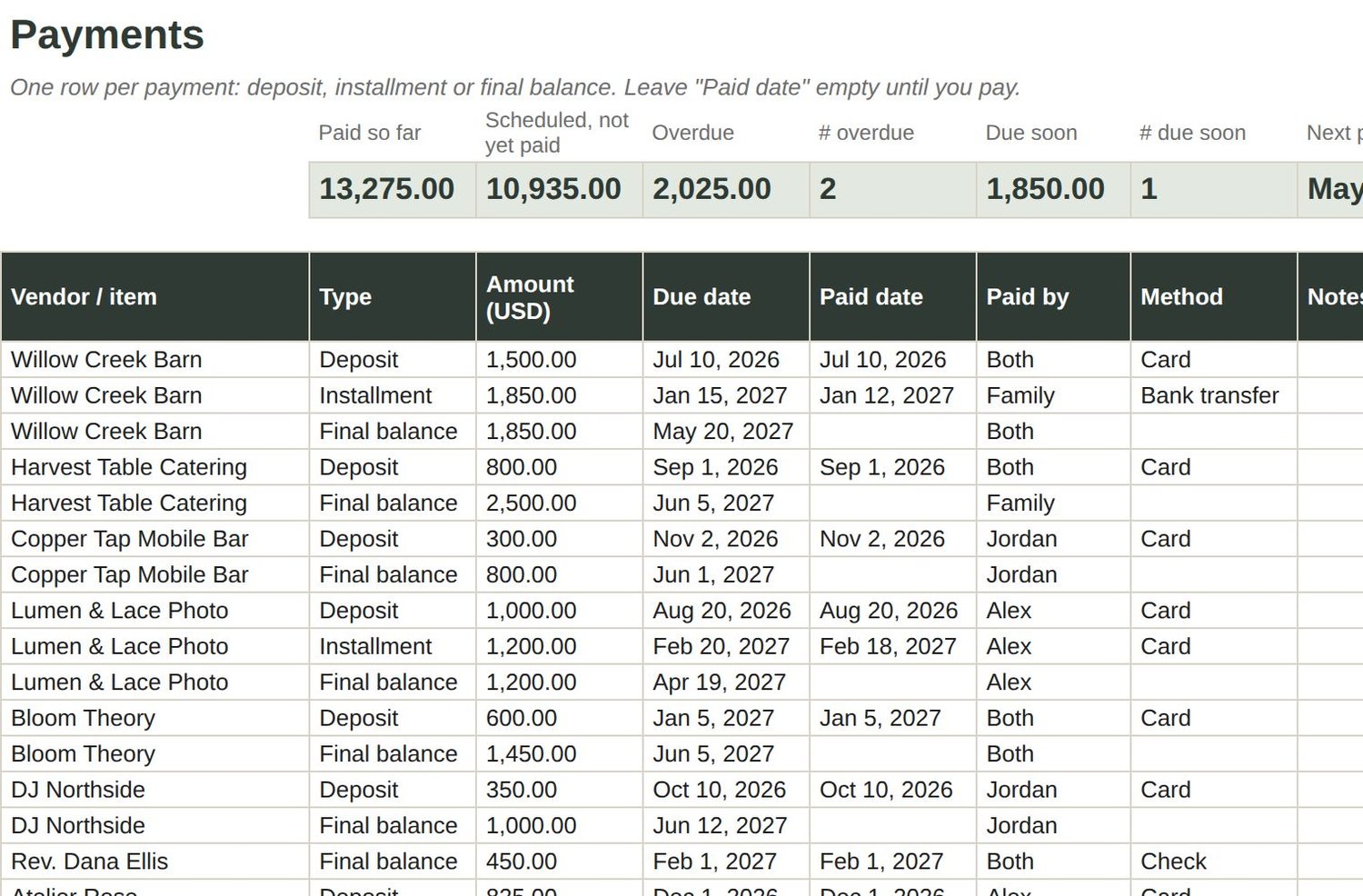
- One row per payment: deposit, installment or final balance, with its due date and who pays it.
- The workbook marks each payment as paid, upcoming, due soon or overdue, and the Dashboard shows the next one coming.
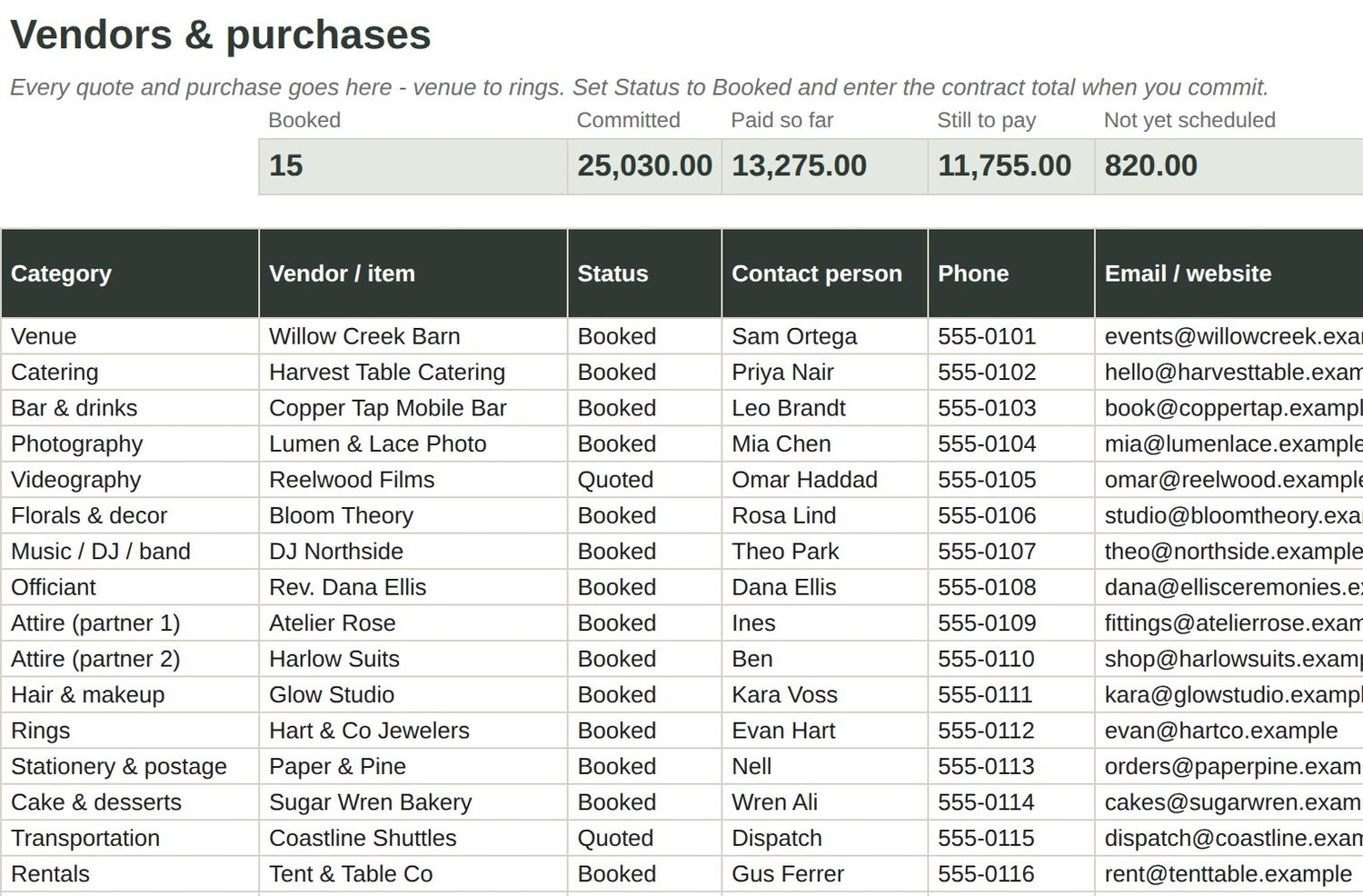
- Every vendor shows contract total, paid so far and still to pay, side by side, rolled up from the Payments tab.
- The Dashboard adds "Who has paid what": one line per payer (you, your partner, both, family, planner, other), so the who-pays-what conversation has numbers in it.
A budget that knows what you have booked
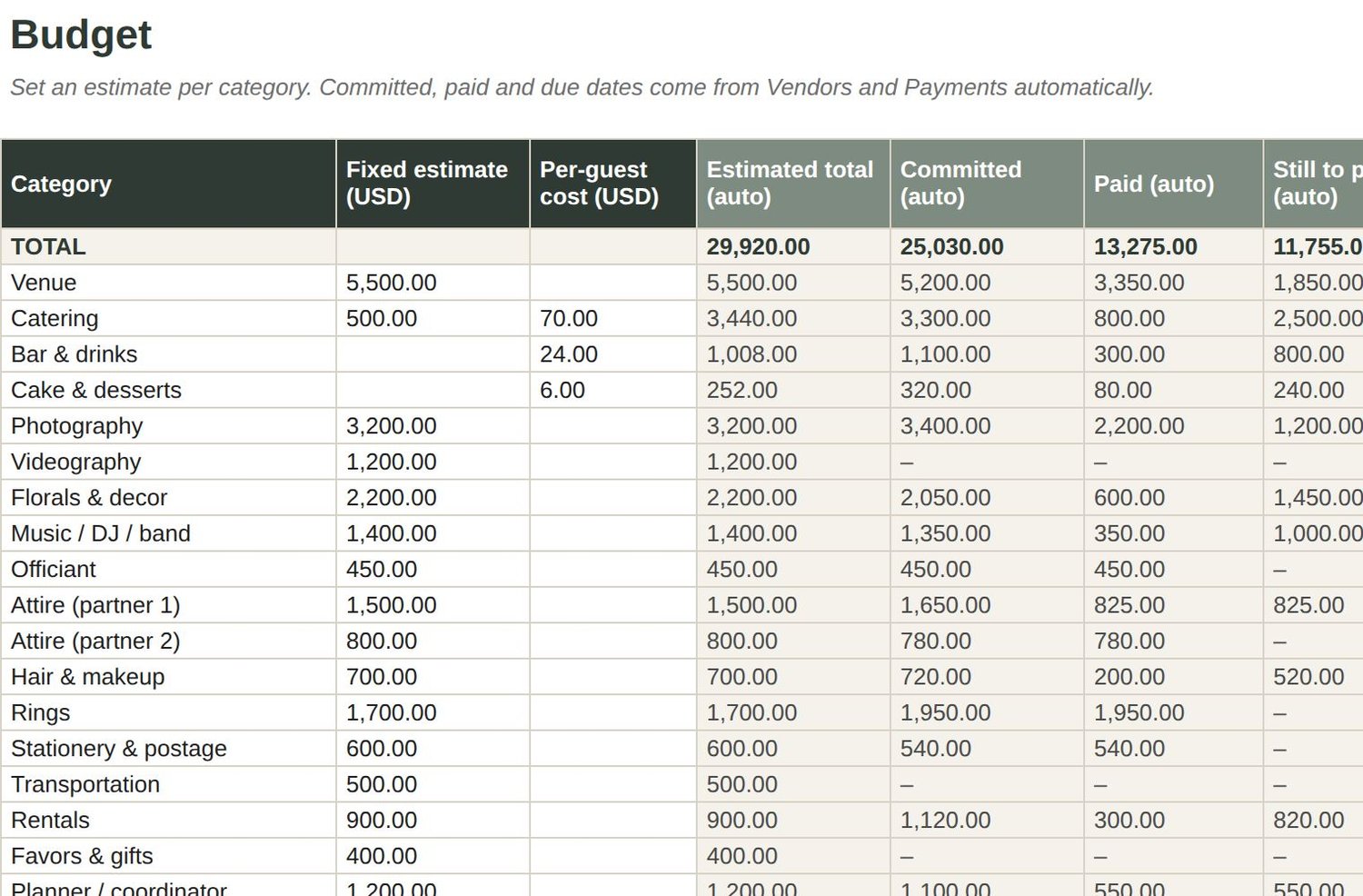
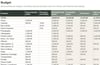
- 22 starting categories, including Contingency, Tax & service charges and Tips & gratuities (the lines most budgets forget), plus 8 spare rows.
- Each category shows estimated, committed (booked with a vendor) and paid, so you can see what is really left.
- The currency label shows on every money summary; change it once in Settings.
Guests, tasks and the day itself
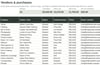
- Households, plus-ones, RSVPs and meal choices for up to 300 guests; the headcount used for costs updates as replies come in.
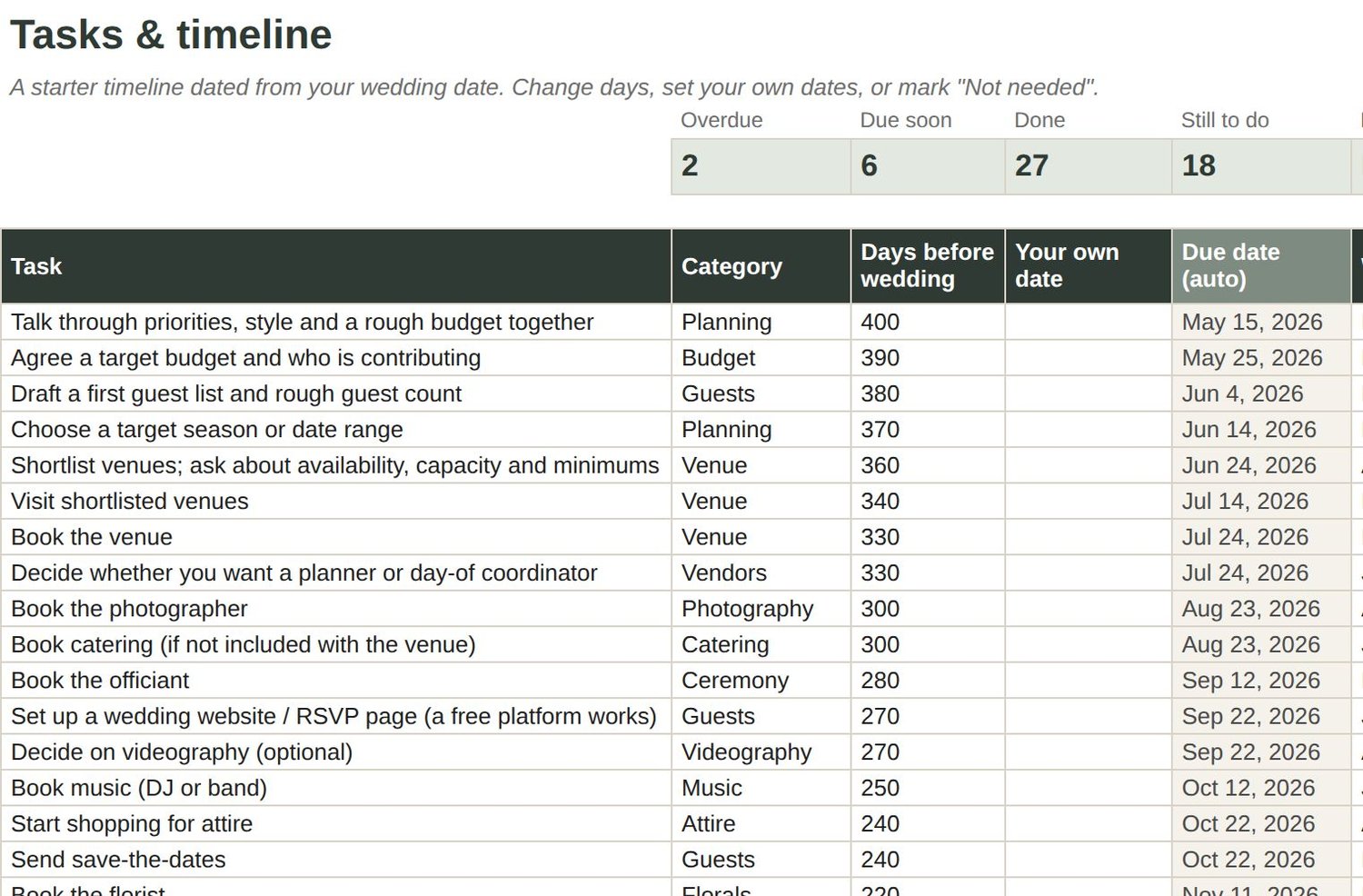
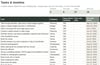
- A starter list of 48 tasks, dated from your wedding day, with room for 120 in all.
- A Wedding Day tab for the schedule, vendor contacts and final-week payments.
Ten tabs: Start Here, Dashboard, Budget, Guests, Vendors, Payments, Who's Paying, Tasks, Wedding Day, Settings.
New in v1.2: a Who's Paying tab to track what family promised, what's arrived, and any strings attached.
Please read before you buy
- You enter and maintain the details yourself. Set-up is quick; the real work is typing in your guests, vendors and payments, and the workbook pays that back every time you open it.
- Payment warnings appear inside the workbook only. There are no email or phone reminders, and no bank connection.
- Guest replies are entered by hand. The workbook doesn't sync with a wedding website.
- Changing the currency changes the label only. It doesn't convert exchange rates, so use one currency throughout.
- Estimates don't replace your vendor contracts, minimums, taxes or actual charges. Your contracts always decide what you owe.
- Formula cells aren't locked. Keep a backup before you make big changes.
- This is a spreadsheet, not a phone app or a planning service. It doesn't include calls, coaching or custom spreadsheet work. It is an educational planning tool, not legal or financial advice.
Compatibility
- Tested: Google Sheets and Excel for the web. In Excel for the web, move between pages with the sheet tabs at the bottom, because the Start Here shortcut links don't work there.
- Built for, but not hand-tested: desktop Excel (Microsoft 365, Excel 2019 and later).
- Not supported: Excel 2016 and Apple Numbers.
- Google Sheets needs a free Google account.
What you download
- Excel: a blank workbook and a filled example (the fictional wedding of Alex & Jordan).
- Google Sheets: the same two, to upload to your Google Drive.
- A short setup guide (PDF): choose your copy, then open Start Here.
Delivery and refunds
Digital download, delivered right after payment: a download link on screen and by email. You pay once; no subscription; nothing is shipped. Licensed for personal use by one household or couple.
If the files don't work as described in a supported app and we can't fix it, or you bought it twice by mistake, email us within 7 days of purchase for a refund. Full conditions: https://morrowandmade.com/refund
Questions: hello@morrowandmade.com
Refund policy: https://morrowandmade.com/refund · Terms: https://morrowandmade.com/terms · Privacy: https://morrowandmade.com/privacy
Goes with Wedding Planning OS
- Seating & Tables Planner ($10 for workbook owners, or $44 as the workbook + planner bundle): paste your guest list across, name your tables, and it keeps the counts, flags over-full tables and lists who is still to seat.
- Vendor Hiring & Contract Kit ($37): the questions to ask before you compare quotes, a red-flags contract checklist, email scripts and the Quote Comparer.
- DIY Day-Of Coordinator Kit ($47): a run-of-show builder, vendor confirmation scripts, setup and teardown lists and a point-person handoff binder for the final month.
Each is sold separately on this store with the same 7-day refund terms.