
HTTP Desk Pro — Markdown Run Reports & JSON Response Diff for .http Files (No Login)
Zero-login, zero-telemetry Pro add-on for HTTP Desk Lite (zecro.http-desk): plain .http / .rest files you commit to Git, plus Markdown PASS/FAIL run reports and sorted-key JSON response diffs.
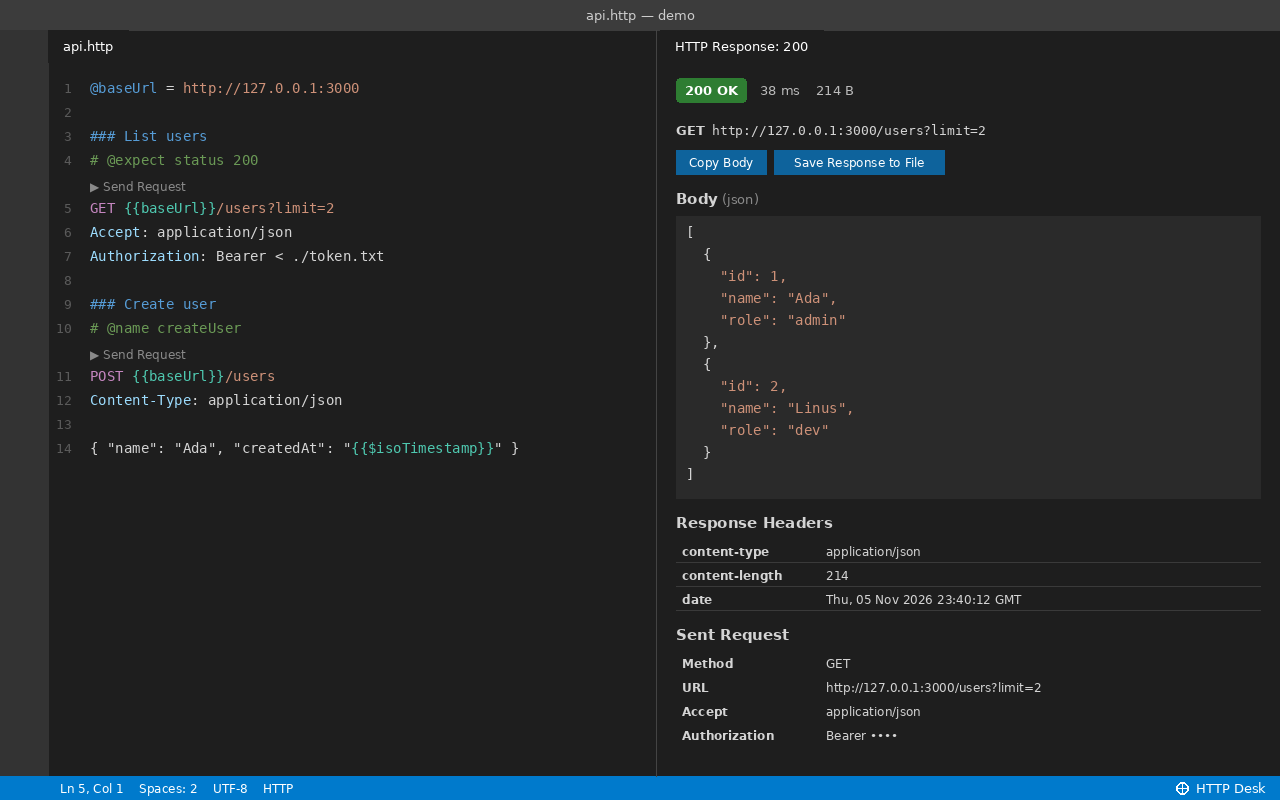
HTTP Desk Pro is sold here as a one-time .vsix download — not on the Marketplace. Install free HTTP Desk Lite (0.1.1+) from the VS Code Marketplace, then install this .vsix (VS Code also lists Lite as an automatic extension dependency). Free HTTP clients with environments, history, and runners already exist; Pro is built for teams and developers who want plain Git-friendly .http files with no login, no account, no cloud sync, no telemetry, and no subscription.
WHAT PRO ADDS
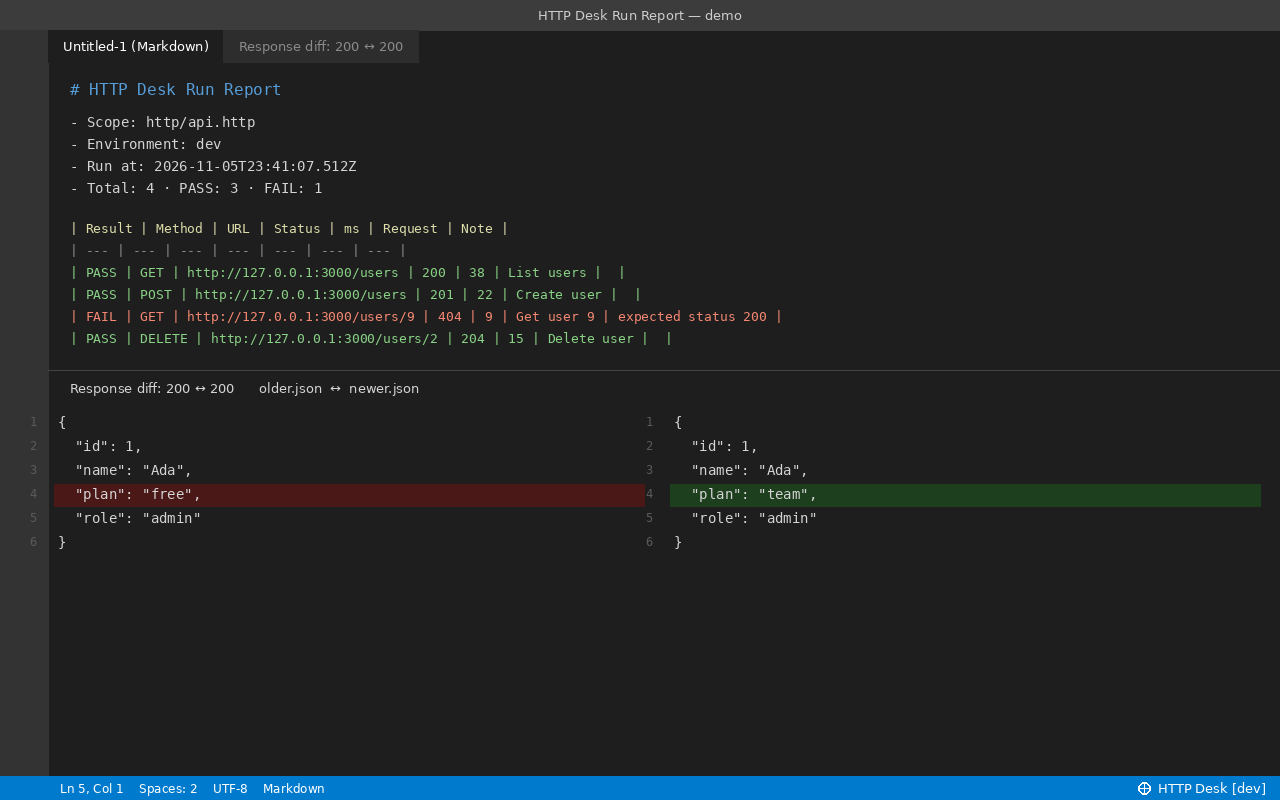
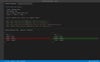
• Markdown PASS/FAIL Run Report: run every request in a .http file, folder, or JSON collection with # @expect assertions and get a native Markdown HTTP Desk Run Report (cancellable at any time)
• Sorted-Key JSON Response Diff: compare your last two responses (or any two history entries) in VS Code’s native diff view with sorted JSON keys so key order isn’t noise
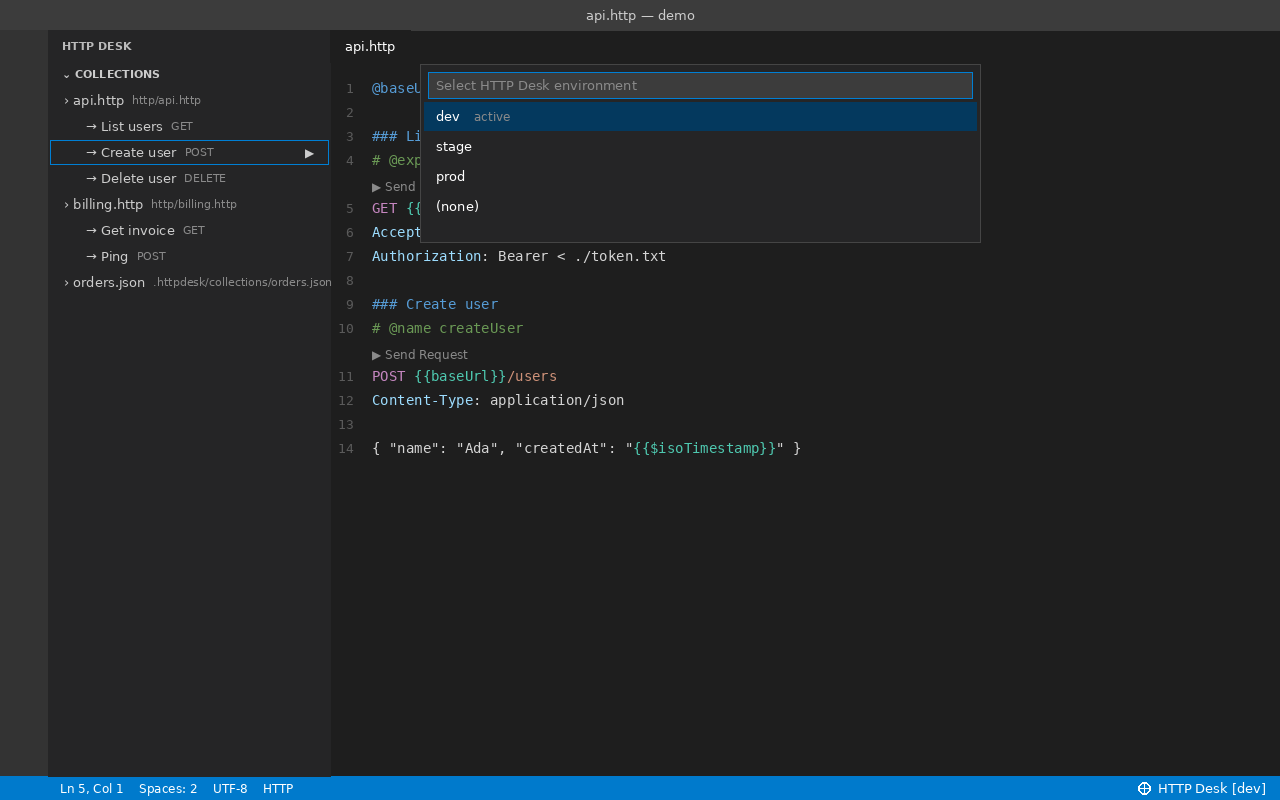
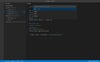
• Environment Switcher: switch between $shared and dev / stage / prod from .httpdesk/environments.json right from the status bar
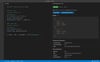
• Collections Sidebar: browse workspace .http / .rest files, named requests, and .httpdesk/collections/*.json with Open, Send, and Run
• Masked Local History: ring buffer of the last 100 requests with auth, cookie, API-key, and token values fully masked, plus one-click re-send or clear
• Safe Collection JSON Import: import Collection v2.1 / v4 export JSON into .http files without overwriting your existing edits or environment values (unsupported items are flagged for manual review)
• Zero Pro Network Calls: Pro makes no network calls of its own — requests run only when you trigger them through Lite.
INSTALL
1. Install free HTTP Desk Lite (zecro.http-desk, v0.1.1+) from the VS Code Marketplace.
2. Download http-desk-pro-1.0.1.vsix from your Payhip receipt.
3. In VS Code: Extensions → … → Install from VSIX… → select http-desk-pro-1.0.1.vsix (reload if prompted).
4. Open the Command Palette and run “HTTP Desk” commands or open the Collections view in the Activity Bar.
Requires VS Code 1.85+ (Windows, macOS, Linux).
LICENSE & SUPPORT
One person on their own devices. Please do not redistribute the .vsix file.
Support: zecroapp@gmail.com
© 2026 Zecro LLC. Governed by the laws of the State of Washington, USA.