
Bill Payment Tracker (Excel)
Never pay a bill late again.
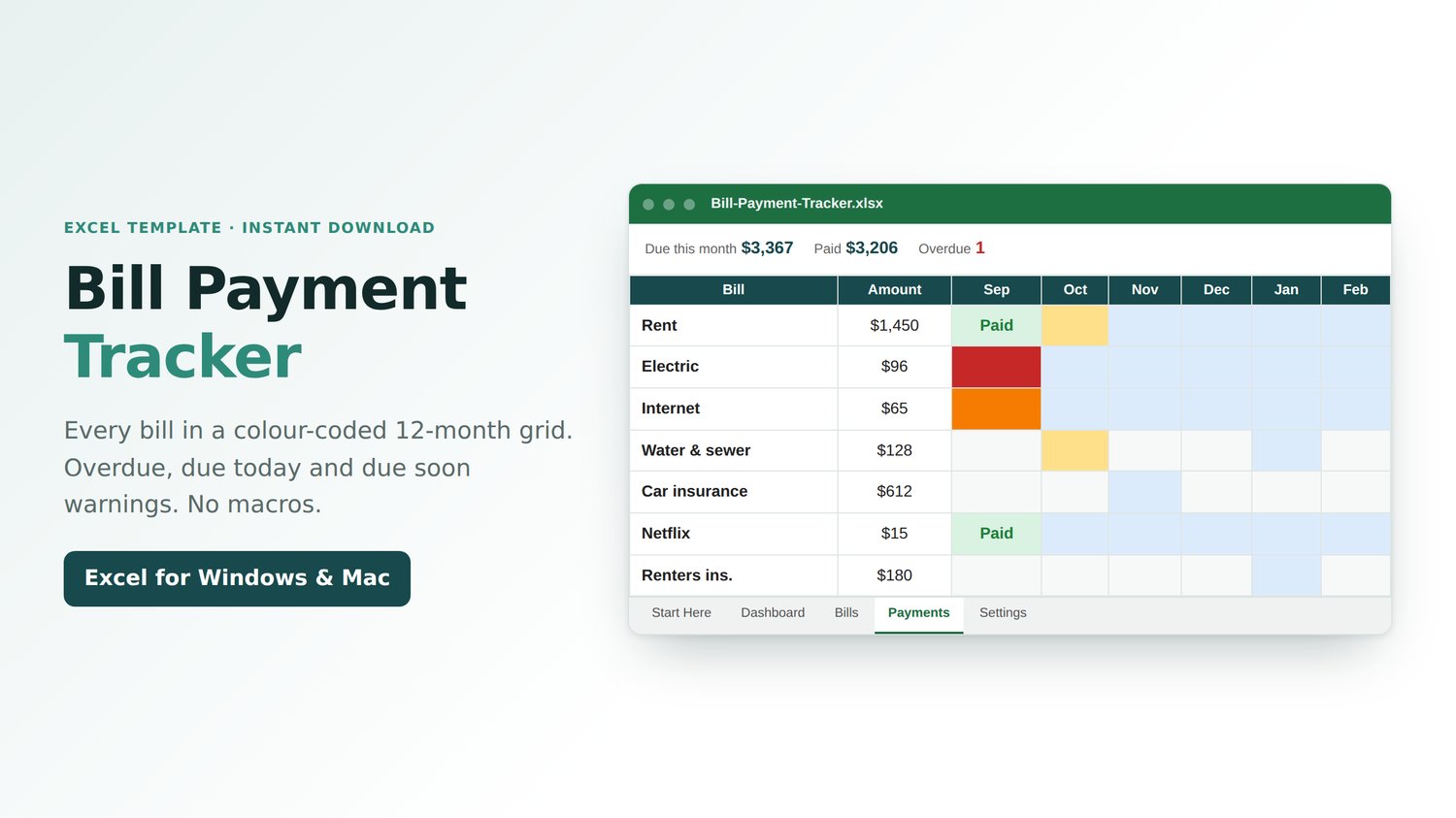
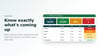
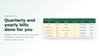
Every bill in one colour-coded grid. See what's overdue, what's due today, and what's coming up, with monthly, quarterly, and yearly bills worked out for you. No macros.
WHAT IT DOES
• Room for 50 bills
• 12-month payments grid: pick "Paid" or type what you actually paid
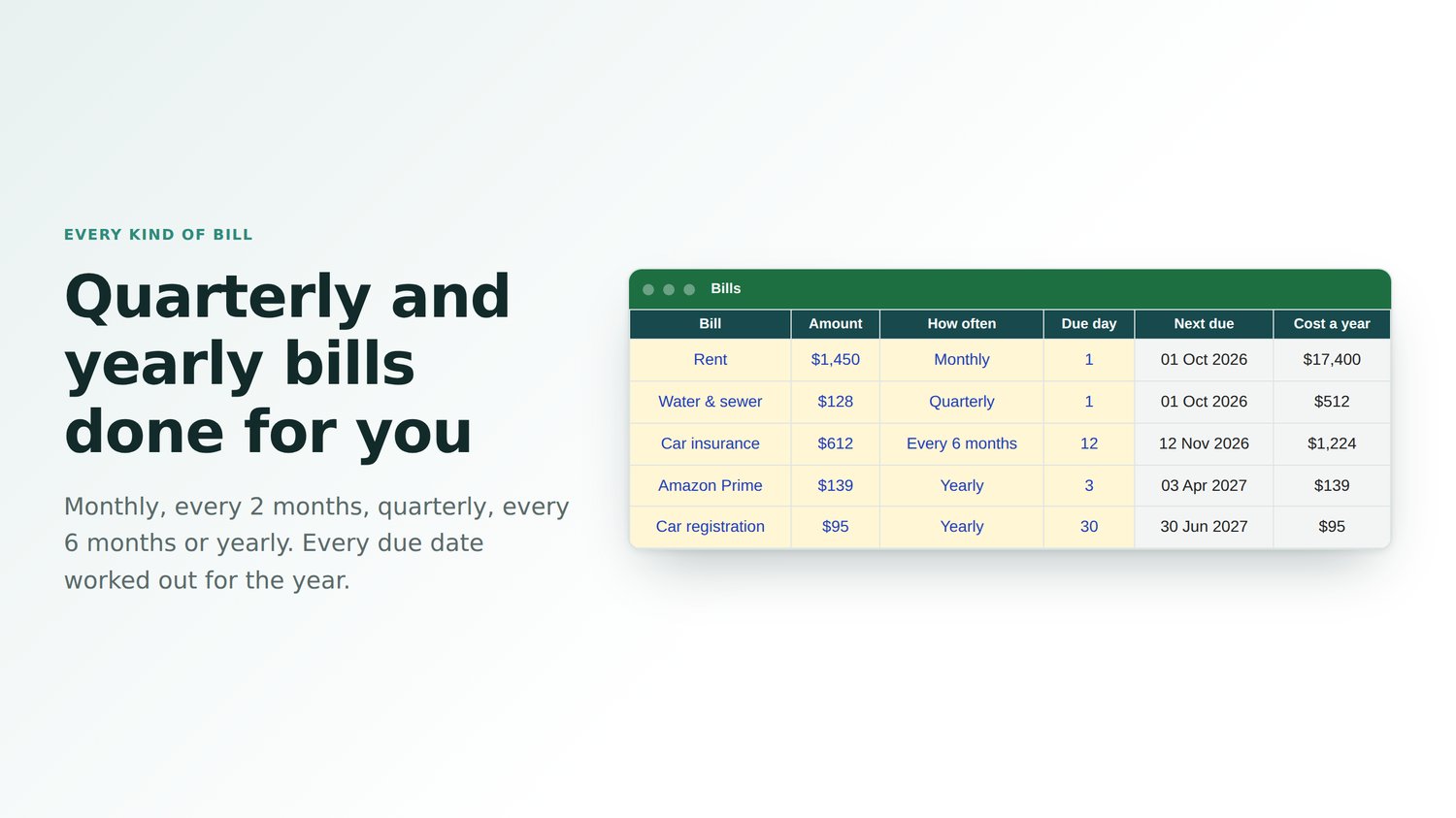
• Monthly, every 2 months, quarterly, every 6 months, and yearly bills
• Colour-coded warnings: overdue, due today, due soon and due later
• Next due date, days left and missed payments for every bill
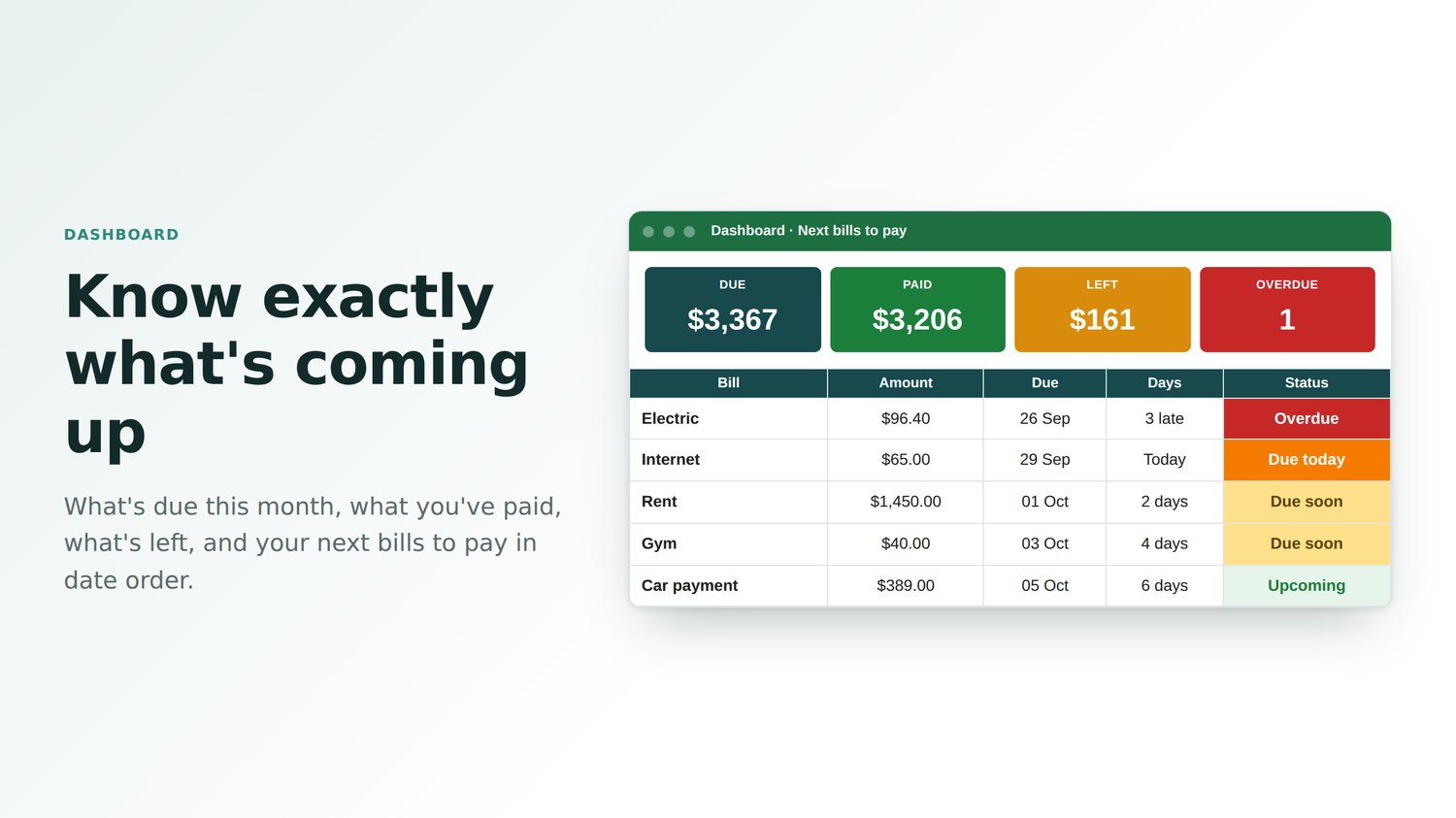
• Dashboard: due this month, paid, left to pay and overdue count
• Your next bills to pay, in date order
• Cost a year and a month by category, with a chart
• Due vs paid chart for the whole year
• 10 categories you can rename, plus a Start Here guide and example bills
WHO IT'S FOR
Households, families, renters and homeowners, and anyone who wants to stop paying late fees.
GOOD TO KNOW
• Works in Microsoft Excel: Microsoft 365, Excel 2010 or later on Windows, and Excel for Mac
• Normal .xlsx file: no macros to enable
• One-off payment, instant download
Made by Lee at Sheet Leveller, whose tutorials have been watched 6.3 million times on YouTube.