
Australian Sinking Funds and Annual Bills Planner | Excel Spreadsheet for Rego, Rates, Insurance, School and Christmas
Stop being ambushed by rego, council rates, insurance renewals, school costs and Christmas. This Excel planner turns your yearly and irregular bills into one simple number: how much to move into a bills account each pay.
NOT FINANCIAL ADVICE. This workbook is general information and a planning tool only. It does not consider your objectives, situation or needs. LifePlanLabs is not a financial adviser. Speak to a licensed adviser before you act.
What You Get
- Sinking-Funds-Planner_Example.xlsx: filled in with 19 sample bills so you can see how it works
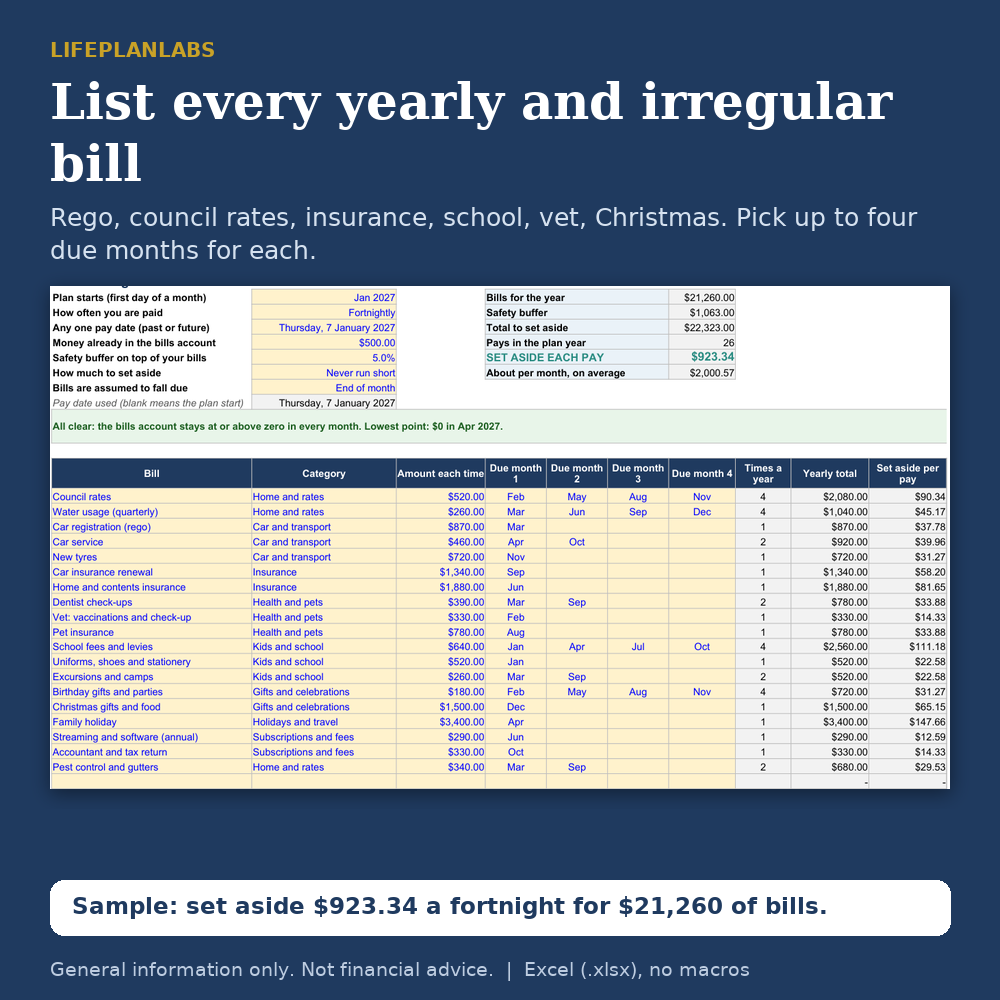
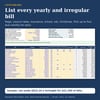
- Sinking-Funds-Planner_Blank.xlsx: ready for your own bills (up to 30, each with up to four due months)
- A 4-page PDF user guide
- Excel format (.xlsx), no macros, instant download
What It Does
- Set aside each pay: choose weekly, fortnightly or monthly and get the amount to transfer on every payday
- Two methods: Spread evenly, or Never run short (the smallest equal amount that keeps the account at or above zero all year)
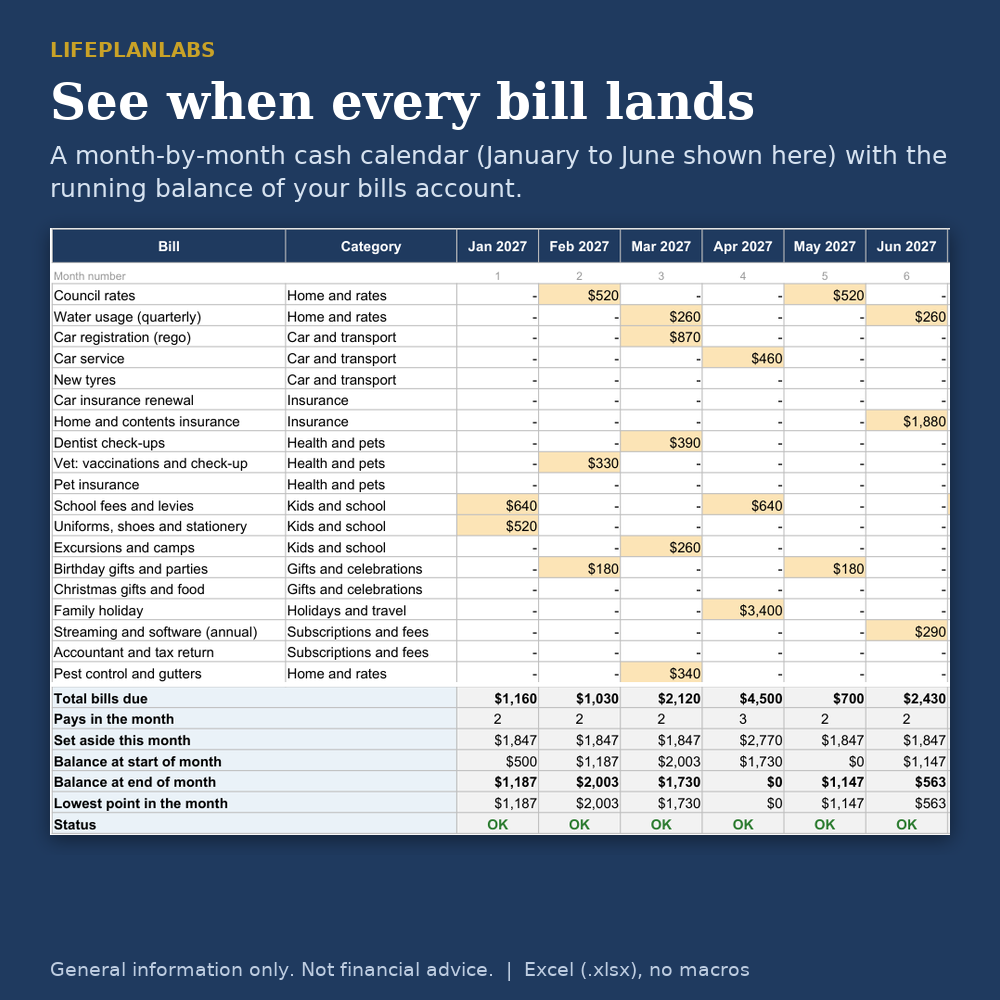
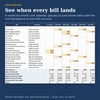
- Month-by-month cash calendar: when each bill falls due, what you set aside, the running balance and the lowest point
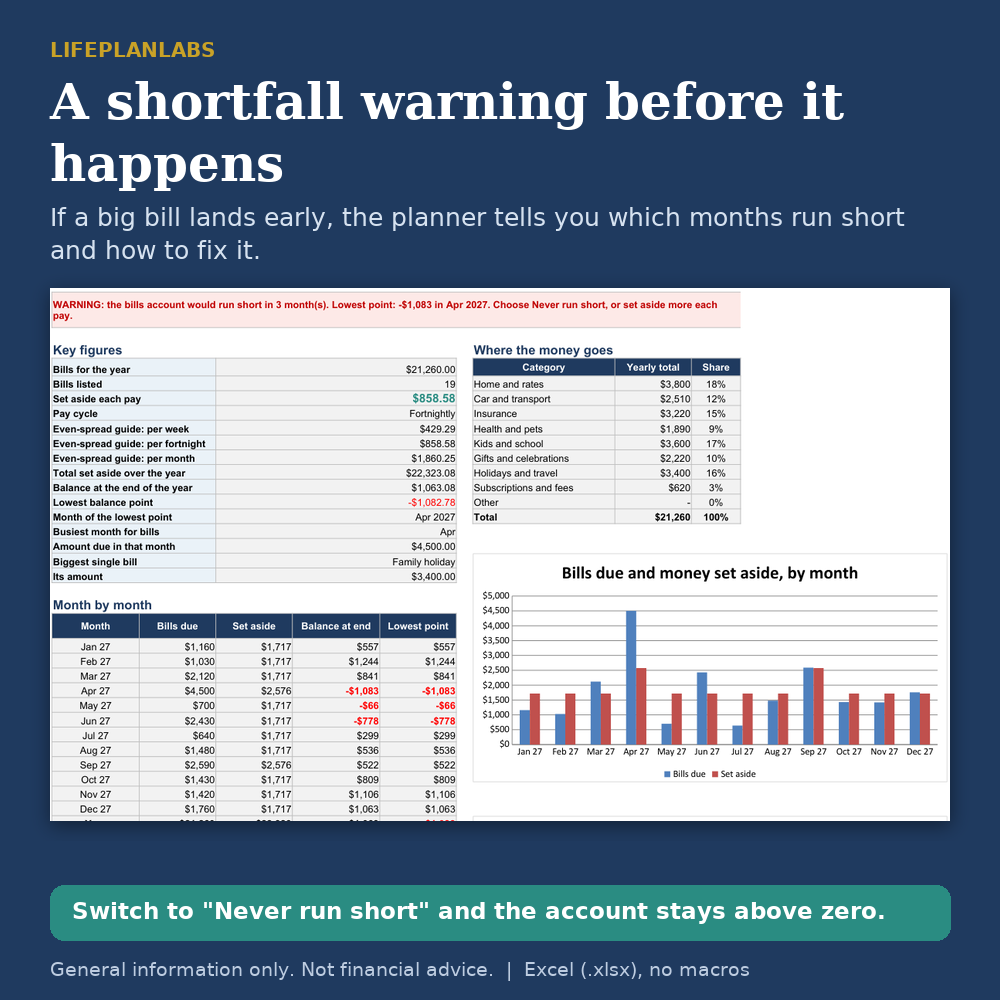
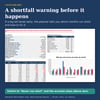
- Shortfall warning: a green or red message, with the month it would run short and how to fix it
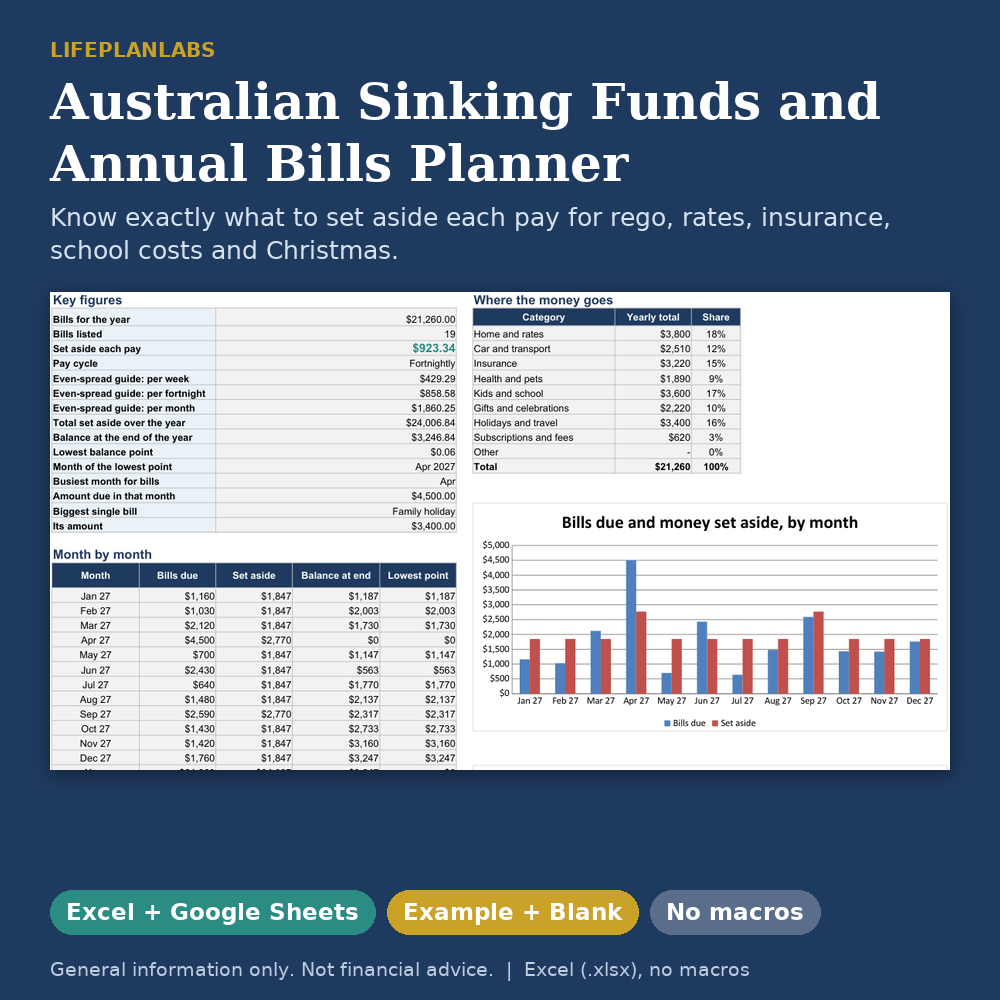
- Summary sheet: key figures, busiest month, biggest bill, spending by category and three charts
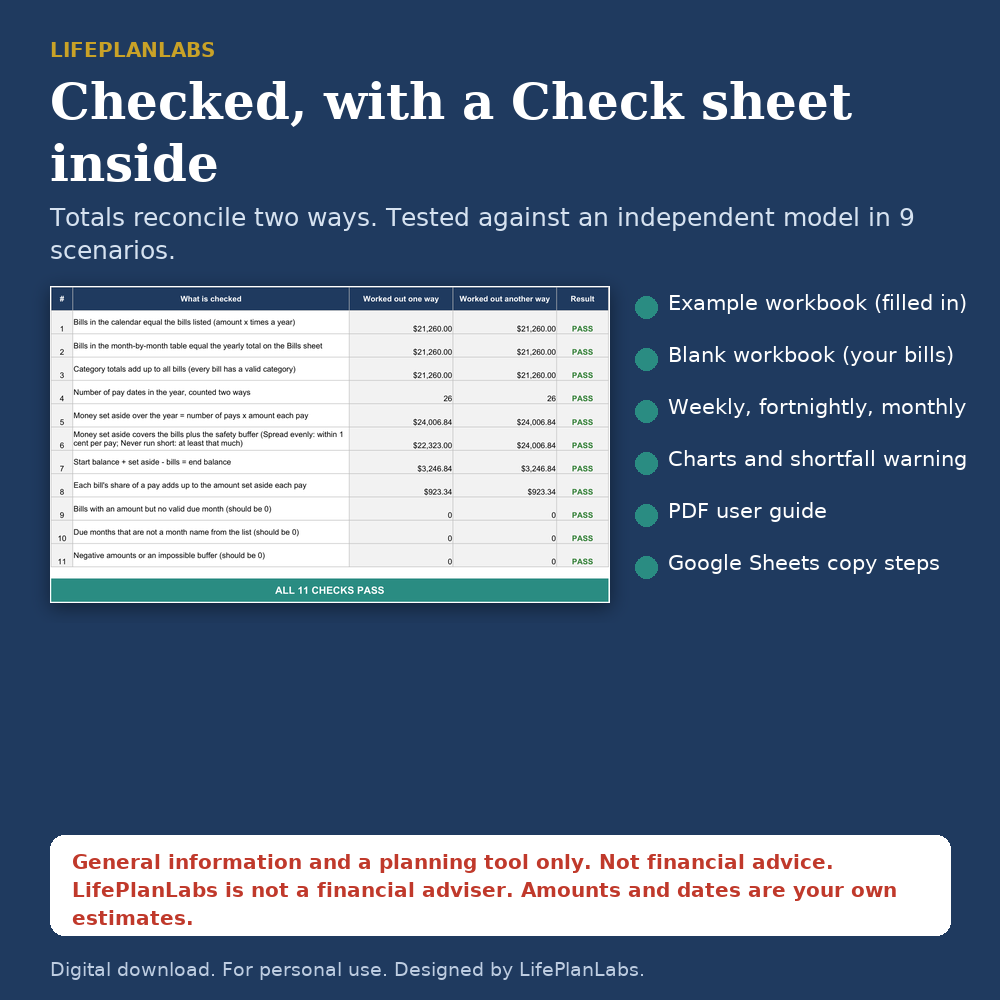
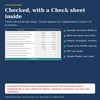
- Check sheet: eleven tests that show the totals reconcile (money set aside over the year equals bills plus your buffer, within 1 cent per pay)
- Counts your real pay dates, so a 27-fortnight or 53-week year is handled correctly
- Safety buffer, money already in the account, and a choice of when bills fall due (end or start of month)
Built For Australia
Dollars (AUD), Australian bills (rego, council rates, CTP or green slip, strata, school terms) and dates that follow your computer's region setting.
How It Was Checked
Built with plain formulas only (no macros, no dynamic arrays). Recalculated in LibreOffice with no formula errors, and tested against an independent model in nine scenarios (different pay cycles, start months and pay dates). The Check sheet is included so you can confirm your own numbers reconcile.
What It Leaves Out
Interest on savings, indexed bill amounts, tax bills, HECS-HELP and loan repayments. Amounts and due dates are your own estimates: check your renewal notices, because rego, rates and insurance differ by state, council and provider.
Compatibility
Excel (.xlsx), also checked in LibreOffice. Google Sheets: see the guide for how to open it. Google Sheets handles drop-downs and charts a little differently, so use Excel or LibreOffice if you want it to look exactly as pictured. In Google Sheets, set File, Settings, Locale to Australia so dates show in your style.
Good To Know
- Digital download only. No physical item will be posted.
- General information and a planning tool only. Not financial advice.
- For personal use only. Please do not resell, share or upload the files.
- Designed by LifePlanLabs. Created with the help of AI tools.
Who it is for
Households and individuals paid weekly, fortnightly or monthly who face large yearly bills (rego, rates, insurance, school, vet, holidays, Christmas) and want to spread the cost across the year. Also useful for couples keeping a shared bills account and for sole traders setting money aside for annual costs (it does not plan tax).
FAQ
Q: What is a sinking fund?
A: A separate pot you top up a little each pay so a large bill is already covered when it arrives.
Q: Does it work if I am paid fortnightly?
A: Yes. Pick Fortnightly and enter any one pay date. Pays are counted from that date, including the years with 27 pays.
Q: What is the difference between the two methods?
A: Spread evenly divides bills plus buffer across the pays and may warn of a short month. Never run short finds the smallest amount that keeps the account at or above zero every month.
Q: Can one bill fall due several times a year?
A: Yes, pick up to four due months per bill (for example council rates in four instalments).
Q: Does it include my state's rego or rates?
A: No. The Example uses sample figures only. Enter the amounts from your own notices.
Q: Does it work in Google Sheets?
A: It can be opened in Google Sheets via Google Drive, but Excel or LibreOffice is the tested route. See the Google Sheets copy instruction below.
Q: Is it financial advice?
A: No. It is general information and a planning tool only.
Disclaimers
General information and a planning tool only. Not financial advice. It does not consider your objectives, situation or needs. LifePlanLabs is not a financial adviser. Speak to a licensed adviser before you act. A banner and a print footer carry this notice on every sheet.