
Jibberish123 Popup Migration Batch
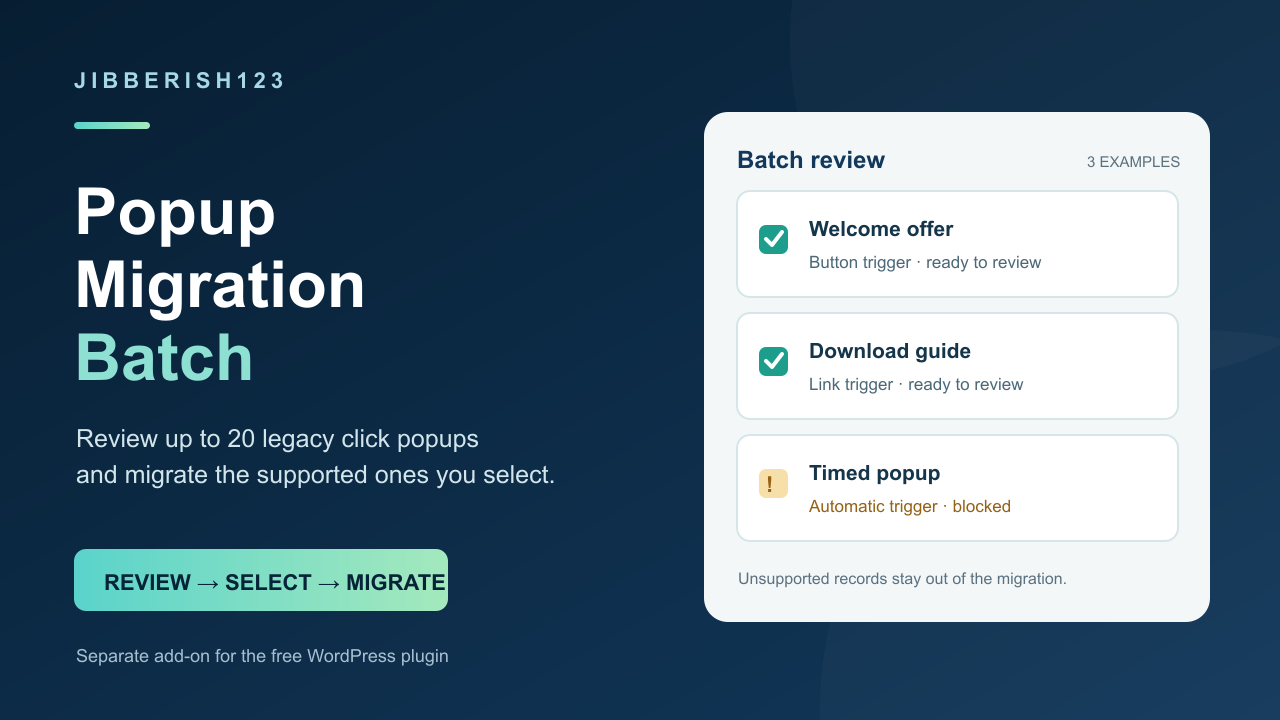
Review up to 20 legacy click popups at once and migrate the supported records you select.
Price: $2 USD, one-time for the full Batch add-on. You can keep using the downloaded version with no subscription or per-site activation. This does not include a lifetime update or support service.
Moving several Popup Anything on Click popups? The free Jibberish123 Popup Migration plugin lets you preview, export, and migrate one supported popup at a time. This optional add-on adds Tools → Popup migration batch so you can review up to 20 records together and submit one migration action.
Each selected popup is checked against the exact source you reviewed and saved as an independent replacement snapshot. Failed or changed records are reported separately. Existing snapshots are never overwritten. Original popup posts, metadata, settings, and page content are left untouched. The free plugin provides detailed preview, export, rendering, and rollback.
Included: an installable WordPress add-on ZIP and a README. One-time purchase, GPL-2.0-or-later, no subscription or per-site activation. No tracking, license keys, remote service calls, or automatic update service.
Requires WordPress 6.2+, PHP 8.0+, and free Jibberish123 Popup Migration 0.1.4 or newer: https://wordpress.org/plugins/jibberish123-popup-migration/
For verified static link, button, and image click popup layouts. Use a cleaned staging copy and a full database/files backup. Deactivate the legacy plugin without deleting its data.
Limits: not a malware scanner or cleanup tool. Pro or unknown layouts, automatic triggers, forms, embeds, scripts, dynamic content, and custom selectors are unsupported. Styling and behavior may differ from the legacy plugin. Review each detailed preview and affected page before and after migration. Rollback removes a replacement snapshot; it does not restore the legacy plugin or rewrite a page.
Install the free plugin first. Upload this add-on in Plugins → Add Plugin → Upload Plugin. Open Tools → Popup migration batch, review each mapping and individual preview/export, select supported records, confirm your backup, and migrate. Verify affected pages and purge caches.
Questions about this add-on? Use the store Contact page: https://payhip.com/Jibberish123Plugins/contact
Support: Contact us through the store Contact page for help with downloads, installation, and reproducible product bugs. Site-specific security cleanup, manual migration, and compatibility work are outside this purchase. No response time or automatic update service is promised.
Refunds: Contact us within 30 days of purchase if the add-on does not install or perform the advertised batch function in a supported environment. Include your order receipt and enough detail to reproduce the problem. Qualifying purchases will be refunded through the original payment processor. This policy does not limit any rights provided by applicable law.