

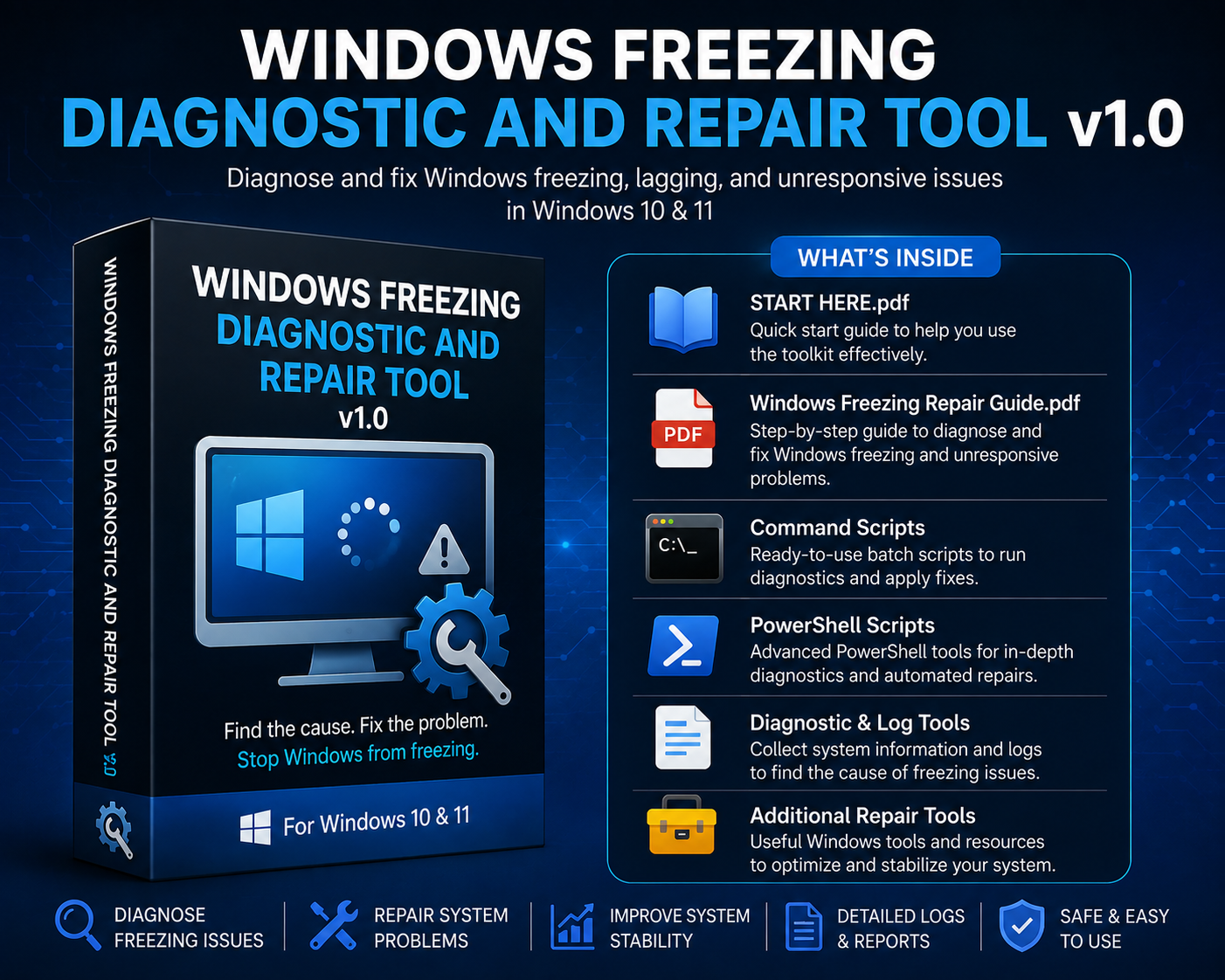
Windows Freezing Diagnostic and Repair Tool v1.0
Windows Freezing Diagnostic and Repair Tool v1.0
Diagnose and troubleshoot Windows freezing, hanging, lagging, and unresponsive PC problems with a structured repair toolkit for Windows 10 and Windows 11.
Does your computer randomly freeze, become unresponsive, slow down, or force you to restart?
The Windows Freezing Diagnostic and Repair Tool v1.0 provides organized troubleshooting guides, diagnostic tools, scripts, and repair resources designed to help you identify possible causes of Windows freezing and apply appropriate fixes.
Instead of trying random solutions, this toolkit helps you follow a more structured process: diagnose the problem, collect useful information, and apply the appropriate repairs.
🛠️ What’s Included
📘 START HERE Guide
Quick-start instructions explaining how to use the toolkit safely and effectively.
📘 Windows Freezing Diagnostic and Repair Guide
Step-by-step guidance for diagnosing and troubleshooting Windows freezing and unresponsive system problems.
⚙️ Command Scripts
Ready-to-use Windows scripts for running common diagnostics and repair procedures.
💻 PowerShell Scripts
Additional PowerShell tools for deeper system diagnostics and automated troubleshooting.
📄 Diagnostic & Log Tools
Collect useful Windows system information and logs to help identify potential causes of freezing and instability.
🧰 Additional Repair Resources
Supporting Windows tools and resources for system repair, troubleshooting, and stability.
✅ Designed to Help With
- Windows randomly freezing
- PC becoming unresponsive
- Windows hanging during normal use
- Frequent system slowdowns and lag
- Programs causing Windows to become unresponsive
- Possible Windows system corruption
- System stability problems
- Diagnosing recurring freezing issues
- Identifying possible causes before applying repairs
🔎 Diagnose Before You Repair
Freezing can be caused by many different problems, including Windows system corruption, drivers, software conflicts, storage problems, high resource usage, or hardware issues.
This toolkit is designed to help you investigate the problem systematically instead of relying on a single one-click fix.
💻 Compatibility
Windows 10 & Windows 11
⚠️ Important
This toolkit assists with diagnosing and repairing common Windows software-related problems. Results will vary depending on the cause of the issue.
Hardware failures, failing storage devices, overheating, defective memory, or severe Windows corruption may require hardware repair, replacement, or Windows reinstallation.
⚠️ Windows Security Warning
Windows may show “Unknown Publisher” because the BAT/PowerShell tools are not digitally signed. This warning alone does not mean the toolkit is malicious.
If downloaded from the official HowToFix86 Payhip store, you can review or scan the files with Microsoft Defender before choosing Run.
Always back up important files before performing system repairs.
Get the Windows Freezing Diagnostic and Repair Tool v1.0
Keep a structured Windows troubleshooting toolkit ready to help you find the cause, apply the appropriate fixes, and get your PC running normally again.