
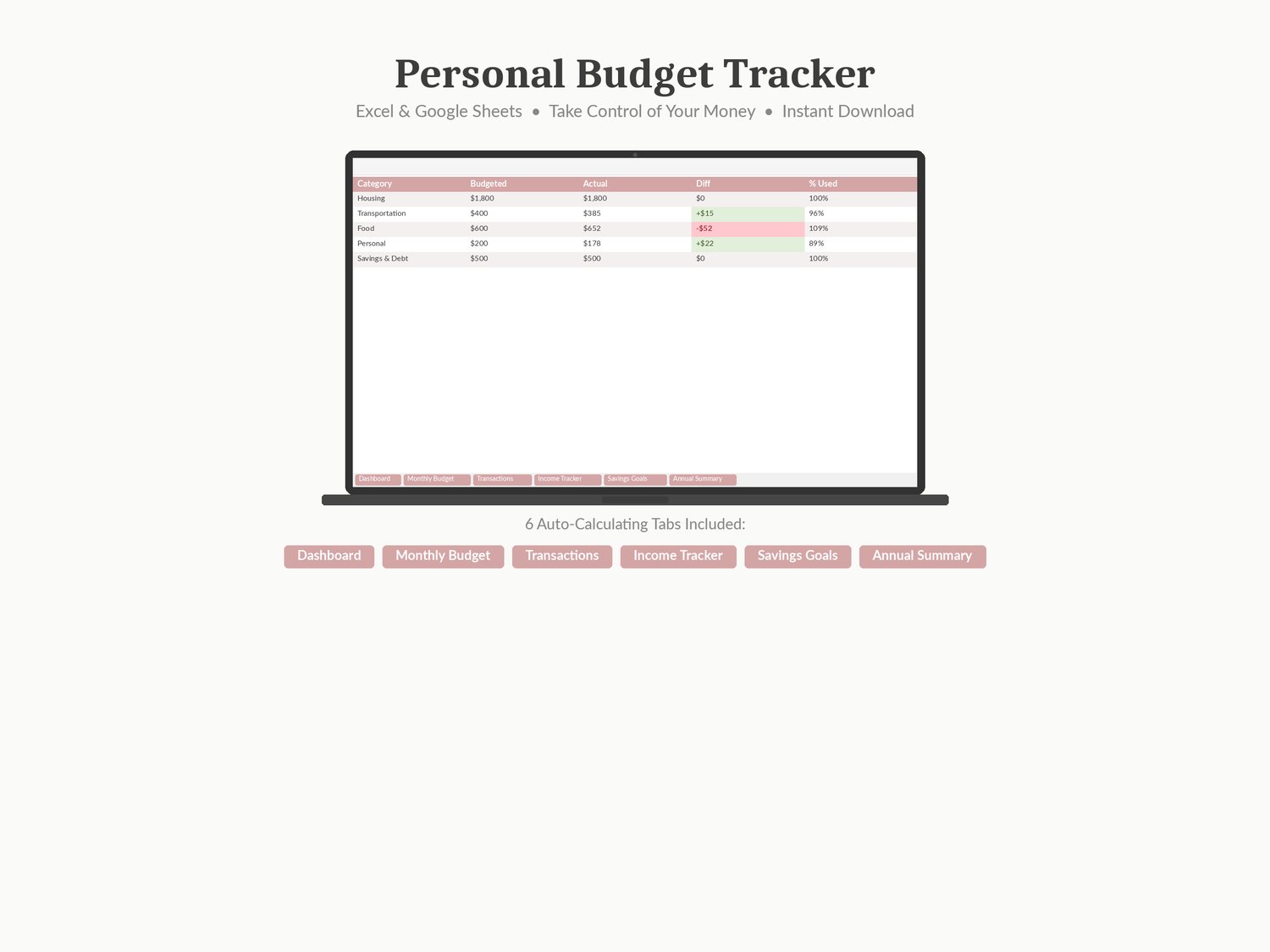

Personal Budget Tracker — Monthly Planner for Excel & Google Sheets
A 6-tab auto-calculating spreadsheet for tracking income, expenses, budgets, and savings goals.
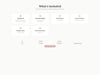
See exactly where your money goes each month. Works instantly in Microsoft Excel, Google Sheets, and Apple Numbers.
What's inside:
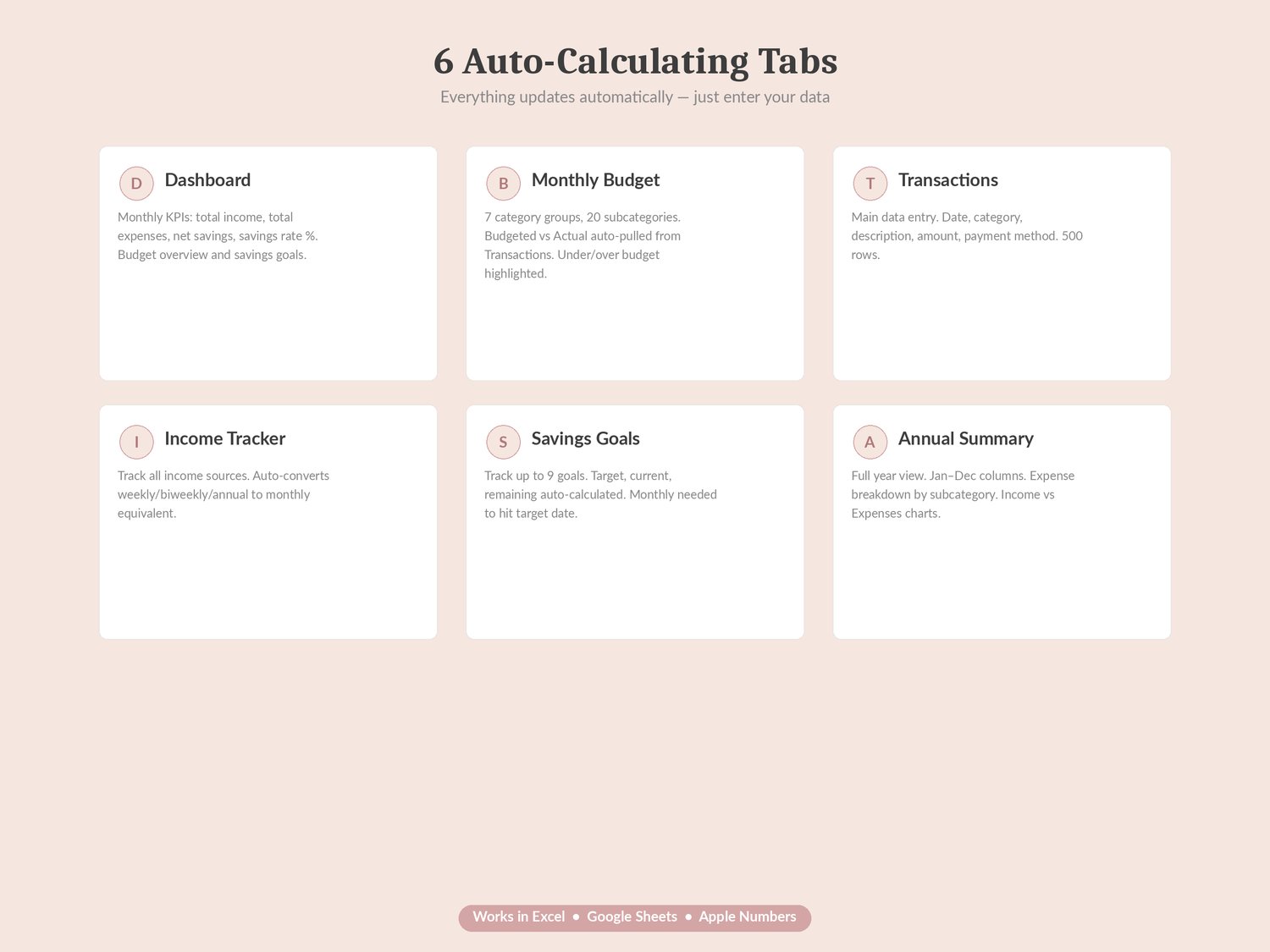
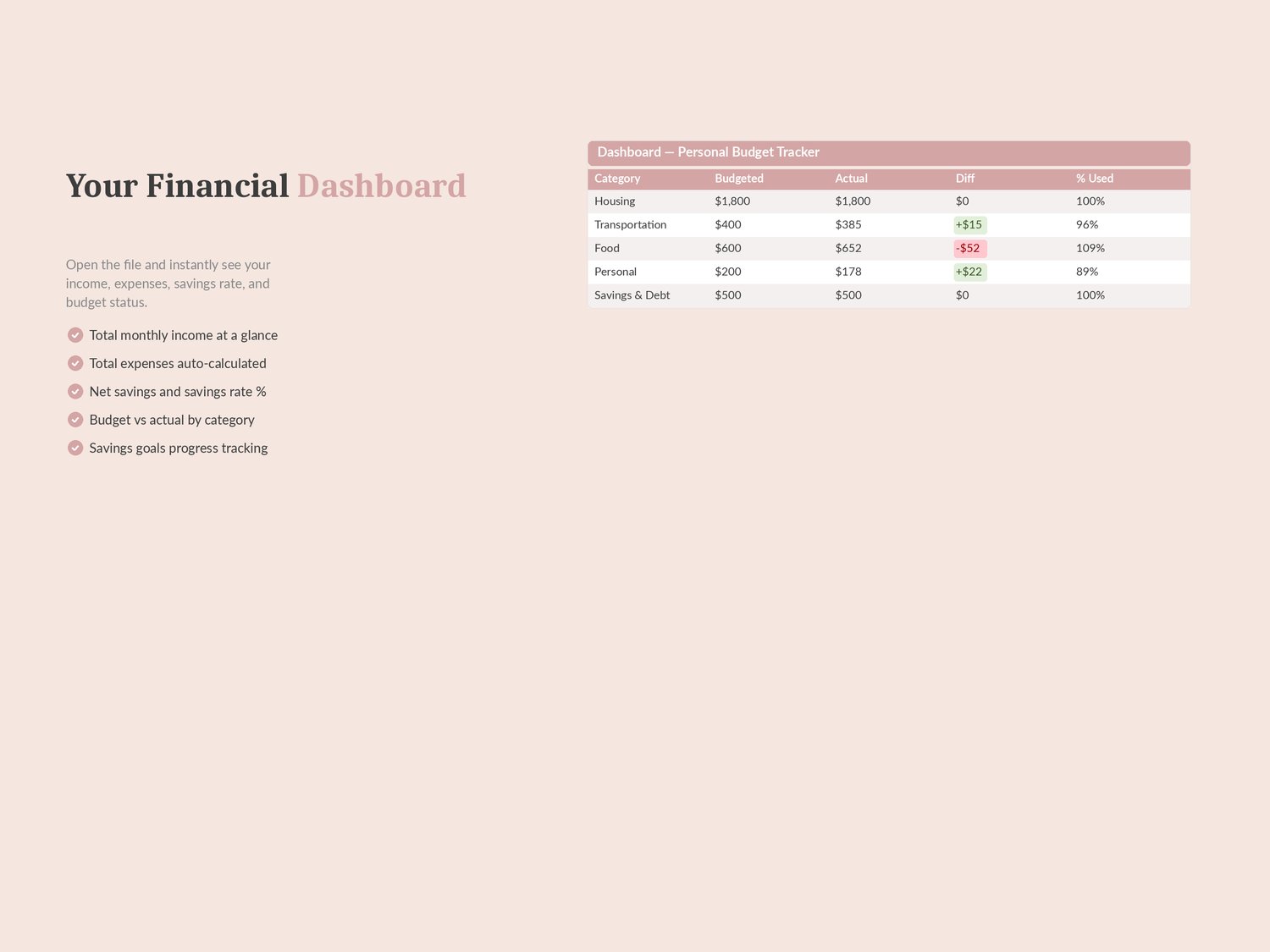
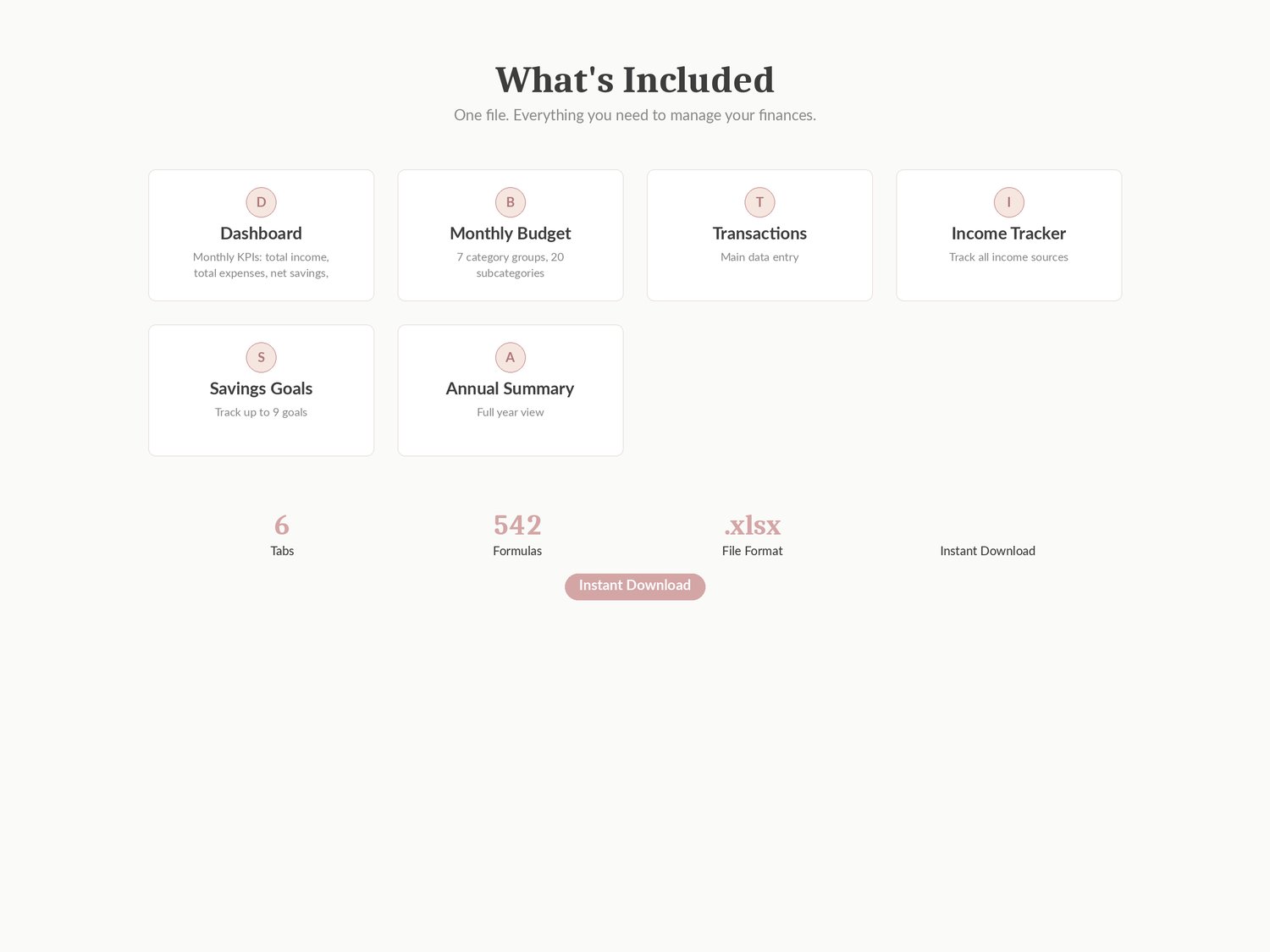
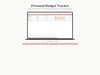
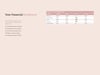
Tab 1 — Dashboard: monthly overview with four KPI cards (Total Income, Total Expenses, Net Savings, Savings Rate), budget overview table for 7 category groups, savings goals progress with colour-coded indicators, and two auto-updating charts. Every cell auto-calculates.
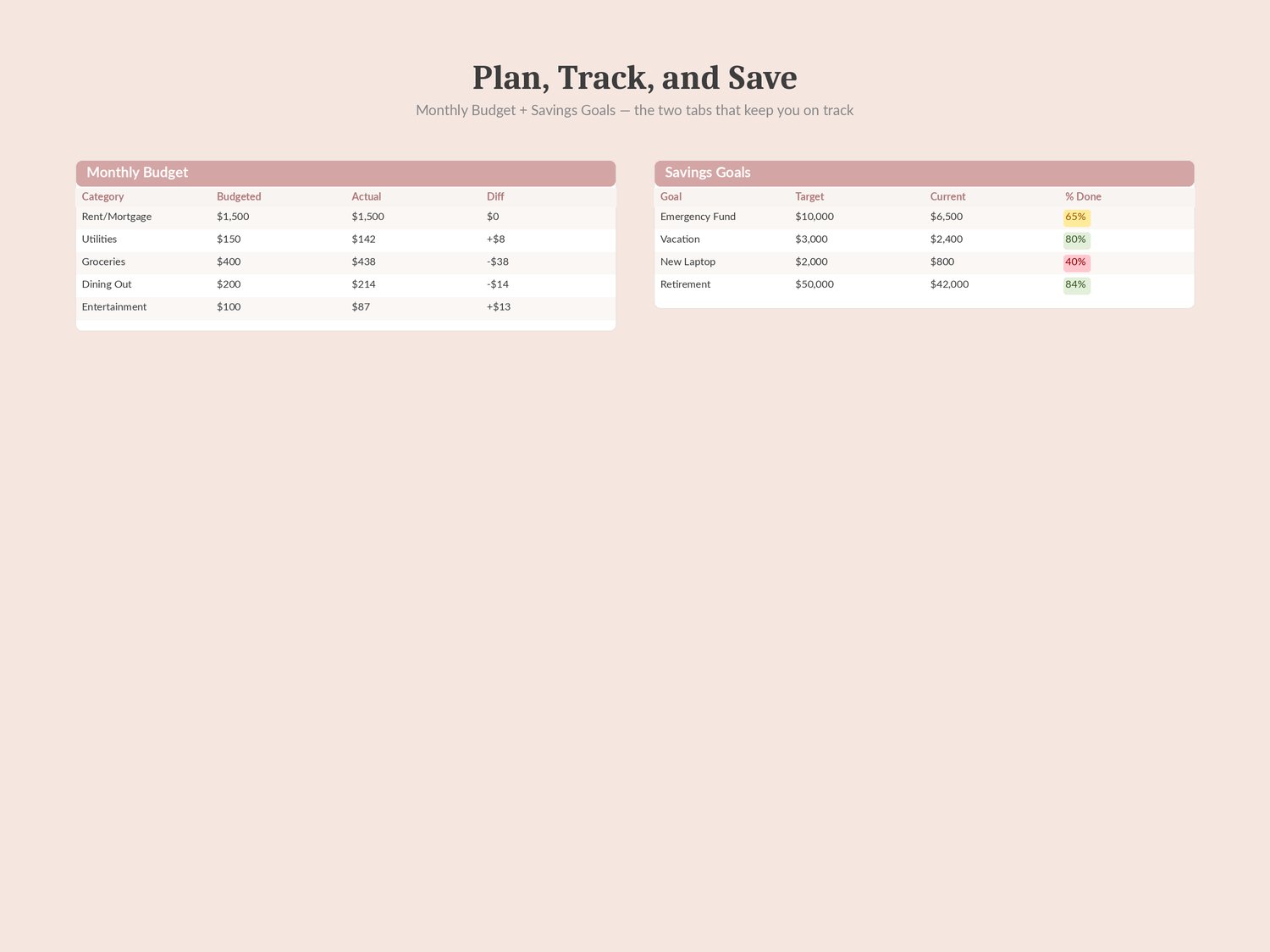
Tab 2 — Monthly Budget: 20 expense subcategories across 7 groups (Housing, Transportation, Food, Personal, Health, Savings & Debt, Other). Set your budgeted amount for each item. The Actual column auto-pulls from your Transactions. Difference column shows over/under budget with green and red conditional formatting.
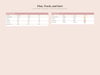
Tab 3 — Transactions: main data entry tab with 500 rows. Log each expense with date, category, description, amount, payment method, and notes. Categories match the Monthly Budget subcategories for automatic calculation.
Tab 4 — Income Tracker: 20 rows for income sources. Enter amount and frequency (Weekly, Biweekly, Monthly, Annual, Quarterly). Monthly Equivalent auto-converts every source to a consistent monthly figure. Total Monthly Income sums at the bottom.
Tab 5 — Savings Goals: track up to 9 goals with target amount, current progress, remaining balance, percentage complete, target date, and auto-calculated monthly contribution needed. Colour-coded: green ≥75%, yellow 50–75%, red <50%.
Tab 6 — Annual Summary: full-year view with monthly columns (Jan–Dec + Total). Shows Total Income, Total Expenses, Net Savings, Savings Rate, and expense breakdown by all 20 subcategories. Includes a monthly income vs expenses bar chart and a category spending pie chart.
No macros, no plugins. Open the file and start entering your data. Four built-in charts and colour-coded formatting surface what matters so nothing gets missed.