
Razor Rounds Toolkit (3 AI skills)
Three AI skills for building and changing small browser games and web apps, one for each kind of job: start something new, change what you have, or build something big over many days. Works with the AI app and the AI coding app.
One way of working doesn't fit every job. A quick "make the jump higher" shouldn't cost the same as a week-long 3D game. So this toolkit gives you three skills, and a one-page guide that tells you which to use.
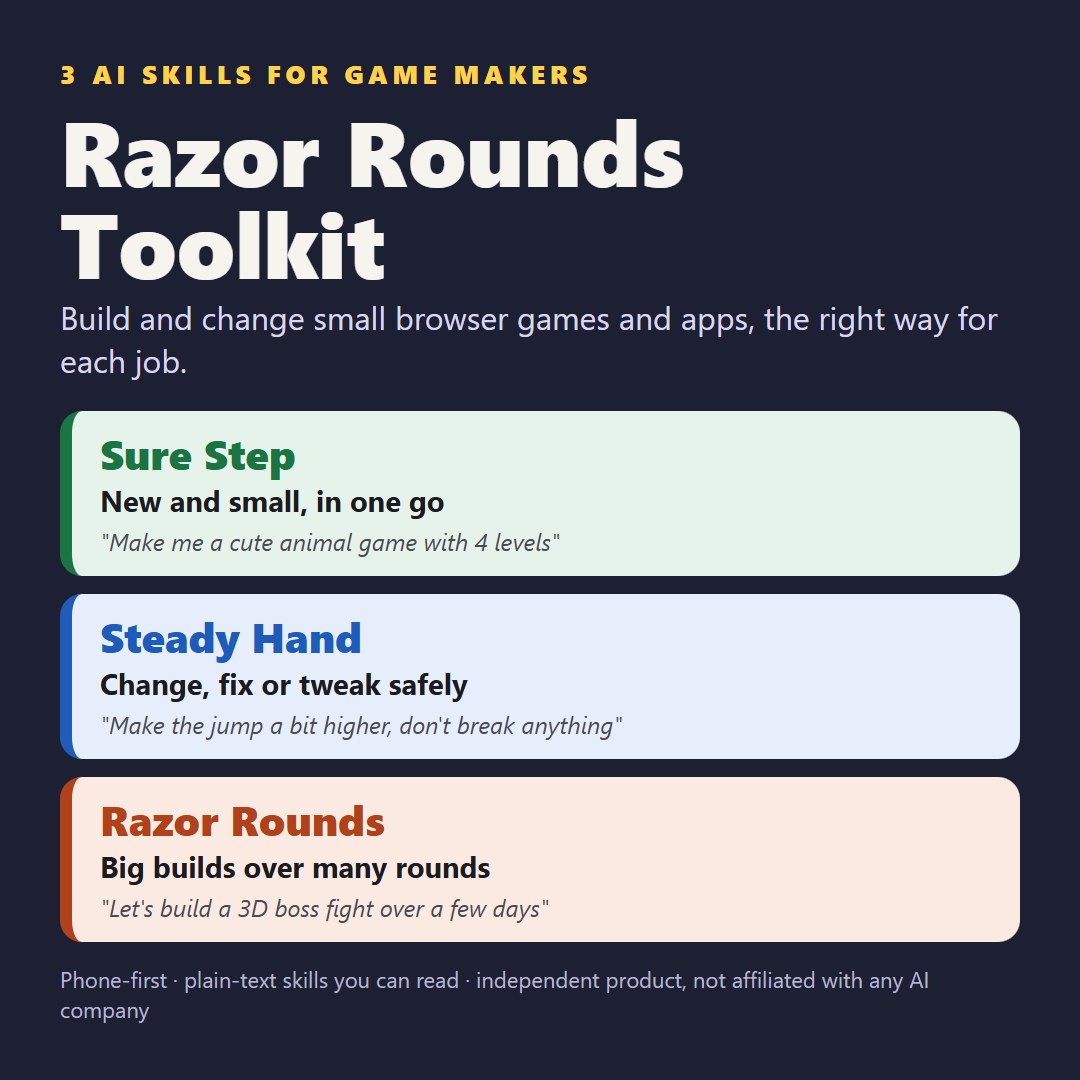
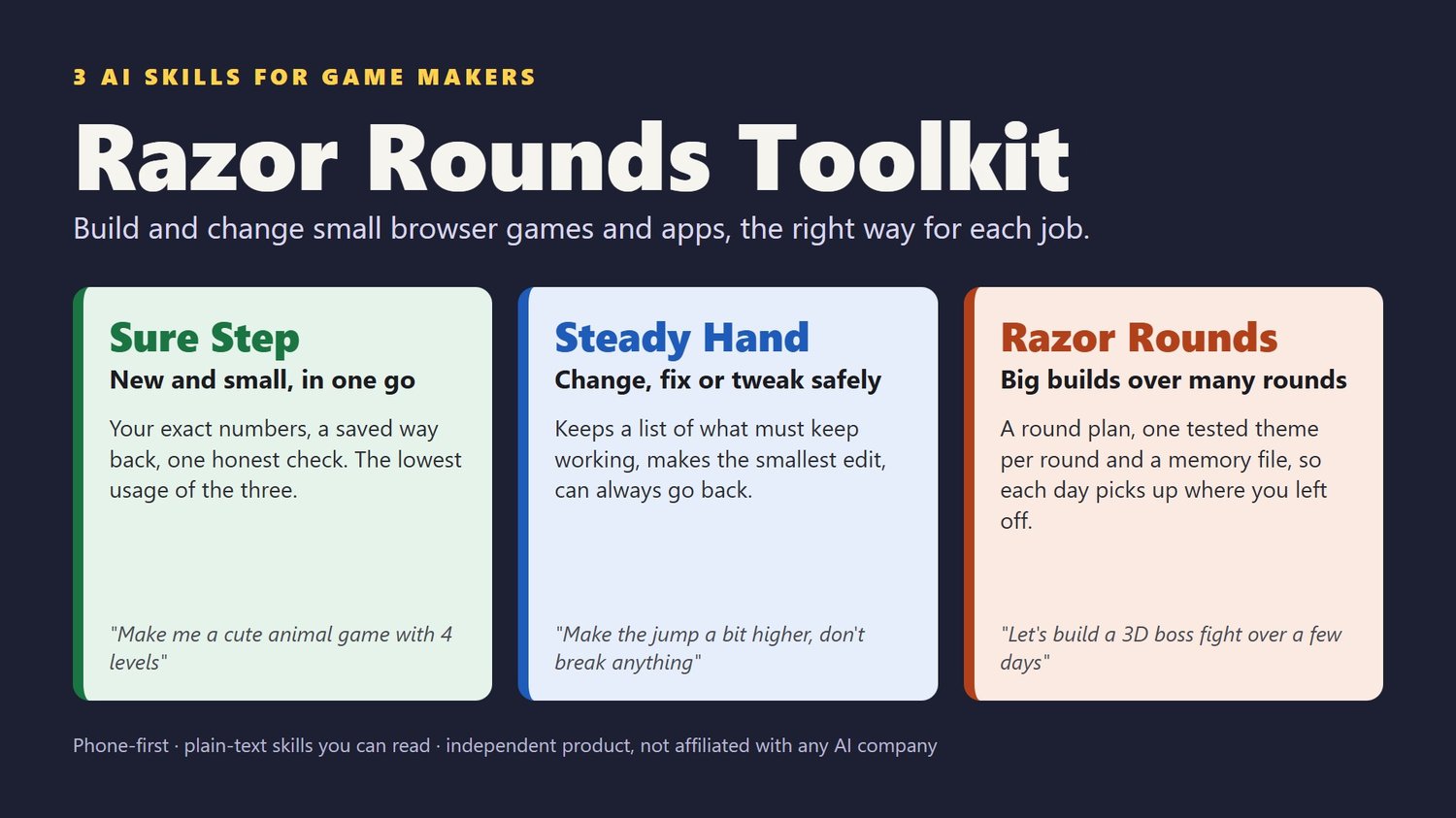
Sure Step: new and small, in one go
For a new little game or app, or one new feature, in a single request. It writes down your exact numbers, saves a way back, builds it, runs one honest check, and reports in 6 plain lines, including what it could not check. The leanest of the three.
Try: "Make me an 8-bit cute animal game that fits full screen with jump and duck buttons, 4 levels each harder."
Steady Hand: change, fix or tweak what you already have
For when something works and you want it changed without breaking the rest, or "it broke, go back". It keeps a short list of what must keep working, saves a last-good copy, makes the smallest edit and checks it once.
Try: "Make the jump a bit higher and don't break anything."
Razor Rounds: big builds over many rounds
For big projects over several sessions or days: a 3D game, a boss fight, many levels. A round plan, one tested theme per round, a test player that plays at a child's pace, a memory file so each day picks up where you left off, and a five-expert code review before you share.
Try: "Let's build a big 3D boss fight over the next few days."
Use them together. Start with Sure Step, switch to Steady Hand for tweaks, and move to Razor Rounds when it grows into a big project. Install all three: each skill's description tells the AI when to use it, so the right one switches on by itself.
Tested, not just written. We tested the skills head to head on real games, judged blind. Sure Step gave the best game for the usage on a one-go build. Steady Hand's game was picked as the most fun in a blind playtest. Razor Rounds came out ahead on the builds made over many rounds. That's why all three are in the box: each one won the job it's for.
Phone-first. All three build for phones first: big buttons in thumb reach, no accidental scrolling or zooming, room for the notch, sound that starts on the first tap. The AI can't test on a real phone, so each skill tells you what it couldn't check and gives you a one-minute test to try yourself.
Safe by design. The AI never publishes, uploads, installs, deletes or spends anything for you without asking, and never closes other programs on your computer.
What you get (6 files, version 2.0 by Kitson Workshop):
- sure-step.zip, steady-hand.zip, razor-rounds.zip: one skill each, ready to upload to the AI app as they are.
- razor-toolkit-plugin.zip: all three as one plugin for the AI coding app.
- START-HERE.html: a tap-through guide ("Which one do I use?", example prompts with Copy buttons, install steps). Works offline on any phone or computer.
- START-HERE.txt: the same guide as plain text.
All original plain text. You can read every file before you install it. No third-party code.
Who it's for
- People who make small browser games and apps with the AI and aren't programmers.
- Parents, teachers and hobbyists making games for kids to play on phones.
- Anyone tired of whole-file rewrites, broken features and running out of usage halfway through.
Requirements
- A paid AI plan that supports skills with code execution turned on, or the AI coding app.
- Upload the skills from the AI website or desktop app.
- A web browser to play what you build.
Install (short)
Open START-HERE.html first.
AI app: Settings → Capabilities → turn on code execution. Then Customize → Skills → + → Create skill → Upload a skill, once for each zip, as downloaded (don't unzip them).
The AI coding app: unzip razor-toolkit-plugin.zip, then /plugin marketplace add the razor-toolkit folder and /plugin install razor-toolkit@razor-toolkit.
Honest limits
These are methods, not guarantees: results depend on the AI, your plan's limits and how clearly you describe what you want. Best for small games and apps that run in a browser; no servers, accounts, multiplayer or app-store builds.
Not affiliated
The Razor Rounds Toolkit is an independent product. It is not affiliated with or endorsed by any AI company.
For educational purposes only. Not legal, tax, financial, medical or professional advice. Check your local and national laws and rules before you use it.
14-day money-back guarantee. If you have any problems, please talk to us first: we'll see what we can do to help, or refund you. Refund policy: https://kitsonworkshop.com/pro/refund/