
How to organize optional practical help and visitor requests after a new baby
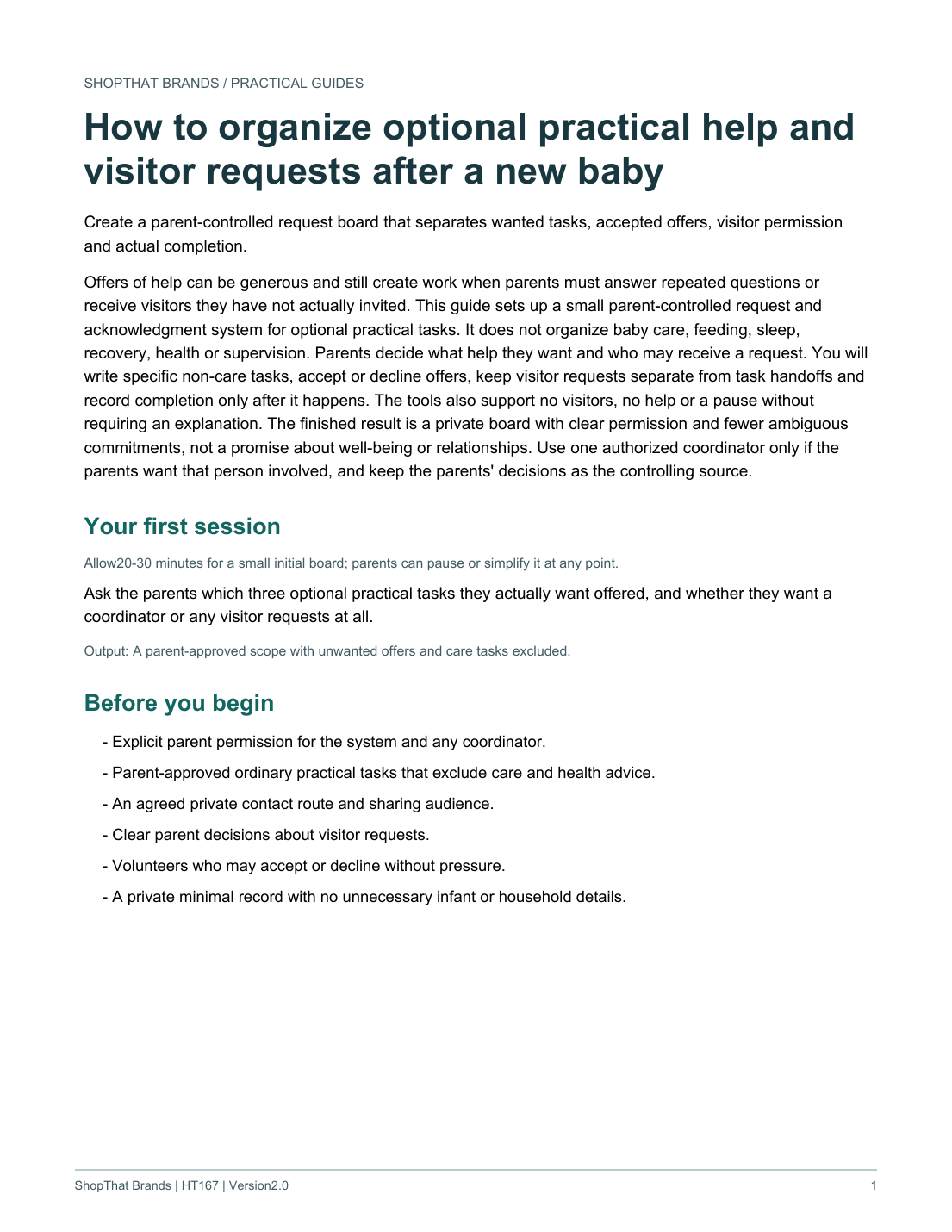
Helpful offers can create more messages when nobody knows what parents actually want or whether a task includes a visit. This guide provides a small permissioned request system for ordinary practical help after a new baby, with parents controlling every decision.
Eight steps cover scope, concrete non-care requests, voluntary offers, separate visitor permission, dependencies, actual completion, changes and a quiet closeout. The fictional example follows one completed library errand, one cancelled collection and a declined visitor request without treating favors as invitations.
Four tools include the parent permission/request brief, task offer/acceptance queue, visitor permission log and completion/change/privacy closeout. Each provides field help and a coherent completed example. The PDF explains the process; offline HTML and editable TXT records hold authorized entries. The forms do not contact volunteers or schedule visits automatically.
Troubleshooting addresses implied invitations, vague tasks, missing references, parent pauses and withdrawn offers. The product is deliberately limited to optional practical administration. It contains no baby-care, feeding, sleep, recovery, health, visitor-timing, supervision or safety advice and promises no well-being or relationship result. Parents can choose no help, no visitors or a pause without explanation, and unnecessary private details are removed after use.
Included files: PDF guide, offline HTML guide, 4 distinct editable tools in HTML and TXT. Extract the ZIP before use. No paid software is required to read this guide or edit its supplied tools. Third-party services discussed may have their own costs. No XLSX, Canva, Notion or video files are included.
Text and template wording were generated with AI and reviewed for clarity and consistency.
License: Personal or internal business use only. You may edit the templates for that use; do not redistribute or resell the supplied files or templates.
HTML tools do not autosave. Use Save filled copy before closing to download and keep your completed entries.