

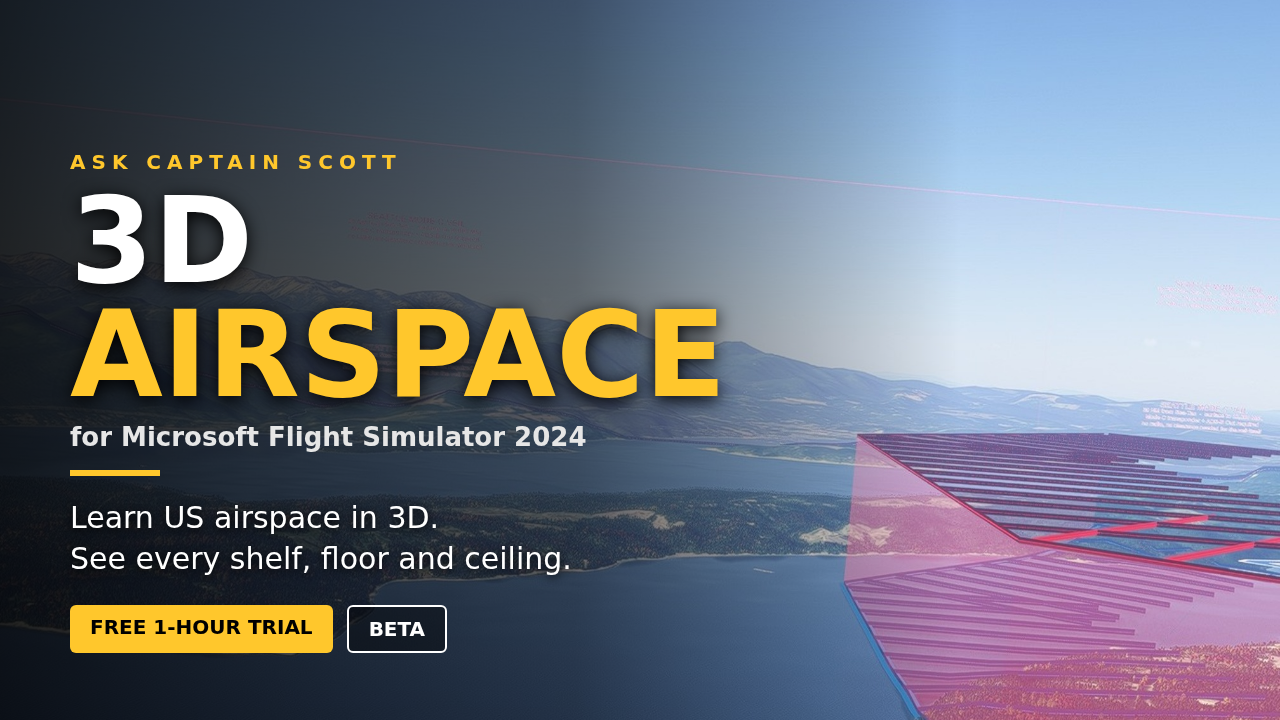
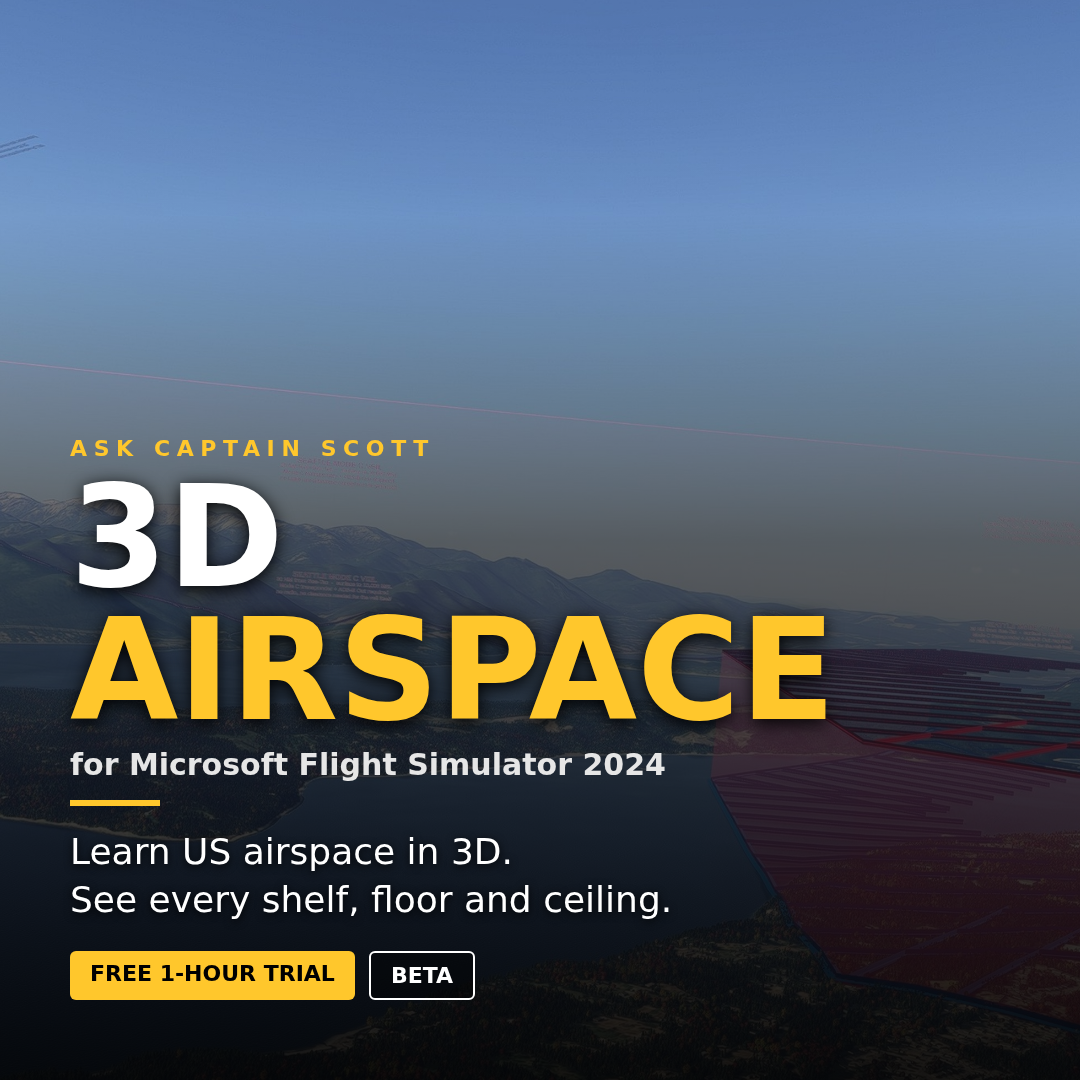


Ask Captain Scott's 3D Airspace for MSFS 2024
Not compatible with Microsoft Flight Simulator 2020.
See the airspace out the windshield. Every piece of airspace in the United States, built in 3D for Microsoft Flight Simulator 2024 by a Boeing 777 captain with 20,000 hours.
Washington State in full detail: Class B, C and D walls with their names and altitudes on every wall, LEAVING boards on the inside, Class E and Class G ground signs, airport data blocks, Mode C veil, VOR roses, wilderness areas and a Class A reminder sheet at 18,000 feet (set 29.92).
The whole United States: Class B/C/D shells, Class E surface areas and 700/1,200 ft floors, restricted, prohibited, warning and alert areas, MOAs, Mode C veils, airport symbols, VFR waypoints, Maximum Elevation Figures, VOR compass roses and wilderness areas. Plus Washington DC landmarks and helipads, Area 51, SpaceX and the Hindenburg at Lakehurst.
What you get: a zip holding a Windows installer that finds your MSFS 2024 Community folder and sets everything up, a Layer Manager to switch layers on and off, and automatic updates that install themselves while the sim is closed. Unzip, double-click the installer, paste your license key, fly. Your license covers 2 computers. Download is about 7 GB in three files: the small Setup zip plus Part 1 (Washington) and Part 2 (Rest of US). Download all three into the same folder. Installed size about 2.7 GB. MSFS 2024 on PC only (Microsoft Store or Steam). Price shown is tax included.
Simulator use only. Not for real-world navigation or flight training.
Found a bug? Email askcaptainscottclaudebugs@gmail.com