


Inventory Reorder and Purchasing | Excel Starter Workbook
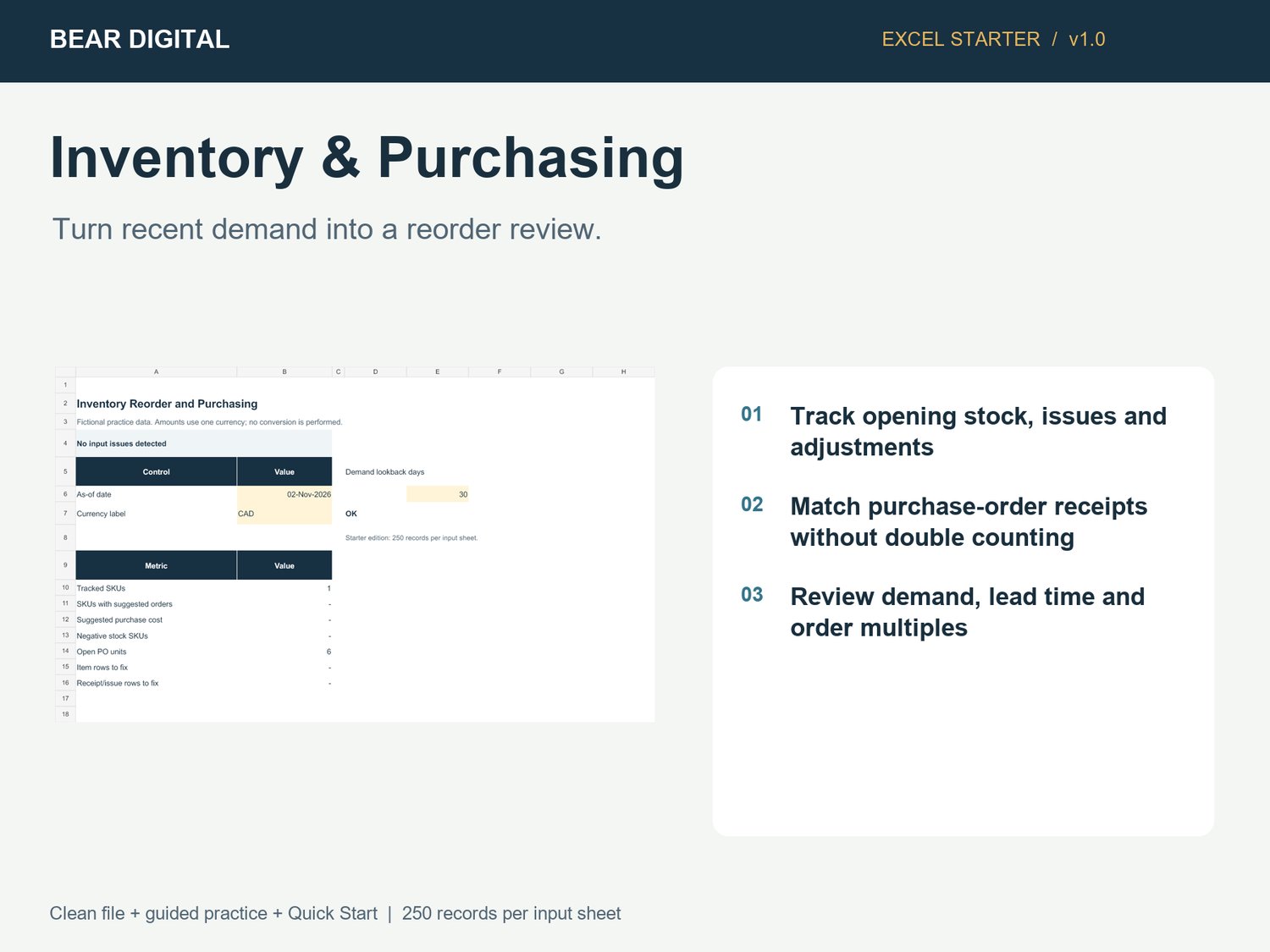
Turn recent demand into a reorder review.
Small businesses managing a single stock location with manual records.
WHAT YOU CAN DO
- Track opening stock, issues and adjustments
- Match purchase-order receipts without double counting
- Review demand, lead time and order multiples
- Flag negative stock and receipt-date inconsistencies
WHAT YOU RECEIVE
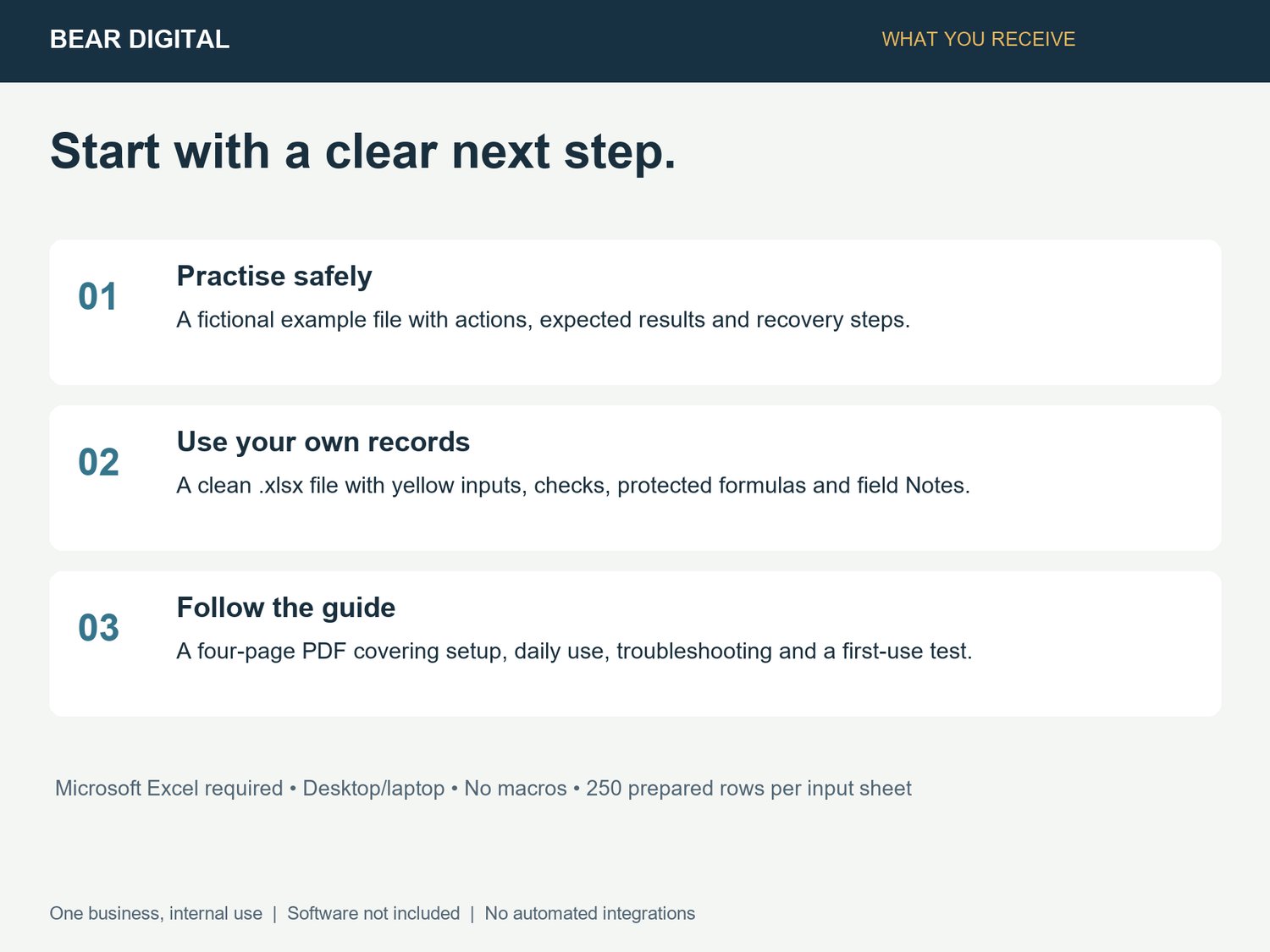
Includes a clean Excel workbook, a fictional guided practice workbook, a four-page Quick Start PDF, README and use terms. 250 prepared records per input sheet. Macro-free .xlsx files. Microsoft Excel and a desktop or laptop are required; software is not included. One currency per file. No integrations, automatic imports or ongoing data service.
SETUP
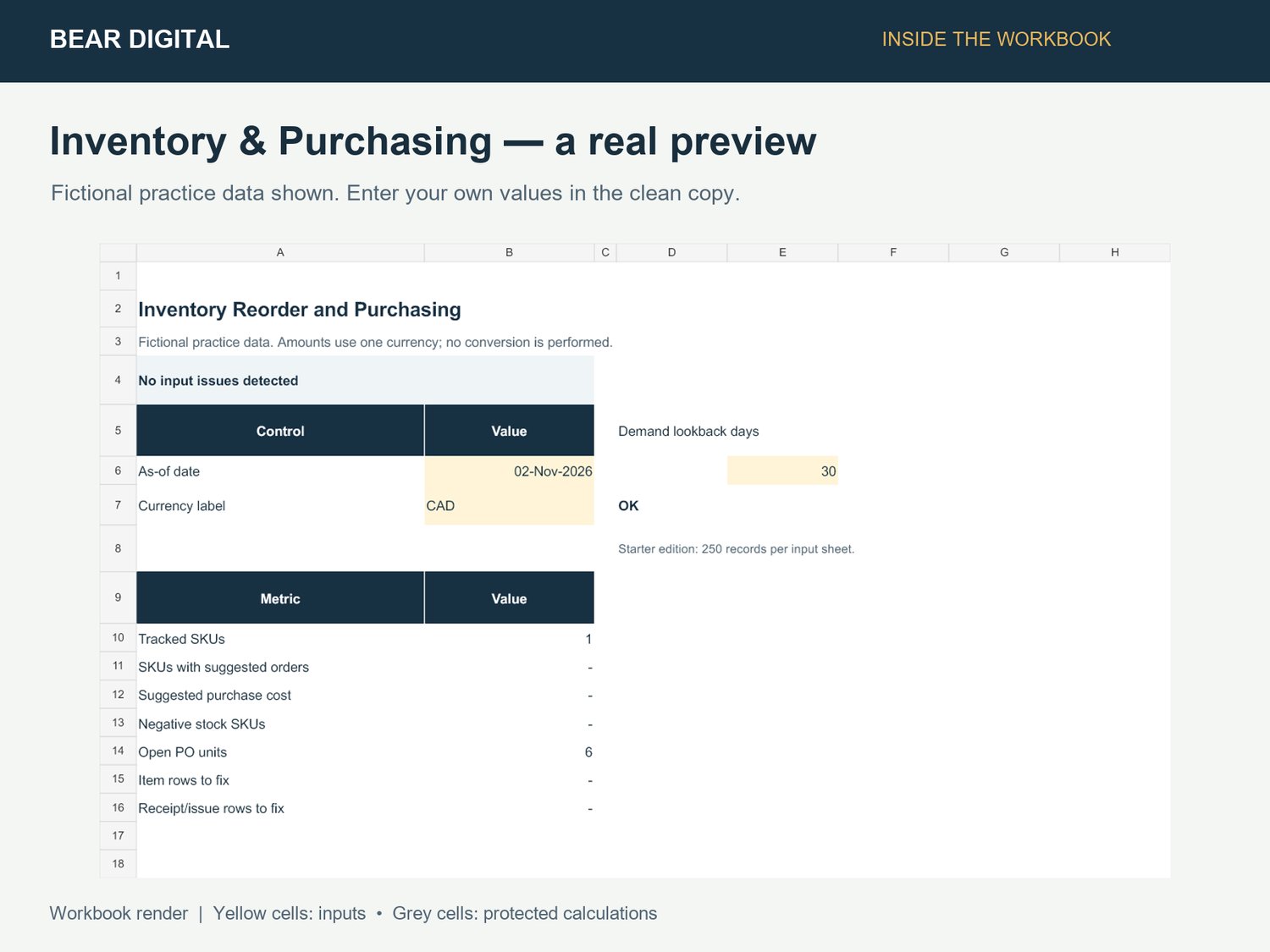
Set Overview B6 to the stock cutoff. Set E6 to the demand lookback days. Add each SKU with a beginning stock quantity and its opening date, then enter later transactions and purchase orders. For pre-existing POs, carry forward only unreceived units at the SKU opening date; opening stock already includes earlier receipts.
SCOPE & REQUIREMENTS
Single location. Suggestions require your review. No automatic purchasing, seasonal forecast, lot tracking or inventory-accounting valuation.
Google Sheets, Apple Numbers and mobile use are not supported release targets. A single business may make internal working copies; resale or redistribution of the template is not included.
Start with the guided practice file, then enter your own records in the clean file. Contact Bear Digital through Payhip for file support.